- No viruses
- No spyware
- No malware
This file was downloaded, scanned and installed by our editors before publishing.
Every file is also checked with VirusTotal before publishing.

V-Appstore APK — Vivo App Store
Additional information about V-Appstore APK — Vivo App Store
The description of V-Appstore APK — Vivo App Store
V-Appstore APK is the official vivo app store (com.vivo.appstore), the same catalog that comes pre-installed on vivo phones. On this page you can download it as a standalone APK for any Android device, scanned for malware and installed on a real phone by our editors before publishing. This is the original store app, not a modified build. One honest note up front: on a vivo phone it is a built-in system store, but on other Android phones it is a third-party install, so it helps to know what it does before you tap Download.
What is V-Appstore?
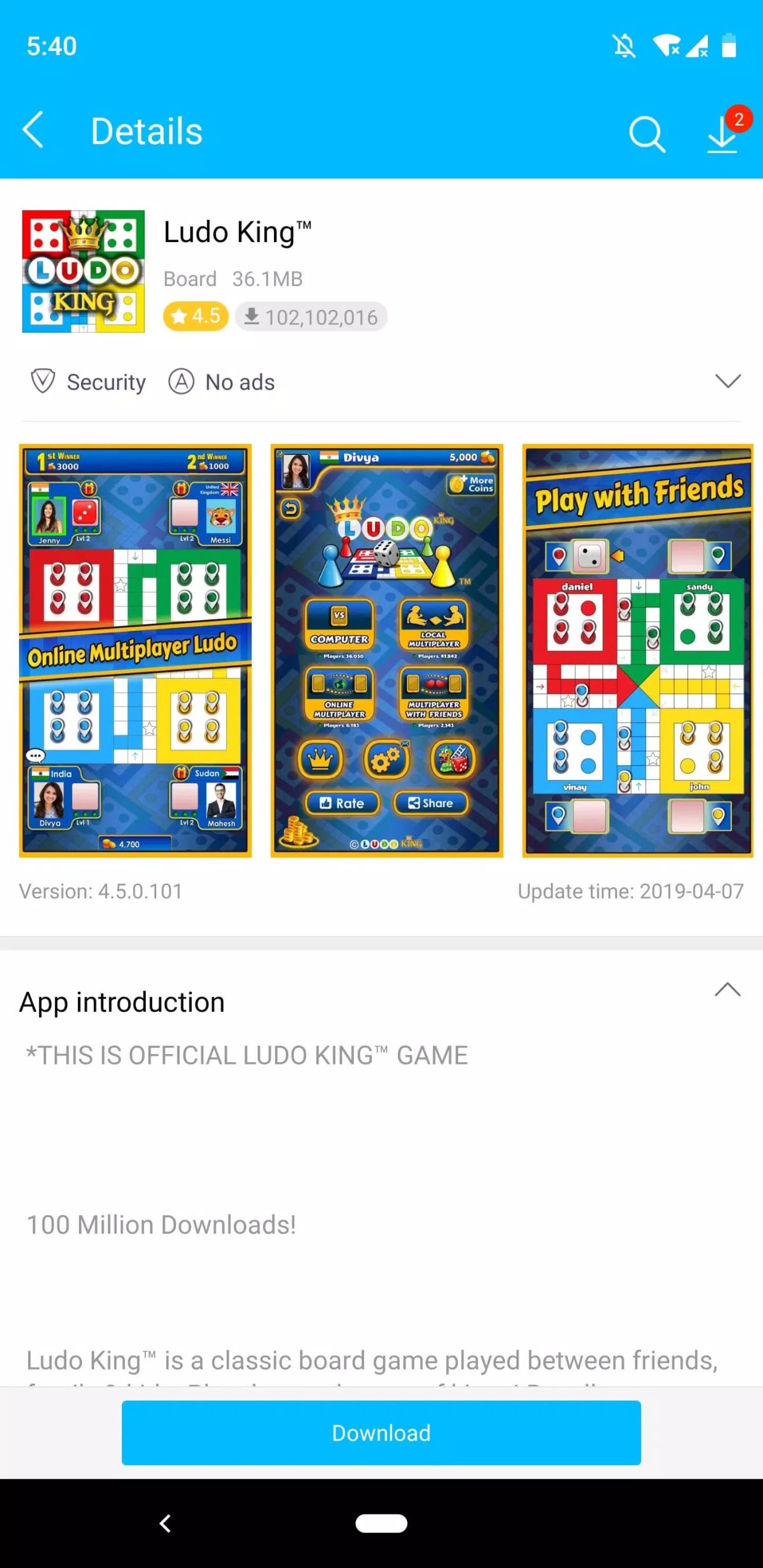
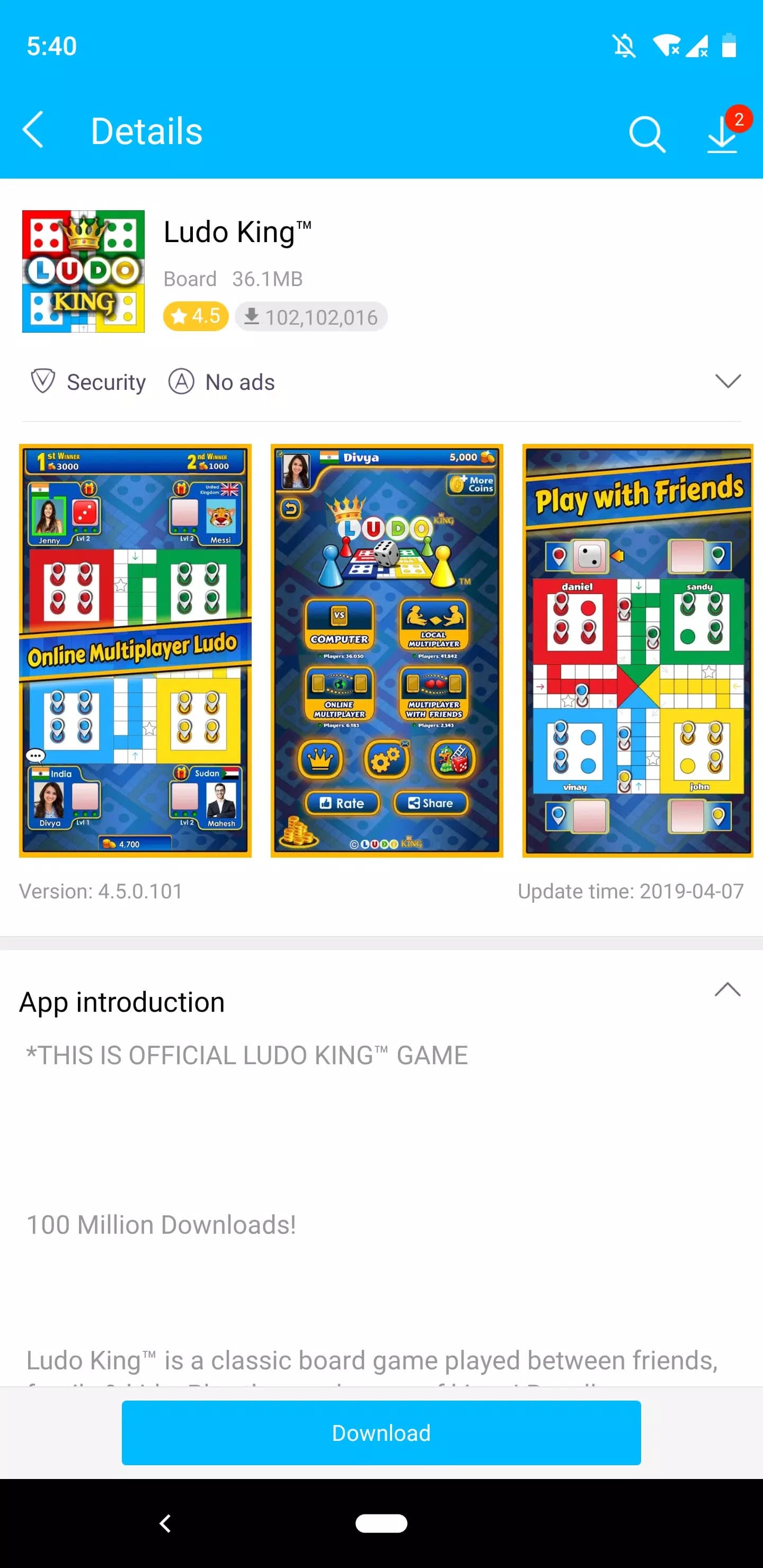
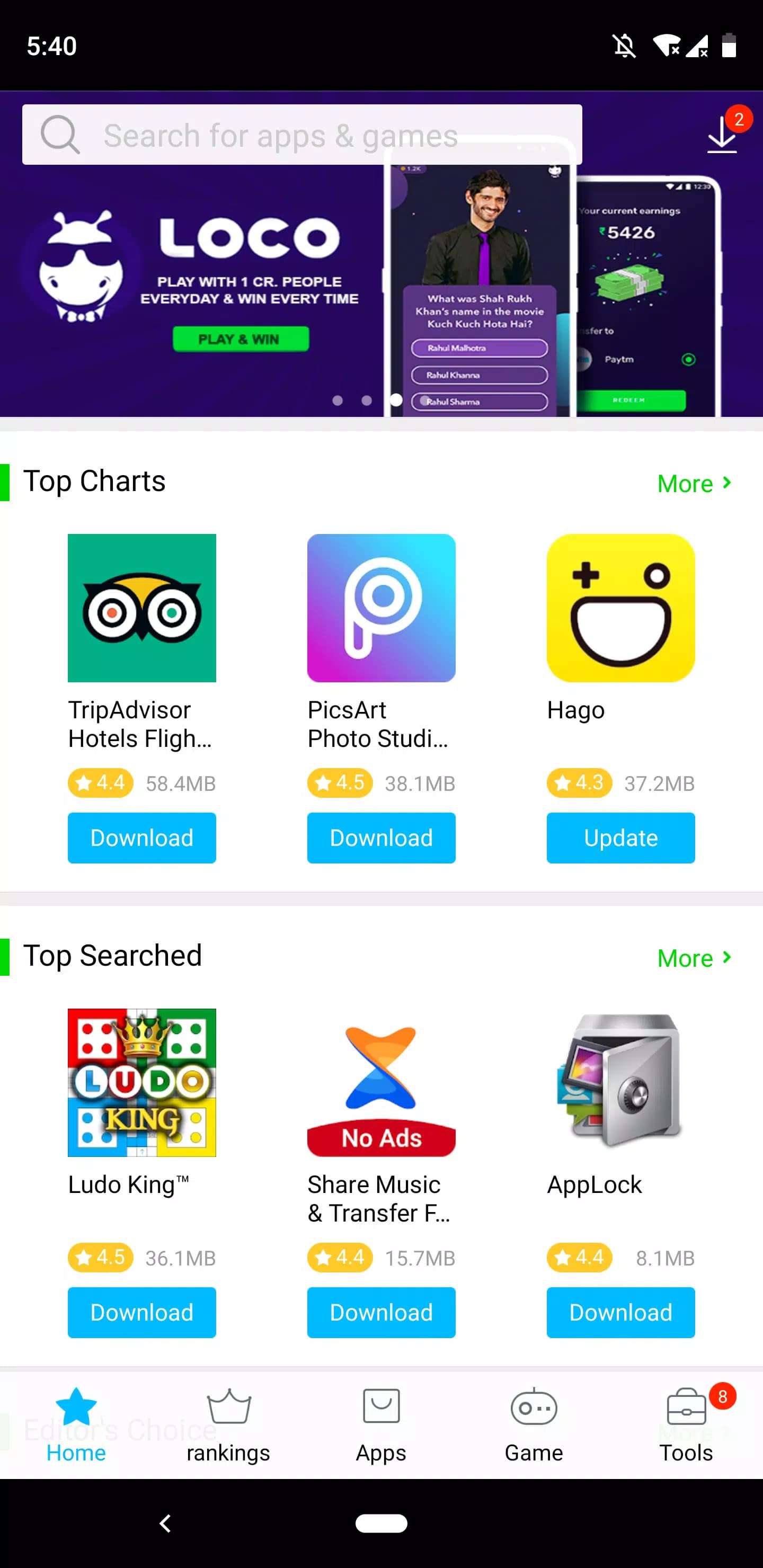
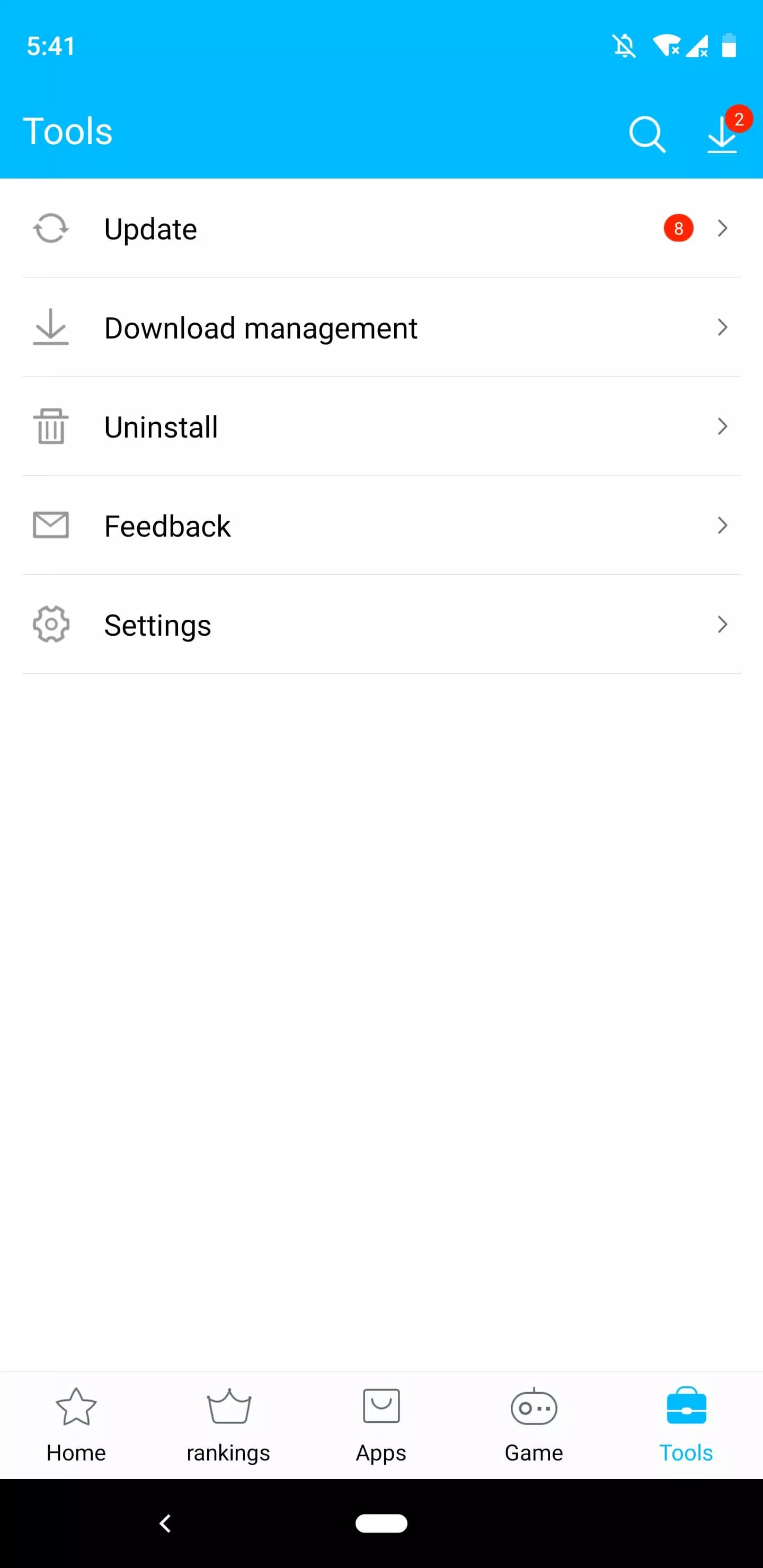
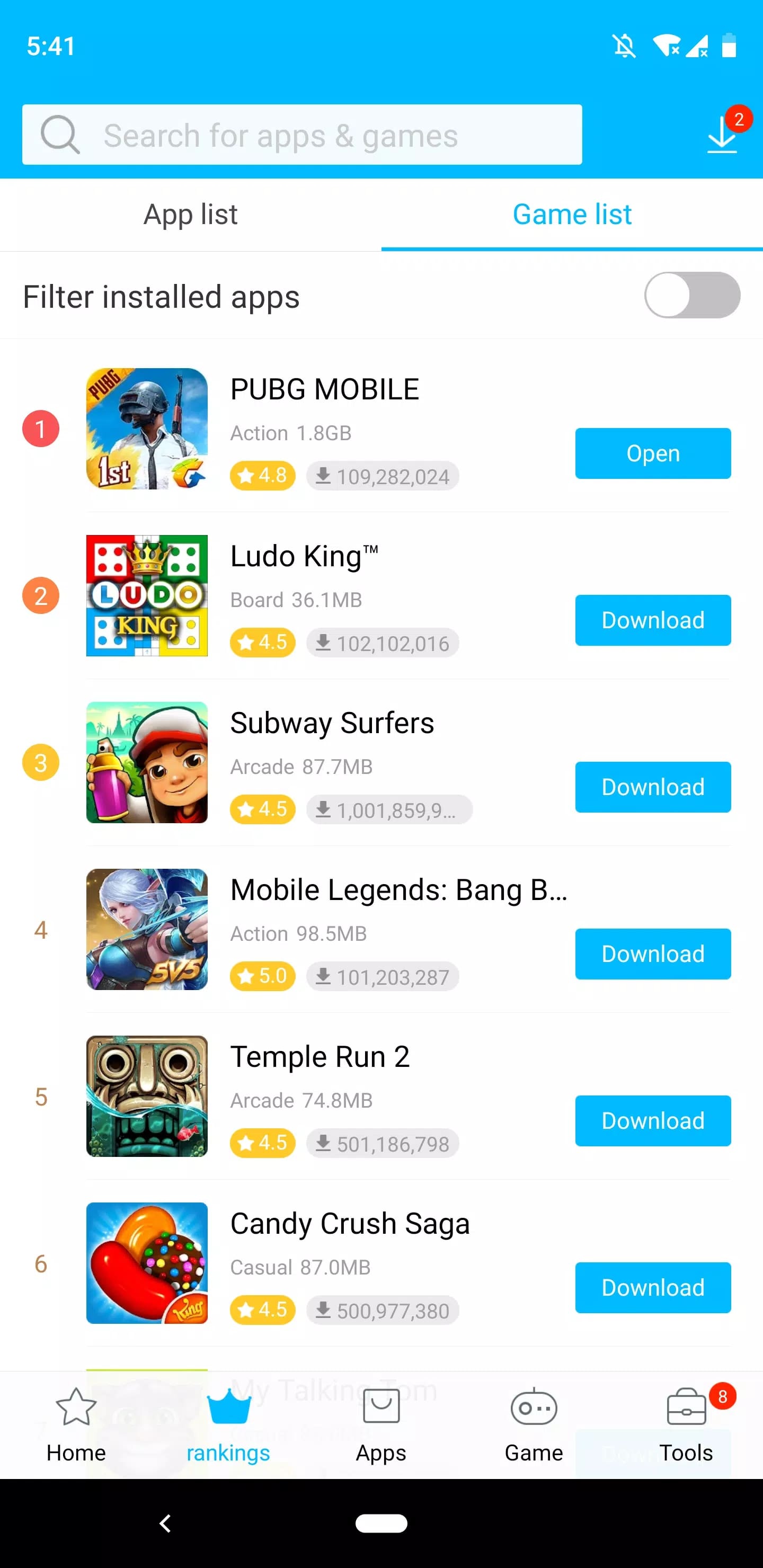
V-Appstore is vivo's own store for apps and games, package name com.vivo.appstore. It ships pre-installed on vivo devices and works like any app store: you browse a catalog of more than ten million apps and games, search by name, open categories, and get recommendations based on what you install. It lists under the Tools category and carries a content rating for ages 12 and up.
vivo is part of BBK Electronics, the group behind OPPO, OnePlus and realme, so if you have used one of those phones the store will feel familiar. It also keeps the apps you installed through it up to date, the way Google Play does on a standard Android phone.
Features
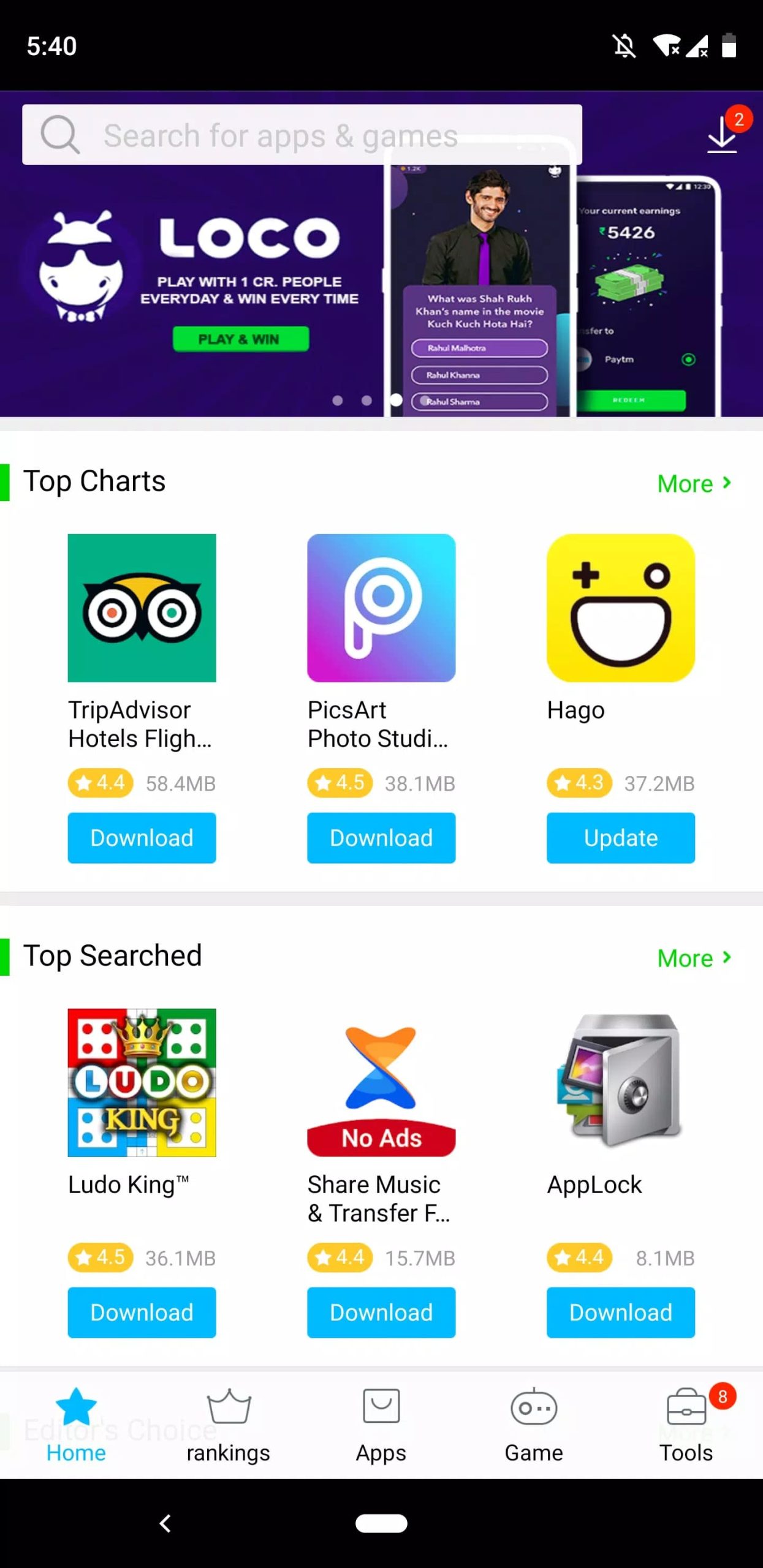
V-Appstore covers the basics of an app store and adds vivo's own suggestions on top. Here is what you actually use day to day:
| Feature | What it does |
|---|---|
| Apps and games catalog | More than ten million titles, from everyday tools to games. |
| Search and categories | Find a specific app by name or browse by category. |
| Sorting | Order lists by downloads, rating or release date. |
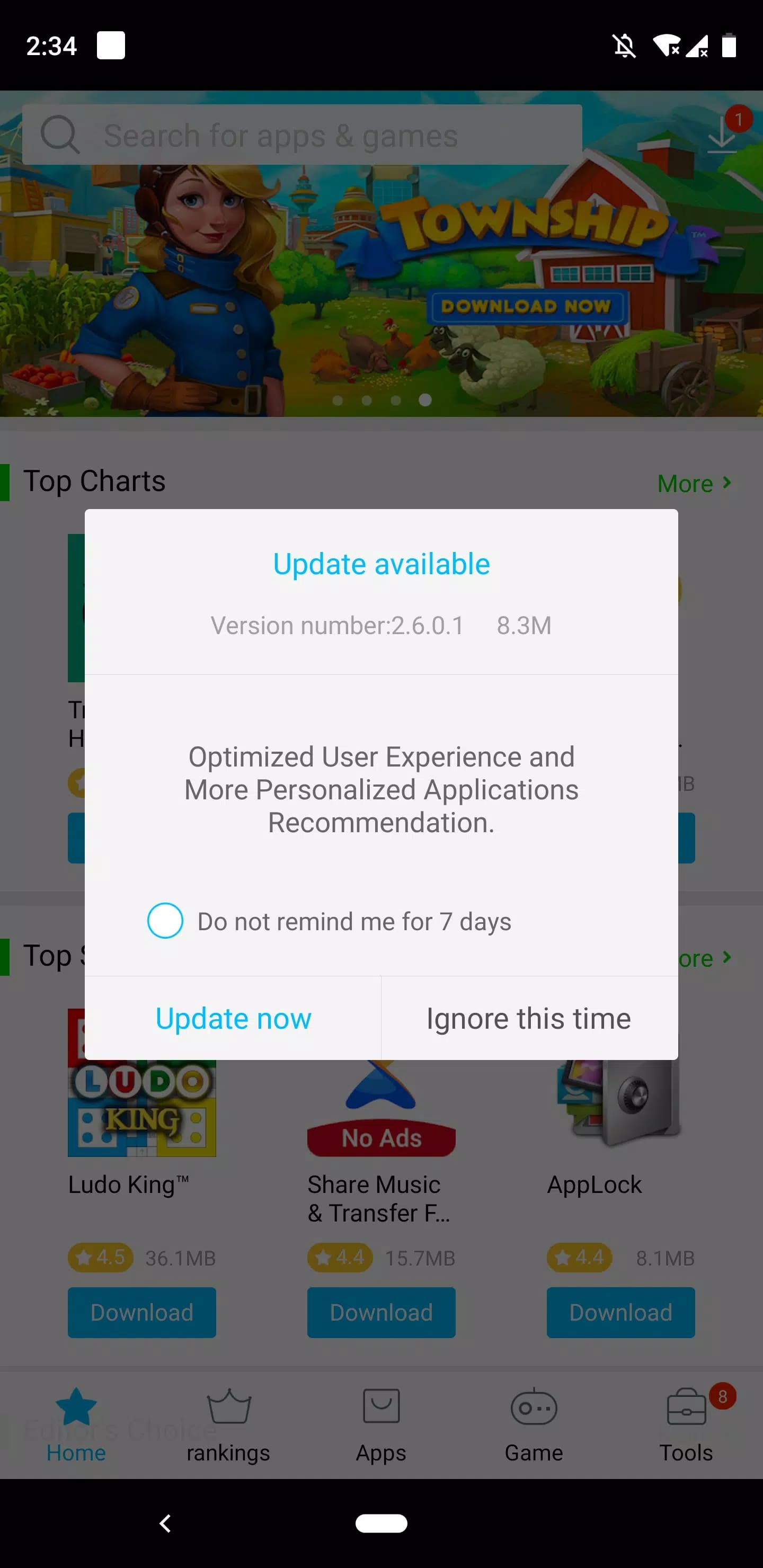
| App updates | Keeps apps you installed from the store current. |
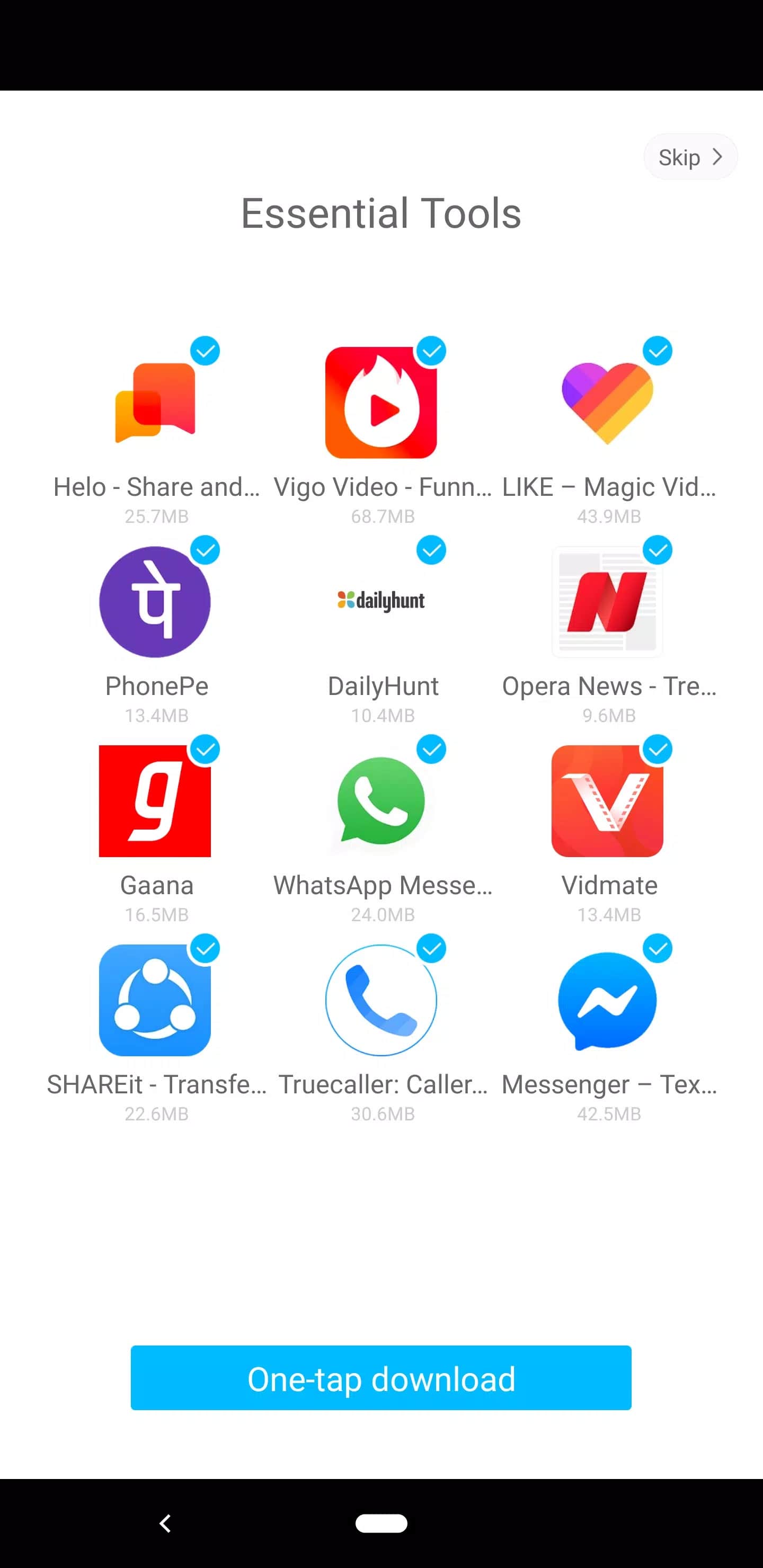
| Recommendations | Suggests apps from your history and what is popular. |
Sorting by downloads, rating or release date makes it easy to see what is popular or what is new. The store also handles updates for apps you installed through it, so you are not checking each one by hand.
Is it safe? Source and permissions
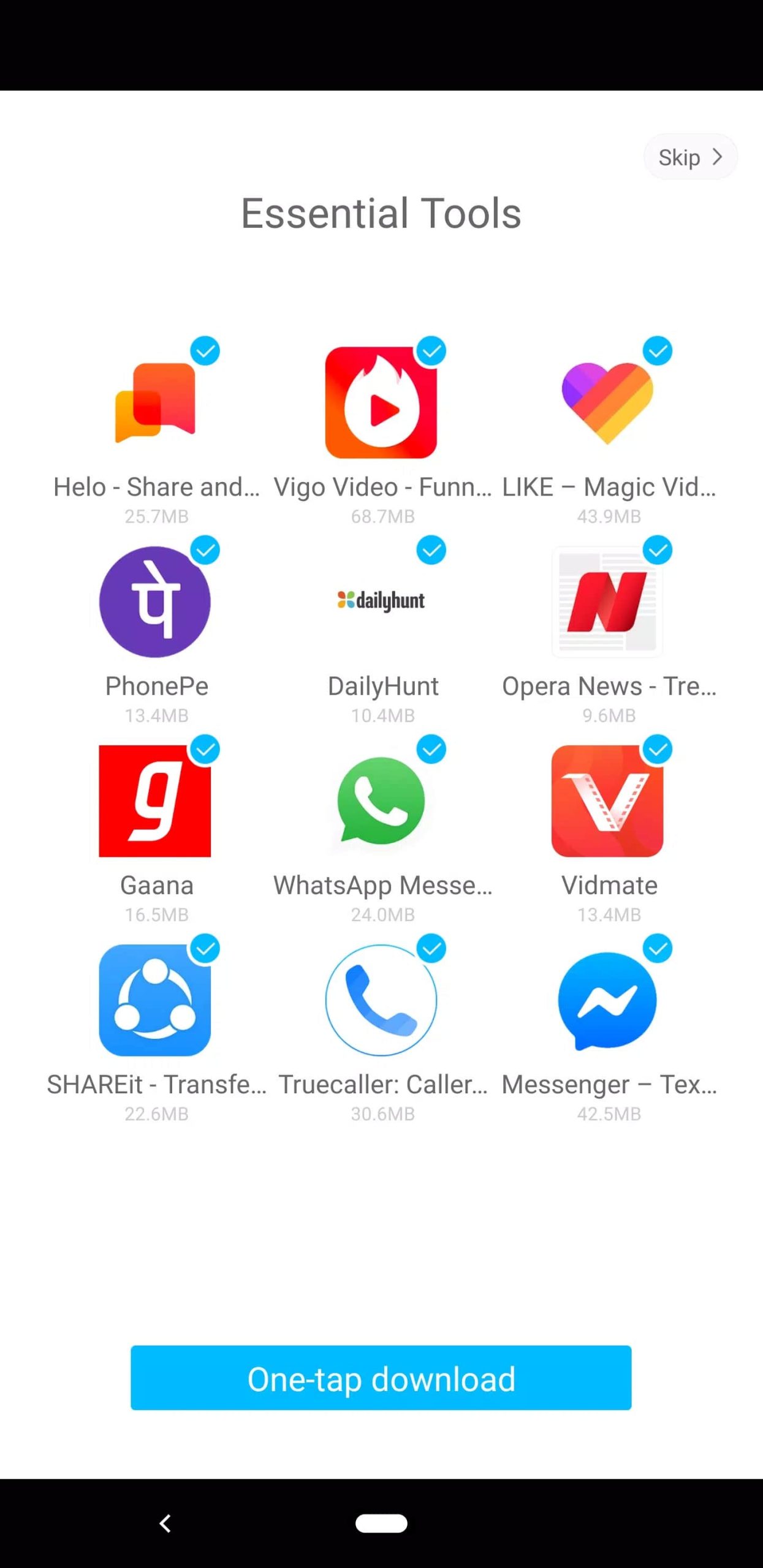
On a vivo phone the answer is simple: V-Appstore is the system store, signed by vivo, and safe to use. The question really matters on non-vivo phones, where you are sideloading the app from an APK file rather than getting it from a built-in store.
Because its job is to install and update other apps, the store asks for broad permissions, including permission to install packages. That is normal for an app store, but it is more access than a typical app needs, so only install a file you trust. The APK on this page was scanned for malware and installed on a real device by our editors before it went live, and we have run this check since 2018. vivo has shipped newer versions upstream since then, and the store updates itself once installed, so treat this file as a snapshot rather than the newest release.
V-Appstore on non-Vivo phones
You can install V-Appstore on a non-vivo Android phone, and it will open and let you browse. Keep your expectations realistic, though: parts of the store, especially account features and some integrations, are built for vivo's own software, so they may not work fully outside a vivo device.
For a regular Android phone, Google Play stays the main source for apps and updates. Think of V-Appstore here as a way to see vivo's catalog or grab a specific app, not as a full replacement for your default store.
How to download and install V-Appstore APK
The file is about 18.1 MB and needs Android 6.0 or newer. Installing it takes about a minute. This page also lists an earlier build for anyone who needs to match a specific version.
- Tap the Download APK button at the top of this page. The file downloads directly, no registration or SMS.
- Allow installation from unknown sources for your browser or file manager (Settings → Security).
- Open the downloaded file, tap Install, then launch V-Appstore from your app drawer.
First time sideloading an app? Our APK install guide walks through the same steps with screenshots. You can also browse more tools and apps in the catalog.
FAQ
What is V-Appstore?
Who makes V-Appstore?
Can I install it on a non-Vivo phone?
Is V-Appstore safe?
Does it need special permissions?
What are the requirements?
Download V-Appstore APK Android
- No viruses
- No spyware
- No malware
The reviews (0)