- No viruses
- No spyware
- No malware
This file was downloaded, scanned and installed by our editors before publishing.
Every file is also checked with VirusTotal before publishing.

BlockLauncher Pro APK (Minecraft PE Mod Loader)
Additional information about BlockLauncher Pro APK (Minecraft PE Mod Loader)
The description of BlockLauncher Pro APK (Minecraft PE Mod Loader)
BlockLauncher Pro APK is a custom launcher for Minecraft: Pocket Edition, built by Zhuowei Zhang, that loads texture packs, add-ons and ModPE scripts into the game without you touching a single game file by hand. You point it at your mods folder, hit play, and it wraps your installed copy of MCPE with the patches you picked. One thing up front: this is an old tool. The project stopped years ago and the app was pulled from Google Play, so it only fits older builds of Minecraft PE.
The file on this page is scanned for malware and installed on a real Android device by our editors before publishing, we have done this since 2018. Version 1.27 is the final release, roughly 30 MB, and it runs on Android 2.3 and up.
What is BlockLauncher Pro?
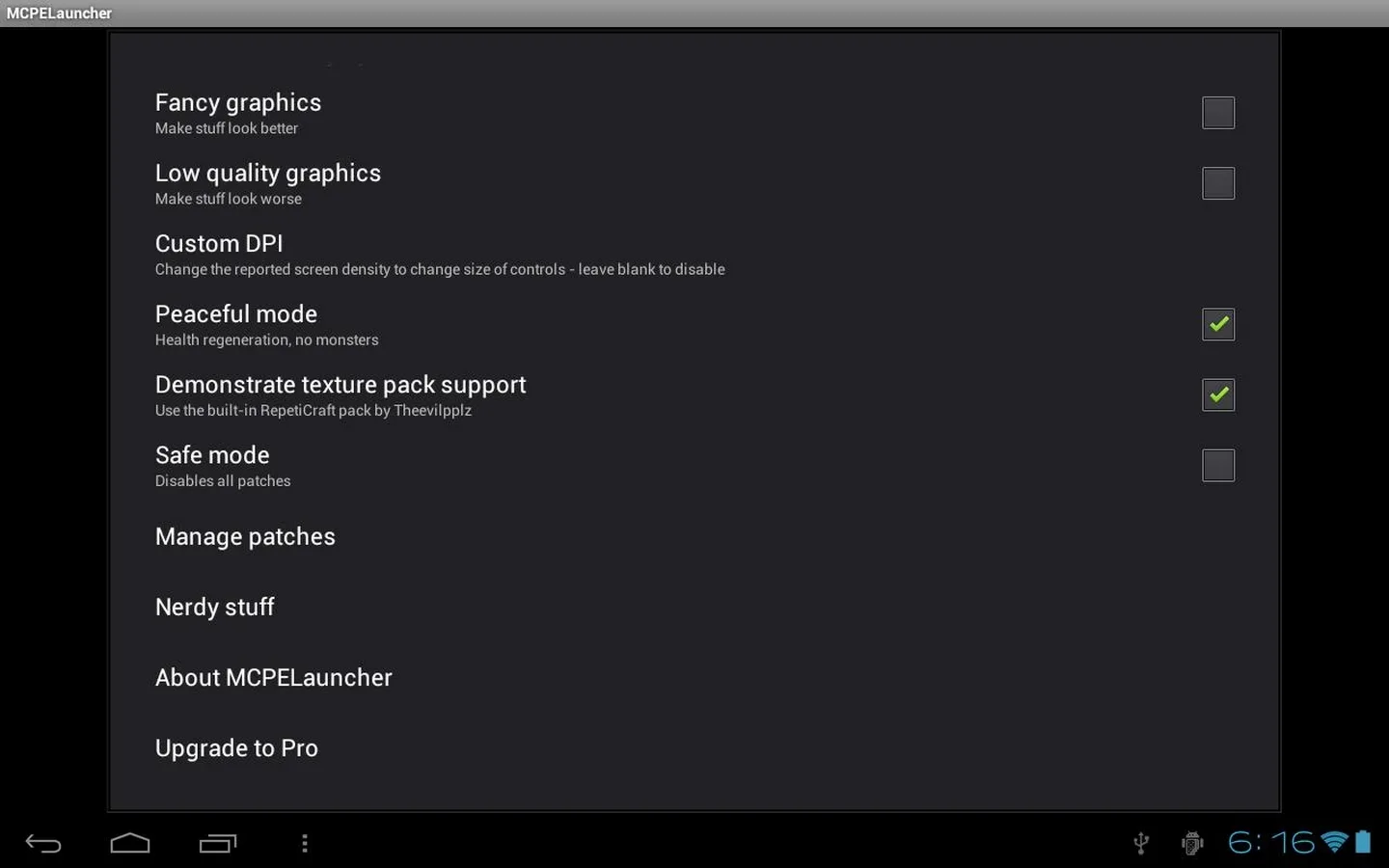
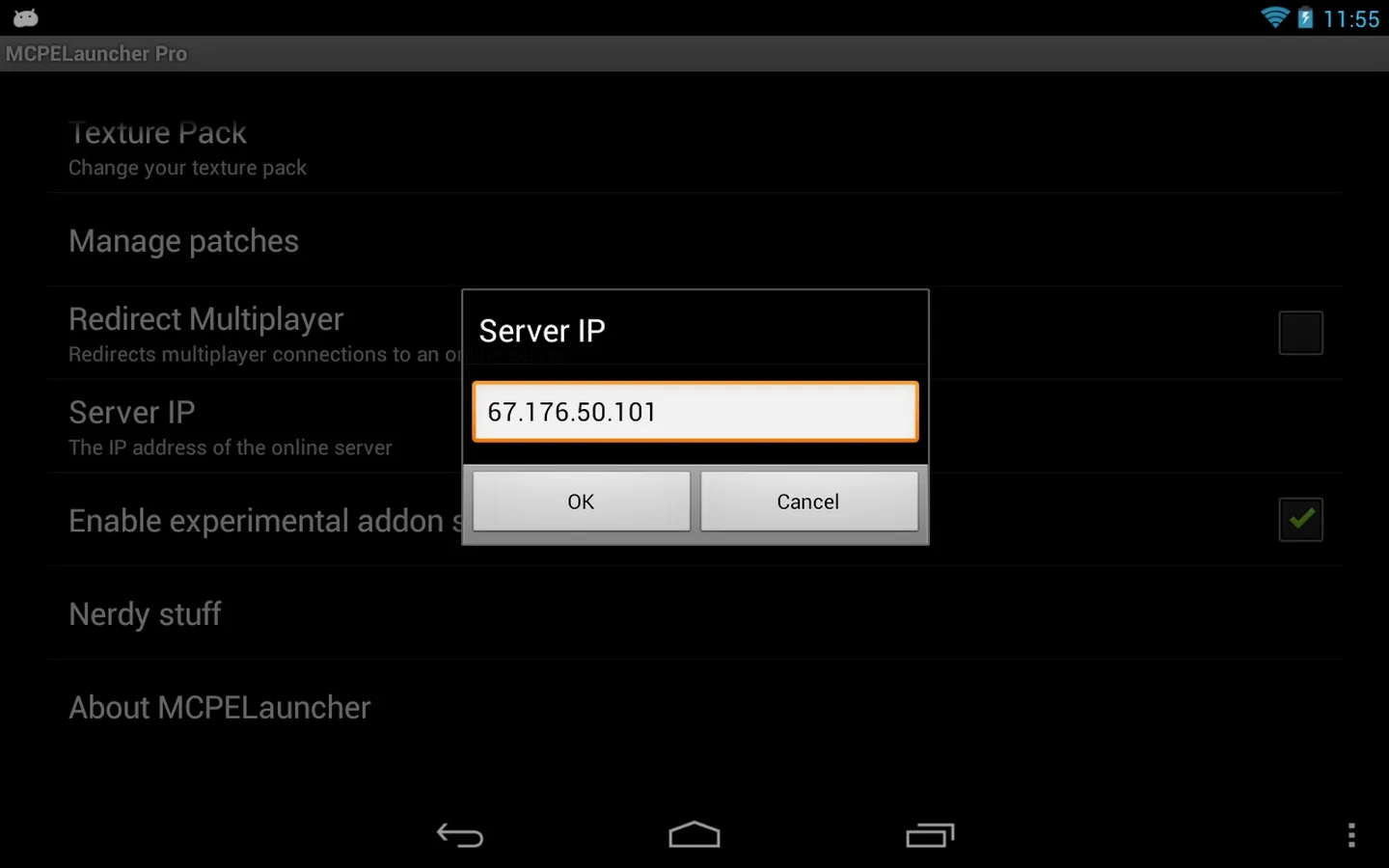
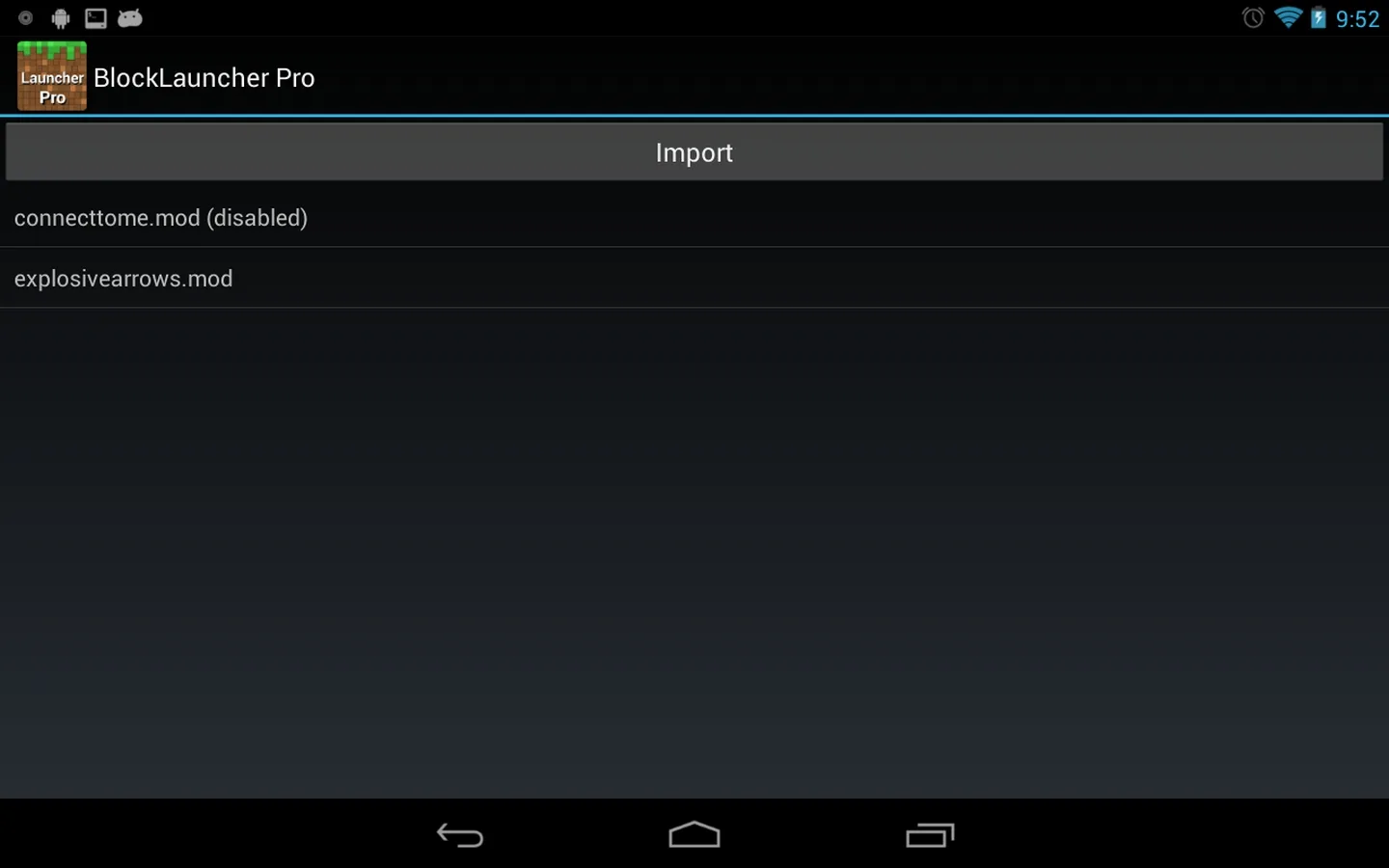
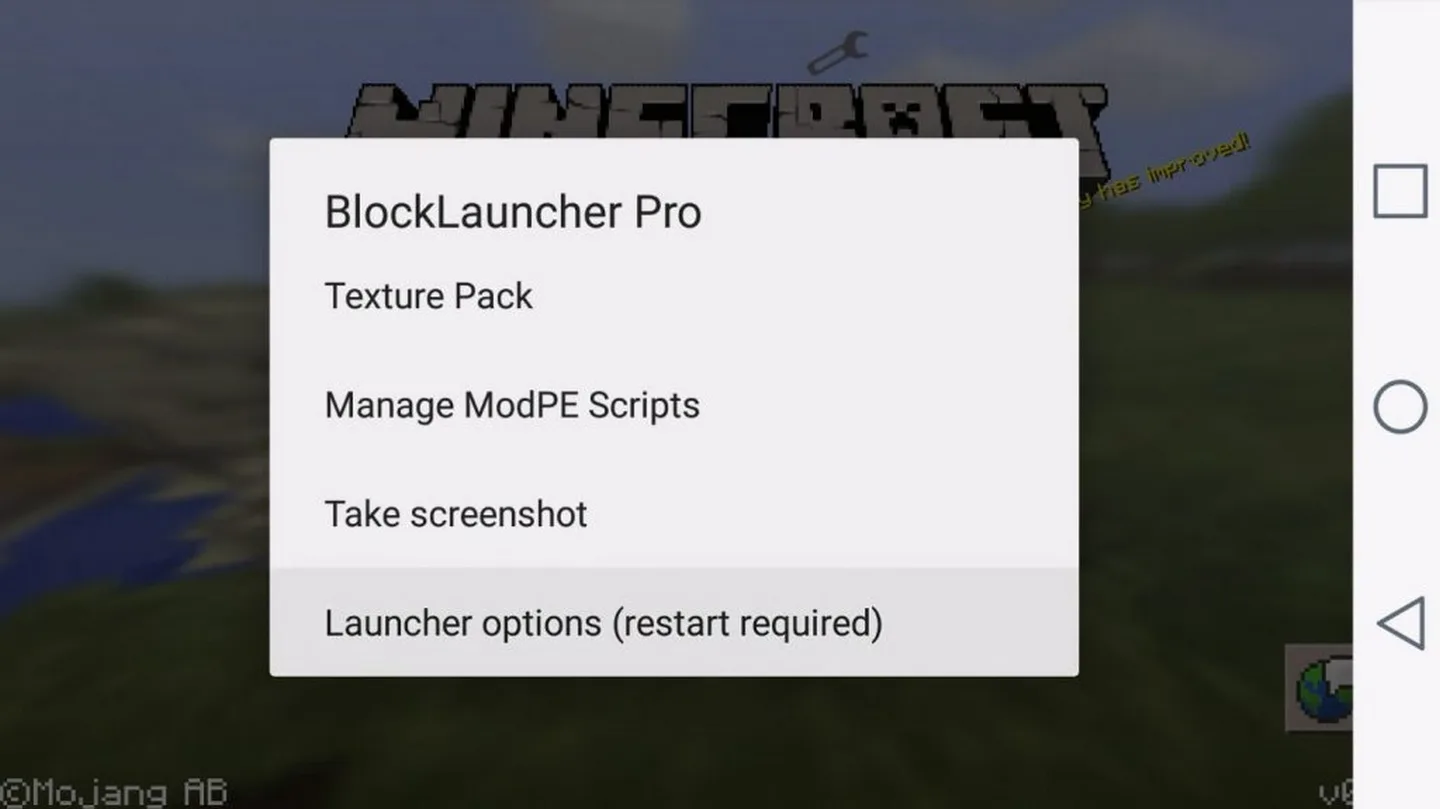
BlockLauncher Pro is a wrapper that sits on top of Minecraft PE. Instead of digging through the game's files to swap art or scripts, you manage everything from the launcher: choose a texture-pack folder, type in a server IP, toggle mods on or off, and load ModPE scripts or add-ons before the game even opens. It was first known as MCPELauncher, then renamed. The idea was simple. Make modding MCPE something you could do on the phone, in a few taps, instead of copying files around on a PC.
The Pro build added extras over the free one, like multiple script slots and finer control over what loads at launch. For a long stretch of the early Pocket Edition years, this was the go-to way to run community mods on Android.
Features
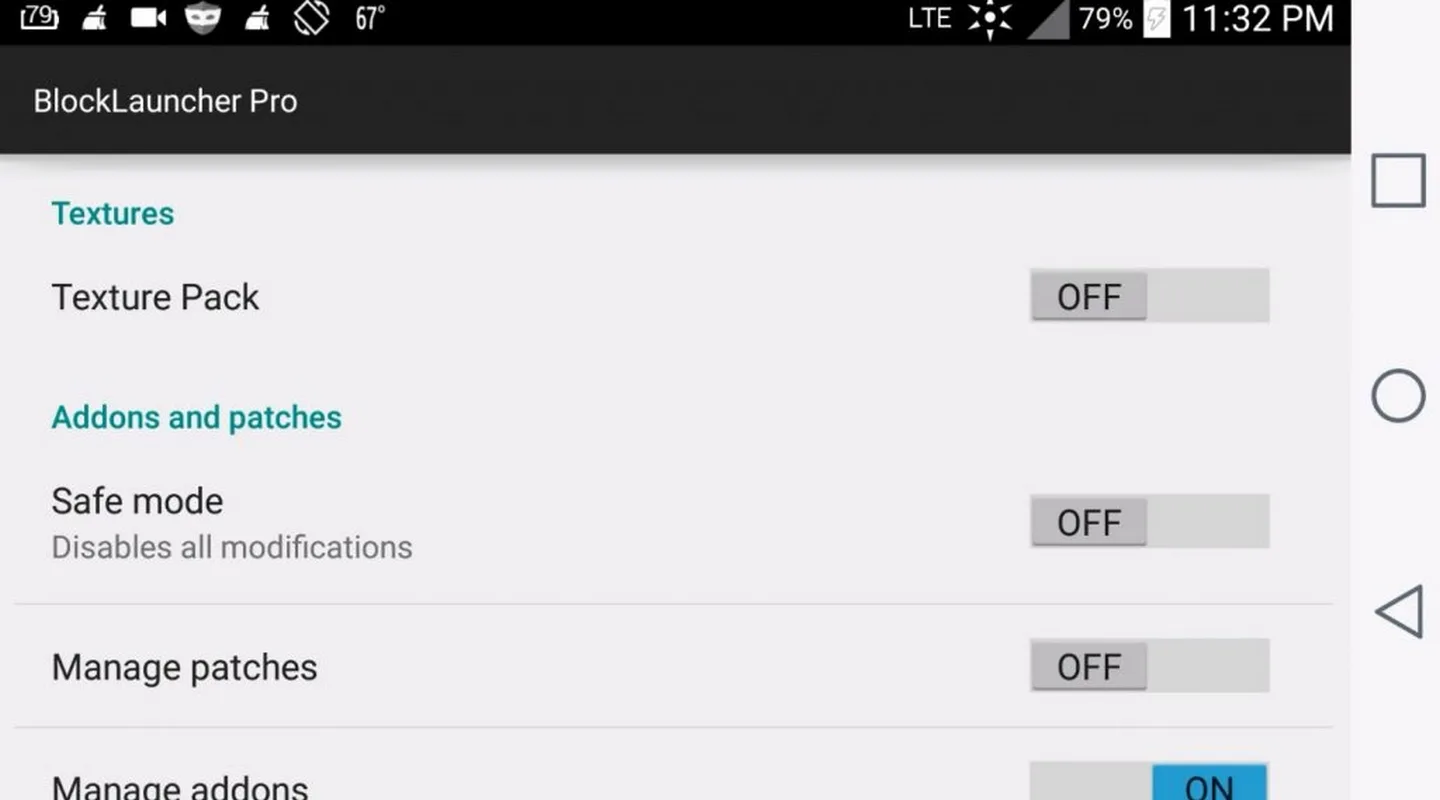
- Texture-pack loading — apply custom texture packs to MCPE without manual file swaps.
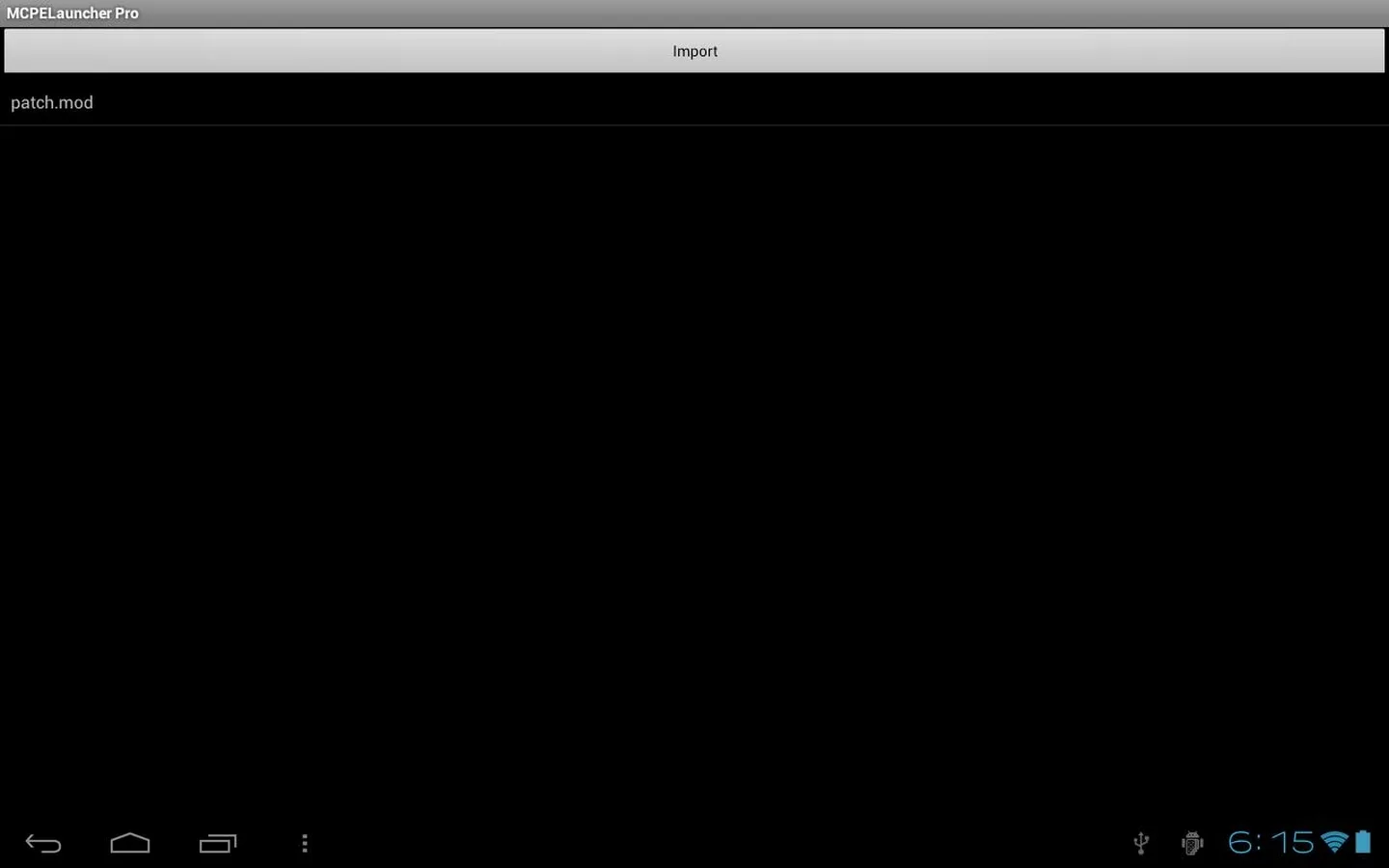
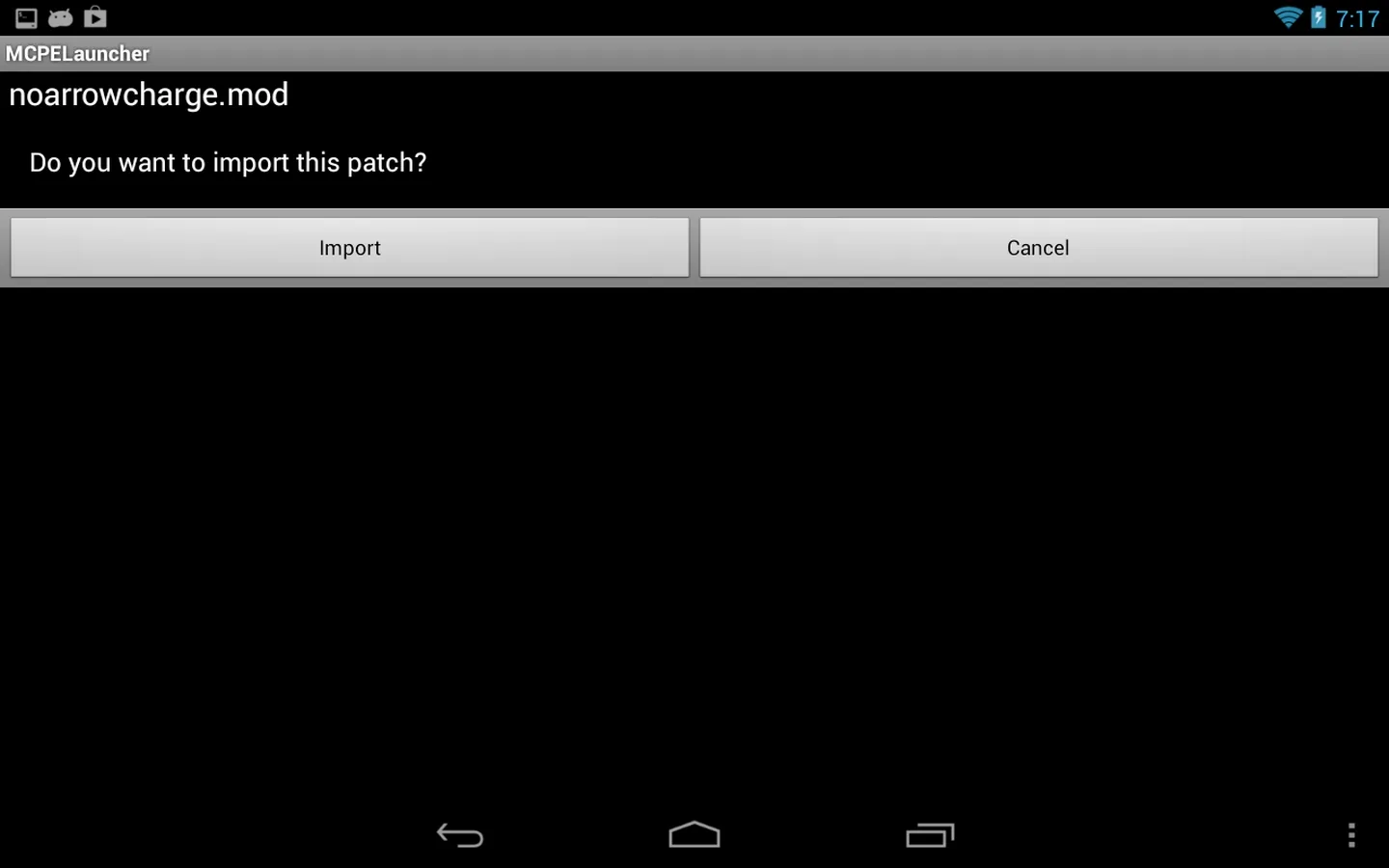
- ModPE scripts and patches — run community scripts that change blocks, items and game behavior.
- Add-on management — enable, disable and reorder the mods you have installed.
- Quick set switching — flip between different mod and texture setups fast.
- Server connection by IP — punch in an address and join custom MCPE servers.
Compatibility: important honesty
Here is the part the archive sites skip. BlockLauncher Pro is no longer maintained, and it was taken off Google Play. It works only with older versions of Minecraft PE, around the 0.15 and 0.16 era, before Minecraft moved to the Bedrock engine in 2017. On a modern Minecraft (Bedrock 1.x), it will not run your mods, and in most cases it won't hook into the game at all.
You also need a full, paid copy of Minecraft PE already installed. The launcher does not include the game, it just wraps it, so a demo or trial build won't work. Who is this actually for? People who still keep an old MCPE build on a device, or anyone who wants to revisit the ModPE scene the way it worked back then. If you're on the current Minecraft, this tool won't fit, and the Alternatives section below points you the right way.
How to download and install
The download is a single APK, no game data bundled in. Both files on this page install the same way.
- Tap the green Download APK button at the top of this page, grab v1.27 or the older v1.17.6 fallback. No registration, no SMS.
- Allow installation from unknown sources for your browser or file manager (Settings → Security).
- Open the file and tap Install. The APK is around 30 MB and needs Android 2.3+.
- Make sure a compatible older build of Minecraft PE is already installed on the device.
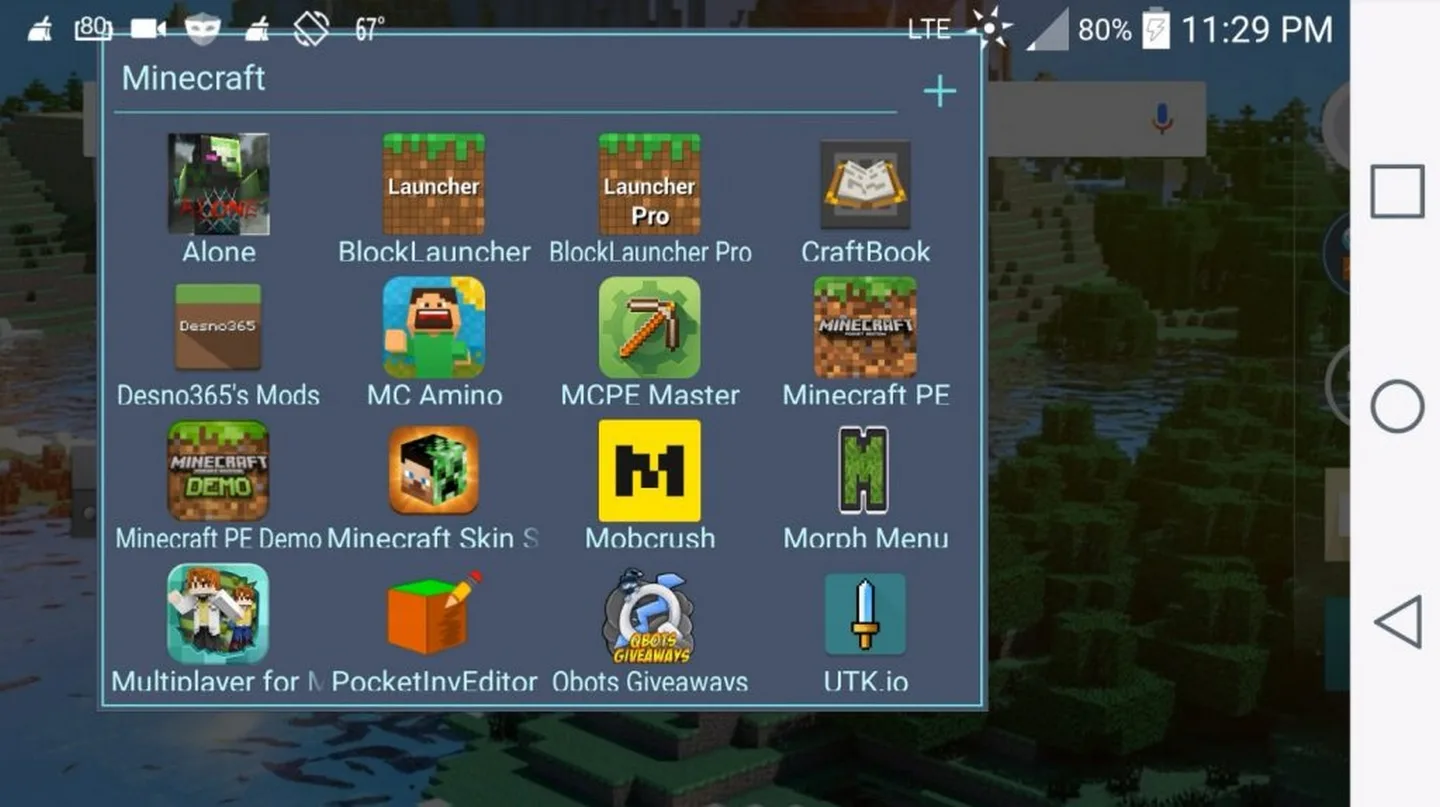
- Launch the game through BlockLauncher, not the normal Minecraft icon, so the launcher can hook in.
- From the launcher menu, load your texture packs, ModPE scripts and add-ons, then start playing.
First time sideloading an app? Our APK install guide walks through the same steps with screenshots.
Alternatives today
If you play the current Minecraft, you don't need a third-party launcher anymore. Modern Minecraft (Bedrock) supports Add-ons, Resource Packs and Behavior Packs built right into the game, so you import a pack and turn it on from the settings, no wrapper required. BlockLauncher is legacy now, best thought of as a piece of MCPE history that still runs on old setups. Want other utilities? Browse our tools section, or check the wider apps catalog for what's current.
FAQ
What is BlockLauncher Pro?
Does it still work with the latest Minecraft?
Do I need Minecraft PE installed?
Who made BlockLauncher Pro?
Is the APK safe?
What are the requirements?
Download BlockLauncher Pro
- No viruses
- No spyware
- No malware
The reviews (1)