- No viruses
- No spyware
- No malware
com.piriform.ccleanerThis file was downloaded, scanned and installed by our editors before publishing.
Every file is also checked with VirusTotal before publishing.

CCleaner Pro APK (Premium/Unlocked)
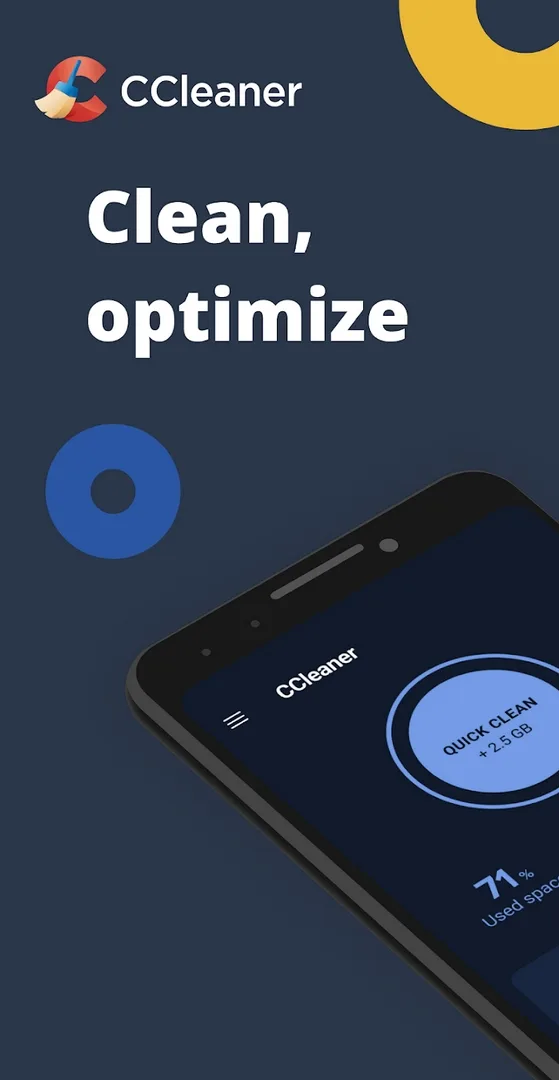
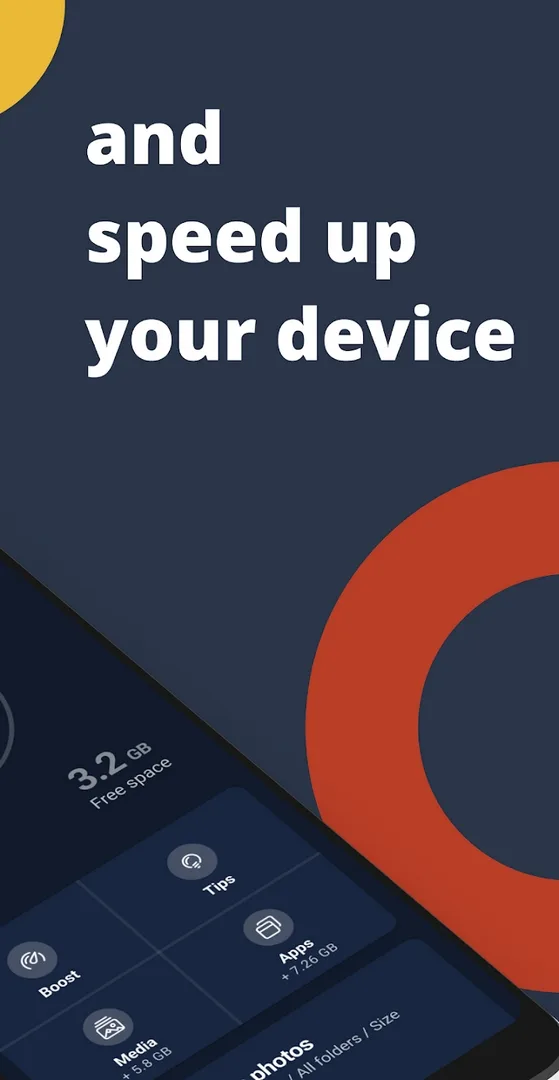
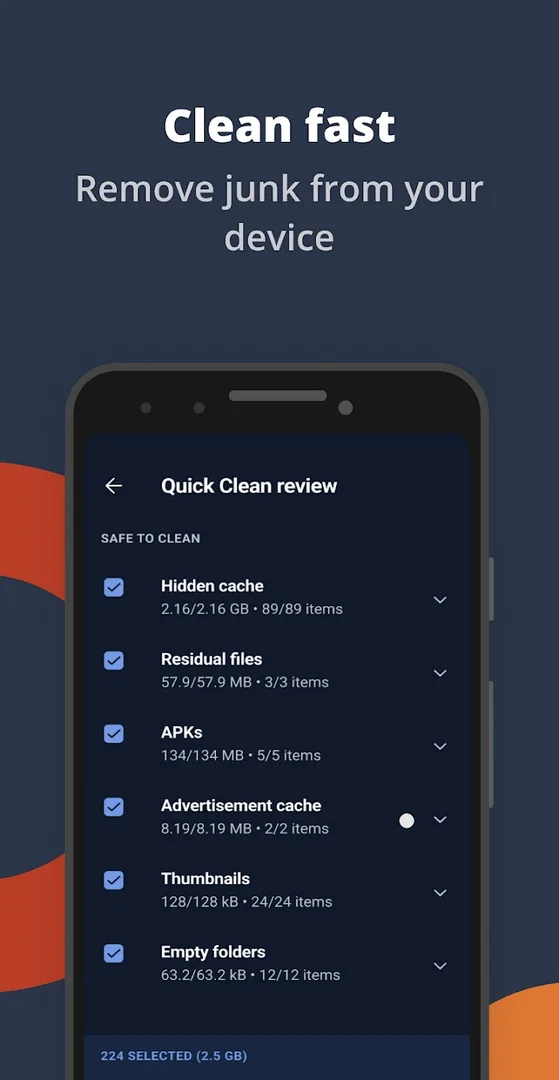
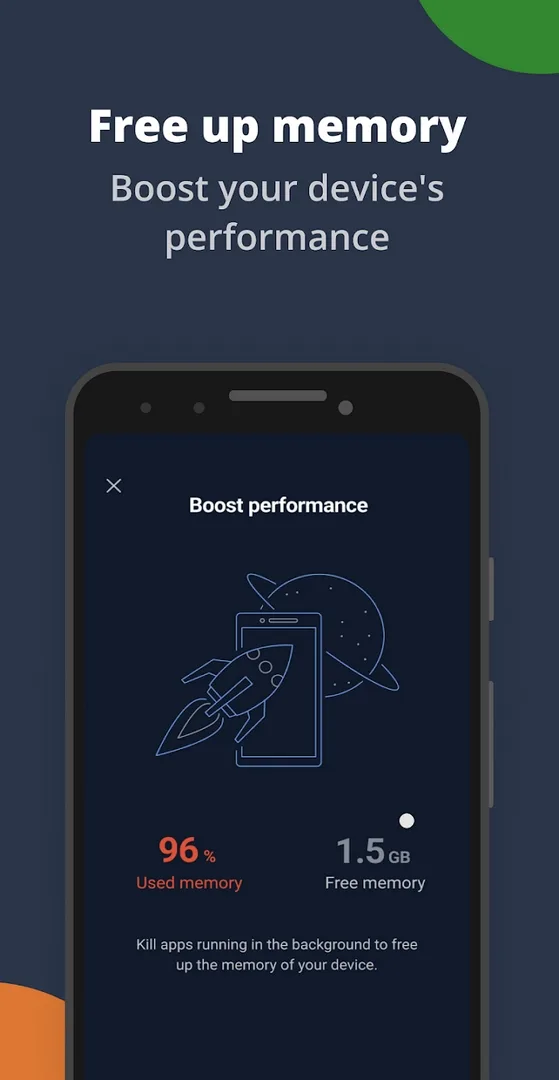
Additional information about CCleaner Pro APK (Premium/Unlocked)
com.piriform.ccleanerThe description of CCleaner Pro APK (Premium/Unlocked)
CCleaner Pro APK is the Android version of Piriform's phone cleaner: it clears junk files and app cache, shows what is eating your storage, and helps you manage installed apps so your device runs lighter. This is the mobile app, not the Windows desktop tool, so there is no registry or hard drive cleanup here. Our editors scanned the file for malware and installed it on a real Android phone before publishing. One honest note up front: Premium is a subscription tied to your account, so read the section below before you expect every Pro feature to stick.
What is CCleaner for Android?
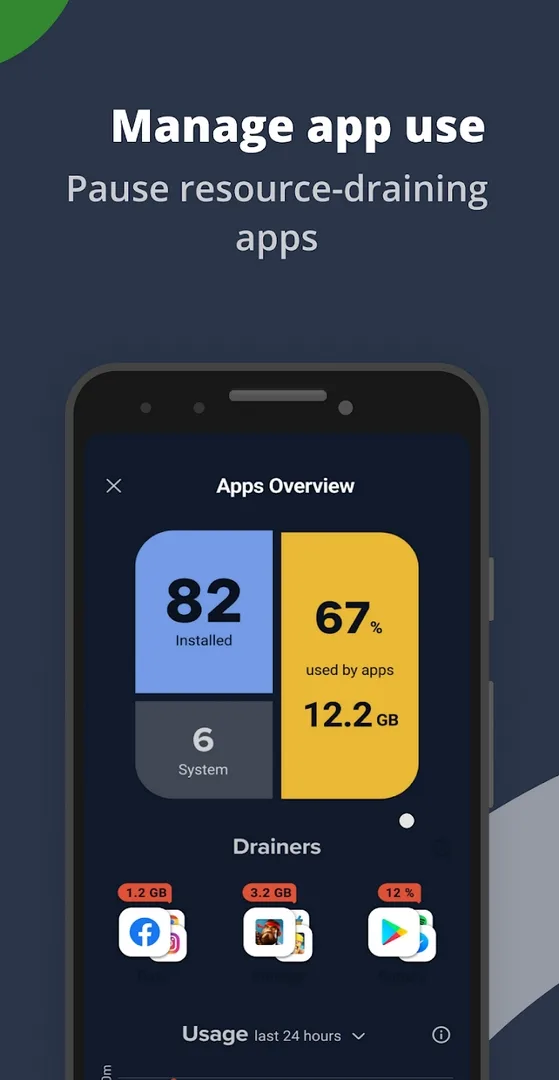
CCleaner is made by Piriform, now part of Gen (the company behind Avast), and the Android app has passed 500 million downloads on Google Play. On your phone it does four practical jobs: it clears cached files and leftover junk that apps pile up, it analyzes your storage so you can see what is taking space, it lists your installed apps so you can remove the ones you never open, and it shows basic system info like memory use.
Everything here is built for Android. There is no Windows registry, no hard drives and no desktop browser cookies involved. If you have read older guides that mention cleaning the system registry, those describe the PC program, not this app.
Key features
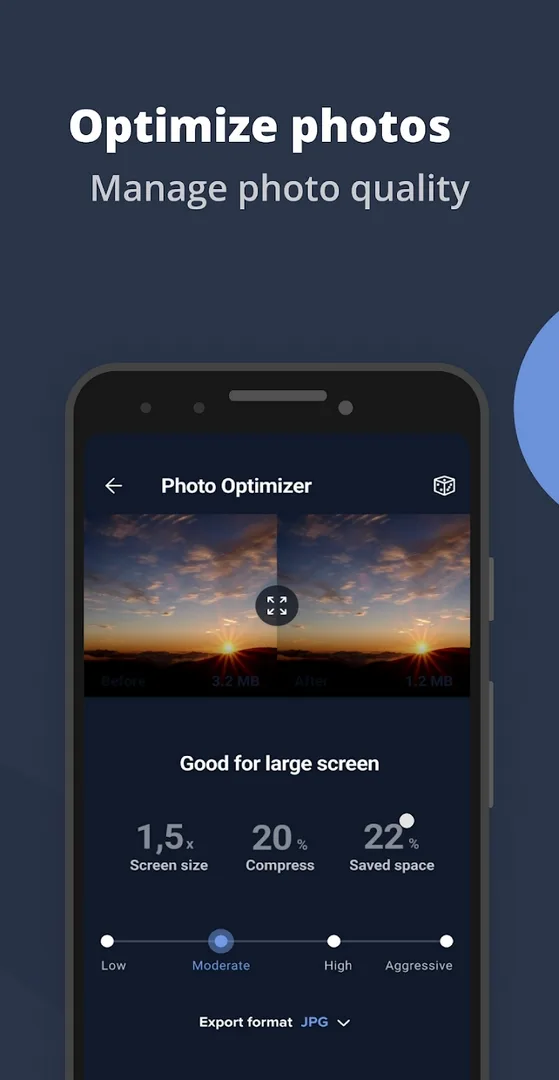
- Junk and cache cleaner: removes cached files, thumbnails and leftover data from apps you have used.
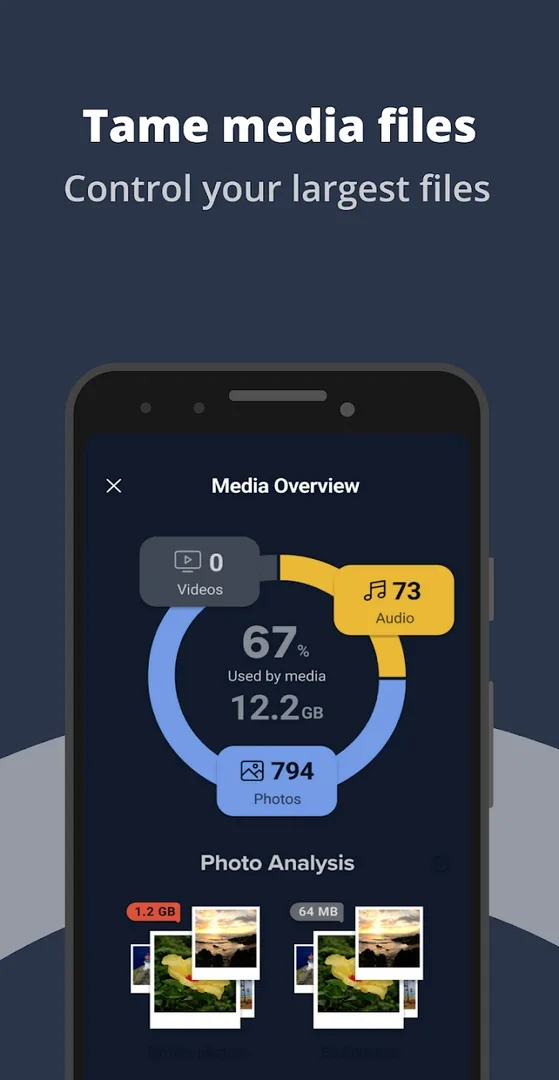
- Storage analyzer: shows what is filling your phone, from large videos to app data.
- Duplicate and large file finder: spots big files and copies you can safely delete.
- App manager: lists installed apps by size and last use, so you can uninstall in a few taps.
- System info: a quick view of memory and device details.
Free vs Pro/Premium (honest)
The core cleaner is free. Premium adds convenience features and removes ads, and it runs on a subscription billed through Google Play or a Gen/Avast account.
| Free | Pro / Premium |
|---|---|
| Shows ads | No ads |
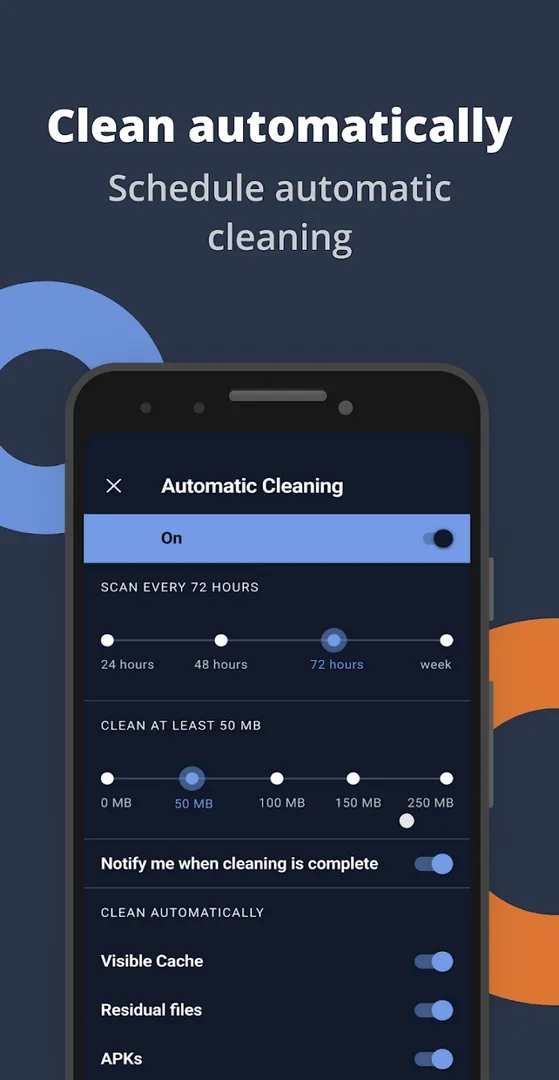
| Manual cleaning only | Scheduled auto-clean |
| Basic storage analysis | Extra tools and priority support, by subscription |
Here is the honest part. Premium is tied to a subscription and an account, and the app checks that license against a server. A modified APK can turn off ads on the client side, but the subscription-gated features may not stay on and can reset after a check. So do not count on full Premium for good. Check the MOD info line at the top of this page for what the current file actually carries. If you want stable Pro features, the official subscription is the reliable route, and it supports Piriform.
How to download and install CCleaner Pro APK
- Tap the green Download APK button at the top of this page. The file is about 44 MB and downloads directly, no registration or SMS.
- Allow installation from unknown sources for your browser or file manager (Settings then Security).
- If a Play Store copy is already installed and the signature differs, remove it first so the new file can install.
- Open the downloaded file and tap Install. The app needs Android 10.0 or newer.
- On first launch, grant the storage and usage-access permissions it asks for, since it cannot scan junk without them.
New to sideloading? Our APK install guide walks through the same steps with screenshots.
Tips for safe cleaning
- Do not wipe the cache of a heavy app right before you open it, since it will only rebuild the cache and load slower that one time.
- Read the app manager list before you delete anything, so you do not remove something you still use.
- Clean on a regular schedule rather than one aggressive sweep. Small, frequent cleaning keeps the phone steady.
- Watch the permissions the app requests and keep only the ones it needs to do its job.
MOD or official?
The official app is free on Google Play, and Pro is a subscription that keeps the extra features stable and supports the developer. A modified build mainly gives you an ad-free client and, in some cases, part of the Pro toolkit, with no promise that subscription features will hold. Pick the one that fits how you use the cleaner.
Want more tools like this? Browse our Android tools and the wider apps catalog for other utilities that free up space and keep your phone tidy.
FAQ
Does the MOD give Premium for free forever?
What does CCleaner do on Android?
Is the CCleaner APK safe to download?
Does it clean the Windows registry?
Which version is this?
How big is it and what does it need?
Download CCleaner Professional MOD (Premium/Unlocked)
- No viruses
- No spyware
- No malware
The reviews (0)