- No viruses
- No spyware
- No malware
This file was downloaded, scanned and installed by our editors before publishing.
Every file is also checked with VirusTotal before publishing.

CM Launcher 3D – Themes APK (Status & Download)
Additional information about CM Launcher 3D – Themes APK (Status & Download)
The description of CM Launcher 3D – Themes APK (Status & Download)
CM Launcher 3D APK is a personalization launcher from Cheetah Mobile that swaps your home screen for 3D themes, icon packs and live wallpapers. One thing to know up front: the app was removed from Google Play in 2020 and has not been updated since, so the only way to run it now is by installing the APK file. Every build on this page is scanned for malware and installed on a real Android device by our editors before publishing, we have done this since 2018.
If you just want the launcher and its theme library on an older or spare phone, it still runs. But you should read the status and safety notes below before you install, because this one is not a normal, actively maintained app.
What is CM Launcher 3D?
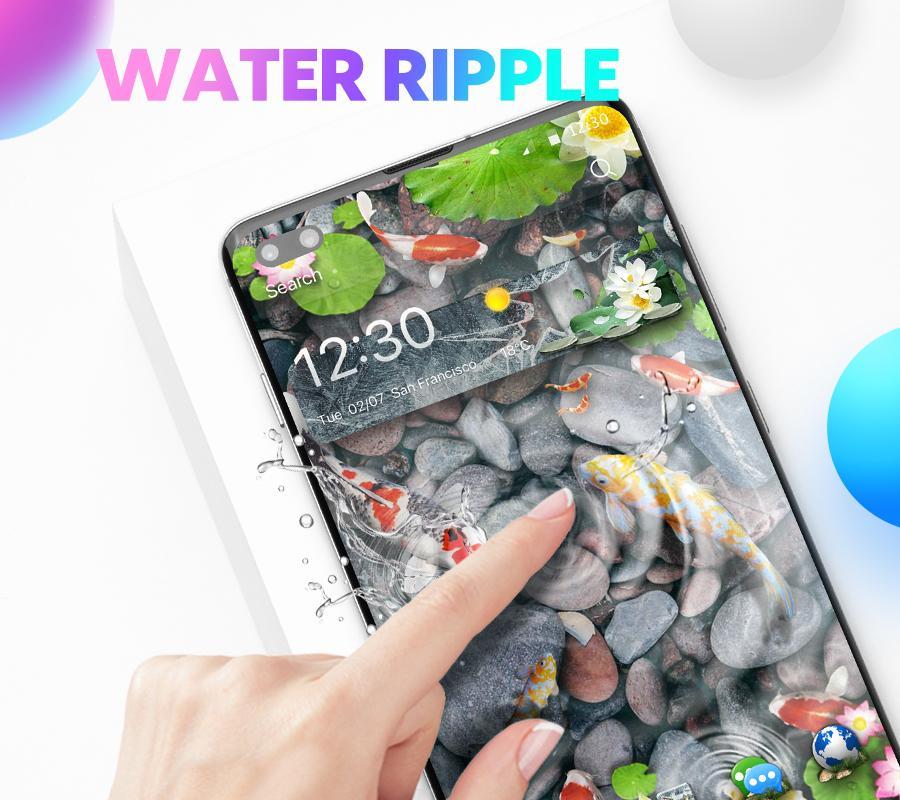
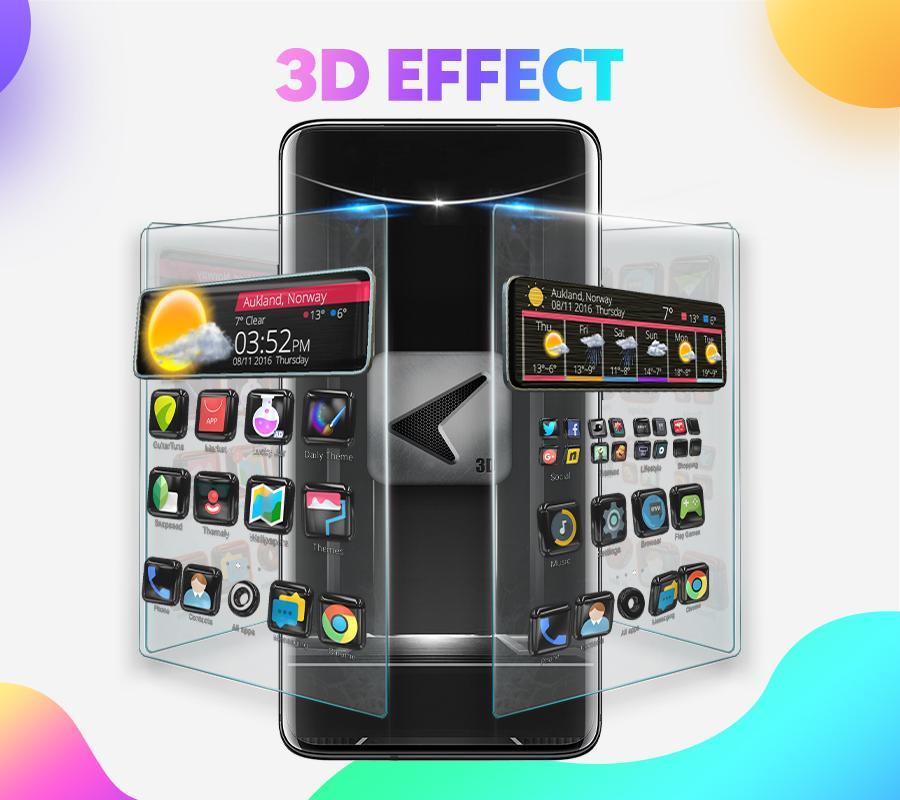
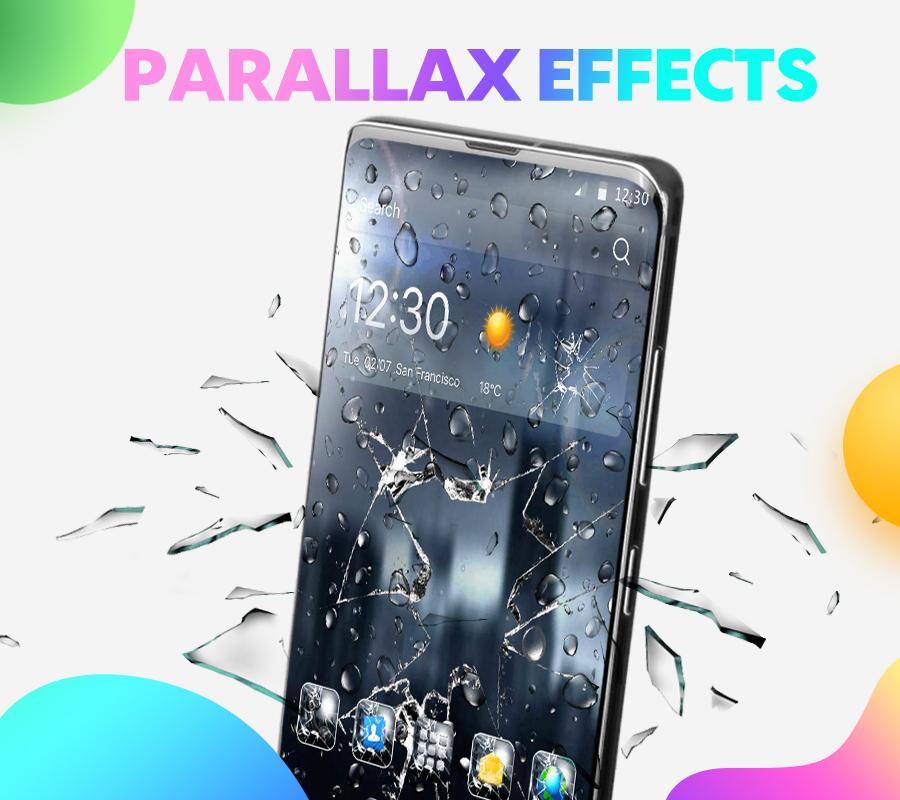
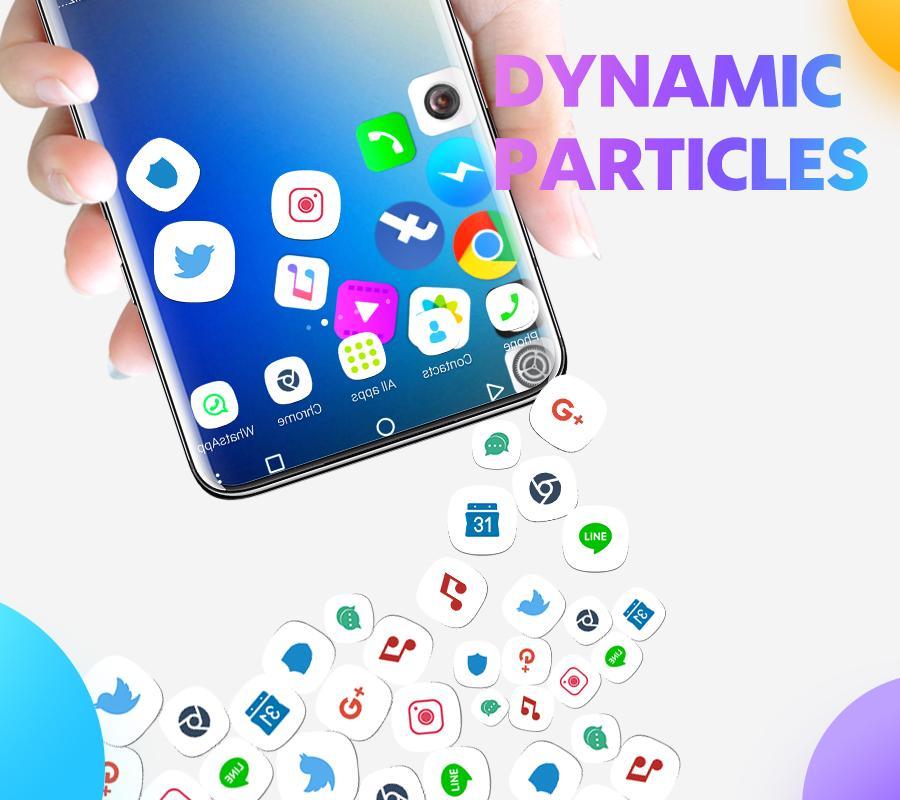
CM Launcher 3D is a home-screen launcher made by Cheetah Mobile Inc, built around personalization. Its main draw is the theme library: over 10,000 themes in 3D, VR and 2D styles, plus matching icon packs, live wallpapers and animated transitions between screens. You tap a theme, it applies, and your phone looks like a different device.
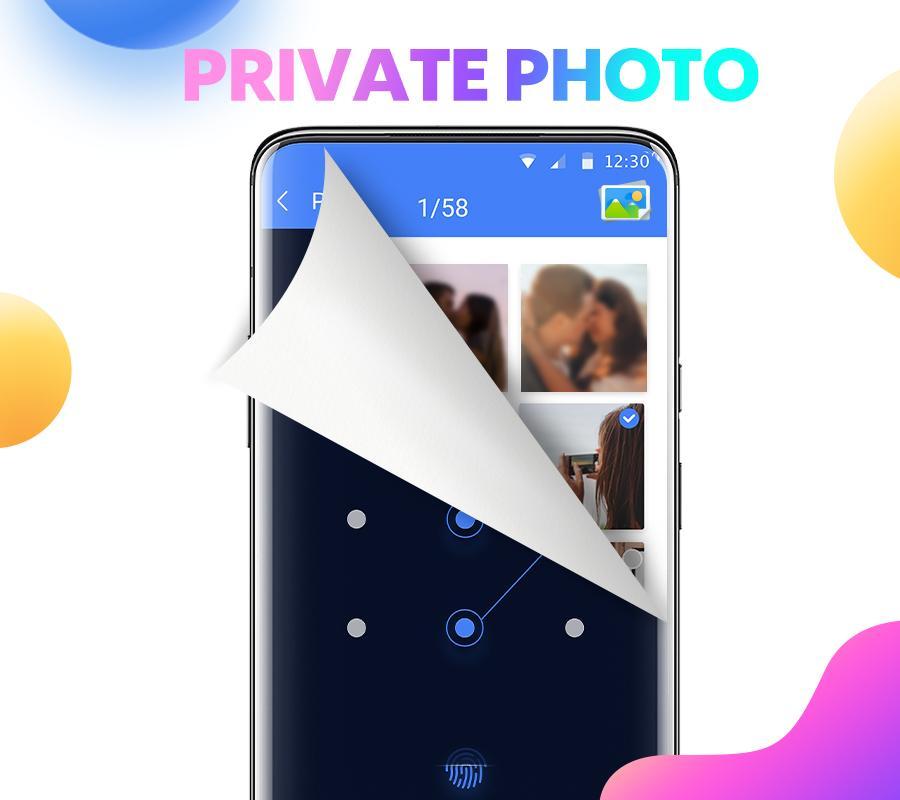
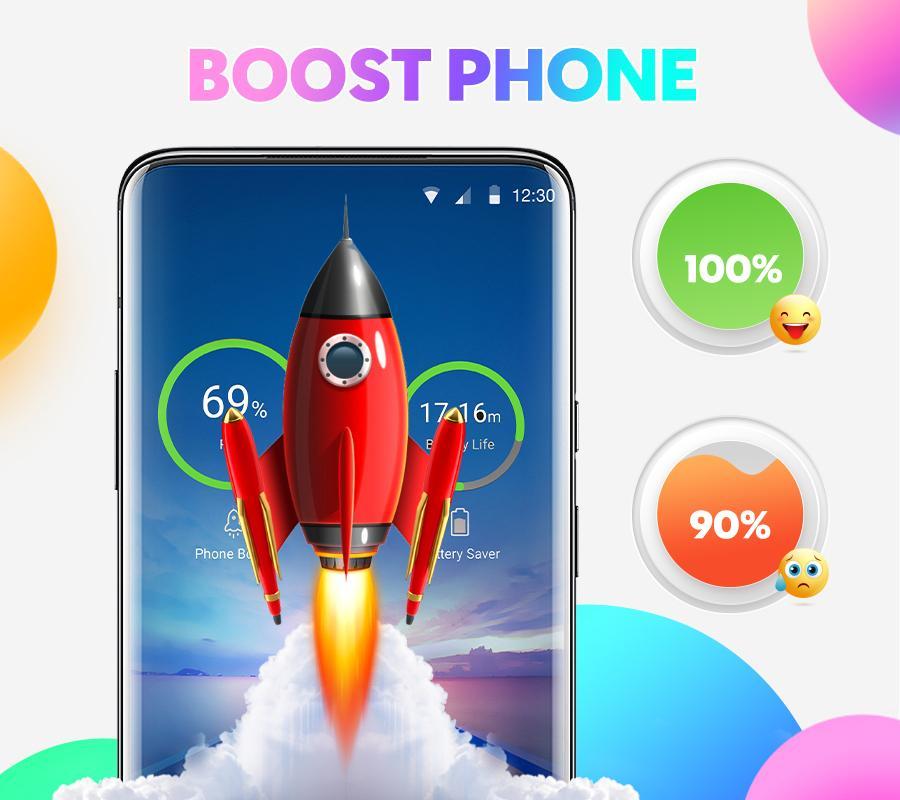
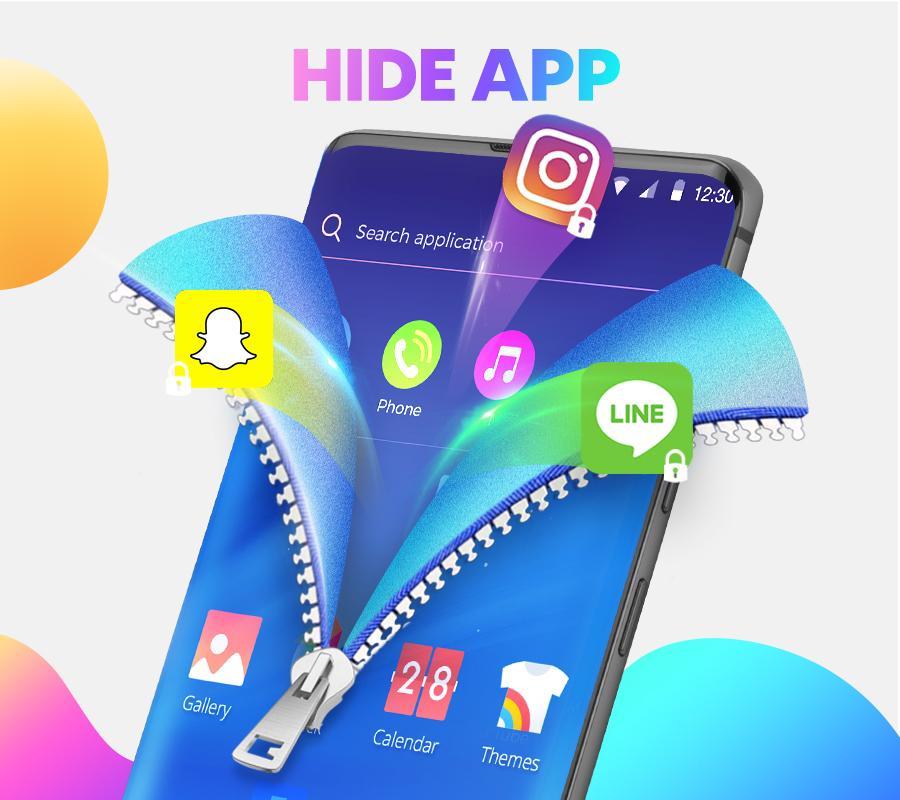
On top of the looks, it bundles utility features common to launchers of its era, an app-lock to put a password on chosen apps, a hide-apps option, and simple "boost" and cleanup tools. Its genre is Tools. The last version ever shipped is 5.97.0, and that is the newest build you will find anywhere, here included.
Status: removed from Google Play (important)
Here is the part most download sites skip. On 20 February 2020, Google removed Cheetah Mobile's apps from the Play Store over ad-fraud practices. CM Launcher 3D was part of that sweep. It is no longer listed on Google Play, and it has received no updates, including security patches, since then. The app is effectively abandoned.
| Item | Status |
|---|---|
| Google Play listing | Removed in 2020 |
| Last version | 5.97.0 |
| Updates | Discontinued |
So any page telling you to "open Google Play and search CM Launcher 3D" is wrong, there is nothing there to install. The APK on this page is the only route left.
Is it safe to use?
Let's be straight about this. CM Launcher 3D is an abandoned utility app from a developer with a documented ad-fraud history, and it stopped getting security fixes years ago. That combination means real caution is fair: you may see aggressive ads, and a launcher like this asks for broad permissions to do its job.
If you decide to run it, a few steps keep the risk low. Install only the editor-tested file from this page, not a random mirror. After setup, open Android's app settings and turn off any permission it does not obviously need. Keep it on a secondary or older device if you can. And if what you really want is a themed home screen you can trust long-term, a modern, still-supported launcher is the better call, more on that below.
What the "Unlocked" build changes
The build we host is marked Unlocked. In plain terms, it removes the premium or subscription gates inside the app, things like the extra app-lock options that the free version would nag you to pay for. That is the whole of it.
Everything the unlock touches is local and offline, it changes what the app lets you use on your own phone. There are no online accounts, no server-side unlocks and nothing that reaches beyond your device, so don't expect more than that. It simply hands you the paid extras of a launcher that is no longer selling anything.
How to download and install CM Launcher 3D APK
The download is a small APK, around 20 MB, and it installs like any sideloaded app. Older builds are available too if you need them.
- Tap the green Download APK button at the top of this page. Versions 5.97.0, 5.96.0, 5.94.3 and 5.85.0 are on offer, and 5.97.0 is the last one ever released.
- Allow installation from unknown sources for your browser or file manager (Settings → Security).
- Open the downloaded file and tap Install. It needs about 20 MB of free space and runs on Android 4.1 and up.
- Launch it, pick a theme, and set it as your default launcher when Android asks.
First time sideloading an app? Our APK install guide walks through the same steps with screenshots.
Alternatives
Since CM Launcher 3D is no longer maintained, a supported launcher is worth a look if you want themes without the abandoned-app baggage. Nova Launcher and other actively updated launchers give you icon packs, custom grids and wallpaper support, and they still get regular fixes. You can browse more options in our Tools section, or check the wider apps catalog for current picks. CM Launcher still runs, but a maintained launcher is the safer home for your home screen.
FAQ
Is CM Launcher 3D on Google Play?
Is CM Launcher 3D still updated?
Is CM Launcher 3D safe?
What does the "Unlocked" version give?
What are the requirements?
What are safer alternatives?
Download CM Launcher 3D Themes Mod (Unlocked)
- No viruses
- No spyware
- No malware
The reviews (0)