- No viruses
- No spyware
- No malware
This file was downloaded, scanned and installed by our editors before publishing.
Every file is also checked with VirusTotal before publishing.

DN Turbo APK — CPU/RAM Booster Pro
Additional information about DN Turbo APK — CPU/RAM Booster Pro
The description of DN Turbo APK — CPU/RAM Booster Pro
The DN Turbo APK is a lightweight CPU and RAM booster for Android that closes background processes, frees up memory and adds a game mode to keep frame rates steadier while you play. It is a small 16 MB Tools app from developer janecoder, and the file on this page is scanned for malware and installed on a real Android device by our editors before publishing, we have done this since 2018. One honest note up front: how much of a speed-up you feel depends a lot on your phone and on what you had running.
What is DN Turbo?
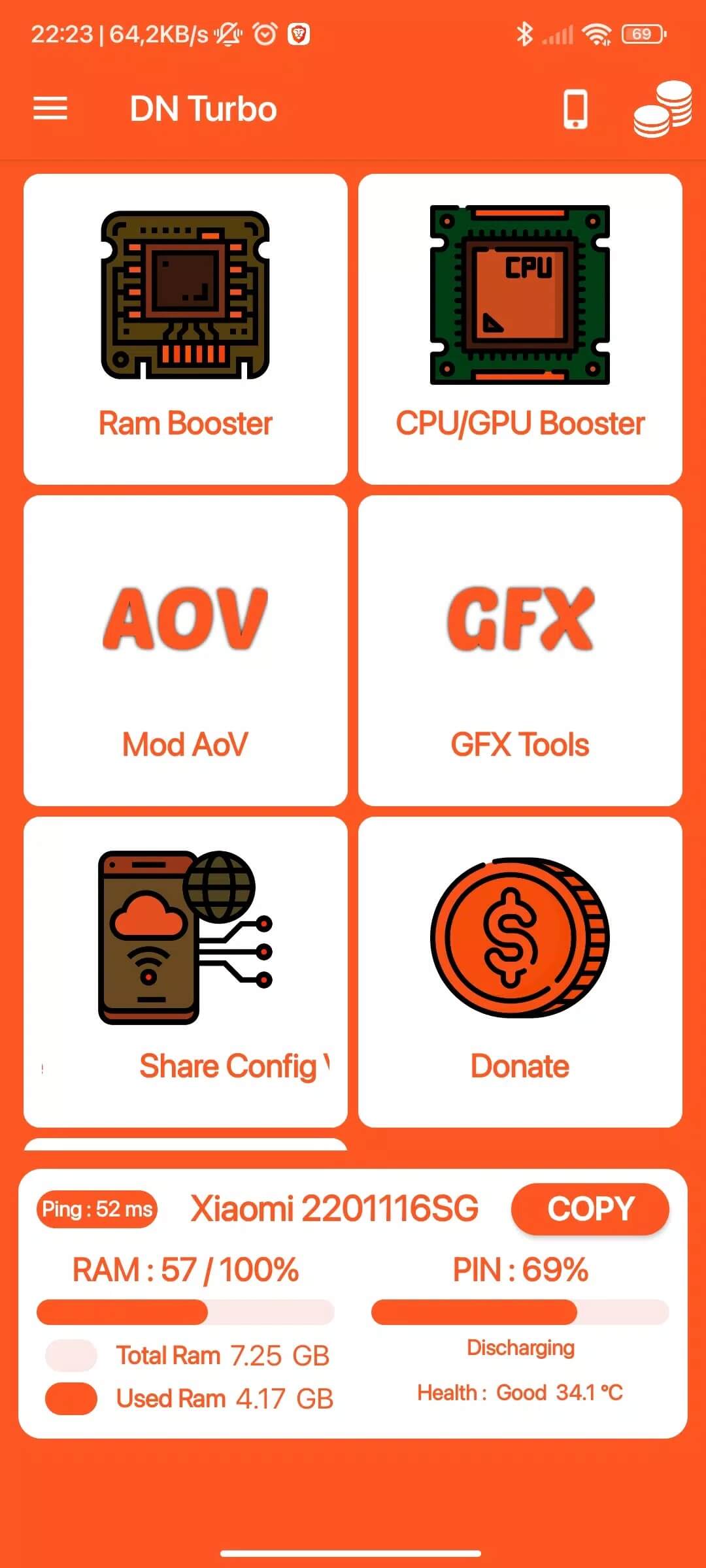
DN Turbo is an Android utility in the RAM booster and game booster class. Tap the button and it closes idle background apps, clears cached memory, and switches on a game mode that mutes notifications and pauses background activity while you game. The developer is janecoder. It is a plain Tools app, not a system tweak that needs root.
DN Turbo runs on Android 5.0 and up. There is no iOS build, and there never was, so if you saw this app tied to the Apple App Store somewhere, that was a mistake. It is Android-only.
What it actually does
Here is the short list of what the app really touches, without the marketing gloss:
- Closes background apps that are sitting idle and holding memory.
- Frees up RAM so the phone has more headroom right after a cleanup.
- Clears app cache to reclaim a bit of storage and stale data.
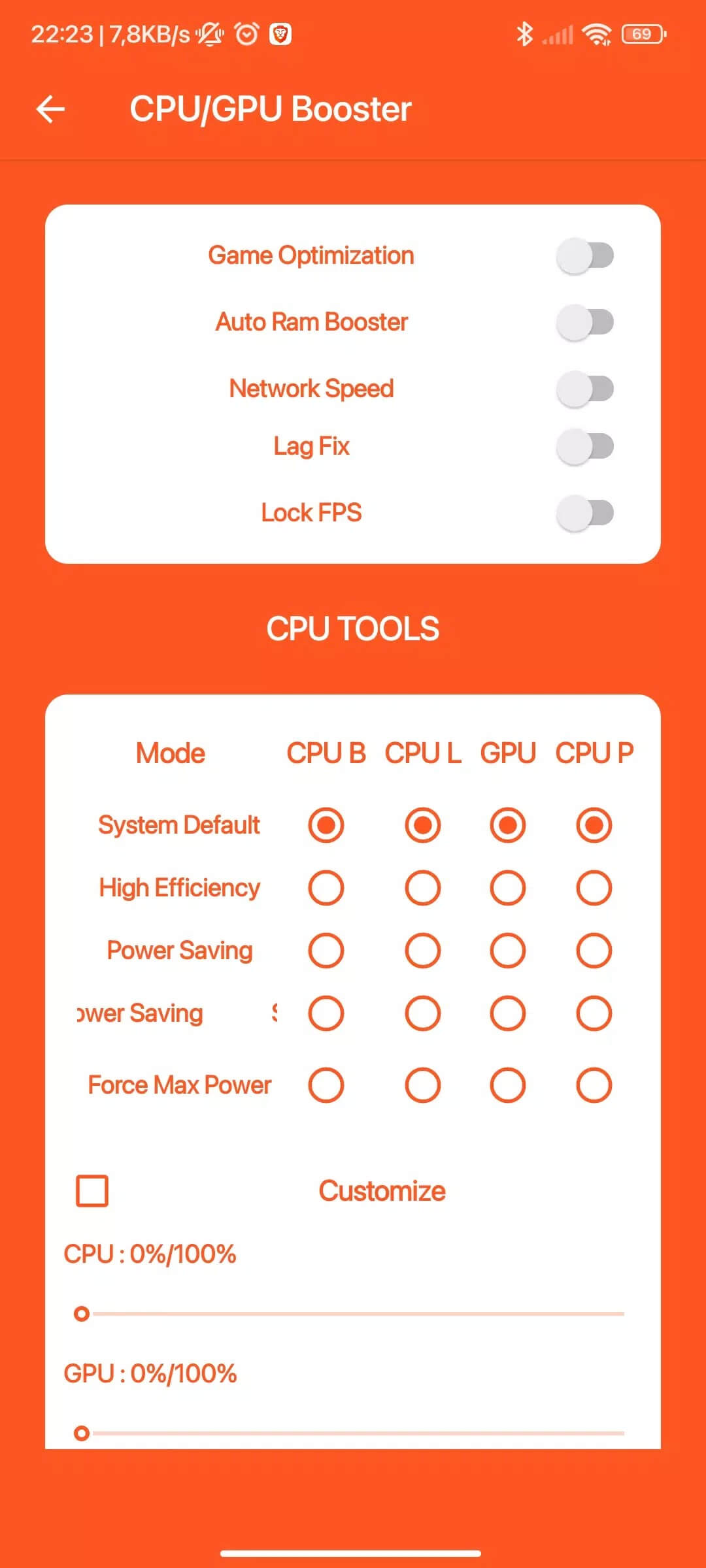
- Turns on a game mode that silences alerts and holds back background tasks during play.
That is the whole toolkit. It does not overclock your CPU, and it does not need root to run. The "Pro" label just points to the same functions with fewer prompts, so don't expect a separate hidden engine under the hood.
Do RAM boosters really help? (honest take)
This is where most download pages go quiet. Android already manages memory on its own. It keeps recent apps parked in RAM on purpose, because empty memory does nothing for you, and it reopens the ones you need. When a booster force-kills those apps, the system often just restarts them a moment later. That extra work can burn a little more battery and make the next launch slower, not faster.
So what is the real value? A one-off cleanup when your phone is choking or a stuck app won't let go, plus the game mode, which genuinely helps by cutting interruptions while you play. Treat it as a quick tidy-up tool, not a magic turbo. Anyone promising out-of-this-world speed is selling you something.
Risks and permissions
Booster apps have a mixed reputation for a reason, so a few things are worth checking before you commit:
- Many boosters ask for wide permissions and show plenty of ads. Read the access prompts before you tap Allow.
- Only install a file you trust. A cleaner with deep system access is exactly the kind of app you don't want tampered with.
- Skip any permission the app doesn't clearly need to do its job.
- For managing what starts on boot, your phone's own battery and startup settings usually do a cleaner job than a third-party killer.
How to download and install DN Turbo APK
The download is a small file, around 16 MB, and it installs like any sideloaded app.
- Tap the green Download APK button at the top of this page. The file downloads directly, no registration or SMS.
- Allow installation from unknown sources for your browser or file manager (Settings → Security).
- Open the file, tap Install, and wait a few seconds for it to finish.
- Launch DN Turbo, grant only the permissions you are comfortable with, and run your first cleanup.
You will need Android 5.0 or newer. First time sideloading an app? Our APK install guide walks through the same steps with screenshots.
Tips for real performance
If you want your phone to actually feel quicker, these habits beat any booster over time:
- Clear cache on the heavy apps you use daily; browsers and social apps build it up fast.
- Uninstall apps you never open. Each one can run services in the background.
- Turn off auto-start for heavy services you don't need at boot.
- Keep Android and your apps updated, since newer builds often fix the slowdowns a booster only masks.
- Restart the phone now and then. A plain reboot clears memory as well as most cleanup taps do.
FAQ
What does DN Turbo do?
Do RAM boosters really speed up Android?
Is DN Turbo on iOS or the Apple App Store?
Is the Pro/MOD version safe?
Does DN Turbo root or overclock my CPU?
What are the requirements and file size?
Download DN Turbo APK Android
- No viruses
- No spyware
- No malware
The reviews (1)