- No viruses
- No spyware
- No malware
com.excelliance.multiaccountsThis file was downloaded, scanned and installed by our editors before publishing.
Every file is also checked with VirusTotal before publishing.

Multiple Accounts: Dual Space APK — Clone Apps & Run Two Accounts
Additional information about Multiple Accounts: Dual Space APK — Clone Apps & Run Two Accounts
com.excelliance.multiaccountsThe description of Multiple Accounts: Dual Space APK — Clone Apps & Run Two Accounts
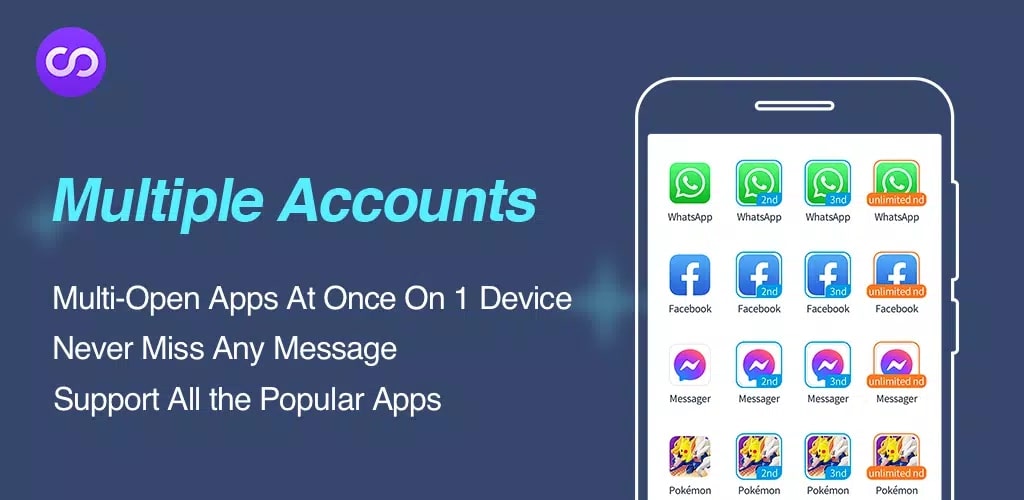
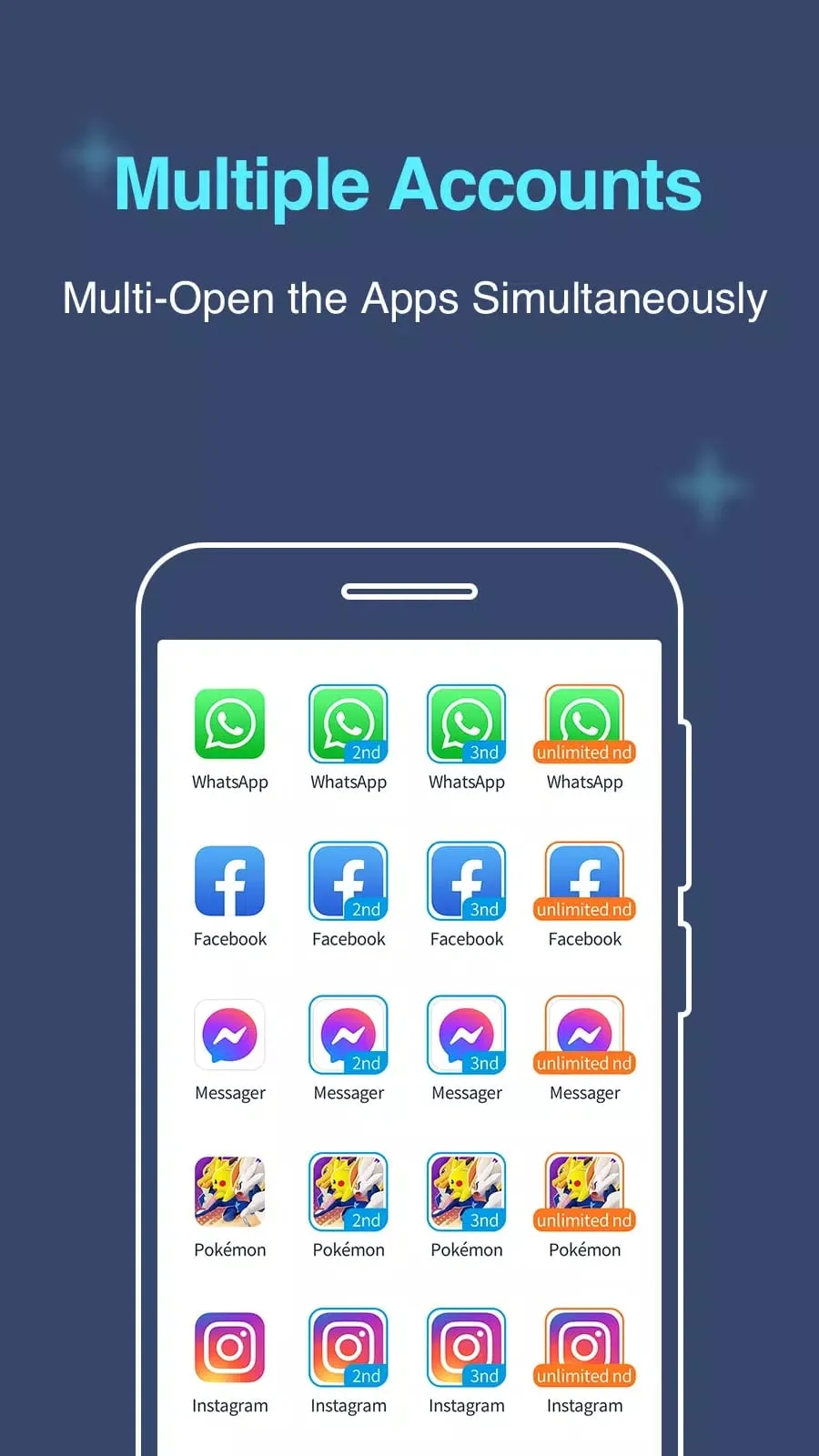
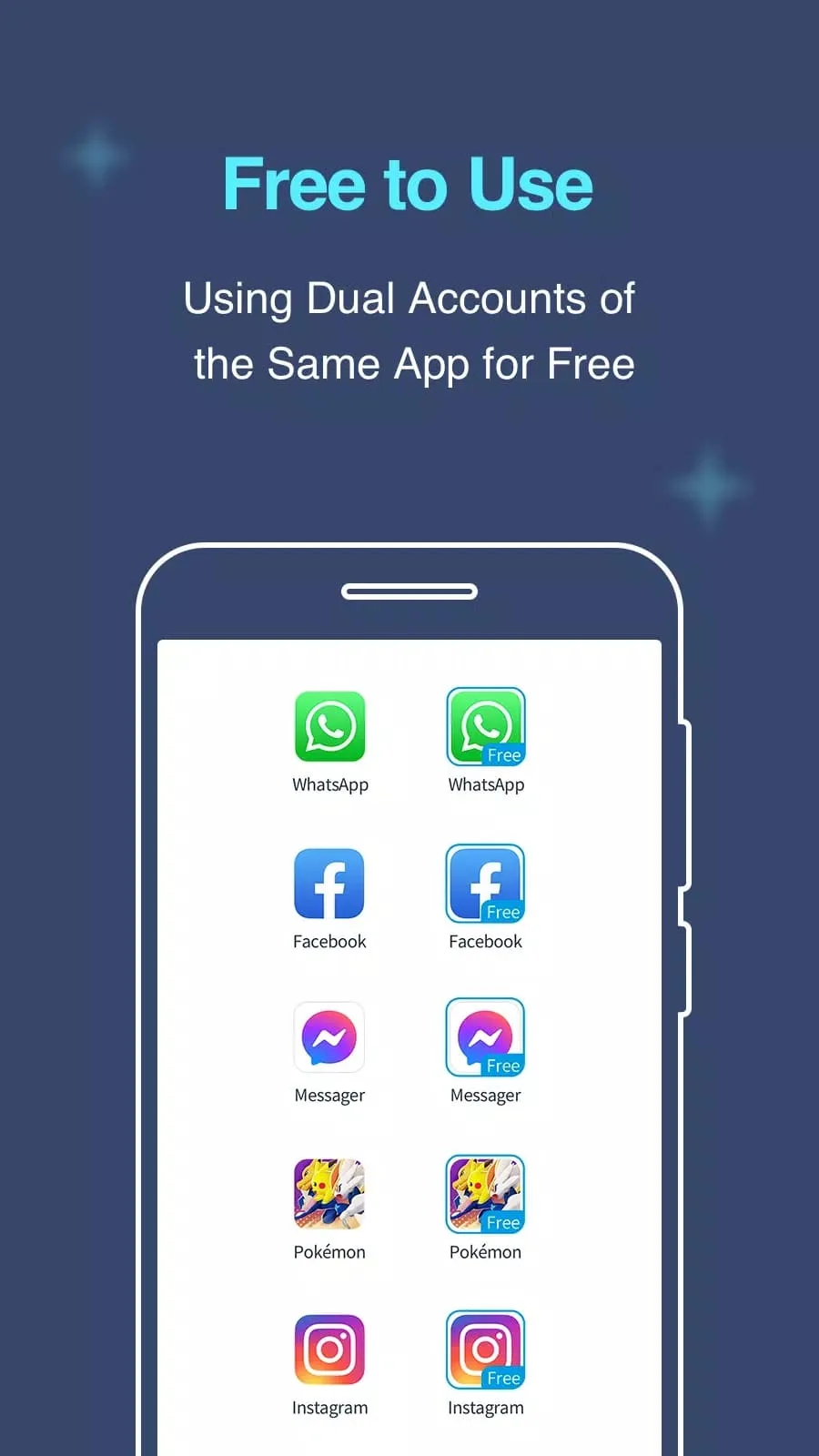
Multiple accounts dual space lets you clone an app you already have and run two accounts of it on one Android phone, each with its own login and its own data. Think two WhatsApp numbers, a work Instagram next to your personal one, or a second Free Fire account, all on the same device. It is free, and to be straight with you from the start: this is the official cloner from MA Team, not a "mod" or a cracked build.
The file on this page is scanned for malware and installed on a real Android device by our editors before publishing, we have done this since 2018. No registration, no SMS, just the APK.
What is Multiple Accounts: Dual Space?
Multiple Accounts: Dual Space is a small tools app from MA Team (package com.excelliance.multiaccounts). It makes a second, virtual copy of an app you have already installed and runs that copy inside its own space. Each copy keeps its login, chats and settings separate, so the two accounts never see each other.
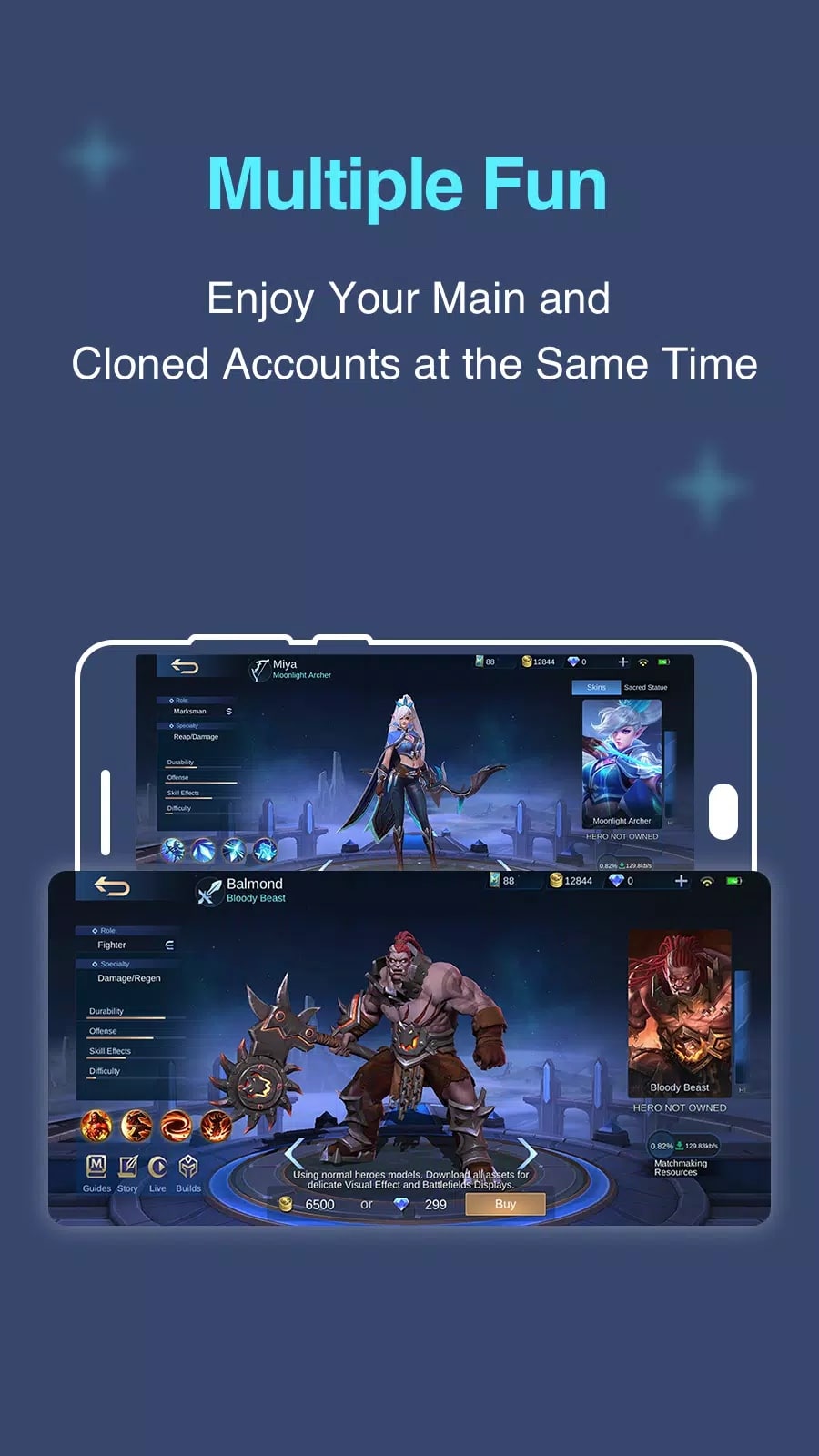
It works with the apps most people want doubled: WhatsApp, Facebook, Instagram, Telegram, and games like Free Fire or Mobile Legends. The download is about 25.8 MB and it runs on Android 4.4 and up. Light app, simple job.
How app cloning works
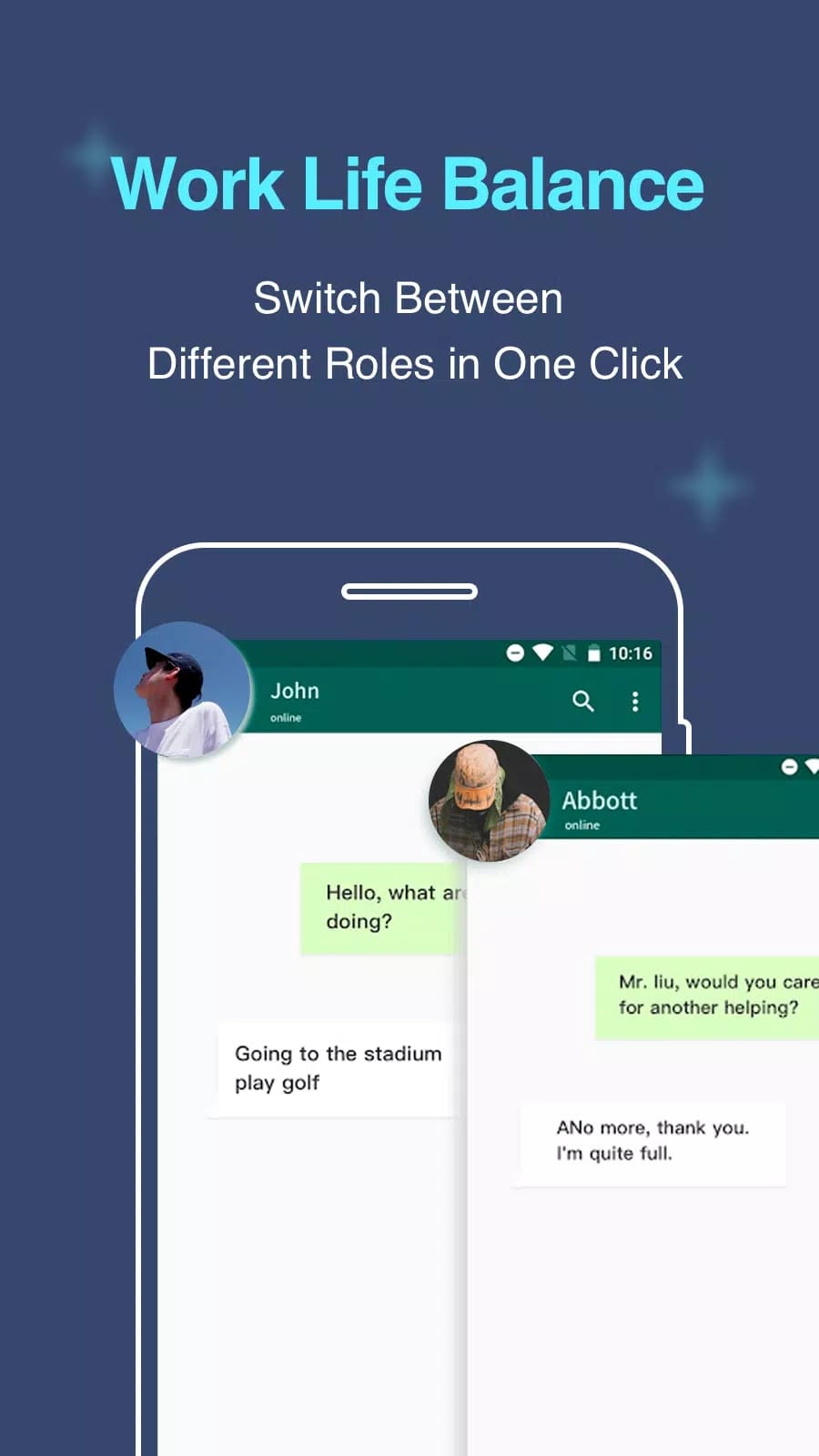
The app starts a copy of your chosen app inside its own container, with a separate data folder. Because that folder is walled off from the original, two logins can run at once without clashing, no more logging out and back in. Each clone gets its own notifications, so a message to your second account still buzzes your phone. Switching between your work profile and your personal one is a tap.
One thing to know. A clone is a fresh install of the app, so you sign in to it the first time like you would on a new phone.
Key features
| Feature | What it does |
|---|---|
| Dual / parallel copy | Clone almost any installed app and run a second instance of it. |
| Separate accounts & data | Each copy stores its own login, chats and files, kept apart from the original. |
| Profile switching | Move between a work and a personal account without logging out. |
| Own notifications | The clone delivers its own alerts, so you don't miss the second account. |
| Small and offline-ready | Compact size; the cloner opens offline, though the cloned apps still need the internet themselves. |
Privacy and permissions — honestly
Here is the part the aggregator pages skip. To run a clone, the app needs the same permissions the original app asks for, contacts, storage, notifications, whatever that app uses. That is normal for a cloner, but grant it knowing what it means.
And a clone does not make you anonymous. A cloned WhatsApp or Instagram still talks to WhatsApp's and Instagram's own servers exactly as usual, so Dual Space only isolates the two copies from each other on your phone. It is not encryption, and it is not a VPN. I would keep banking or other sensitive apps out of a clone and run those as the single, normal install.
How to download and install
The whole thing is one small APK, about 25.8 MB, on Android 4.4 or newer.
- Tap the green Download APK button at the top of this page, the file downloads directly.
- Allow installation from unknown sources for your browser or file manager (Settings → Security).
- Open the file and tap Install, then launch the app.
- Inside the app, add the installed app you want to clone, sign in to the copy with your second account, and you are set.
First time sideloading an APK? Our APK install guide walks through the same steps with screenshots.
Multiple Accounts vs Dual Space vs Parallel Space
You will see a few cloners with similar names, and they all do the same core job: run two copies of one app on a single phone. Multiple Accounts: Dual Space, the standalone Dual Space, and Parallel Space each clone your apps and keep the accounts apart, the differences show up in how stable each one feels on your specific device and Android version. If one won't run a certain game or messenger cleanly, another usually will, so it is worth trying more than one. You can browse other utilities like it in our tools section.
FAQ
What is Multiple Accounts: Dual Space?
Is it free?
Can I run two WhatsApp or Instagram accounts?
Does it make me anonymous?
Which permissions does it need?
How big is it and what does it need?
Download Multiple Accounts APK Android
- No viruses
- No spyware
- No malware
The reviews (0)