- No viruses
- No spyware
- No malware
This file was downloaded, scanned and installed by our editors before publishing.
Every file is also checked with VirusTotal before publishing.

Lucky Patcher APK (Latest Version)
Additional information about Lucky Patcher APK (Latest Version)
The description of Lucky Patcher APK (Latest Version)
Lucky Patcher APK is a system tool from developer ChelpuS for managing the apps already on your Android phone: removing ads, changing app permissions, backing up and restoring APKs, and working with app licenses. It is not a game and it does not give you unlimited money, it is a utility that scans your installed apps and shows what it can adjust. On this page you can download the file, which our editors scanned and tested on real devices before publishing.
One thing to know up front: Lucky Patcher is not on Google Play and never stays there, because Play policy does not allow apps that modify other apps. You install it as an APK from this page or from the official ChelpuS site. Google Play Protect and some antivirus apps flag it, which is expected for a tool of this kind. We explain why below.
What is Lucky Patcher?
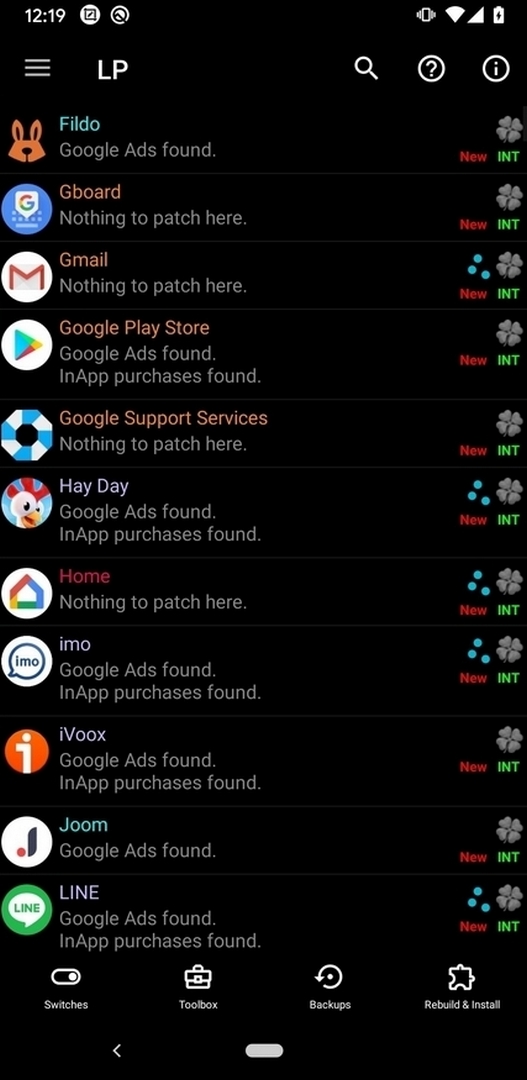
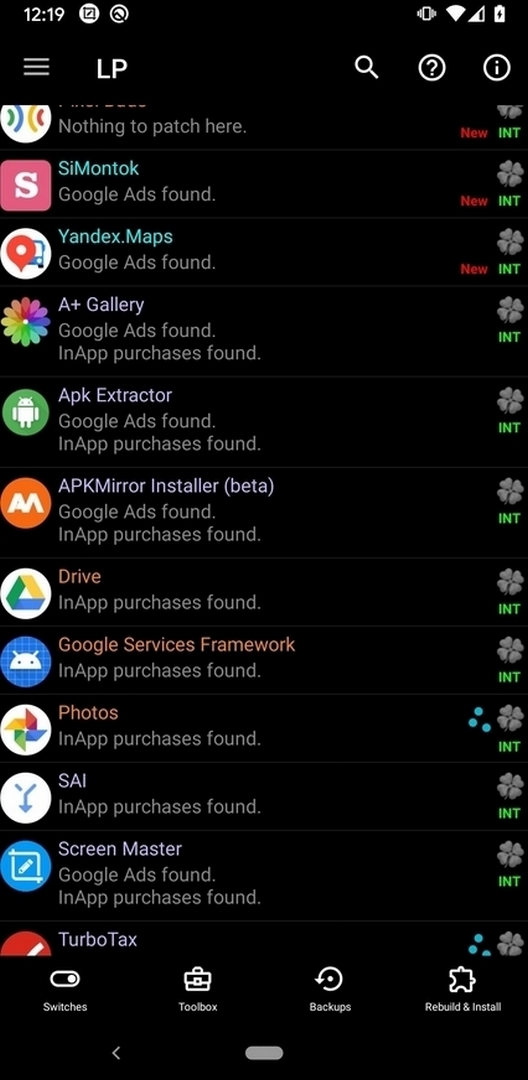
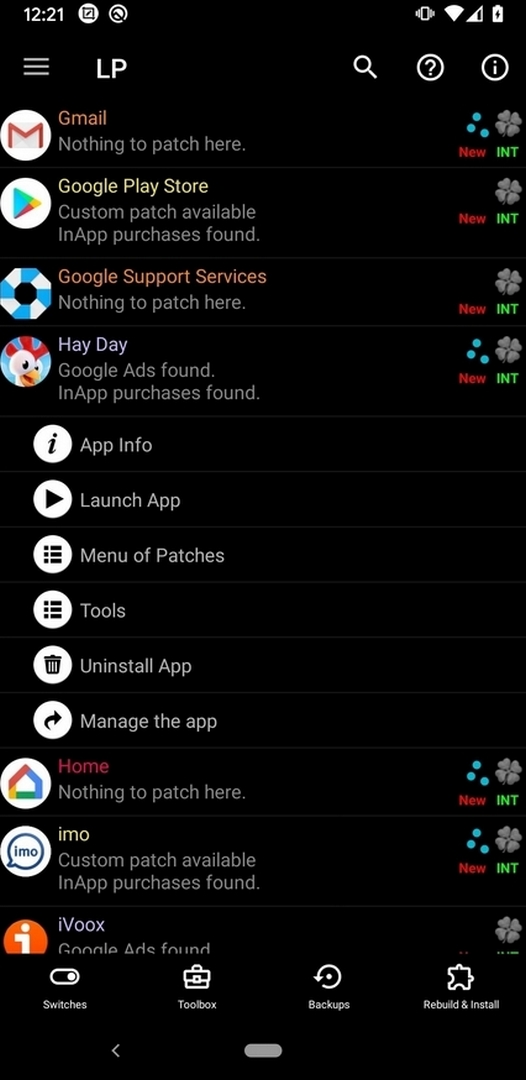
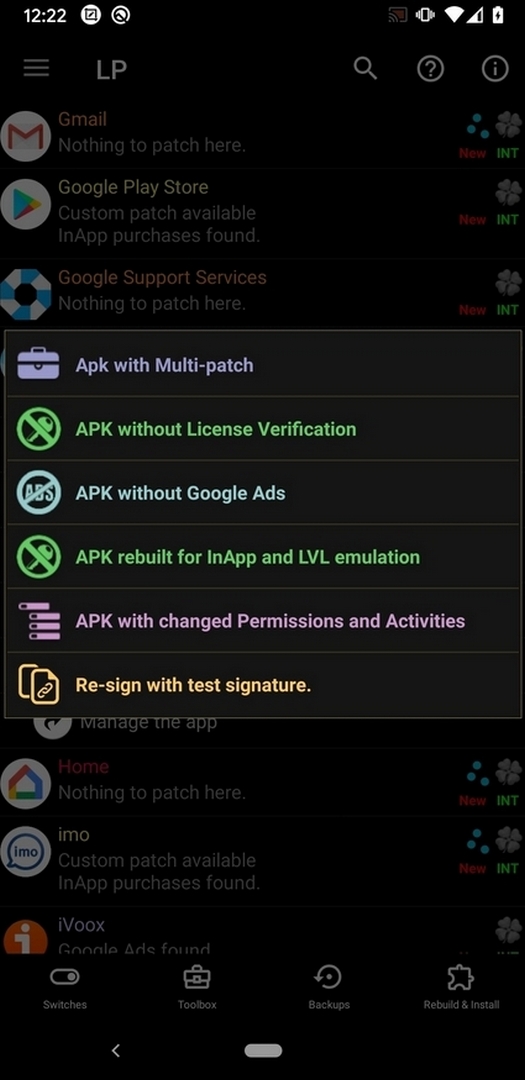
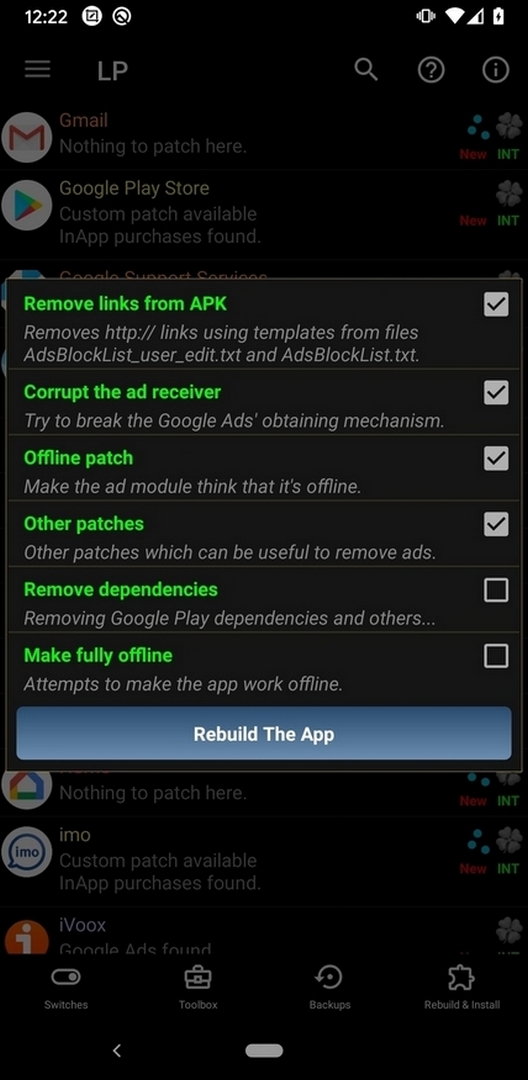
Lucky Patcher scans the apps installed on your device and lists the changes it may be able to apply to each one. The core functions are:
- Remove ads from apps that show banner or interstitial ads.
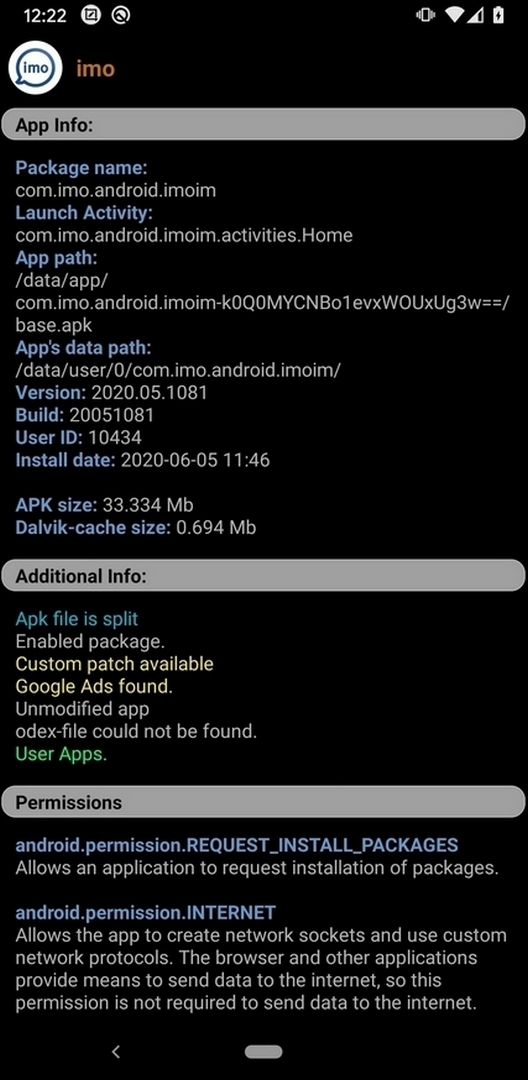
- Modify permissions — turn off permissions an app requests but does not need.
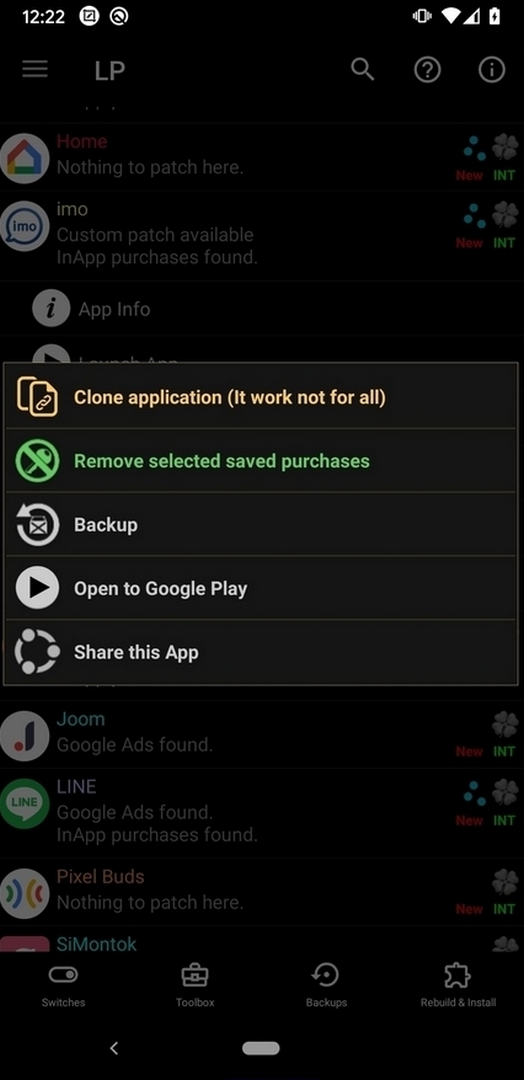
- Backup and restore: save a full APK copy of an app before you update or reinstall it.
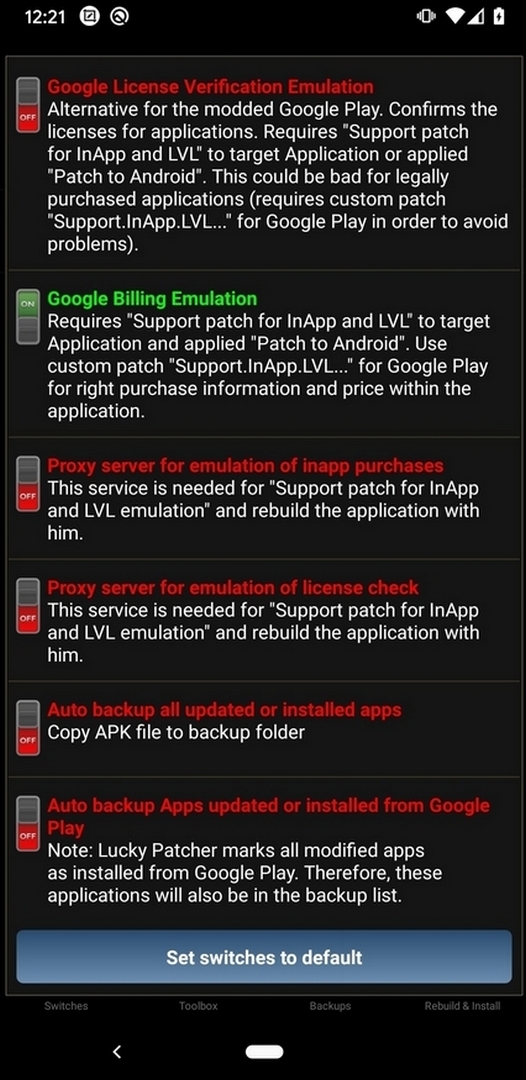
- License management for apps you own.
- Move apps to SD and create custom (modified) APK files.
Not every option works on every app. Online games, server-checked purchases and well-protected apps usually cannot be changed, so treat the list Lucky Patcher shows as possibilities, not guarantees.
What it can and can't do: root vs no root
| Without root | With root |
|---|---|
| Remove ads in many apps, back up and restore APKs, apply some basic patches. | System-level patches, deeper license management, changes that touch protected app data. |
Root access opens up more of the tool, but you do not need root for the everyday tasks most people install it for, such as ad removal and backups. Even with root, results depend on the app: modern, well-protected and online titles often stay locked.
Is it safe? Play Protect and antivirus flags
Google Play Protect and several antivirus apps mark Lucky Patcher as a risk. That is not a surprise: any tool that can read and change other apps and their permissions trips the same heuristics used to catch real malware. The flag is about what the tool is able to do, not proof that this file is harmful.
The build on this page was scanned for malware and installed on a real Android device by our editors before it went live. Still, install it with your eyes open: prefer a spare or test device, keep it away from phones that hold banking apps or sensitive data, and download only from this page or the official ChelpuS site.
How to download and install Lucky Patcher
- Tap the Download APK button at the top of this page. The file is about 10 MB and downloads directly, no registration.
- Allow installation from unknown sources for your browser in Android settings (Settings → Security).
- Play Protect may block the install; you can turn it off for the moment you install, then turn it back on. Open the file and tap Install.
Step-by-step screenshots are in our APK install guide.
What to use it for
The fair, everyday reasons people keep Lucky Patcher on a device:
- Removing ads from apps you already use.
- Backing up an app as an APK before a risky update, so you can roll back.
- Trimming permissions an app does not need.
- Managing licenses for apps you own.
Please respect the developers behind the apps you use. A tool like this is easy to point at paid apps and in-app purchases, but taking paid content you have not bought hurts the small teams who make the games and apps you like.
Alternatives and related tools
If you only need part of what Lucky Patcher does, a narrower tool is often the safer choice. For editing or repackaging your own APKs, see APK Editor Pro. For clear definitions of terms like root, sideloading and package name, our glossary is a plain-language reference. You can also browse the full catalog of apps for ad-free options that need no patching at all.
FAQ
Is Lucky Patcher on Google Play?
Does Lucky Patcher need root?
Is Lucky Patcher safe?
Why does Play Protect flag it?
What does Lucky Patcher do?
What version should I use?
Download Lucky Patcher MOD (Unlimited money)
- No viruses
- No spyware
- No malware
The reviews (0)