- No viruses
- No spyware
- No malware
This file was downloaded, scanned and installed by our editors before publishing.
Every file is also checked with VirusTotal before publishing.

LinkBox: Cloud Storage APK for Android
Additional information about LinkBox: Cloud Storage APK for Android
The description of LinkBox: Cloud Storage APK for Android
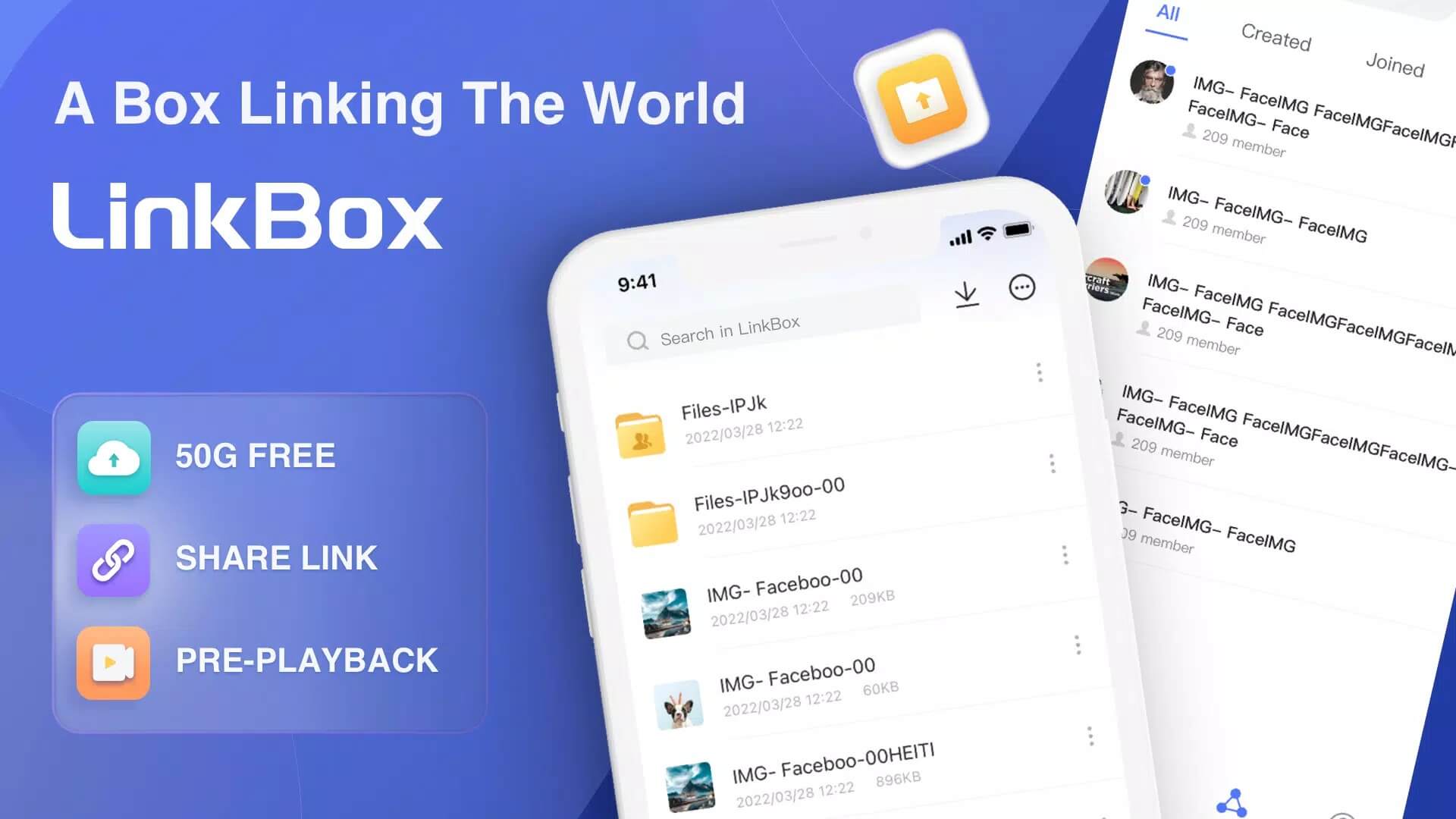
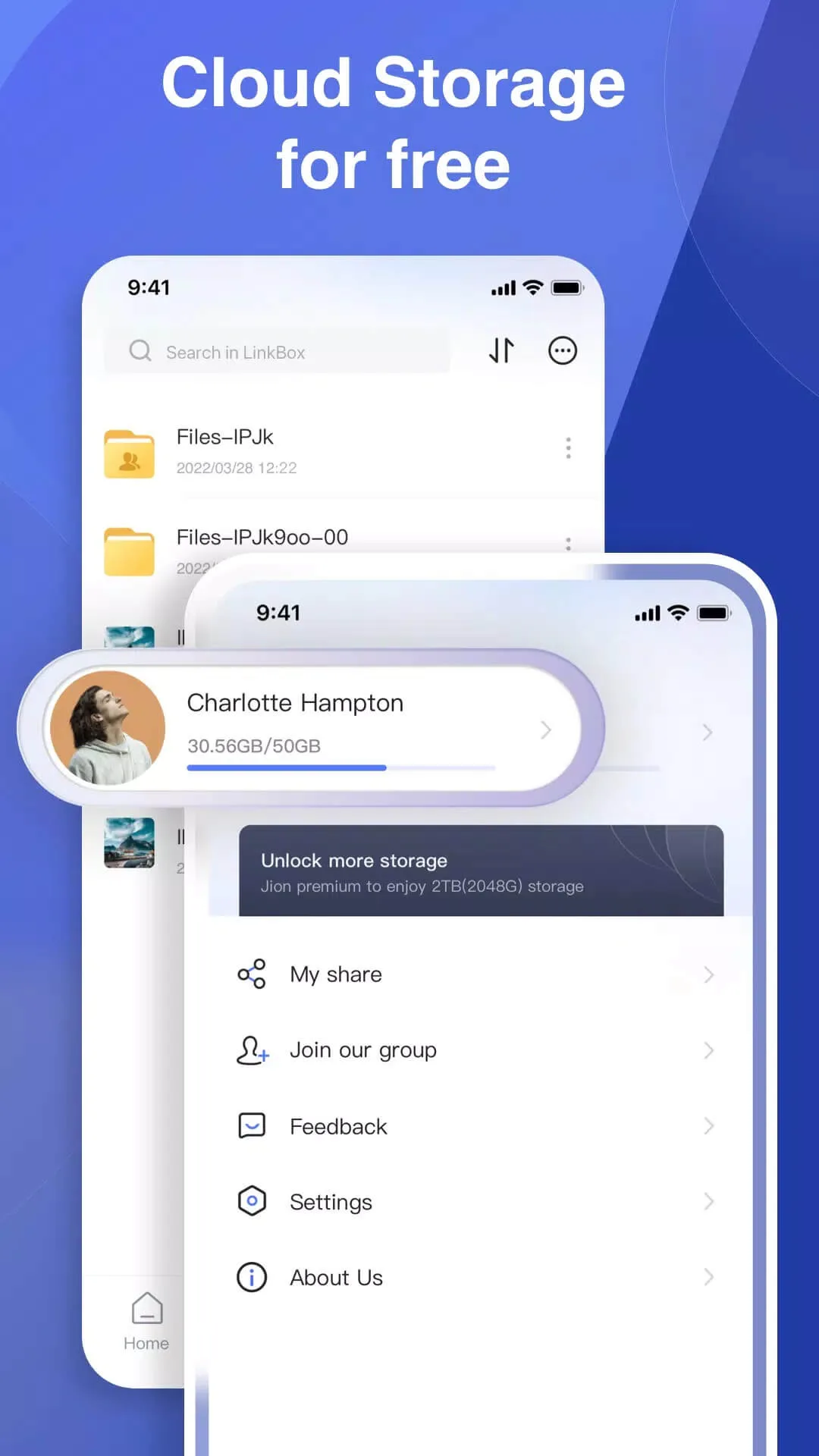
The LinkBox: Cloud Storage APK gives you 50 GB of free cloud space the moment you sign up with an email, plus a built-in file manager and a media player that plays your videos straight from the cloud. Upload photos, documents and clips, keep them in folders, and reach the same files on your phone, tablet or another device. No games, no tricks here, just a working place to store and share your stuff.
The file on this page is scanned for malware and installed on a real Android device by our editors before publishing, we have done this since 2018. It is the original app from MONIA Studio, roughly 58 MB, and it runs on Android 5.0 and up.
What is LinkBox: Cloud Storage?
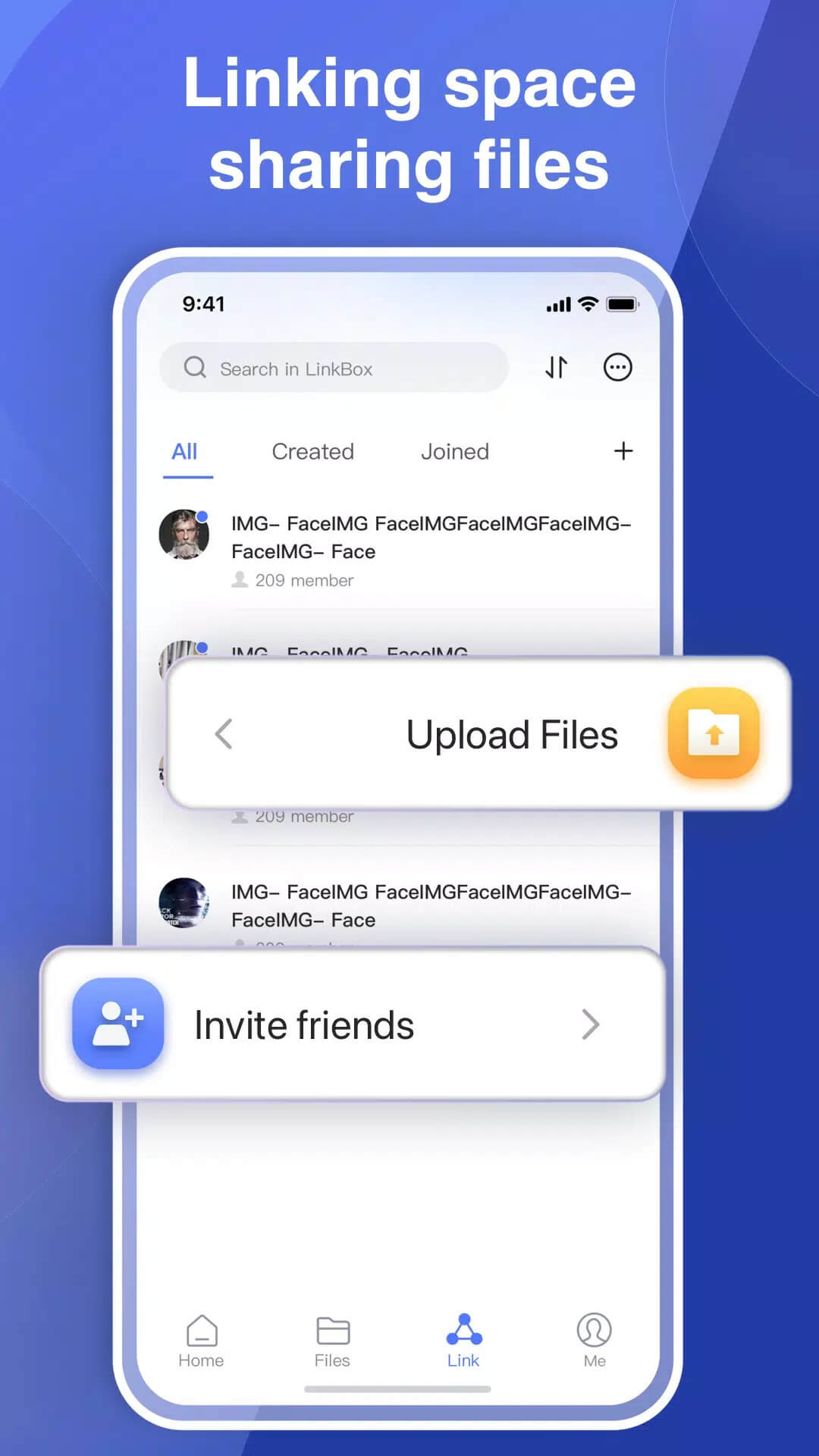
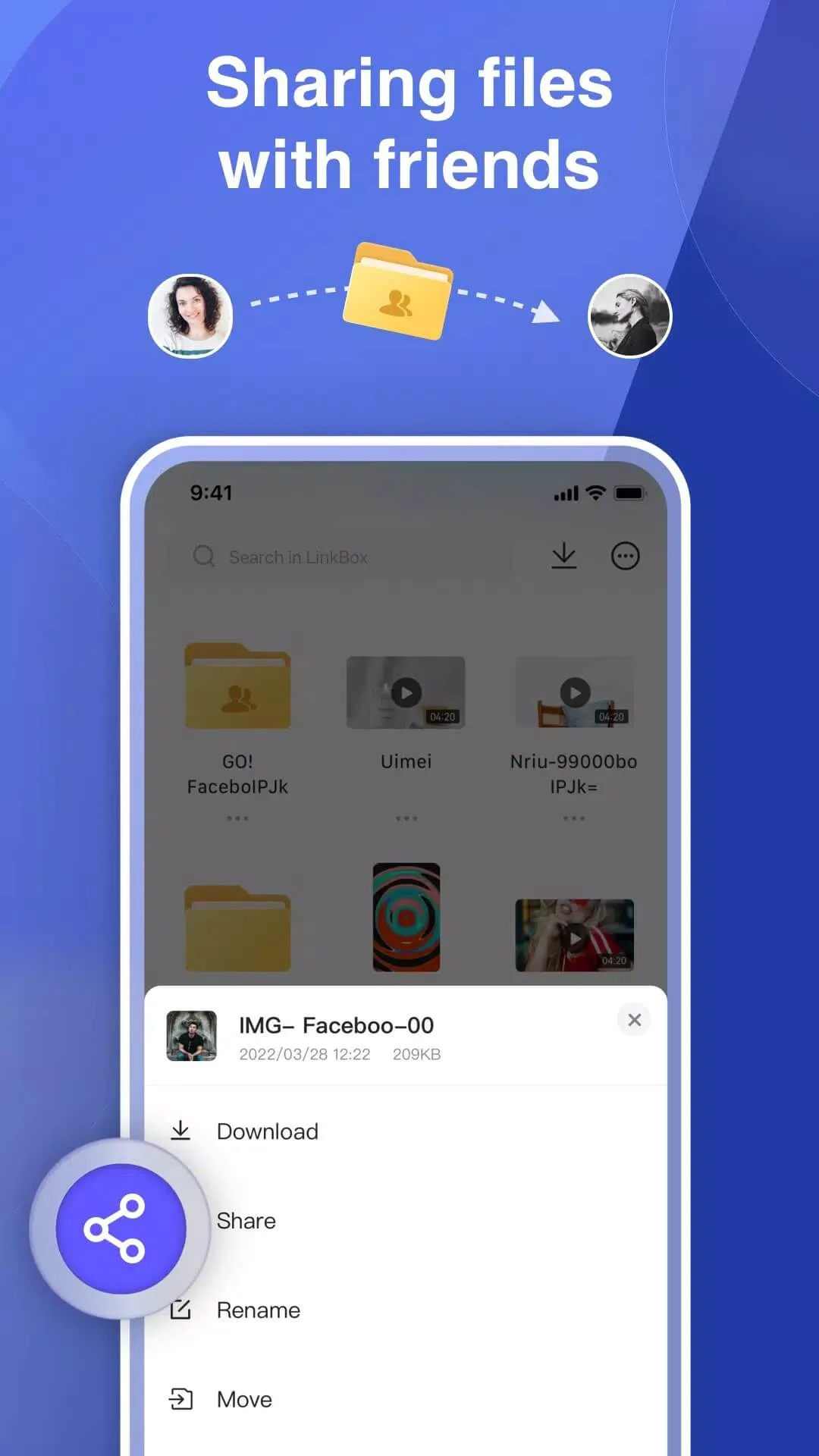
LinkBox is a cloud storage app made by MONIA Studio. You register with an email, and you get 50 GB of free space to hold photos, videos, music and documents. From the app you can upload files, download them back, move or rename them, sort everything into folders, and share a file with a link so someone else can open it without an account.
The point is simple. Your files live in the cloud, not just on your phone, so if your storage is full or your device dies, the copies are still safe online. Everything syncs across the devices where you sign in, and the app weighs about 58 MB.
Key features
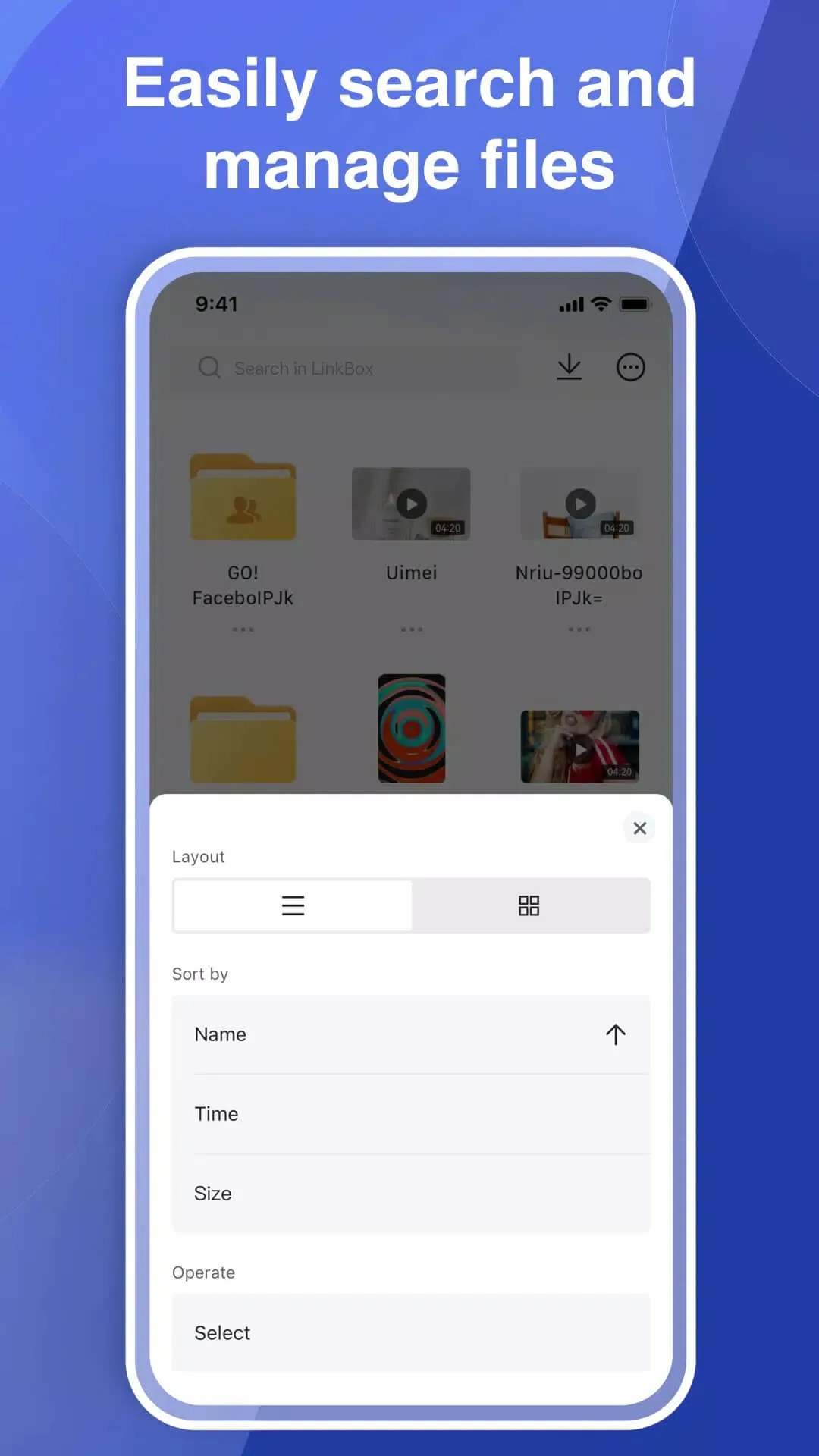
- File manager — make folders, move files between them, rename anything, and delete what you no longer need, all inside the app.
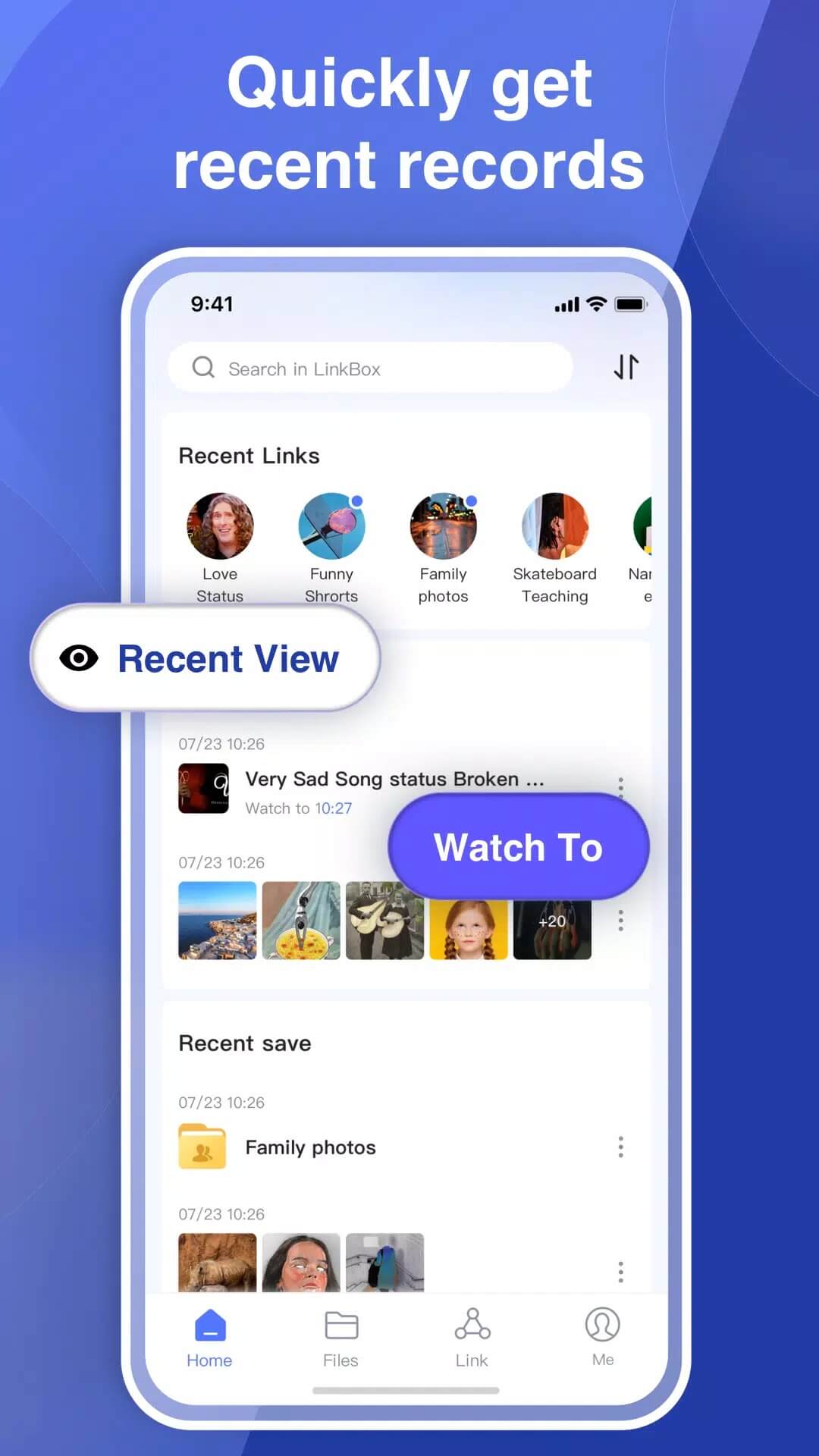
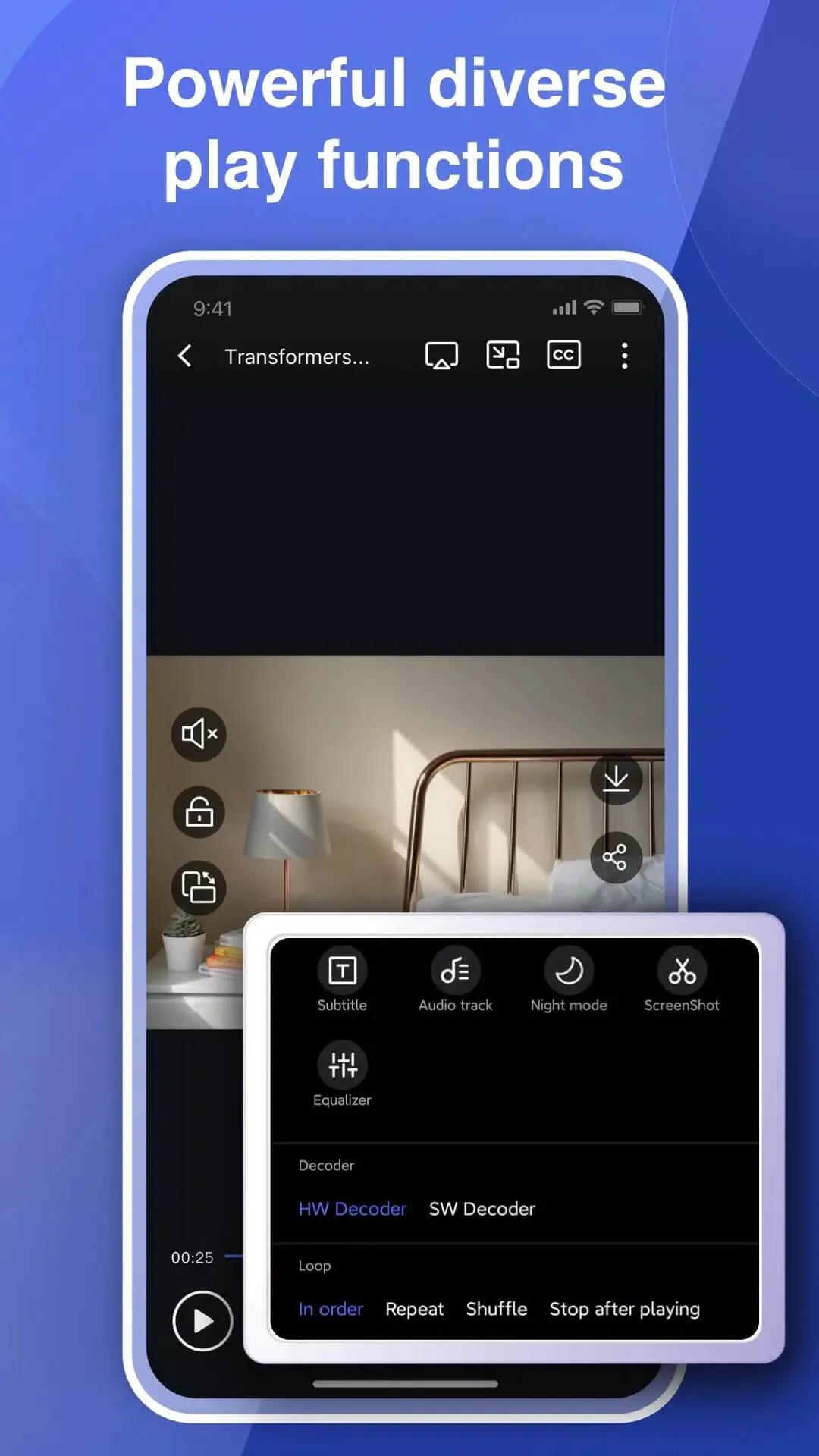
- Media player — play videos right from the cloud with speed control, subtitle support and a floating window so you can watch while you do other things.
- Cross-device sync — sign in on another phone or a tablet and your documents, photos and videos are there.
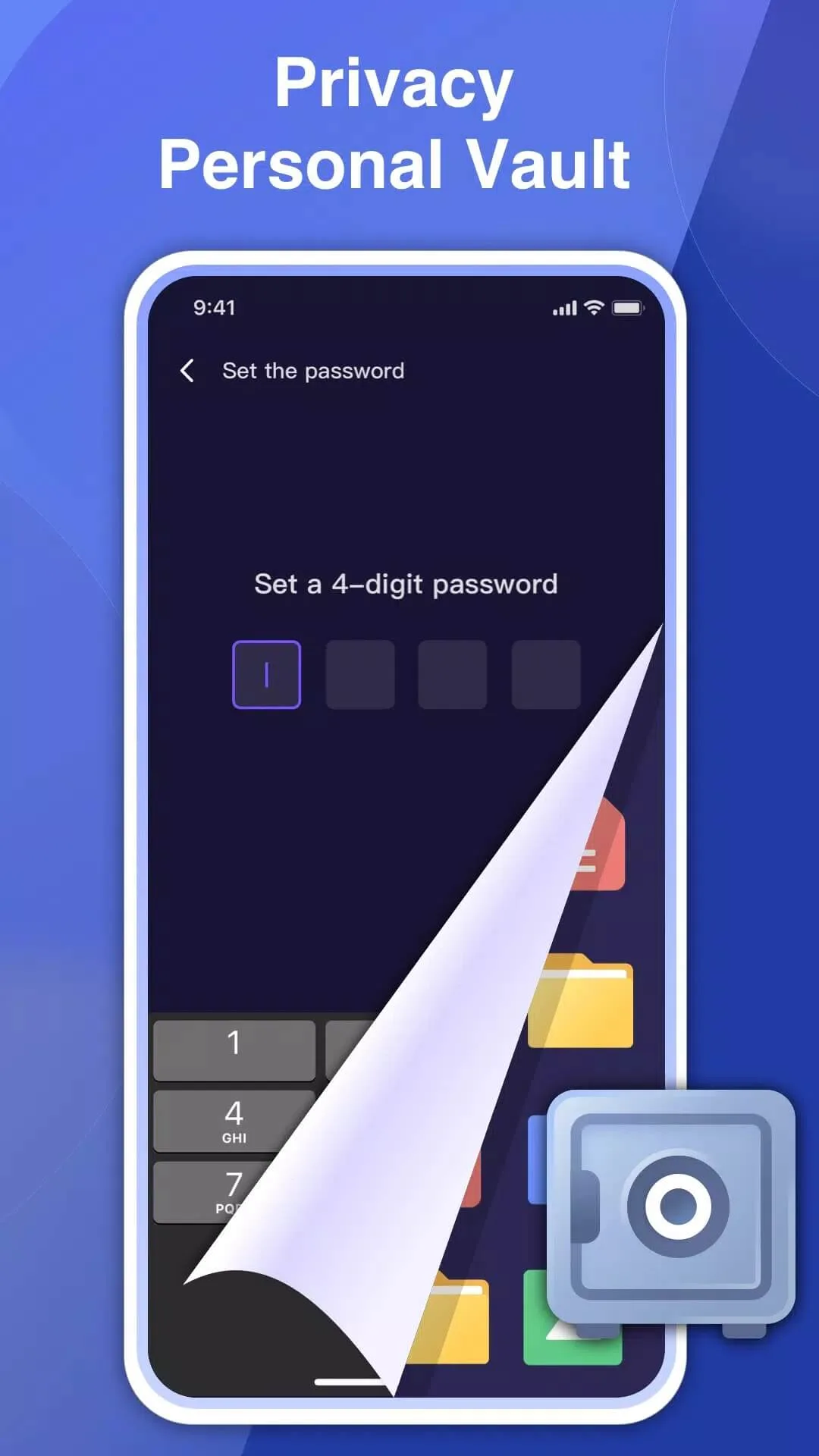
- Encryption — your uploads are stored with encryption on the LinkBox servers.
- Link sharing — hand someone a link and they can grab the file without installing anything.
Free plan and limits
The 50 GB you get on the free plan is generous for a phone backup, and it costs nothing beyond making an account. That said, there are a couple of honest trade-offs. The free version shows ads, and now and then one runs a bit long before you can close it. Download speed can also drop, so pulling a large video back down is sometimes slow. If you outgrow 50 GB, LinkBox sells paid plans with more room, but plenty of people never need to pay.
How it works (client / server)
LinkBox is a client for MONIA's cloud, not a standalone vault on your handset. When you upload something, it goes to the LinkBox servers, and the app on your phone is basically the window you use to reach it. That means you need an internet connection and a signed-in account to see your files. The upside is real backup: lose the phone, keep the files. The downside is that offline you only have what is already cached on the device.
Legal note on shared content
One thing worth saying plainly. Because anyone can upload a file and pass around a link, LinkBox gets used to share pirated videos and other content people don't own. The app itself is legal, but uploading or spreading copyrighted material without permission is not. Use your 50 GB for your own photos, videos and documents, and skip the pirated links. Keeping it to your own files also keeps your account clean.
How to download and install
The download is a single APK, around 58 MB, and it starts from this page.
- Tap the green Download APK button at the top of this page, the file downloads directly, no registration or SMS.
- Allow installation from unknown sources for your browser or file manager (Settings → Security).
- Open the downloaded file and tap Install, then launch LinkBox and sign up with your email to claim the 50 GB.
First time sideloading an app? Our APK install guide walks through the same steps with screenshots. You'll also find more utilities like Aloha Browser and 1.1.1.1 DNS in our Tools section.
FAQ
What is LinkBox?
How much free storage do I get?
Is LinkBox safe and legal?
Does it have ads?
Can I play videos in the app?
What are the requirements?
Download LinkBox:Cloud Storage APK Android
- No viruses
- No spyware
- No malware
The reviews (0)