- No viruses
- No spyware
- No malware
vpn.unblock.proxy.vpnforceThis file was downloaded, scanned and installed by our editors before publishing.
Every file is also checked with VirusTotal before publishing.

VPN Force – Fast VPN Proxy APK
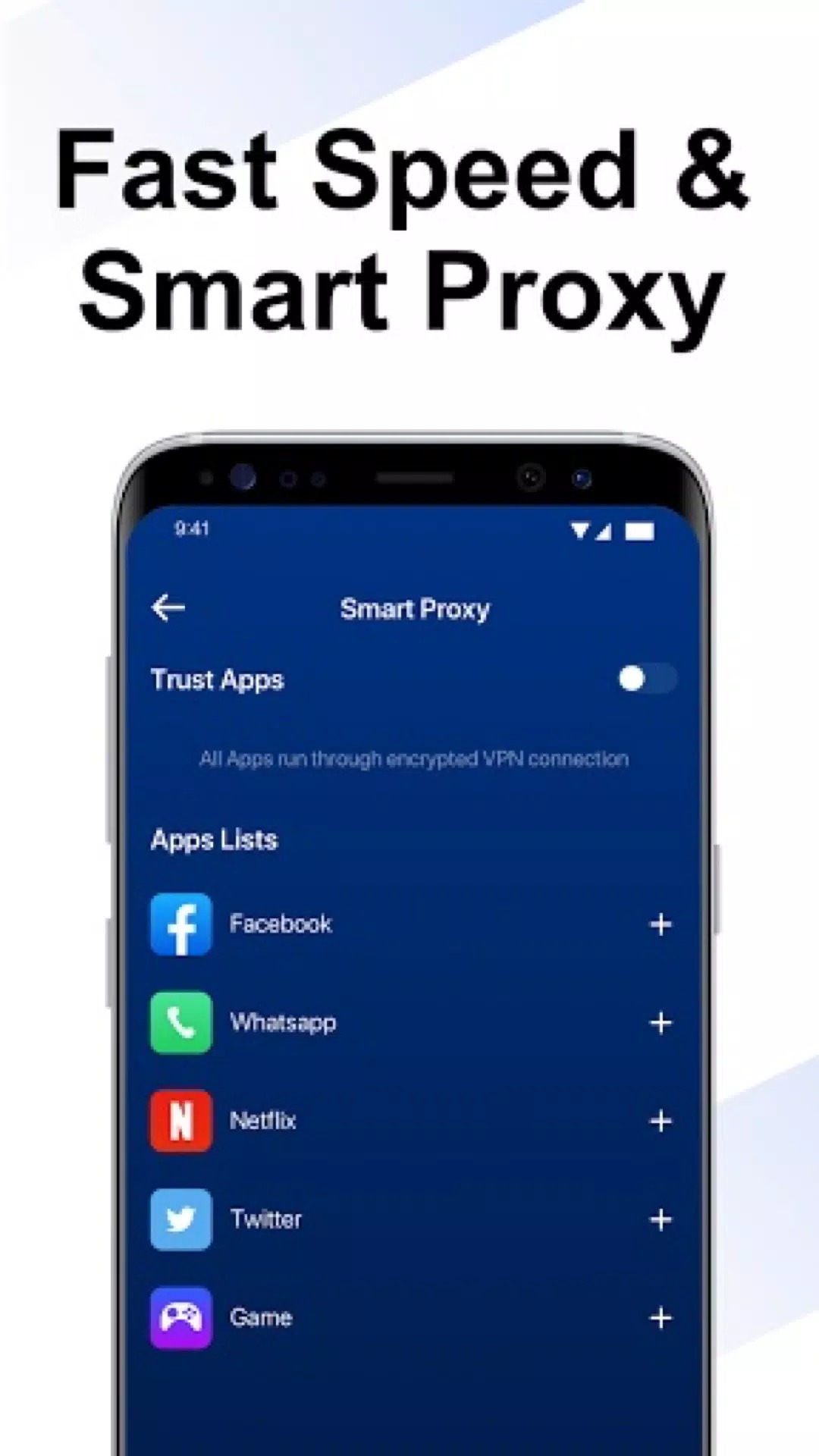

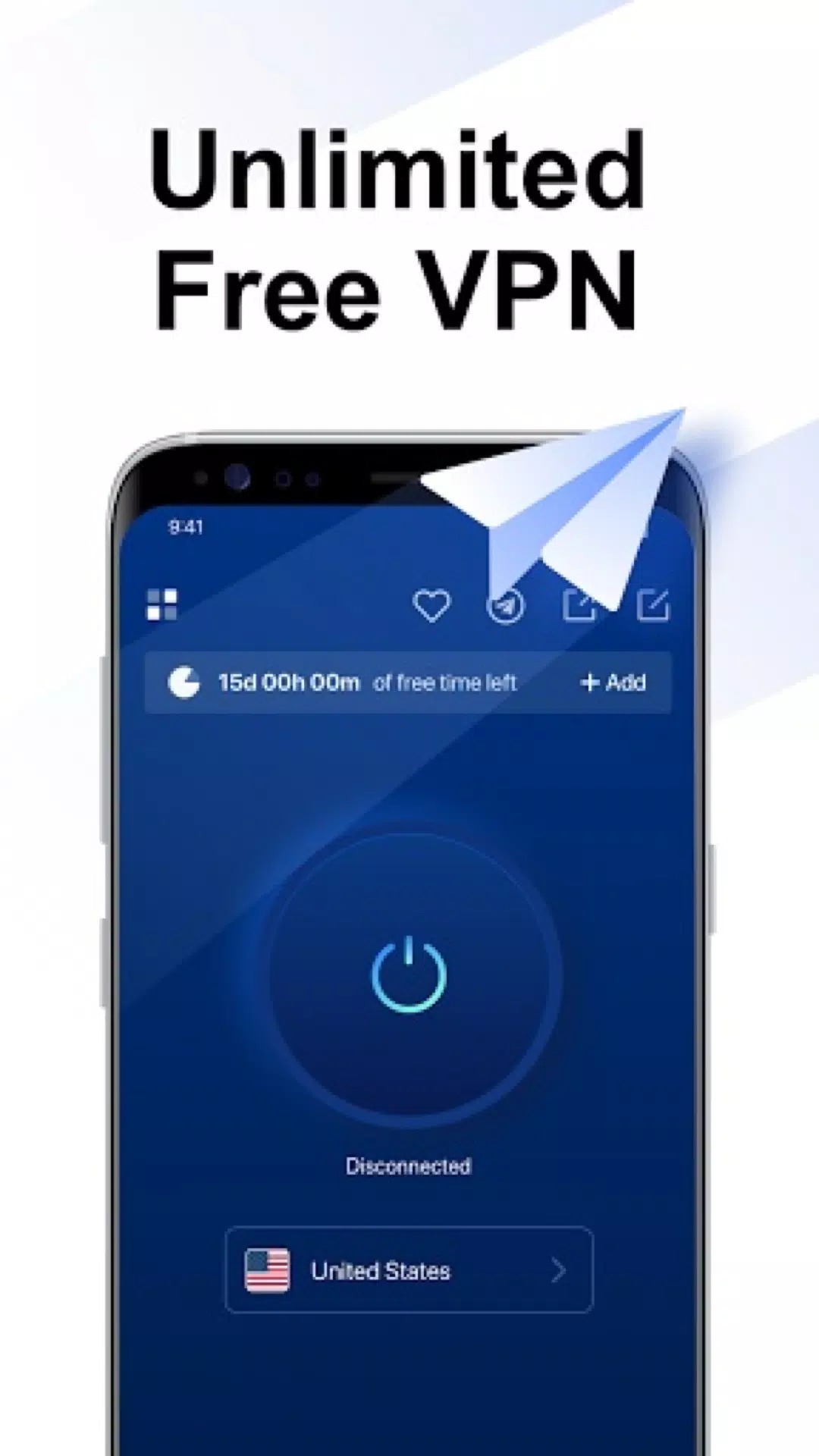
Additional information about VPN Force – Fast VPN Proxy APK
vpn.unblock.proxy.vpnforceThe description of VPN Force – Fast VPN Proxy APK
VPN Force APK is the free, ad-supported VPN proxy from Unlimited Mobile: one tap to connect, no sign-up, and encrypted servers spread across several countries. You may see a MOD badge on the card, but the file on this page is the original Google Play build, not a modified one, so there is no premium tier to open and nothing sitting behind a paywall. Our editors ran the current version on real Android devices before it went live, and this page is a plain review of what a free VPN like VPN Force can and cannot do for you.
What is VPN Force?
VPN Force is a free one-tap VPN and proxy: you open it, pick a location, and it builds an encrypted tunnel between your phone and a server run by the provider. There is no account and no registration. It hides your IP from the sites you visit, encrypts your traffic, and helps you reach content that is blocked in your region. The app can also switch on by itself to protect you on open Wi-Fi, where unsecured networks are the easiest to snoop on. The package is vpn.unblock.proxy.vpnforce, it sits in the Tools category, and the download is about 15 MB.
Free and ad-supported, honestly
VPN Force does not charge you, and it does not ask you to register. The trade is simple: you watch ads to reach the servers. That is how a free VPN pays for the bandwidth it gives away.
| What you get | The honest catch |
|---|---|
| Free, no sign-up | Ads pay for the servers, so expect to see them. |
| Unlimited traffic is advertised | Real speed and stability wobble on free servers, especially at peak hours. |
| Encrypted servers in several countries | Which ones respond well changes day to day. |
Here is the honest line: a free VPN lives on ad money, so do not count on guaranteed anonymity or a strict no-log promise. For sensitive work, a paid, audited provider is the safer call.
Privacy: what a free VPN can and can't do
A VPN helps, but it is not a cloak. Keep the line between the two clear.
What VPN Force does for you:
- Encrypts the channel between your phone and the server.
- Hides your real IP from the sites and apps you open.
- Shields your traffic on open, public Wi-Fi.
- Helps you reach sites and apps that are blocked where you are.
What it does not guarantee:
- Full anonymity. Your provider can still see the traffic passing through.
- A strict no-log policy. Free VPNs rarely publish an audited one.
- Steady, unlimited speed. Free servers get crowded.
- Access to every streaming service. Platforms block VPN ranges, and results shift week to week.
How to download and install VPN Force APK
The download is about 15 MB and needs Android 4.4 or newer. The app is free on Google Play too; the APK here is handy for devices without the Play Store or when you want a specific build.
- Tap the green Download APK button at the top of this page. The file downloads directly, with no registration or SMS.
- Allow installation from unknown sources for your browser or file manager (Settings, Security).
- Open the file and tap Install.
- Launch the app and grant the VPN profile permission when Android asks. This is a normal, built-in Android prompt that lets any VPN route your traffic.
- Pick a server and tap Connect.
First time sideloading? Our APK install guide walks through the same steps with screenshots.
Tips for a smoother connection
- Pick a server close to you for better speed; distant servers add lag.
- If a connection drops or crawls, switch to another server rather than waiting it out.
- Do not sign in to important accounts, banking or email, through an unfamiliar free VPN.
- Turn the VPN off when you do not need it, to save battery and data.
Is it safe? Our verdict
Yes, with the usual caveats. Our editors scanned the file for malware and installed it on a real Android device before publishing, the same check we have run since 2018. Download only from the button on this page, not from random mirrors.
As a tool, VPN Force is fine for getting around geo-blocks and for basic privacy on public Wi-Fi. It is not built for strict anonymity, and no free VPN is. If your task is sensitive, reach for a paid, audited service instead.
Want a different route out? Compare it with the privacy-focused 1.1.1.1 with WARP, or browse more tools and fresh MOD APKs in the catalog.
FAQ
Is VPN Force free?
Does VPN Force keep logs, or is it fully anonymous?
Which countries and servers are available?
Is the bandwidth really unlimited?
Is the APK safe?
What is the download size and requirements?
Download VPN Force APK Android
- No viruses
- No spyware
- No malware
The reviews (0)