- No viruses
- No spyware
- No malware
com.mediafire.androidThis file was downloaded, scanned and installed by our editors before publishing.
Every file is also checked with VirusTotal before publishing.

MediaFire APK — Cloud Storage App for Android
Additional information about MediaFire APK — Cloud Storage App for Android
com.mediafire.androidThe description of MediaFire APK — Cloud Storage App for Android
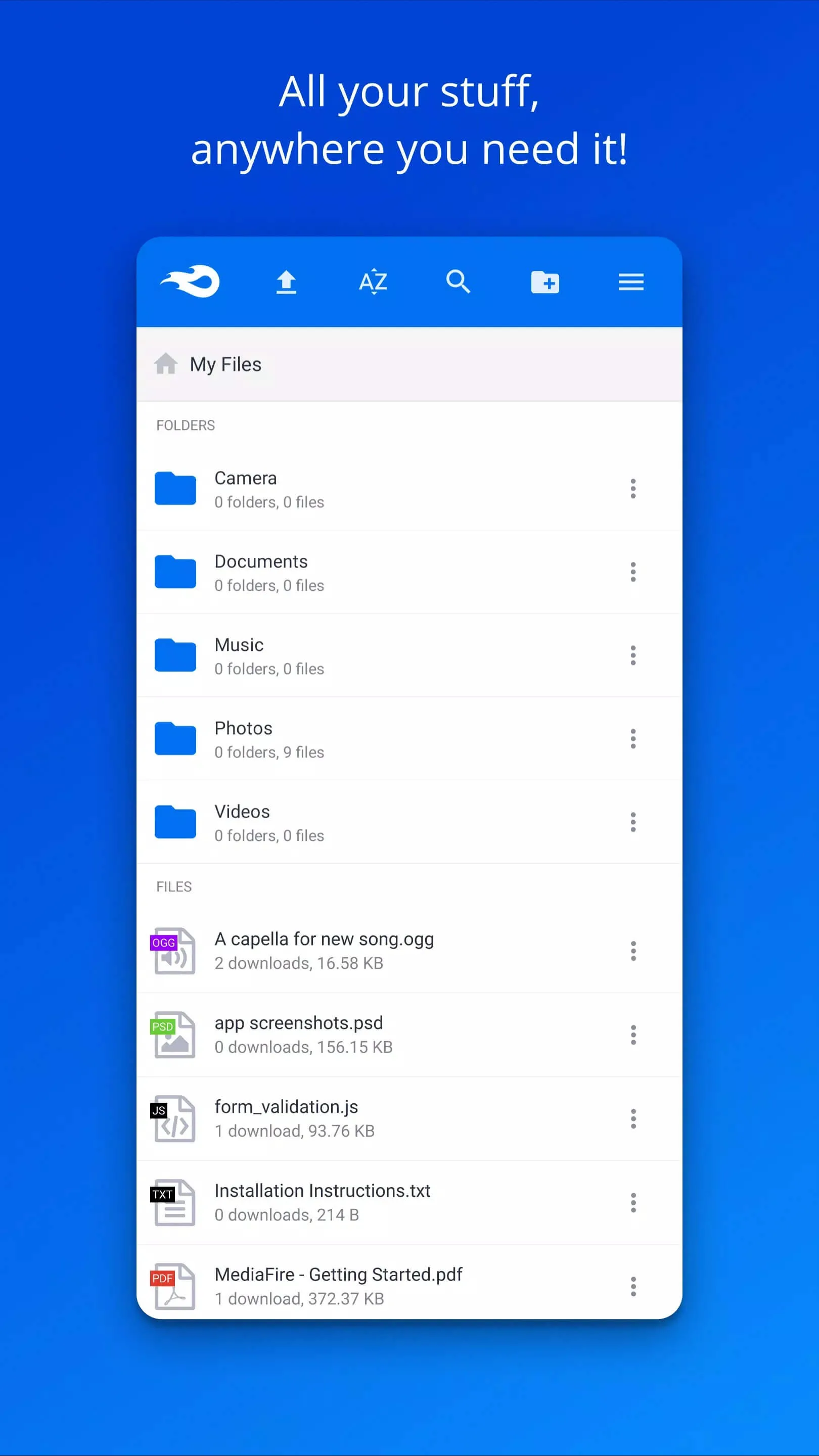
The MediaFire APK is the official cloud storage app from MediaFire, and it gives you 10 GB of free space the moment you sign up. You upload files from your phone, keep them in folders, and share anything with a single link, big videos and archives included. The file on this page is the original app, not a MOD. We scanned it for malware and installed it on a real Android device before publishing, the same check our editors have run since 2018.
Let me be straight with you up front. This is the real client that talks to MediaFire's servers, so what you get is genuine cloud storage you can trust with your files, not a patched build promising things it can't deliver.
What is MediaFire?
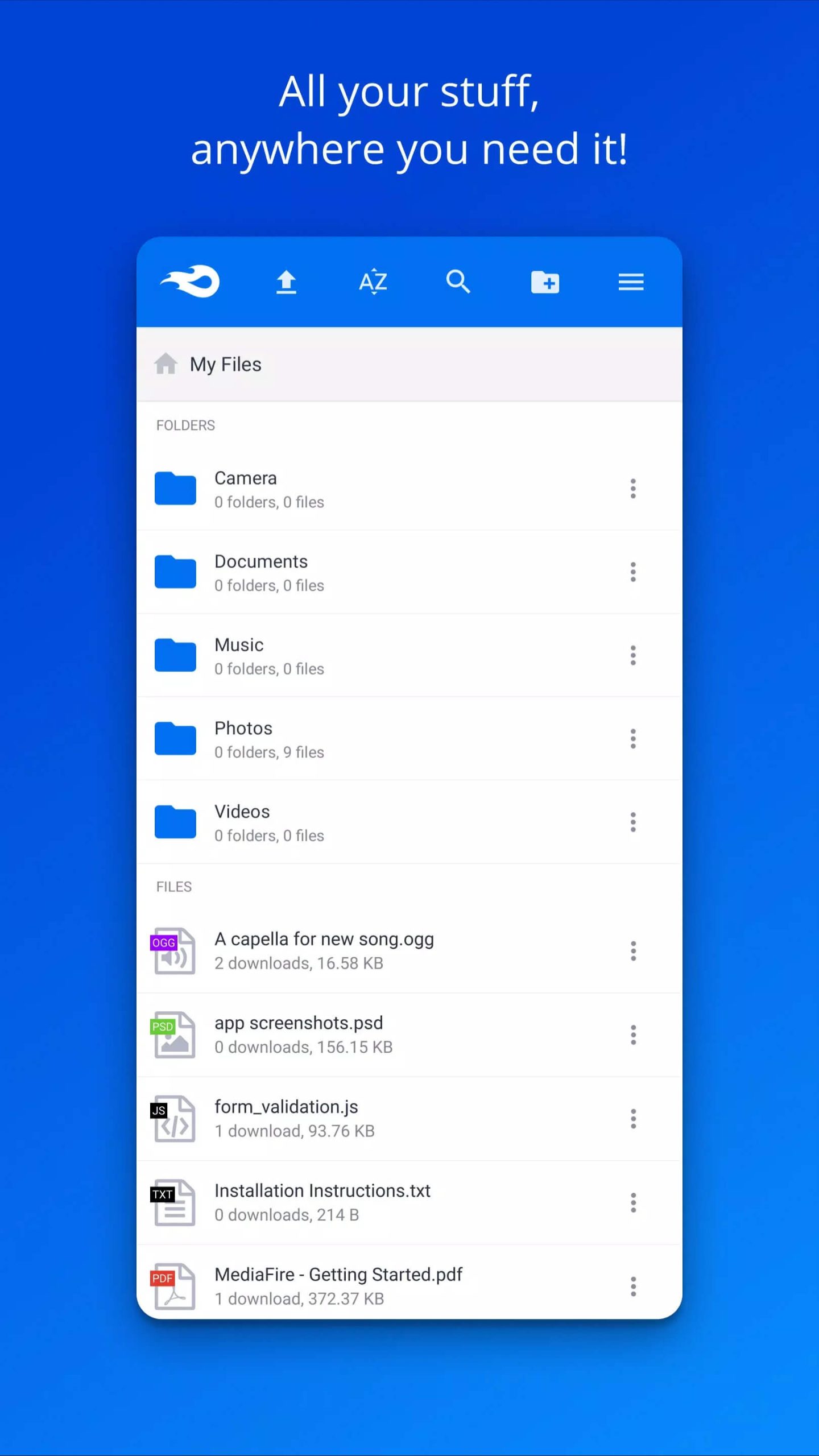
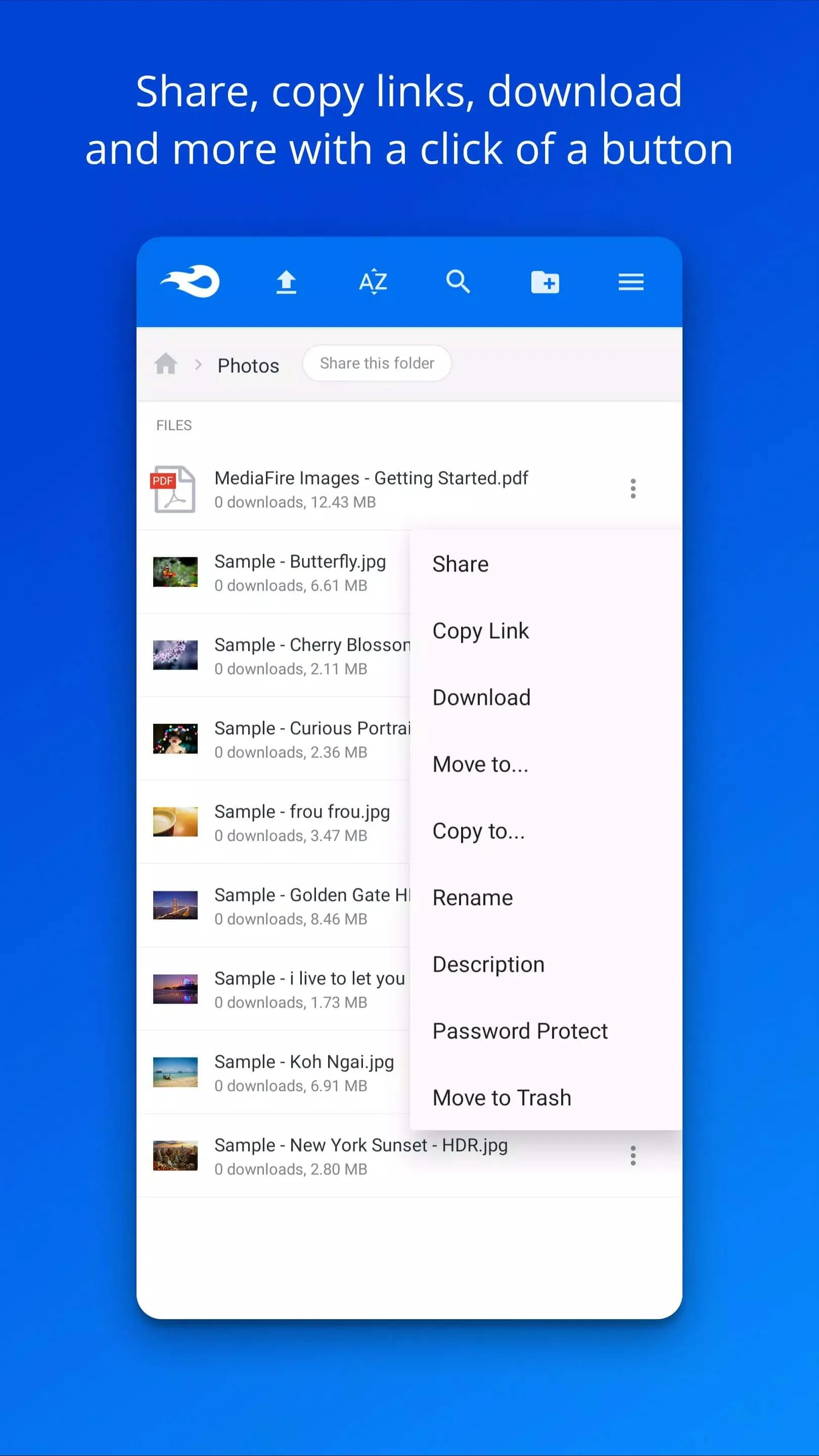
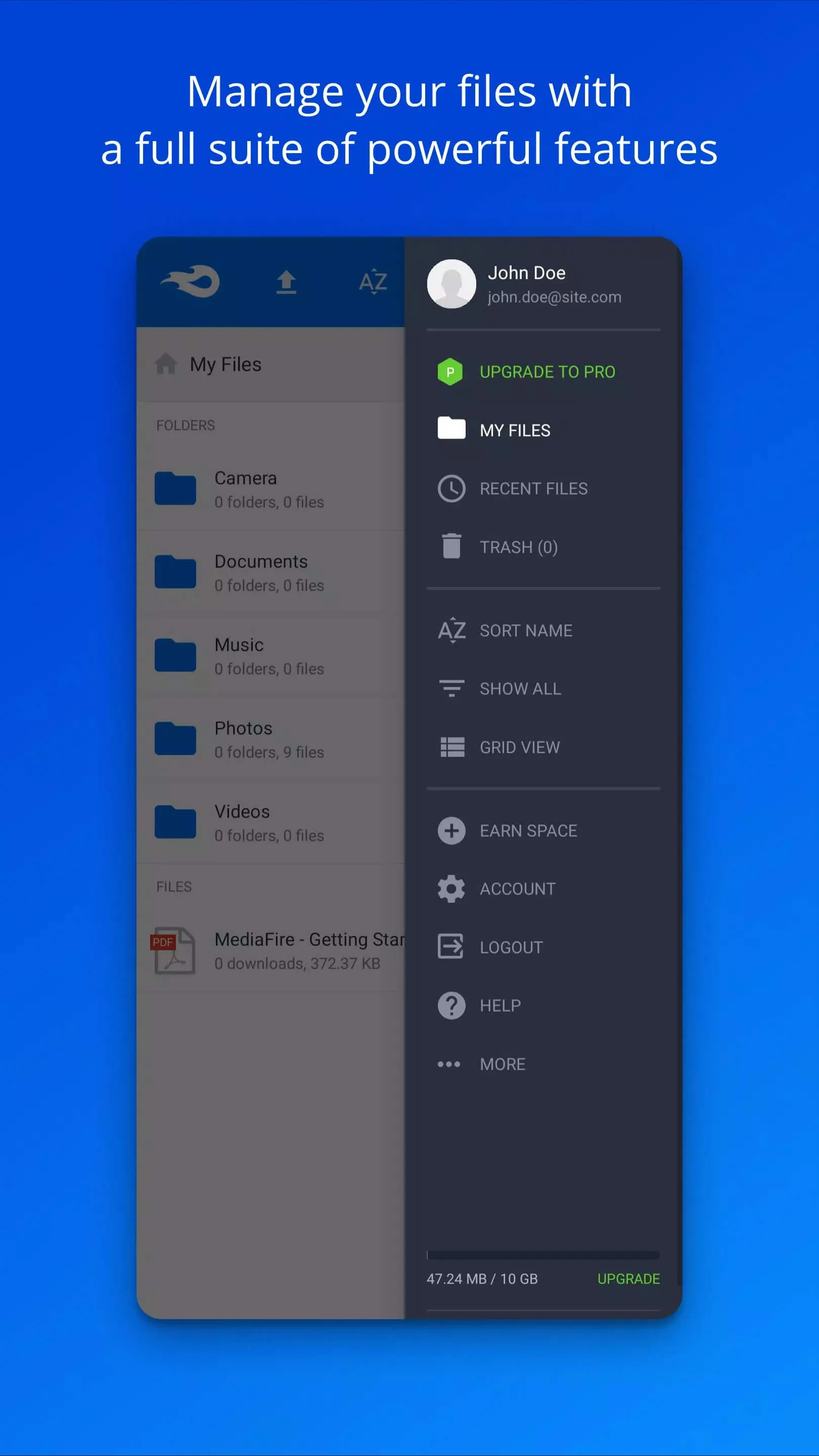
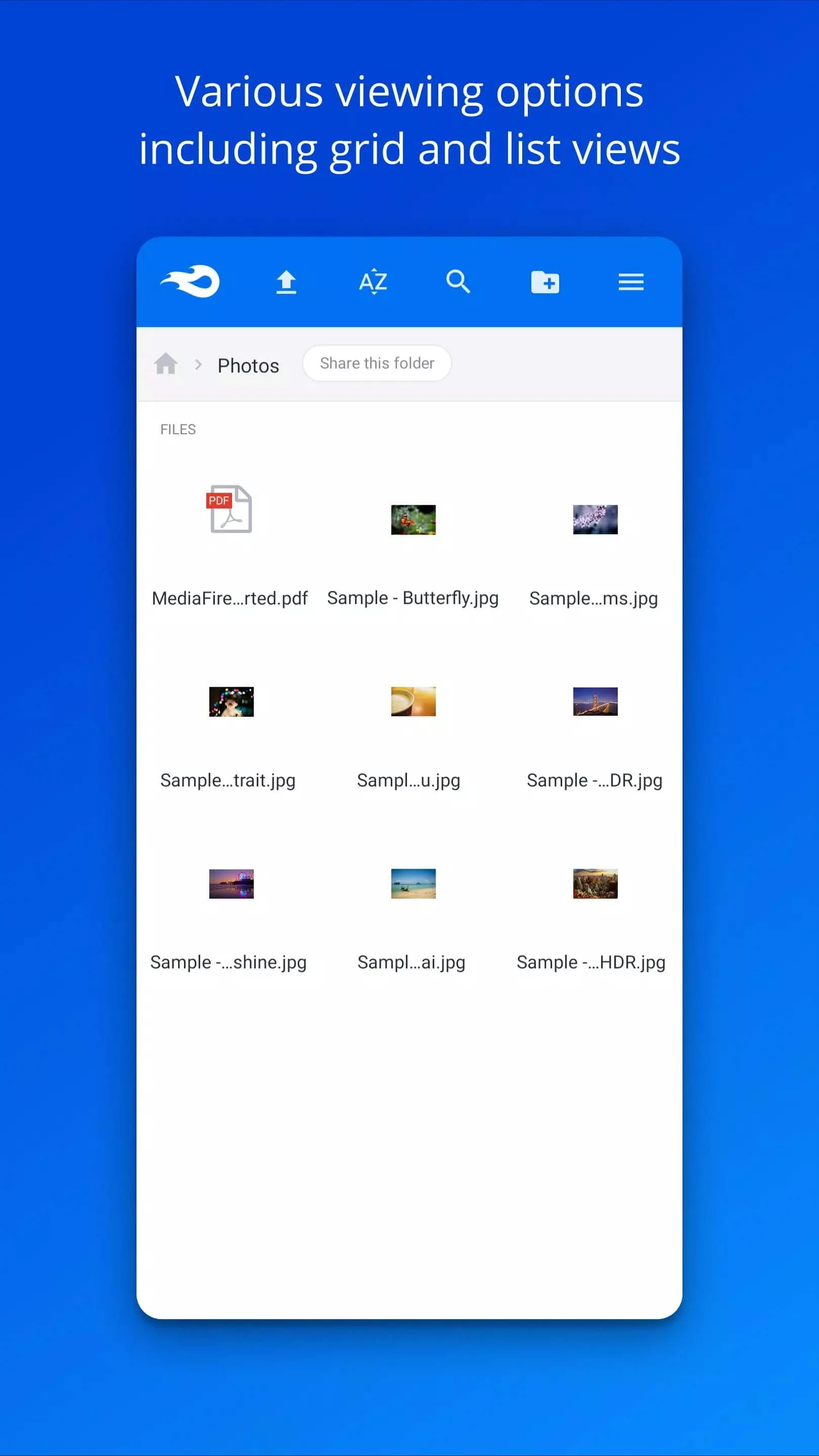
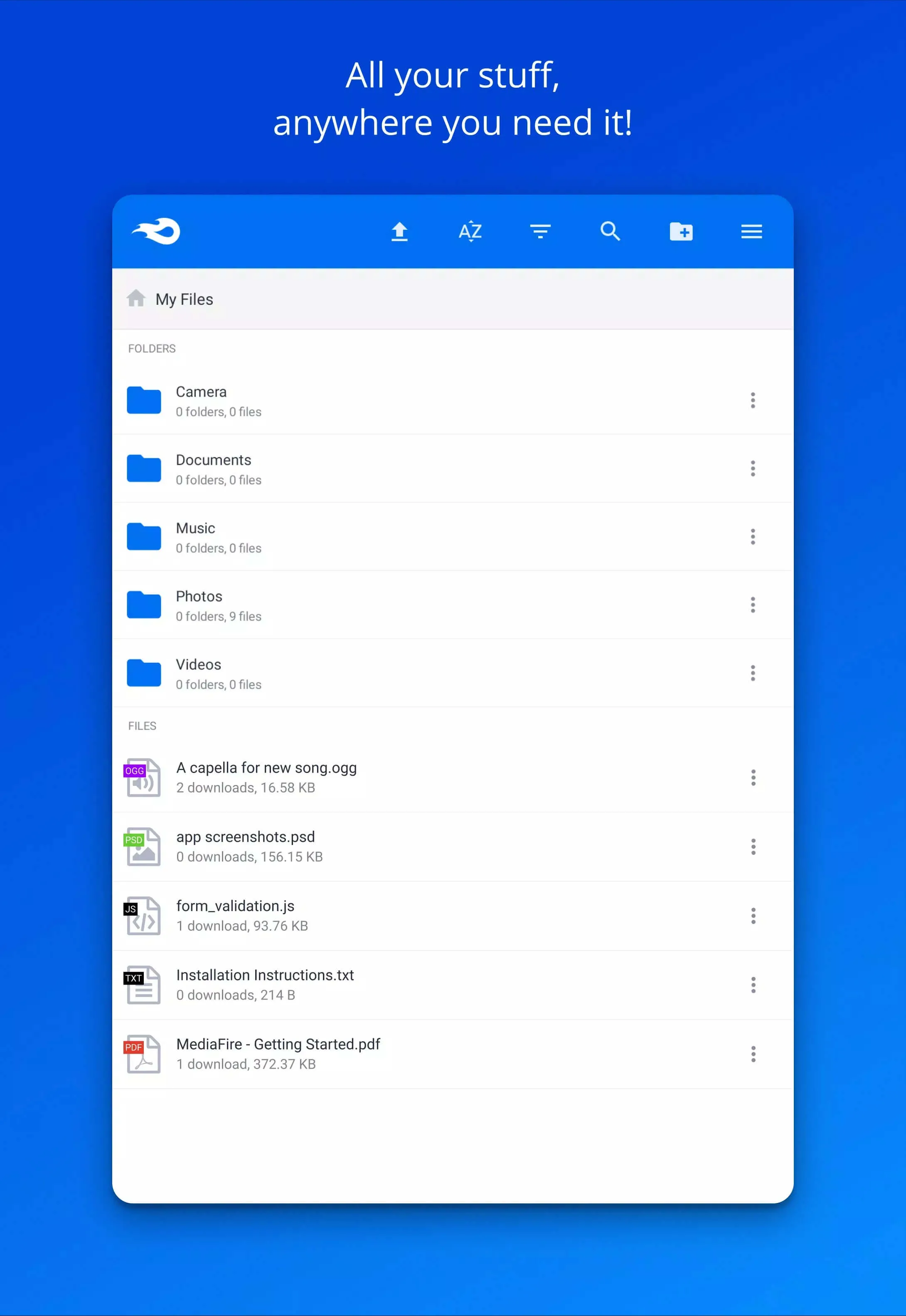
MediaFire is a cloud storage and file-sharing service that has been around for years. You upload photos, documents, music, videos or zip files, and they sit safely online instead of eating up space on your phone. From the app you can organize everything into folders, preview files, and pull them back down on any device you sign in on.
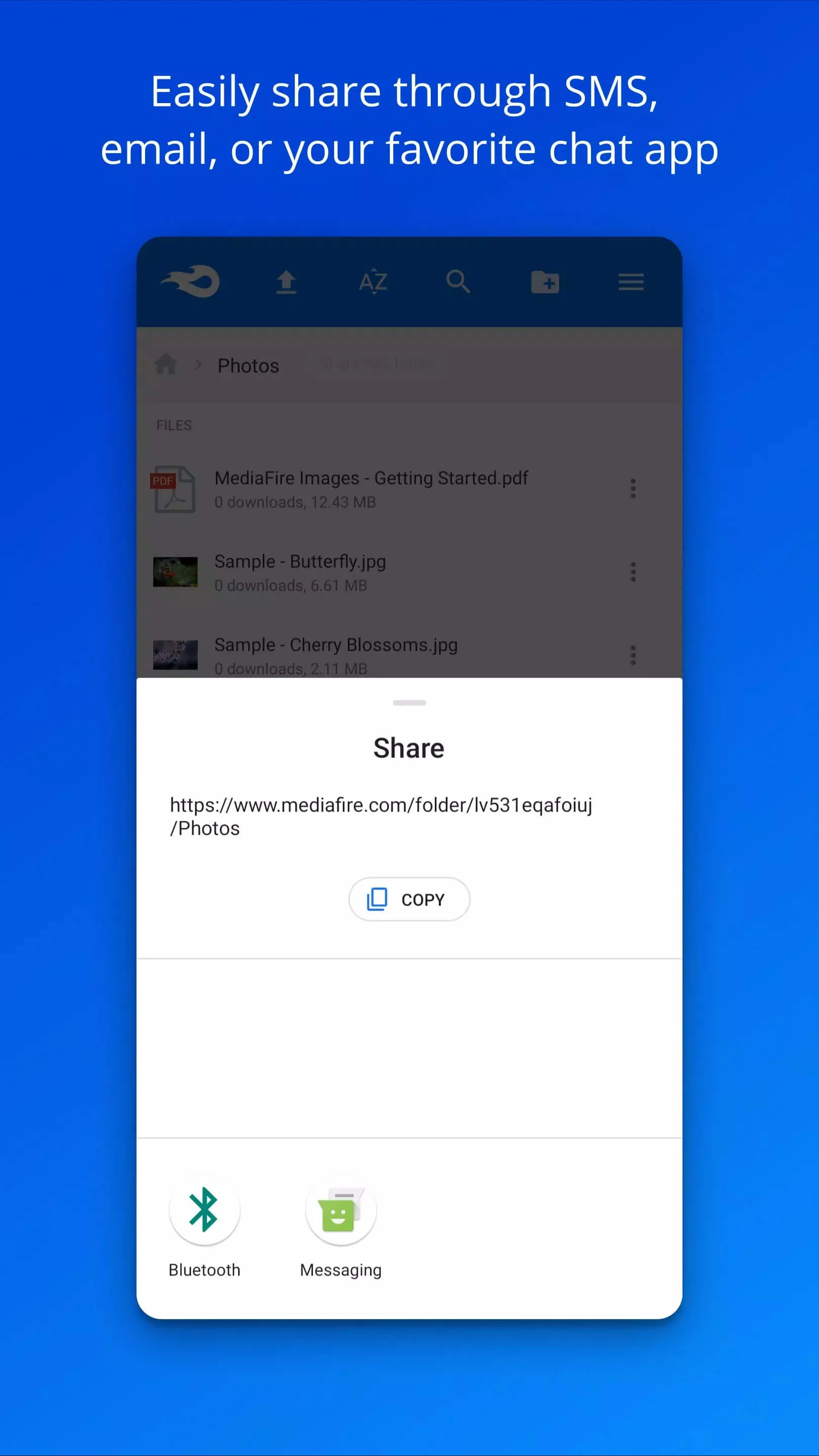
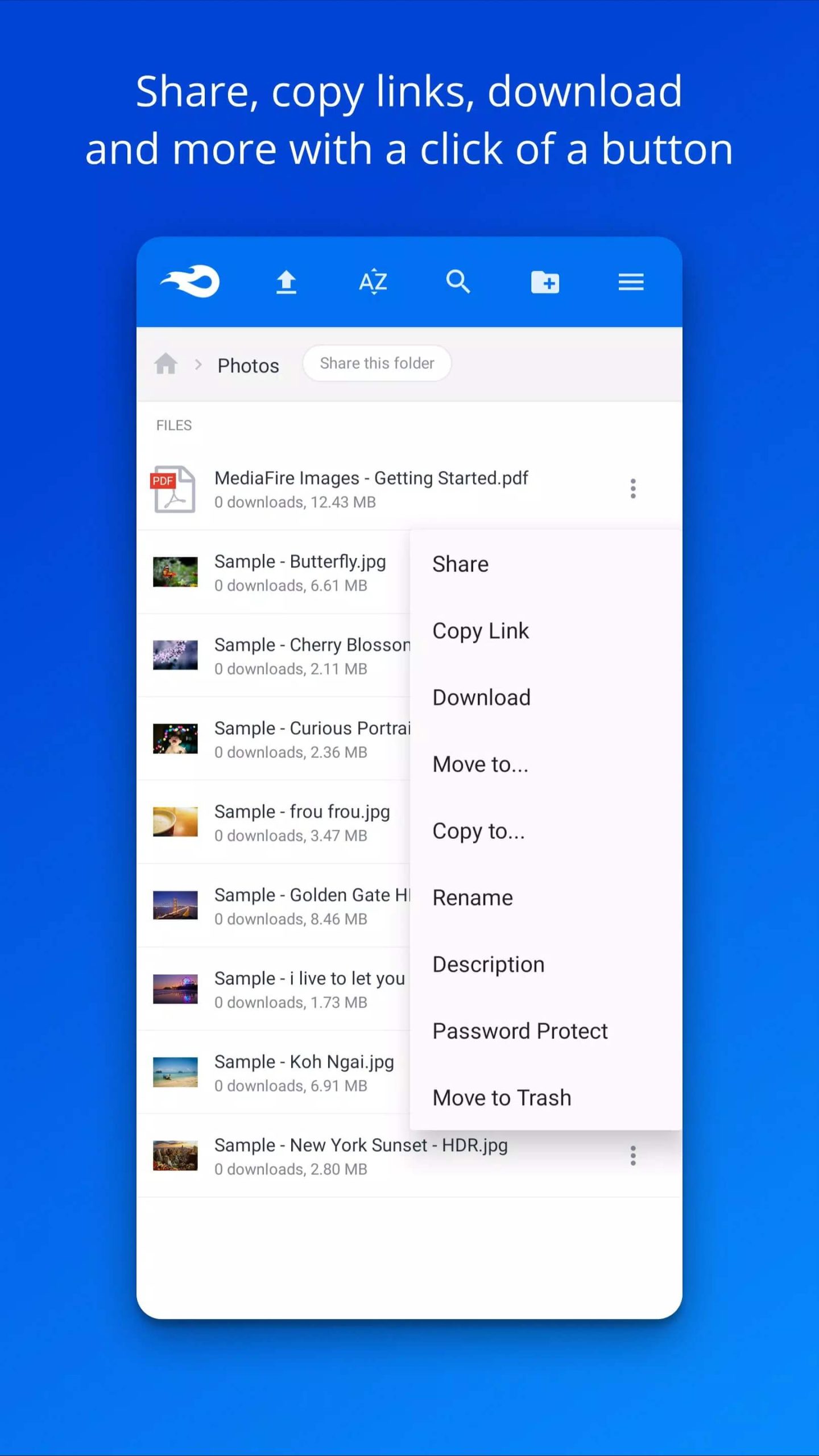
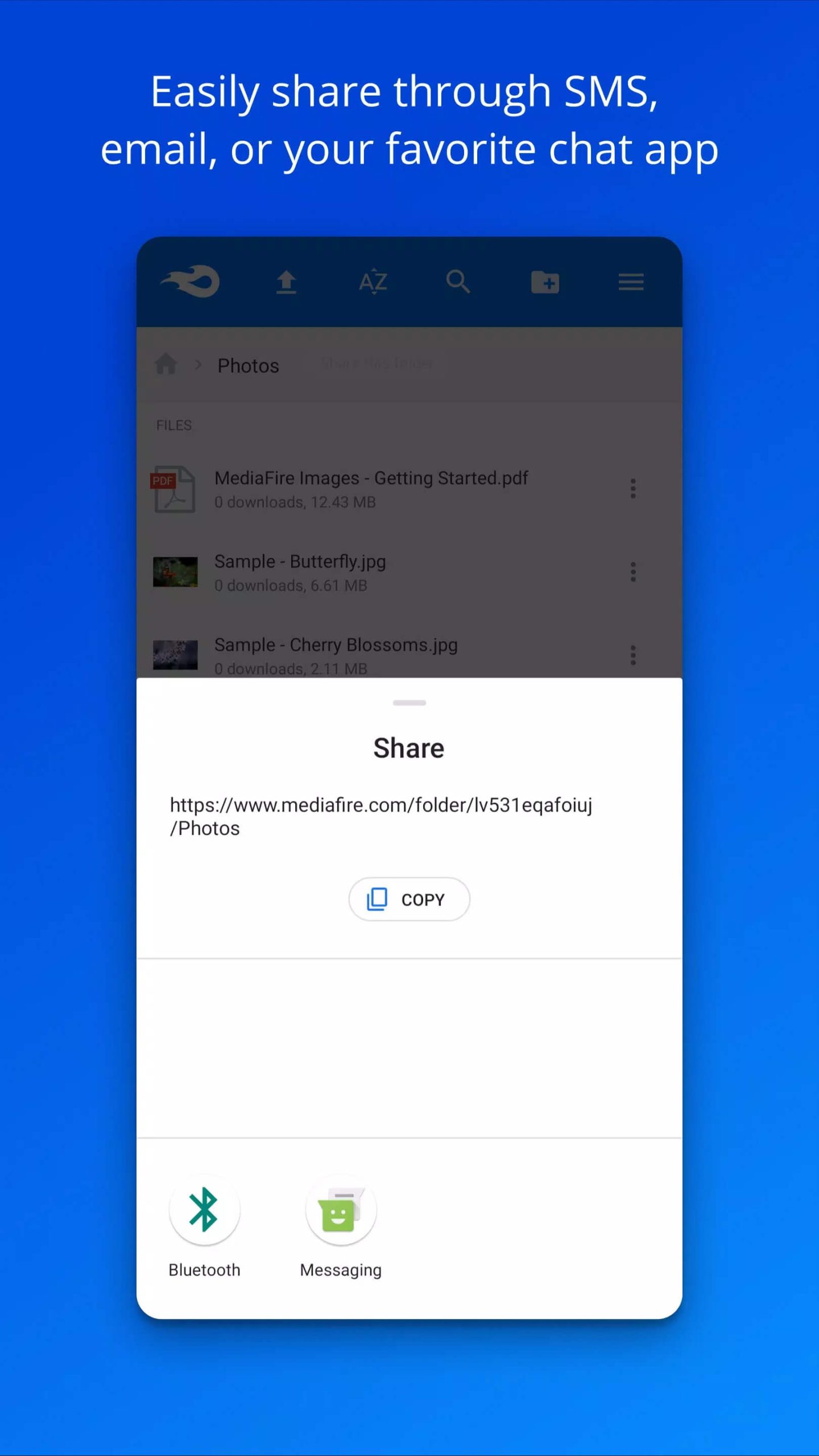
The part people love is sharing. Every file gets a link, and you send that link to anyone, no account needed on their end. That makes MediaFire a solid pick for handing off large files that email won't take. Upload once, share the link, done.
Free storage and plans
Here is the honest breakdown, because a lot of pages get this wrong. MediaFire is free to start, but "unlimited free storage" is a myth. You get a fixed free tier, and if you need more room you move to a paid plan.
| Plan | Storage | Rough price |
|---|---|---|
| Free | 10 GB (up to ~50 GB with bonuses and referrals) | $0 |
| Ultra | Large personal storage | ~$3.99 / month |
| Pro | Up to 1 TB | ~$5.83 / month |
So the free 10 GB is real, and you can stretch it toward 50 GB by completing bonus tasks and inviting friends. Past that, the Ultra and Pro plans lift your limit and drop some of the ads. Prices shift with promos, so treat the numbers above as a guide, not a fixed quote.
Is there a MOD? Myth-buster
Short answer: no, and here is why it matters. MediaFire is a cloud service. Your files, your account, and your storage limit all live on MediaFire's servers, not on your phone. The app on your device is just a window into that account.
That is the whole reason a "MediaFire MOD for unlimited storage" makes no sense. A modified APK only changes what runs on your phone, and it can't rewrite a number that sits on a company server. When the app asks the server how much space you have, the server answers 10 GB, no matter what a patched build shows on screen. Anyone selling a storage MOD is selling a fake, and those files are exactly where malware hides. That's why the download here is the plain, original app.
Cross-platform and sharing
MediaFire is not tied to one gadget. There are apps for Windows, macOS, iOS and Android, plus a full web version you can open in any browser. Sign in with the same account everywhere and your files follow you.
Say you upload a folder of holiday photos from your laptop. Open the Android app later and they are right there, ready to view or share. The link-sharing works the same across every platform, so a file you upload on your phone can be sent to a friend on a PC in seconds. For anyone juggling files between devices, that sync is the main draw.
How to download and install MediaFire APK
Installing the APK takes a minute. Here's how to do it cleanly.
- Tap the green Download APK button at the top of this page. The file downloads directly, no registration or SMS.
- Allow installation from unknown sources for your browser or file manager (Settings → Security).
- Open the downloaded file and tap Install. The app is around 25 MB and needs Android 5.0 or newer.
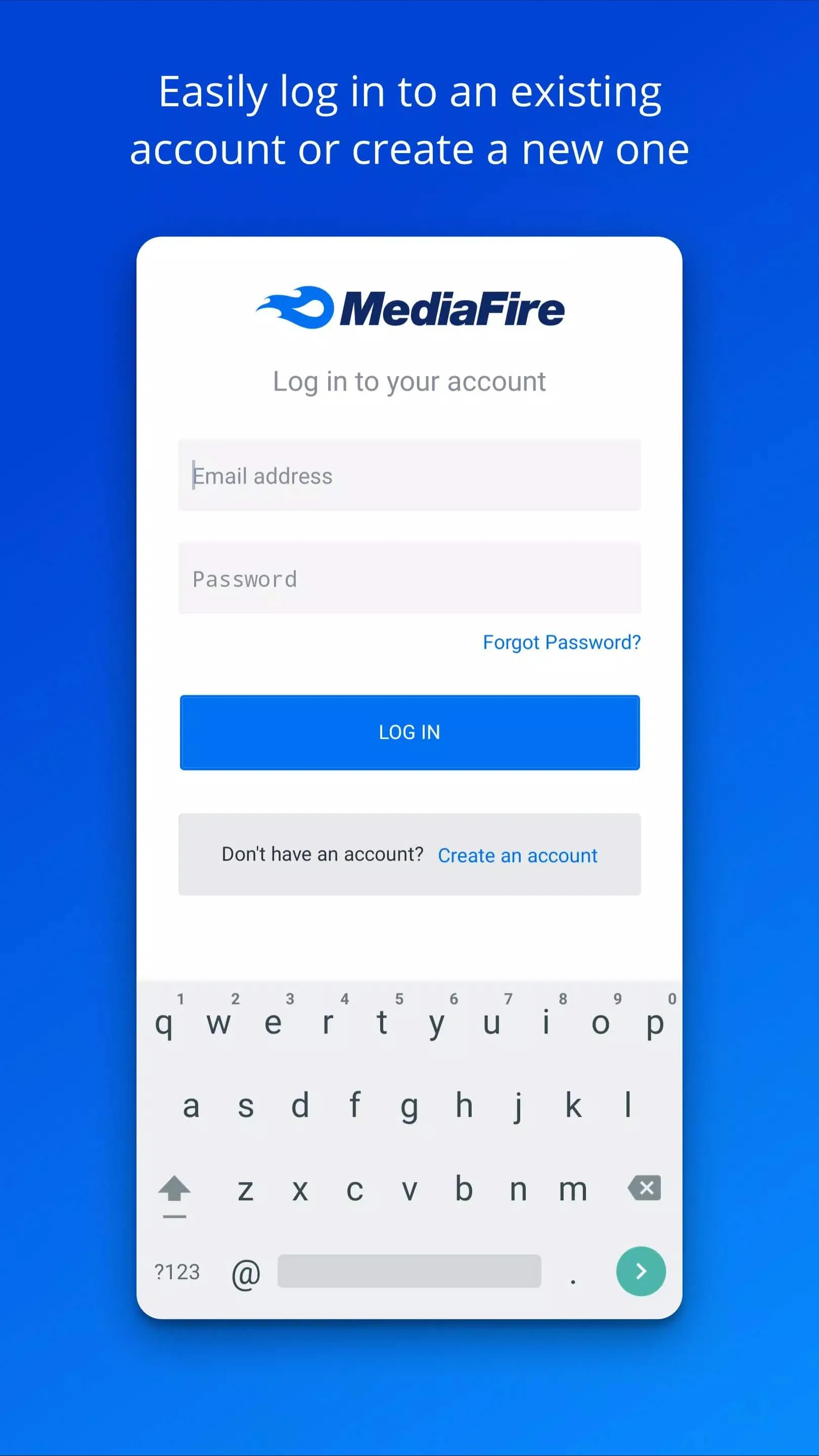
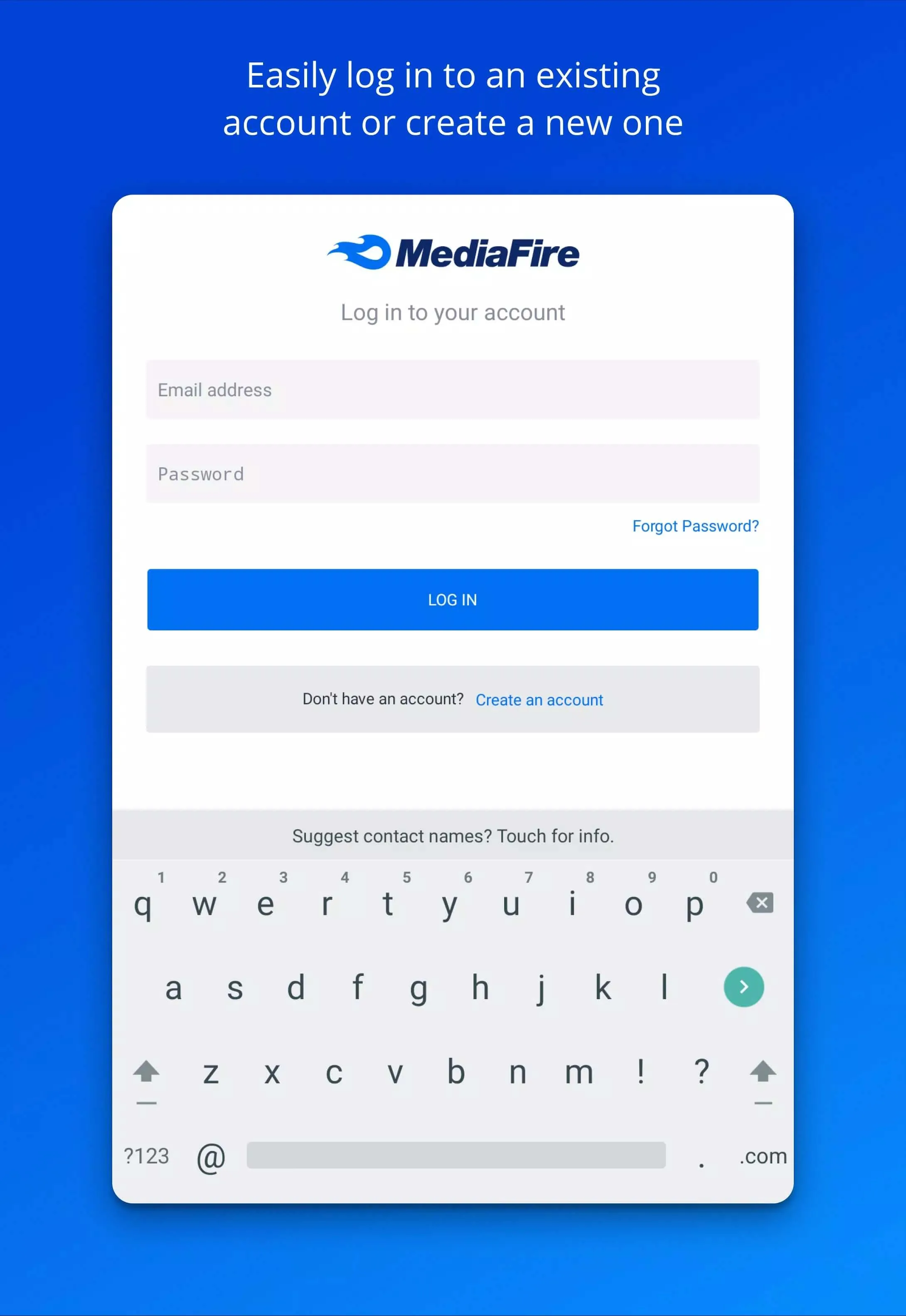
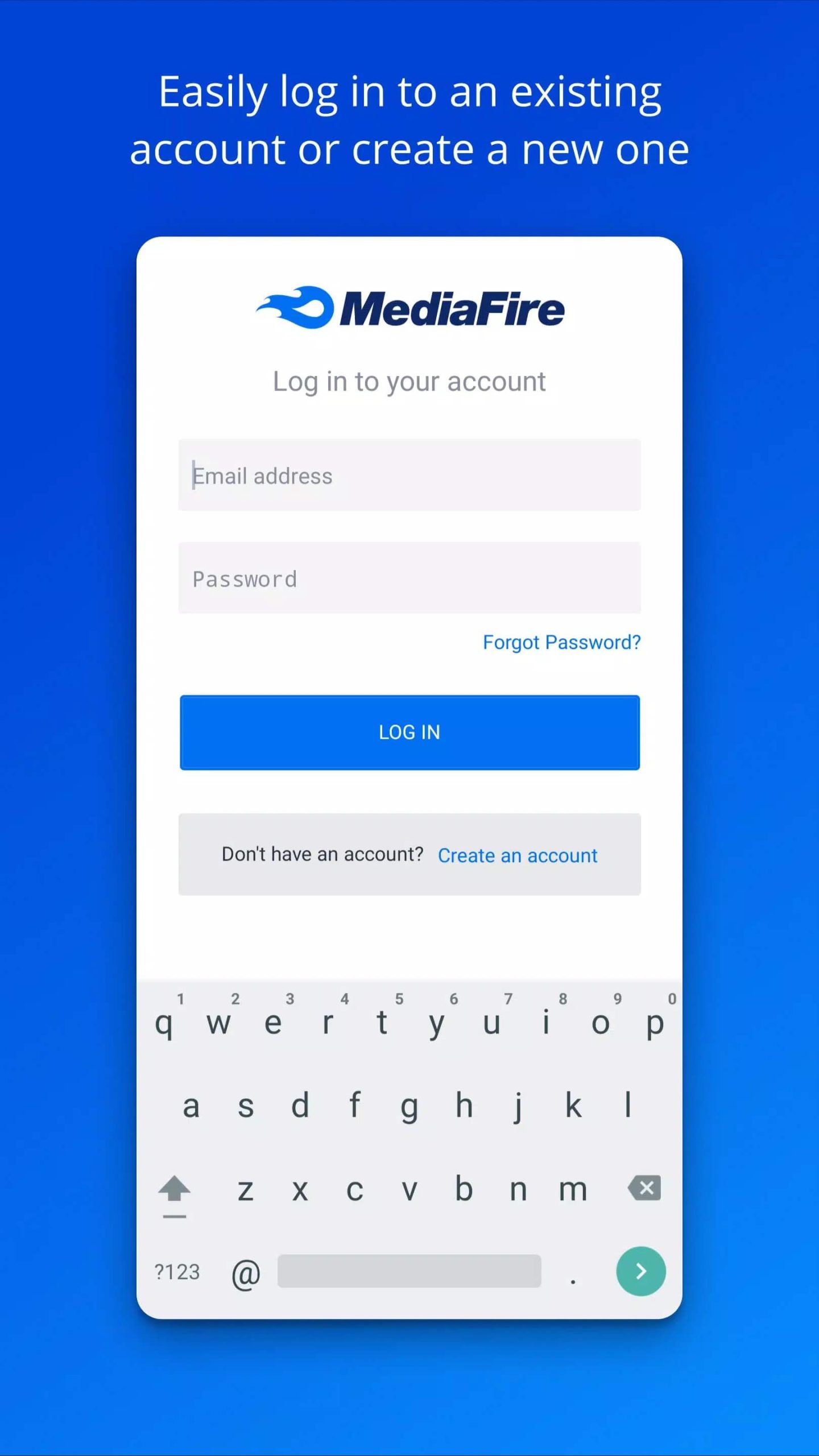
- Launch MediaFire, then sign in or create a free account to get your 10 GB of storage.
First time sideloading an app? Our APK install guide walks you through the same steps with screenshots. MediaFire is also on Google Play if you would rather grab it there, this page just gives you the clean APK directly.
FAQ
Is MediaFire free?
Does MediaFire give unlimited storage?
Is there a MediaFire MOD for more storage?
What are the paid plans?
Is the APK safe and official?
What are the requirements?
Download MediaFire Apk Android
- No viruses
- No spyware
- No malware
The reviews (0)