- No viruses
- No spyware
- No malware
This file was downloaded, scanned and installed by our editors before publishing.
Every file is also checked with VirusTotal before publishing.

XShare APK — Fast File Transfer & Share
Additional information about XShare APK — Fast File Transfer & Share
The description of XShare APK — Fast File Transfer & Share
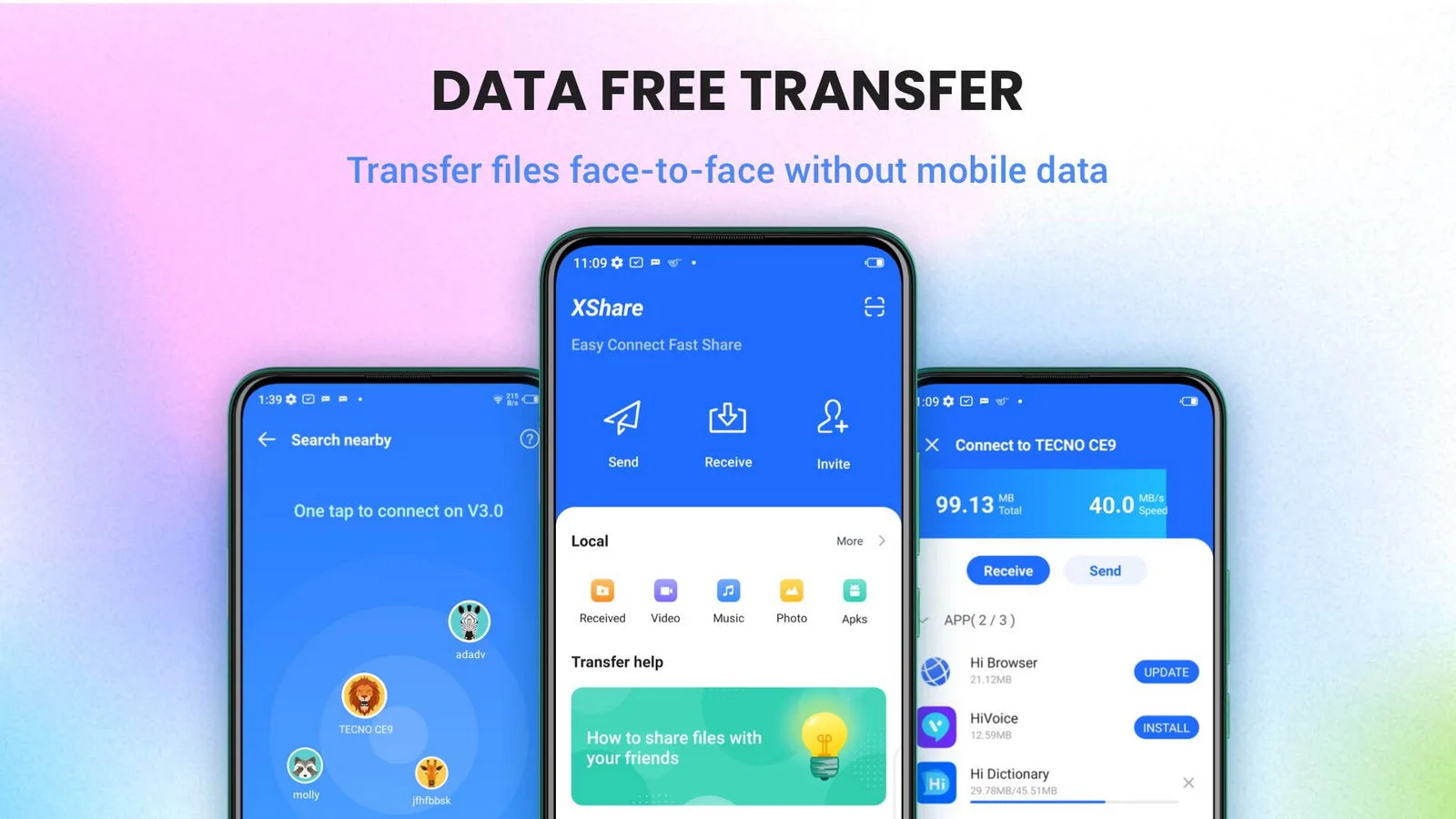
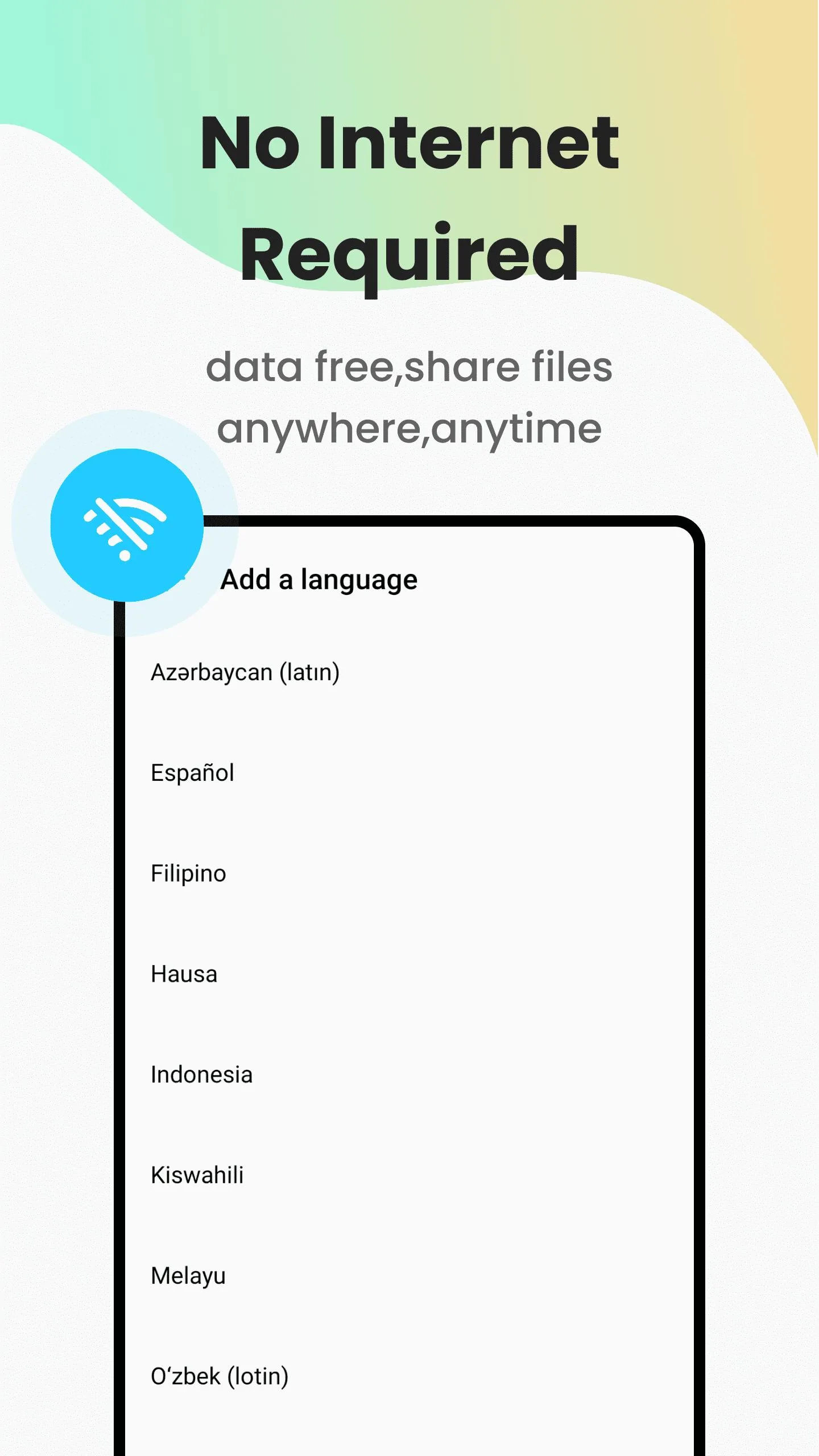
Mobile XShare is the free, official file-transfer app from Transsion, and it moves photos, videos, music, documents and even whole apps between two Android phones over Wi-Fi Direct — no internet, no cable, no data charges. It is the same tool that ships on Infinix and Tecno phones, and anyone can install it. The XShare APK on this page was scanned for malware and installed on a real Android device by our editors before publishing, we have done this since 2018.
One honest note before you download. There is no paid tier and nothing locked behind a paywall here, so you do not need a MOD — the file below is the clean, original APK.
What is XShare?
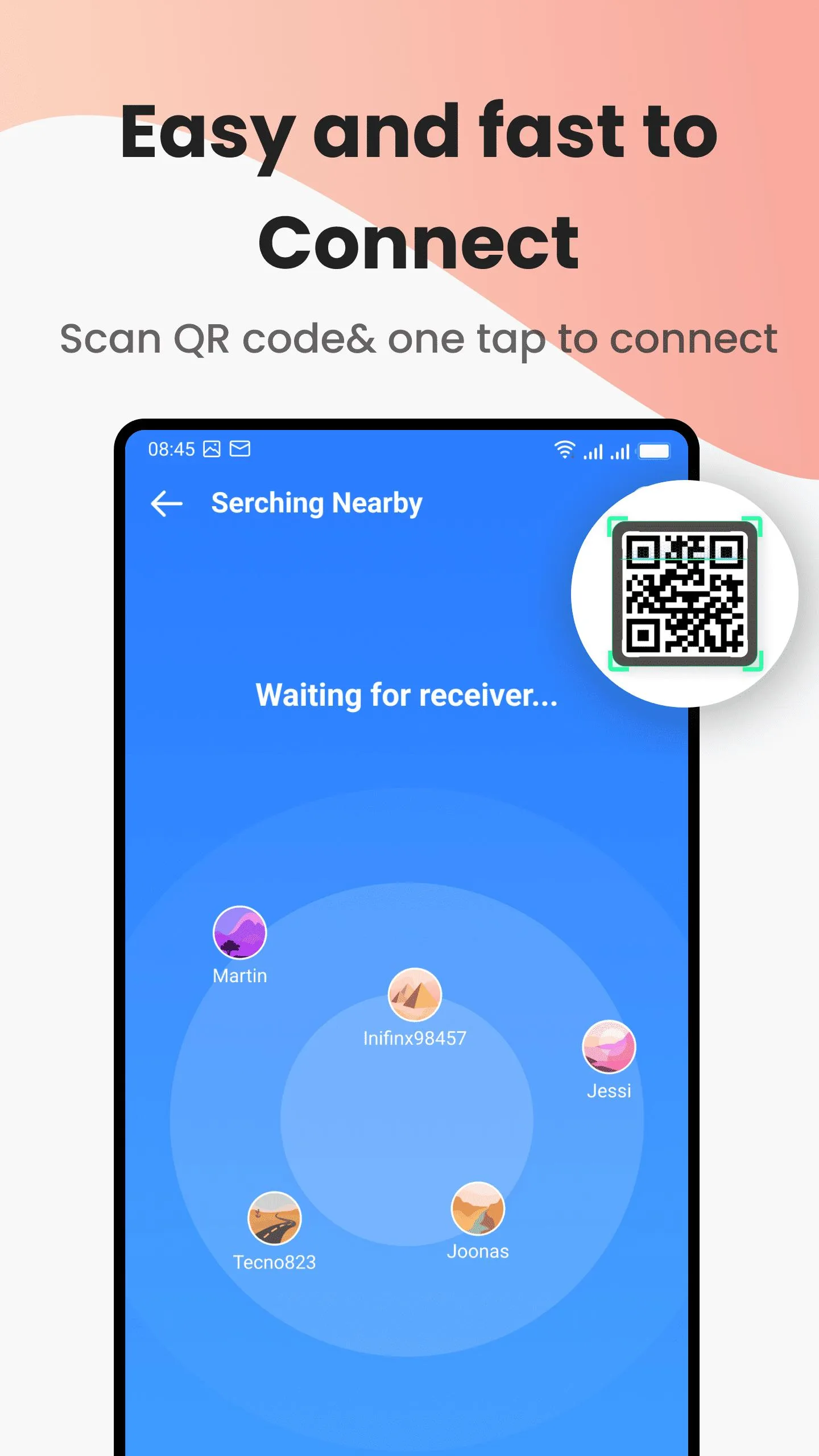
XShare — Transfer & Share is made by Shalltry Group, a Transsion team (the company behind Infinix and Tecno). It links two Android devices directly through Wi-Fi Direct, so files jump from one phone to the other without touching your mobile data or a USB cable. You pair the phones by scanning a QR code or typing a short password, pick what to send, and it goes.
One catch worth knowing. The app has to be on both phones, the sender and the receiver. It came bundled with Infinix and Tecno handsets, but the APK runs on most Android 5.0+ devices, not just Transsion ones.
What you can transfer
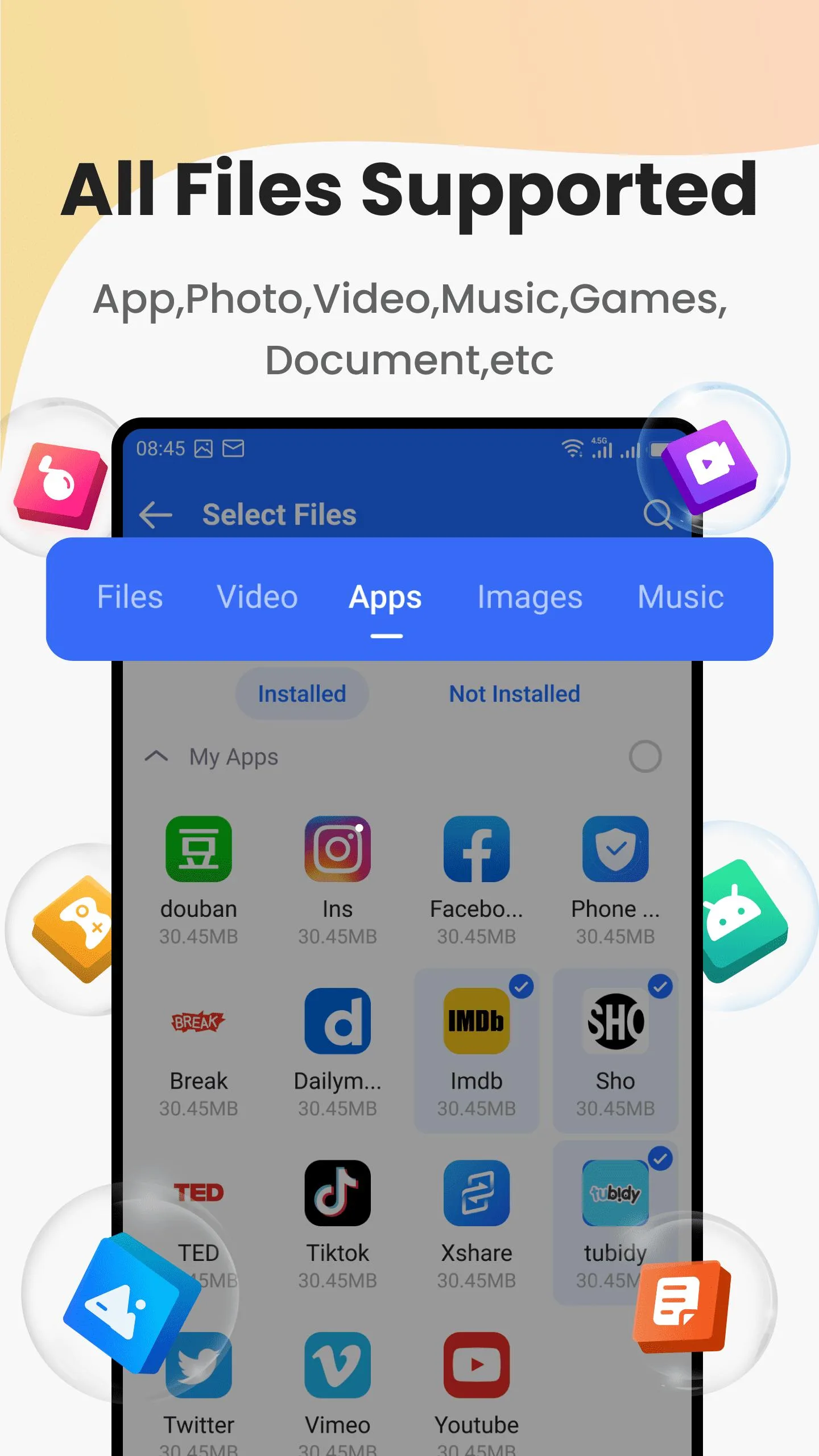
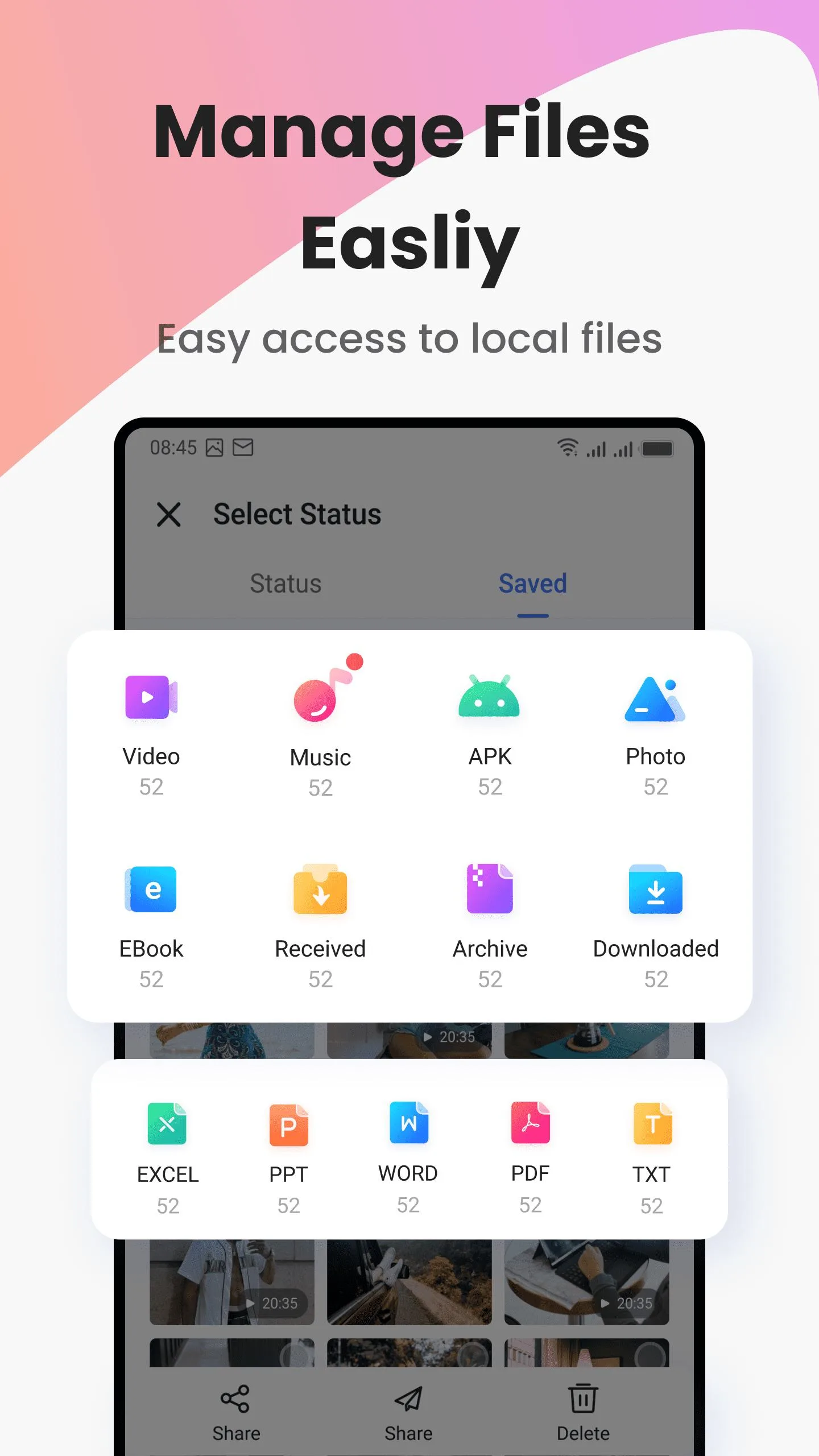
- Photos and full albums, in original quality.
- Videos and music, large files included.
- Documents — PDFs, Office files, whatever sits in your storage.
- Contacts, so a new phone is set up in minutes.
- Installed apps, sent as APKs, which is handy when you switch phones.
- Whole folders at once, not just single files.
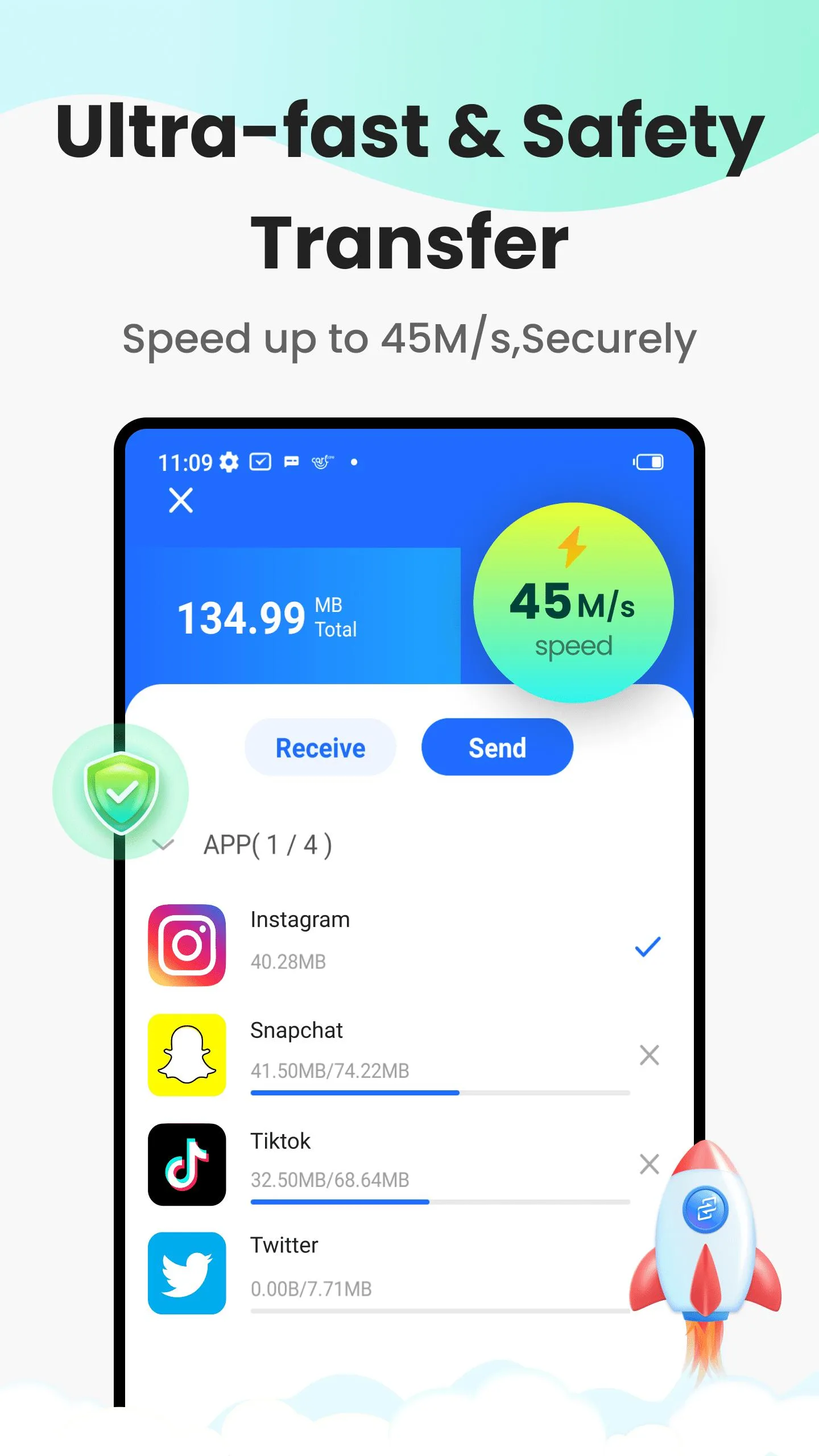
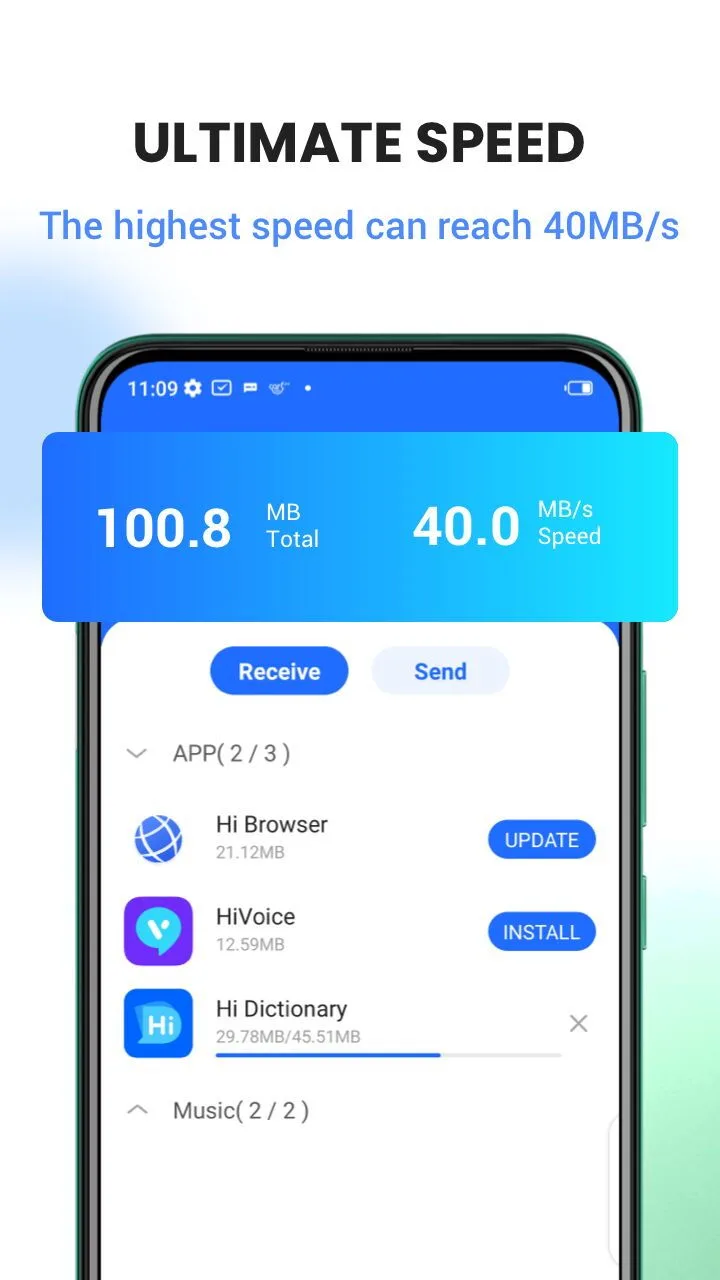
Because it rides on Wi-Fi Direct, transfer speed sits well above Bluetooth, and the gap really shows on big video files.
Why it's free (no paid MOD needed)
You will see other sites push a "MOD" or "premium" build of this app. Skip it. XShare is free and official, with no subscription and no features locked behind a paywall, so there is nothing for a MOD to unlock. What we host is the plain, original APK — the same app you would get from the store, just packaged so you can sideload it. If a page promises "premium unlocked" for XShare, it is selling you something that does not exist.
How to download and install mobile XShare
The download is a single APK, around 43 MB. Remember it needs to go on both phones.
- Tap the green Download APK button at the top of this page — direct file, no registration or SMS.
- Allow installation from unknown sources for your browser or file manager (Settings → Security).
- Open the file, tap Install, then repeat the same two steps on the second phone.
- Launch XShare on both devices and choose Send on one, Receive on the other.
- Connect the phones by scanning the QR code or entering the password shown on screen.
- Pick your files or apps and start the transfer.
New to sideloading? Our APK install guide walks through the same steps with screenshots. The app needs Android 5.0 or newer.
Tips for faster transfers
- Keep the two phones close together while the transfer runs.
- Leave Wi-Fi and location switched on — Wi-Fi Direct uses both to find the other device.
- Send files in batches instead of one at a time; it saves setup steps.
- Switching phones? Move your apps as APKs first, then contacts and media.
- Pause heavy background downloads so the connection stays steady.
XShare vs Bluetooth / cloud
| Method | How it compares |
|---|---|
| XShare (Wi-Fi Direct) | Fast, uses no data, handles large files and whole apps. Needs the app on both phones. |
| Bluetooth | Works anywhere but much slower, and it is painful for videos or big folders. |
| Cloud upload | No app pairing, but it eats your internet data and leans on a solid connection. |
For a straight phone-to-phone move, XShare sits in the sweet spot. Browse more tools or the full app catalog if you want to compare alternatives.
FAQ
What is XShare used for?
Does XShare need the internet?
Do both phones need the app?
Is there a paid or MOD version?
Is the XShare APK safe?
What are the requirements and size?
Download XShare Transfer & Share all
- No viruses
- No spyware
- No malware
The reviews (0)