- No viruses
- No spyware
- No malware
This file was downloaded, scanned and installed by our editors before publishing.
Every file is also checked with VirusTotal before publishing.

Mplayer Pro APK — HD Video & Music Player for Android
Additional information about Mplayer Pro APK — HD Video & Music Player for Android
The description of Mplayer Pro APK — HD Video & Music Player for Android
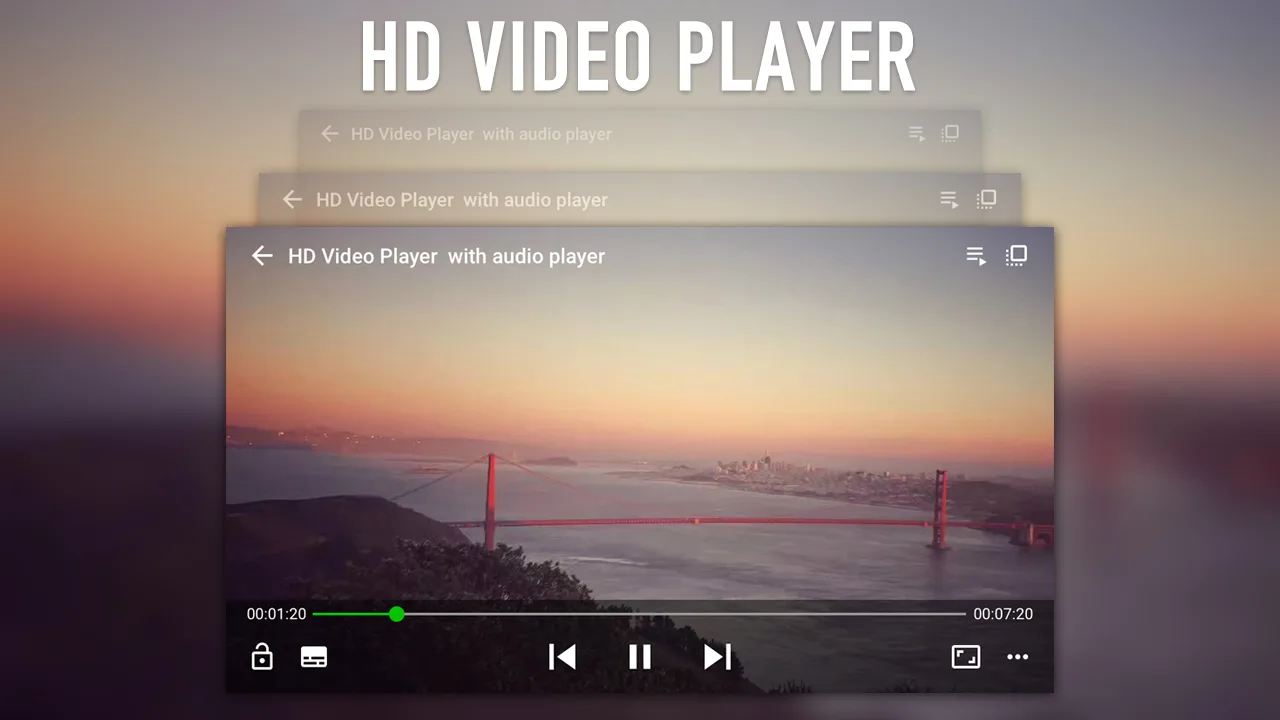
Mplayer Pro APK is a small, no-fuss media player for Android that plays your video and music in almost any format, with subtitle support and full playback controls. It weighs about 12 MB and runs on Android 4.2 and up, so it fits on old phones too. One honest note up front: Pro is a paid app. If you can, buy it on Google Play to back the developer. The file here is for install and testing.
Every file on this page is scanned for malware and installed on a real Android device by our editors before publishing, we have done this since 2018. So you know what you are getting before you tap install.
What is Mplayer Pro?
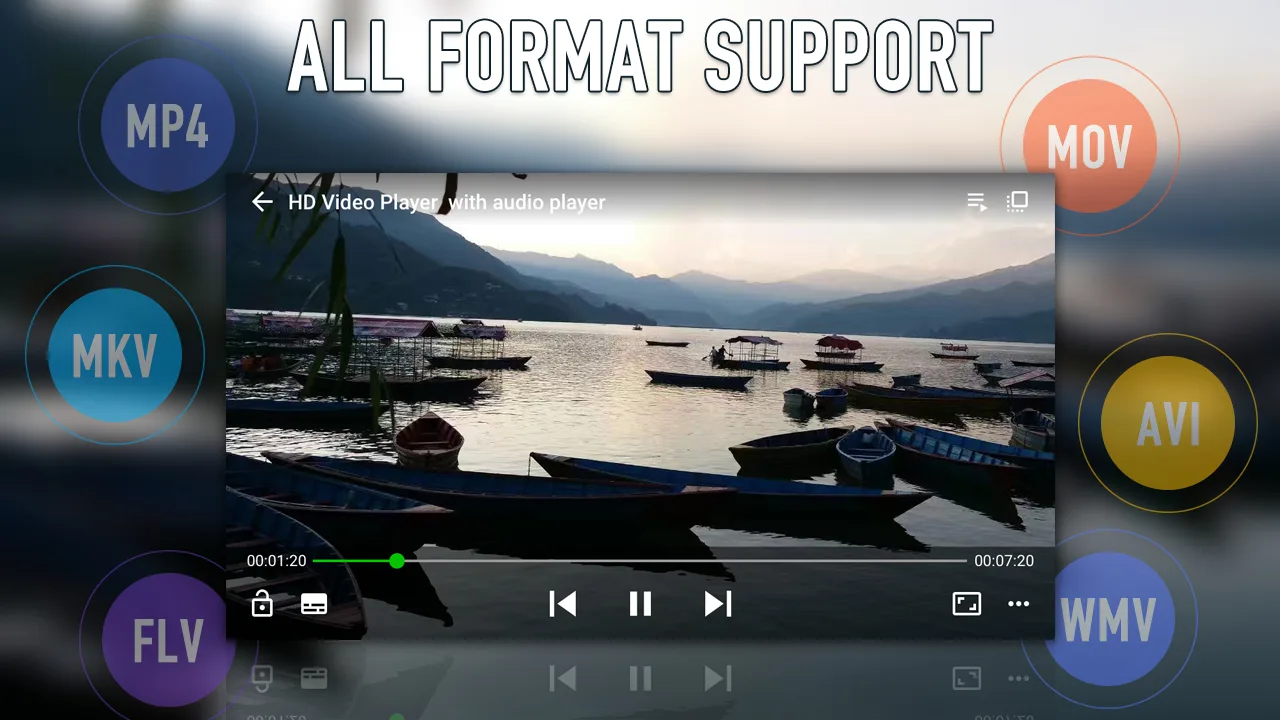
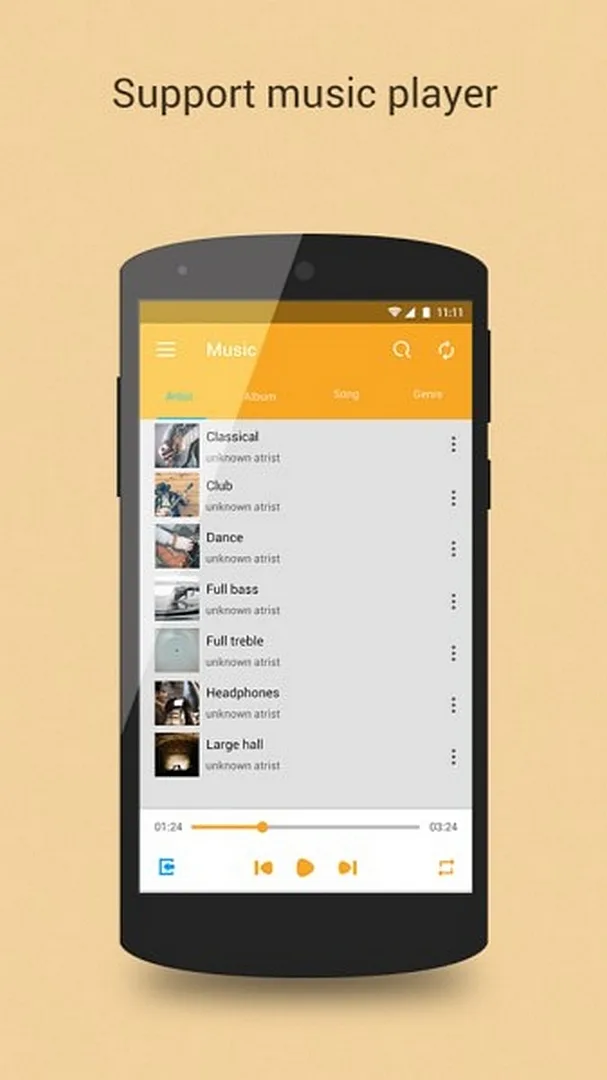
Mplayer Pro is a compact media player, roughly 12 MB, that opens the common video and audio formats and codecs without asking you to convert anything first. Drop in an MKV, an MP4, a bunch of MP3s, and it just plays them. You can line up tracks into playlists and let it run.
It is the paid, ad-free build of a wider player line. The idea is simple: one app that handles both your movies and your music, light enough that it does not bog down a budget handset. No sign-up, no account, no clutter.
Key features
| Feature | What it does |
|---|---|
| Wide format support | Plays common video and audio formats and codecs, so most files open without converting. |
| Subtitles | Loads several subtitle formats and lets you tweak how they look on screen. |
| Audio track switching | Pick between audio tracks in files that carry more than one, handy for dual-language video. |
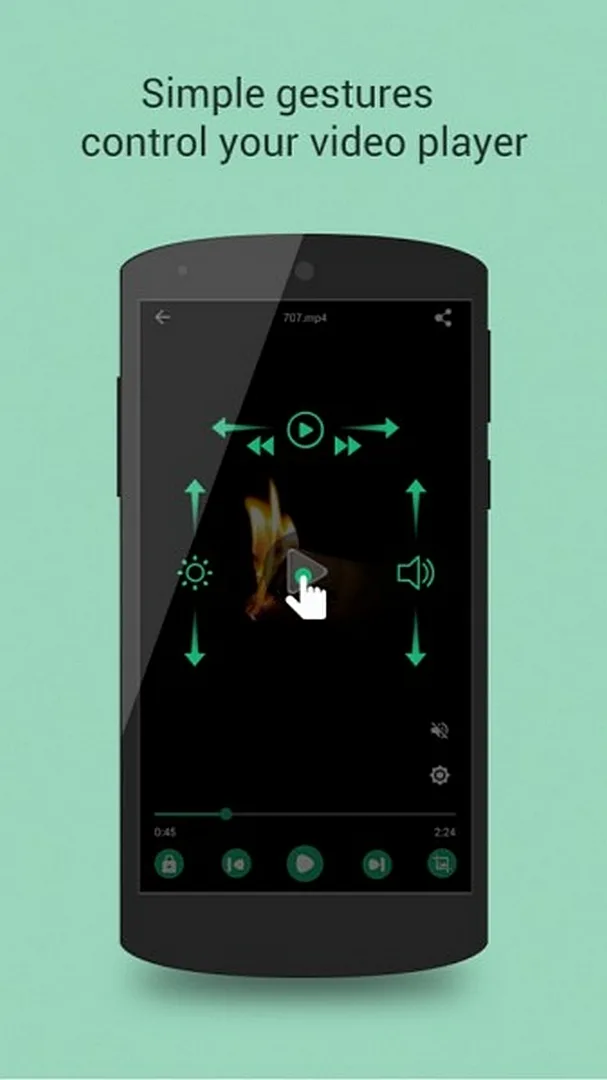
| Speed and seek | Change playback speed and jump forward or back through a clip. |
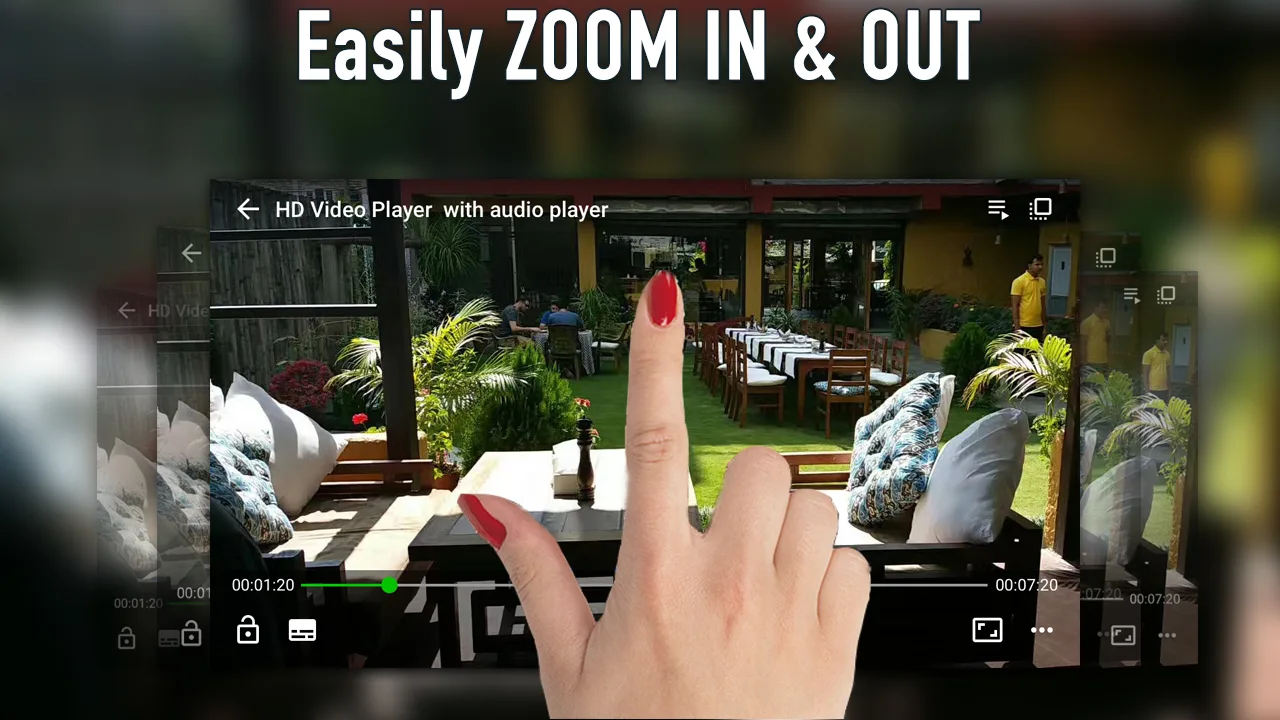
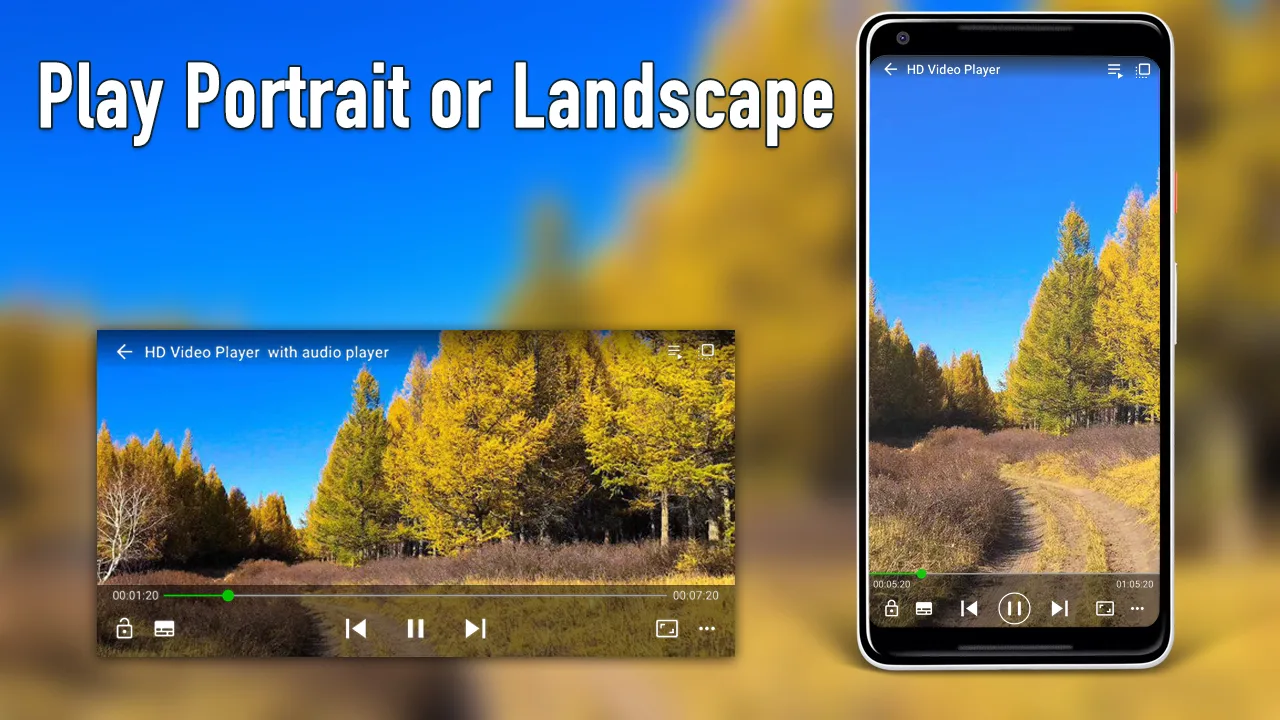
| Zoom and rotate | Scale the frame to fill the screen or rotate it when a clip is sideways. |
| Picture adjustment | Nudge brightness, contrast and color to suit the room you are in. |
| Interface themes | Switch the look of the player to your taste. |
These are the day-to-day things you actually reach for in a player. Nothing exotic, just the controls that make a long video or a full album easy to sit through.
Paid vs free — honestly
Here is the straight version. This player line has two builds: a free one that shows ads, and this paid Pro one that drops them. Pro is not free on Google Play, it is a purchase, and that payment is what keeps a small developer working on it. If your budget allows, buying it there is the right move and it is the cleanest way to get updates.
The APK on this page exists so you can install the app and try it on your own device first, especially if Pro is not sold in your region or your phone is too old for the current store listing. Fair and square, that is what it is for.
How to download and install Mplayer Pro APK
It is a small download, about 12 MB, and setup takes a minute. Everything starts from this page.
- Tap the green Download APK button at the top of this page. The file comes down directly, no registration or SMS.
- Allow installs from unknown sources for your browser or file manager (Settings → Security).
- Open the downloaded file and tap Install. It needs Android 4.2 or newer.
- Launch the player, point it at a video or music folder, and start playing.
First time sideloading an app? Our APK install guide walks through the same steps with screenshots.
Tips for smooth playback
- Set Mplayer Pro as your default player so video and audio files open in it straight from your file manager.
- In a multi-track file, switch to the audio track you want before you settle in, and load subtitles if the clip has none baked in.
- Bump playback speed up a notch for lectures and podcasts, it saves real time over a long recording.
- If a heavy 4K clip stutters on an older phone, turn down the extra picture processing so playback stays smooth.
- Tweak brightness in the player itself rather than the system bar, it is quicker mid-video.
Mplayer Pro vs other players
Picking a player usually comes down to weight. Mplayer Pro sits on the light side, small, quick to open, easy on a low-end phone, and it covers the formats most people throw at it. The bigger all-in-one players pack more menus and network features, but they also ask for more storage and can feel heavy on modest hardware. If you mainly want something that opens your files fast and gets out of the way, a lightweight player fits. Browse more options among our tools if you want to compare.
FAQ
What is Mplayer Pro?
Is it free or paid?
Which formats does it play?
Does it support subtitles and multiple audio tracks?
Is the APK safe?
How big is it and what does it need?
Download Mplayer Pro
- No viruses
- No spyware
- No malware
The reviews (0)