- No viruses
- No spyware
- No malware
com.transsnet.palmpayThis file was downloaded, scanned and installed by our editors before publishing.
Every file is also checked with VirusTotal before publishing.

PalmPay APK — Transfers, Bills & Digital Wallet


Additional information about PalmPay APK — Transfers, Bills & Digital Wallet
com.transsnet.palmpayThe description of PalmPay APK — Transfers, Bills & Digital Wallet
PalmPay APK is a digital wallet you install on your phone to send money, buy airtime and data, and pay everyday bills, mainly for people banking in Nigeria. The app is built by PalmPay Limited, part of the Transsion group. The file on this page is the original app, the same build you would get from Google Play, and it is scanned for malware and installed on a real Android device by our editors before publishing, a check we have run since 2018.
No mods, no cracks, no "free cash" tricks here. This is a licensed financial service, so the whole point is that it stays exactly as the developer shipped it. What you get is the clean, verified APK plus a straight guide to setting it up safely.
What is PalmPay?
PalmPay is a fintech wallet from PalmPay Limited, a company under the Transsion group. You link it to your phone number, top it up, and from there you can move money to banks, pay for services, and keep a record of every transaction in one place. It is one of the more widely used payment apps in Nigeria, with a user base in the tens of millions.
On the trust side, PalmPay is licensed by the Central Bank of Nigeria (CBN), and customer deposits are insured through the NDIC. It also runs on PCI DSS security standards for handling card and payment data. That matters for a money app: you want to know who is behind it and who regulates them before you type in a single naira.
Main features
| Feature | What it does |
|---|---|
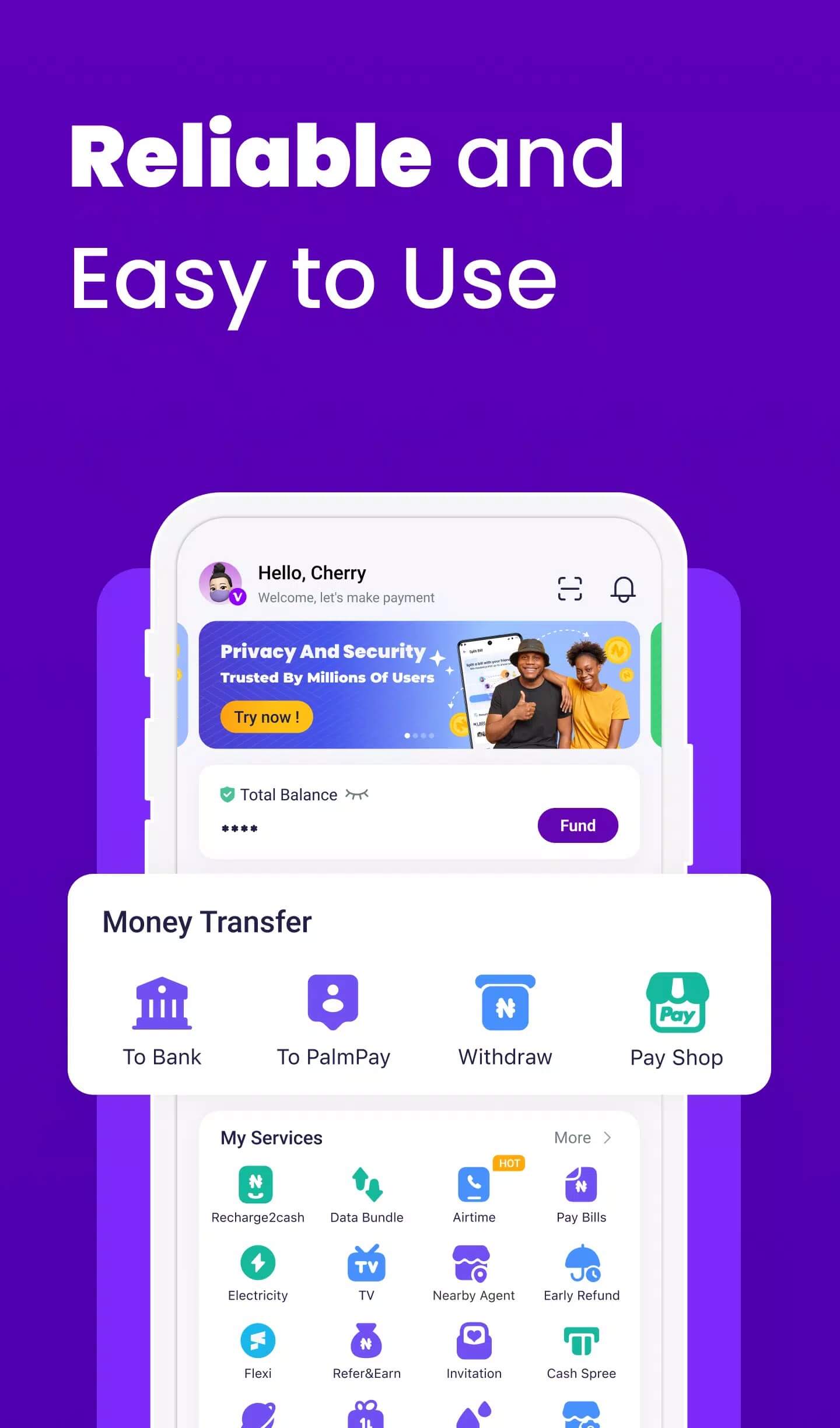
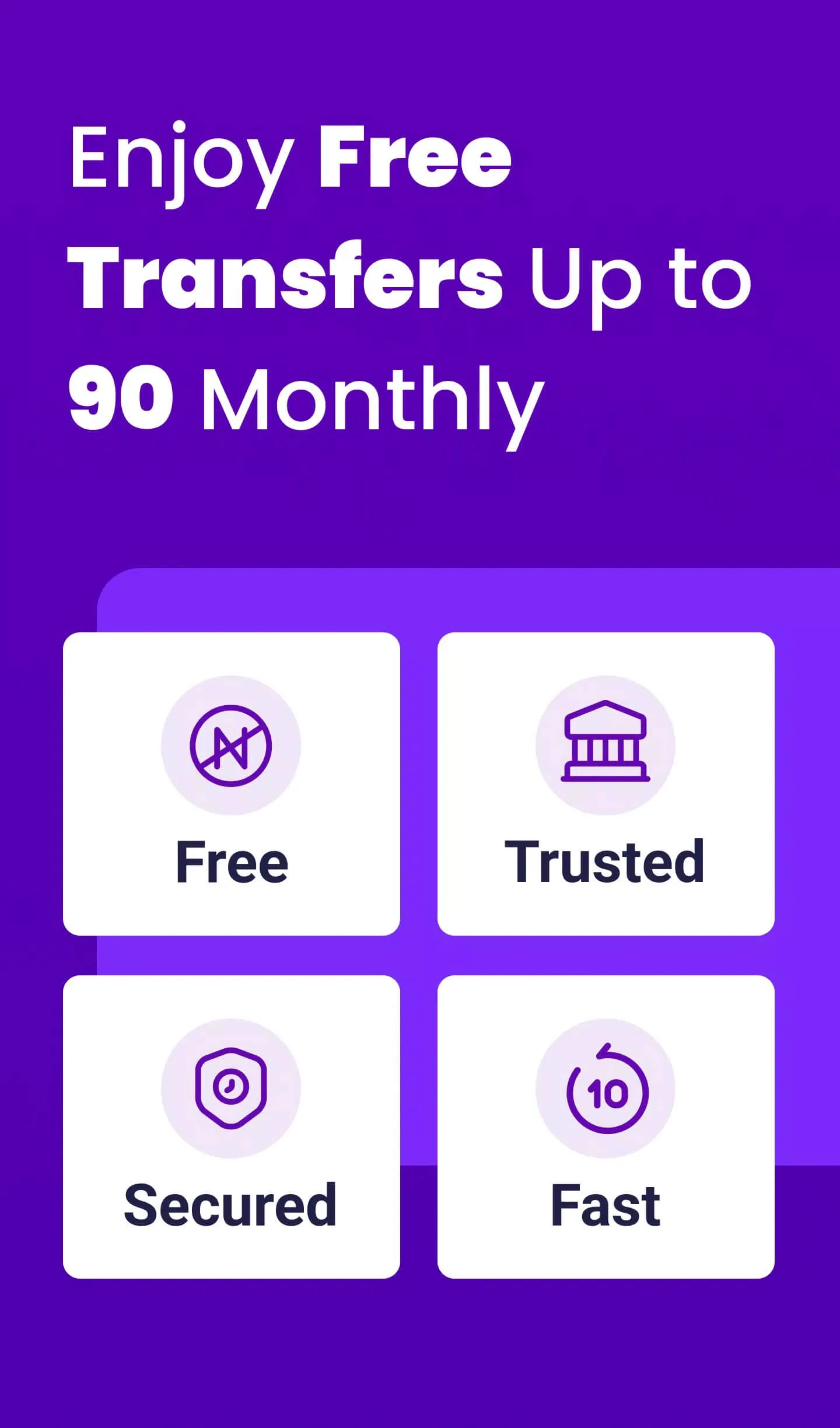
| Bank transfers | Send money to 500+ banks and financial institutions in Nigeria. A set number of transfers each month come without a fee. |
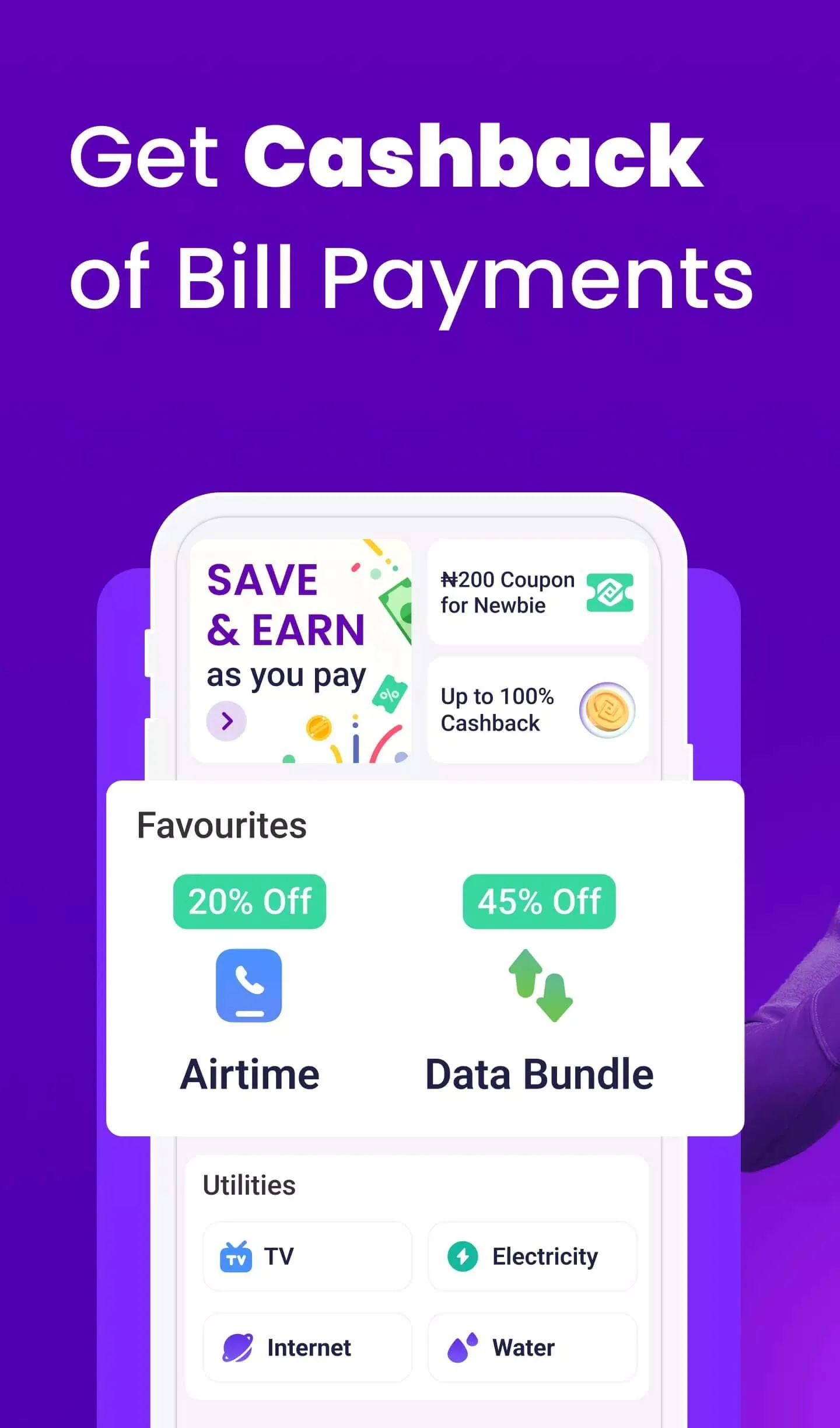
| Airtime & data top-up | Recharge airtime or buy a data bundle for any supported network straight from the app. |
| Bill payments | Pay for electricity, cable TV and internet without leaving the wallet. |
| QR & phone-number payments | Pay a merchant by scanning a QR code, or send to a friend using just their phone number. |
| Transaction history | Every payment is logged, so you can check receipts and track where your money went. |
Fees and free-transfer limits can change over time, so treat the numbers above as a guide and confirm the current terms inside the app. We describe what the wallet does, not what it pays out.
Account security (read this)
A payment app is only as safe as the way you set it up. PalmPay itself runs fraud monitoring and follows PCI DSS, but a few habits on your side do most of the work. Take a minute with these before you start moving money.
- Turn on a PIN and fingerprint (biometric) lock right after you register. Both are supported.
- Never share your PIN or an OTP with anyone, not even someone claiming to be "support". Real staff will not ask for them.
- Install only the official app. Fake "PalmPay APK" files from random sites can steal your login and card details, which is exactly why we serve the original build here.
- Switch on transaction alerts so you see every debit the moment it happens.
- If your phone is lost or stolen, contact support and freeze the account quickly.
How to download and install PalmPay APK
The download is a small APK, so setup is quick. You can also grab the app from Google Play if you prefer, both give you the same official build.
- Tap the green Download APK button at the top of this page. The file downloads directly, no registration or SMS.
- Allow installation from unknown sources for your browser or file manager (Settings → Security).
- Open the file and tap Install. The app is around 36 MB and needs Android 5.0 or newer.
- Launch PalmPay, register with your phone number, and complete the identity verification the app asks for.
- Set your PIN and biometric lock, then add funds and you are ready to send.
First time sideloading an app? Our APK install guide walks through the same steps with screenshots.
Is PalmPay safe and legit?
Yes. PalmPay is a real, regulated financial service, licensed by the CBN, insured through the NDIC and built on PCI DSS standards, with fraud monitoring in the background. It is not a scam app or a mod. That said, part of the safety is on you: keep your PIN and OTP private, and make sure the file you install is the genuine one and not a clone dressed up with the PalmPay name. Want more money apps that we have checked the same way? Browse the finance category in our catalog.
FAQ
Is PalmPay safe and legit?
Is PalmPay only for Nigeria?
Are transfers free?
Does PalmPay support fingerprint or PIN?
Is this the official app?
What are the requirements?
Download PalmPay APK Android
- No viruses
- No spyware
- No malware
The reviews (0)