- No viruses
- No spyware
- No malware
This file was downloaded, scanned and installed by our editors before publishing.
Every file is also checked with VirusTotal before publishing.

S Photo Editor – Collage Maker MOD APK (Pro Unlocked)

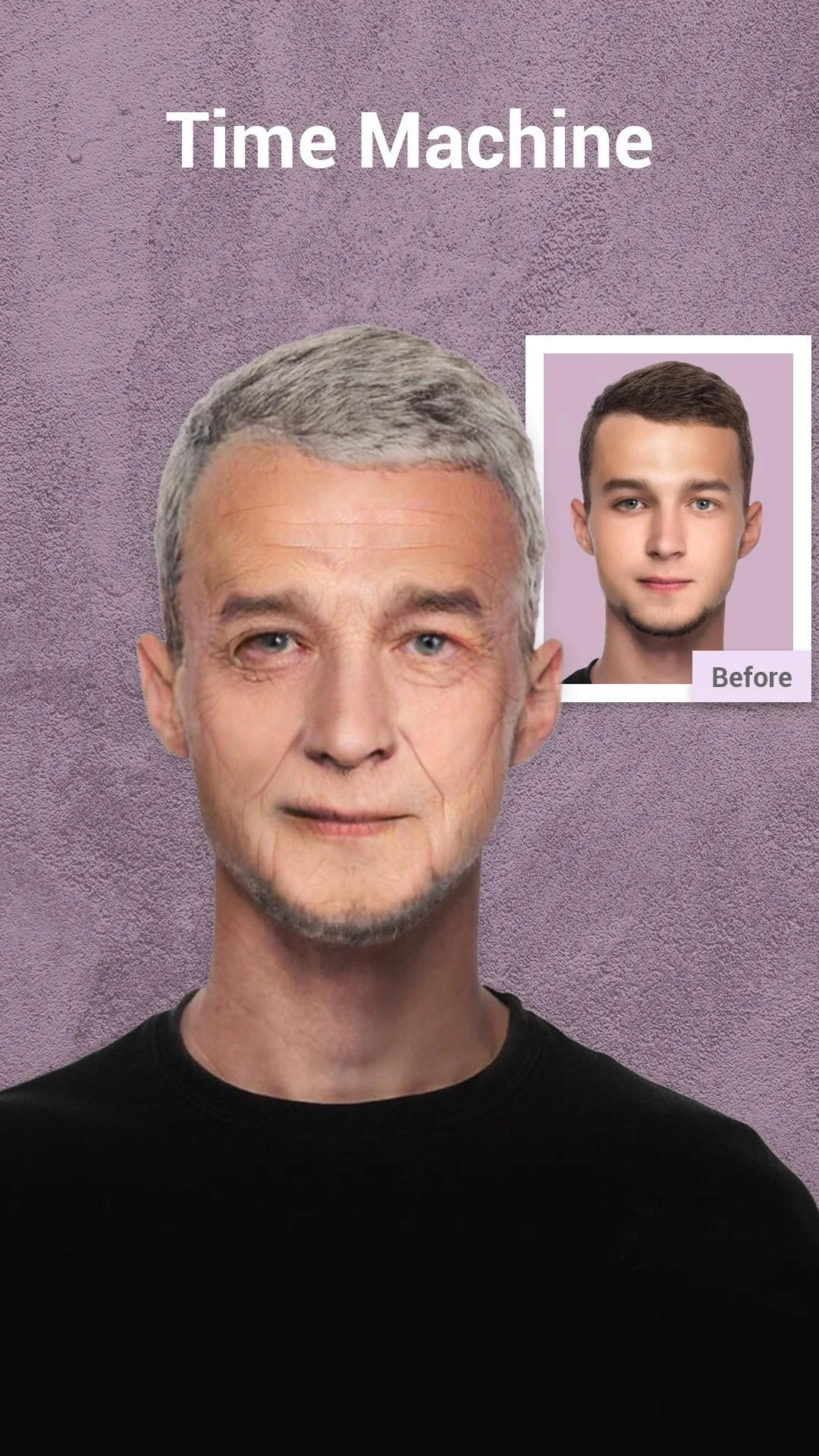
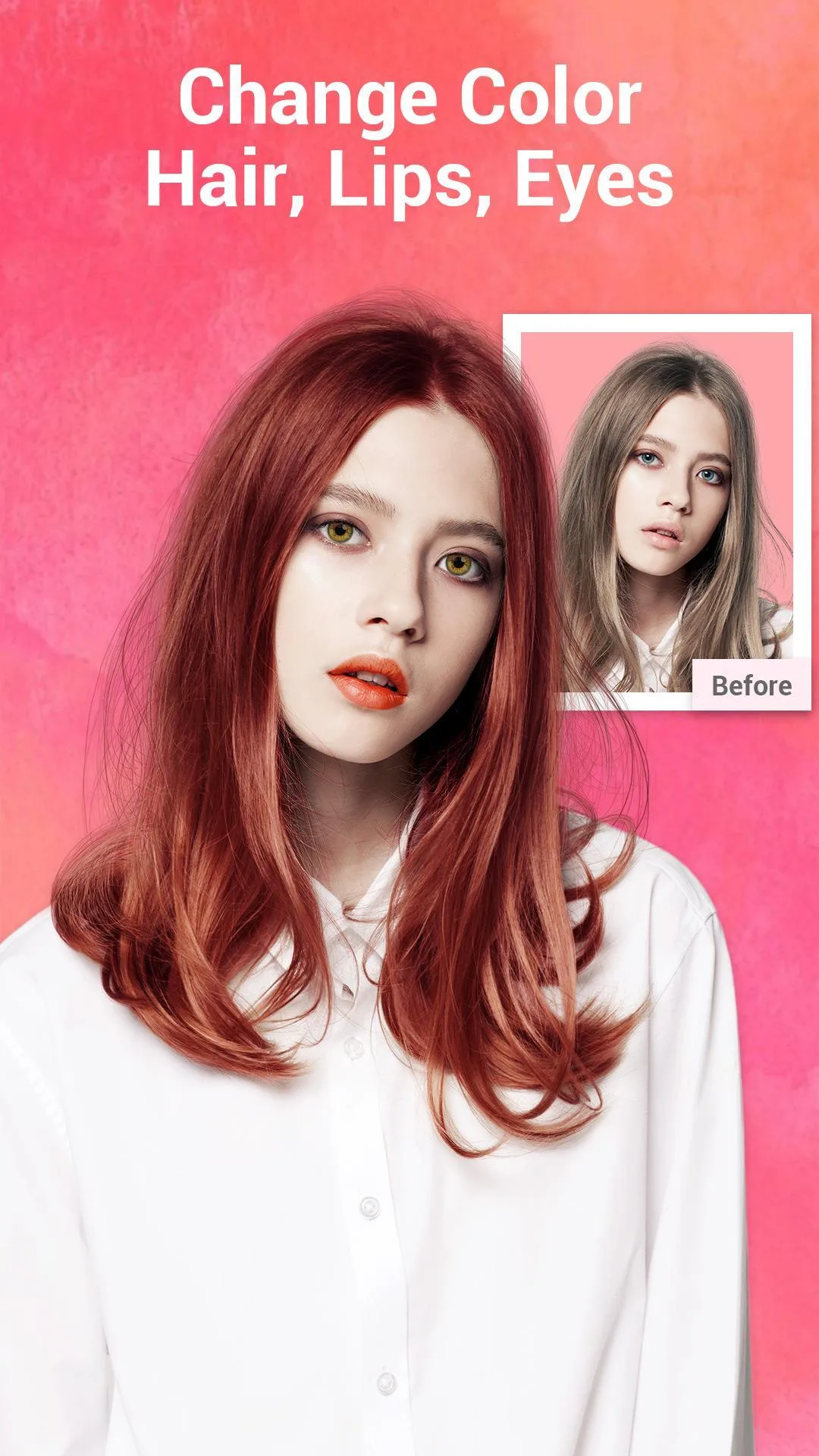
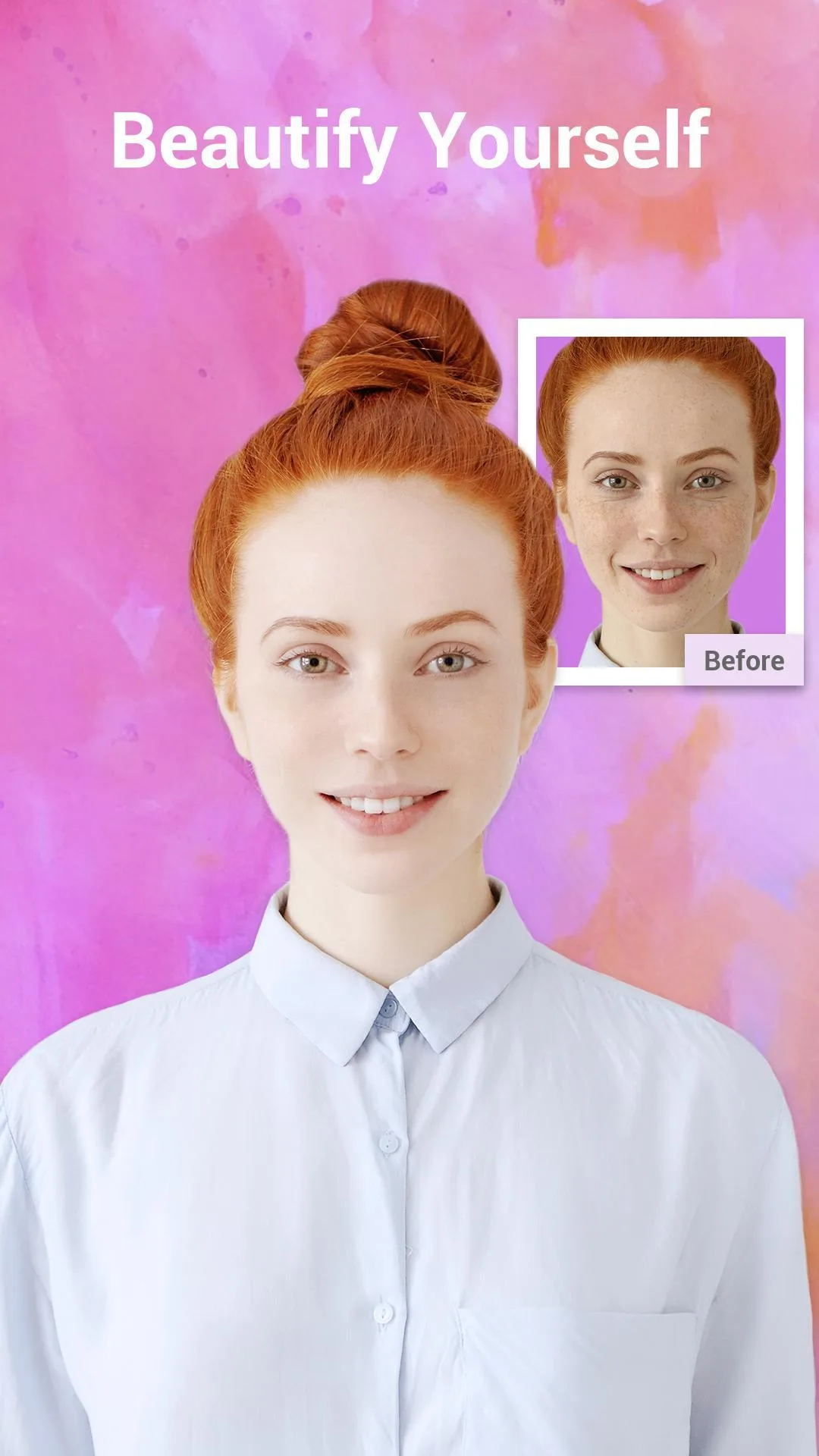
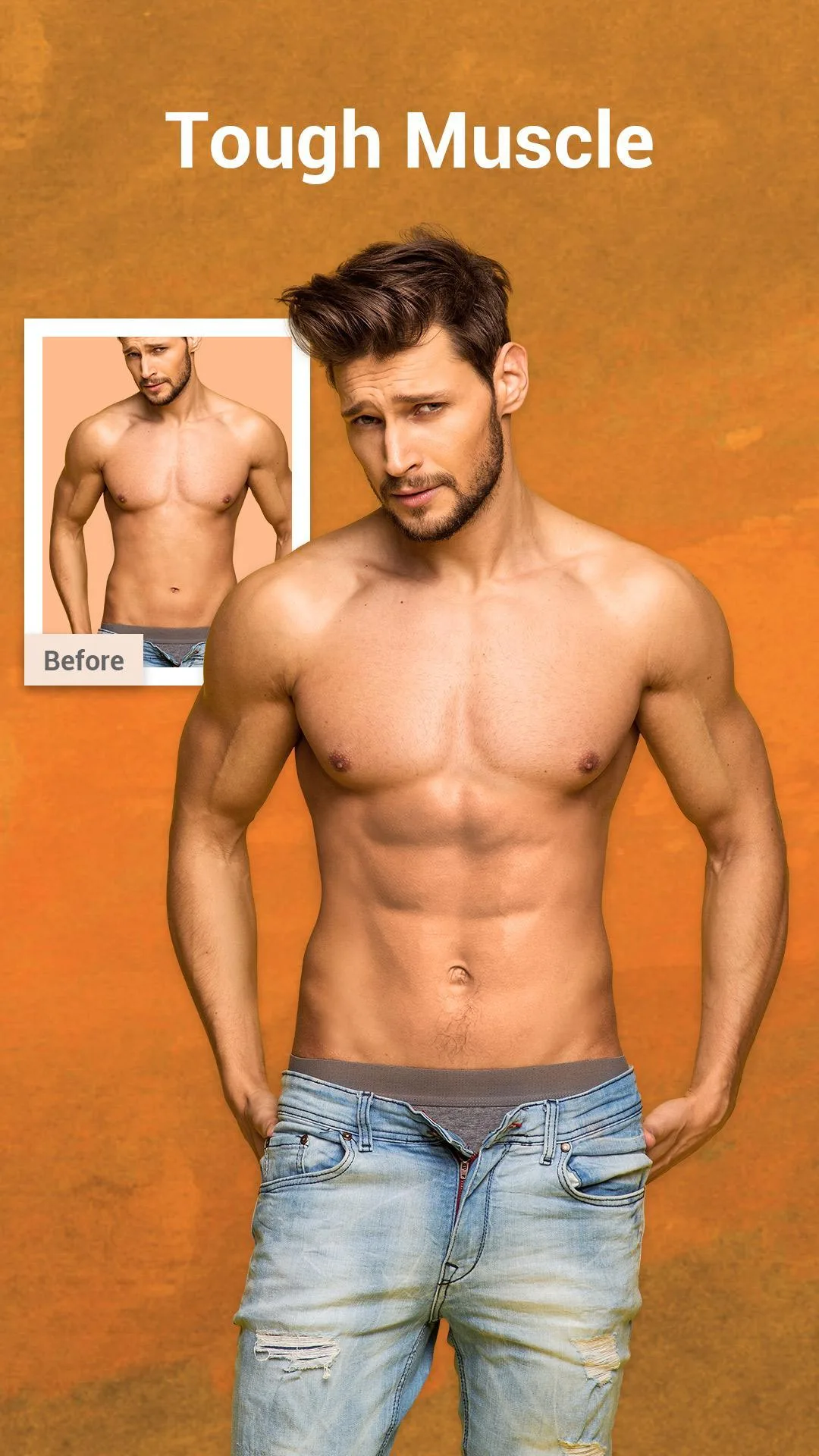
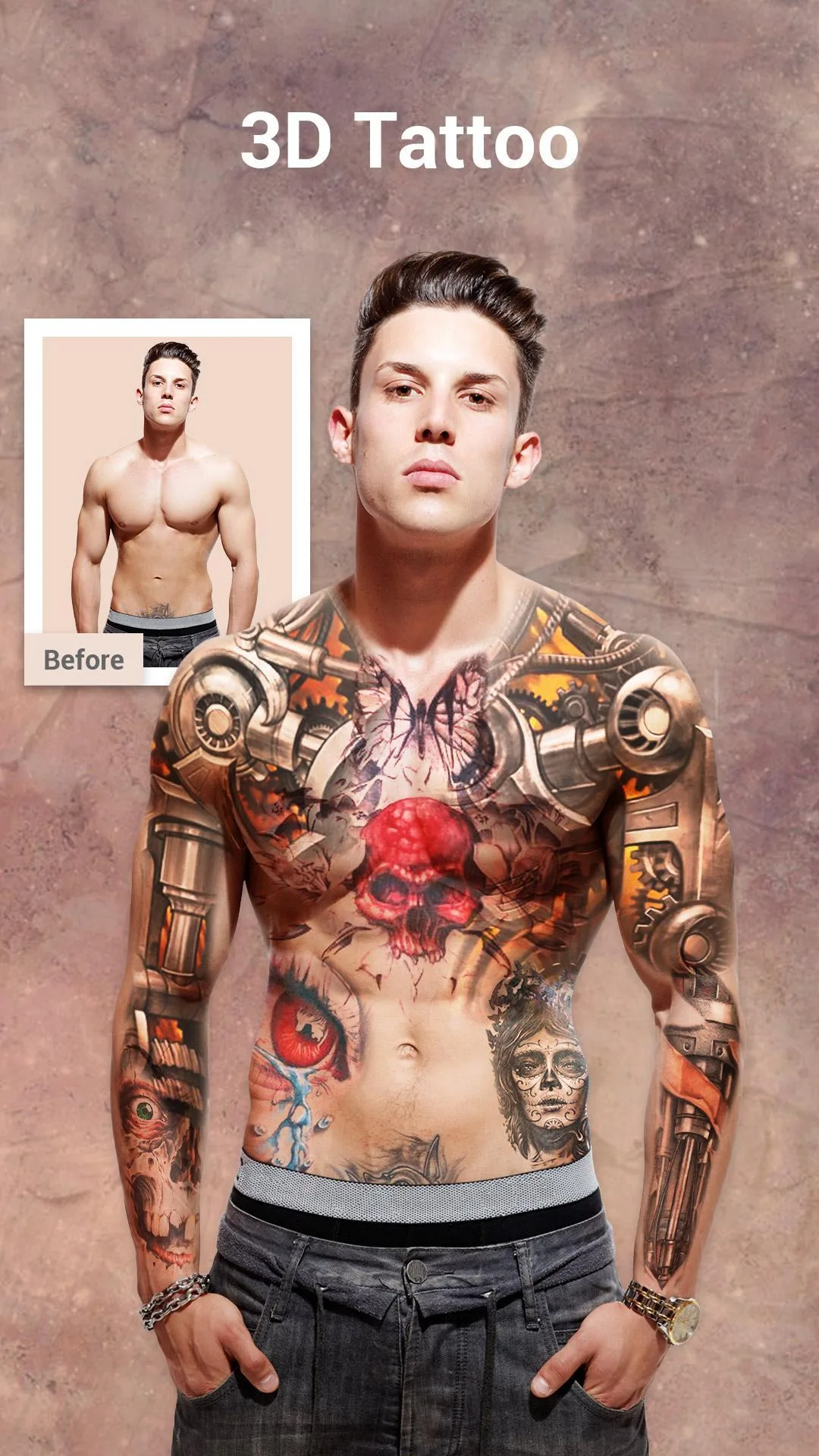
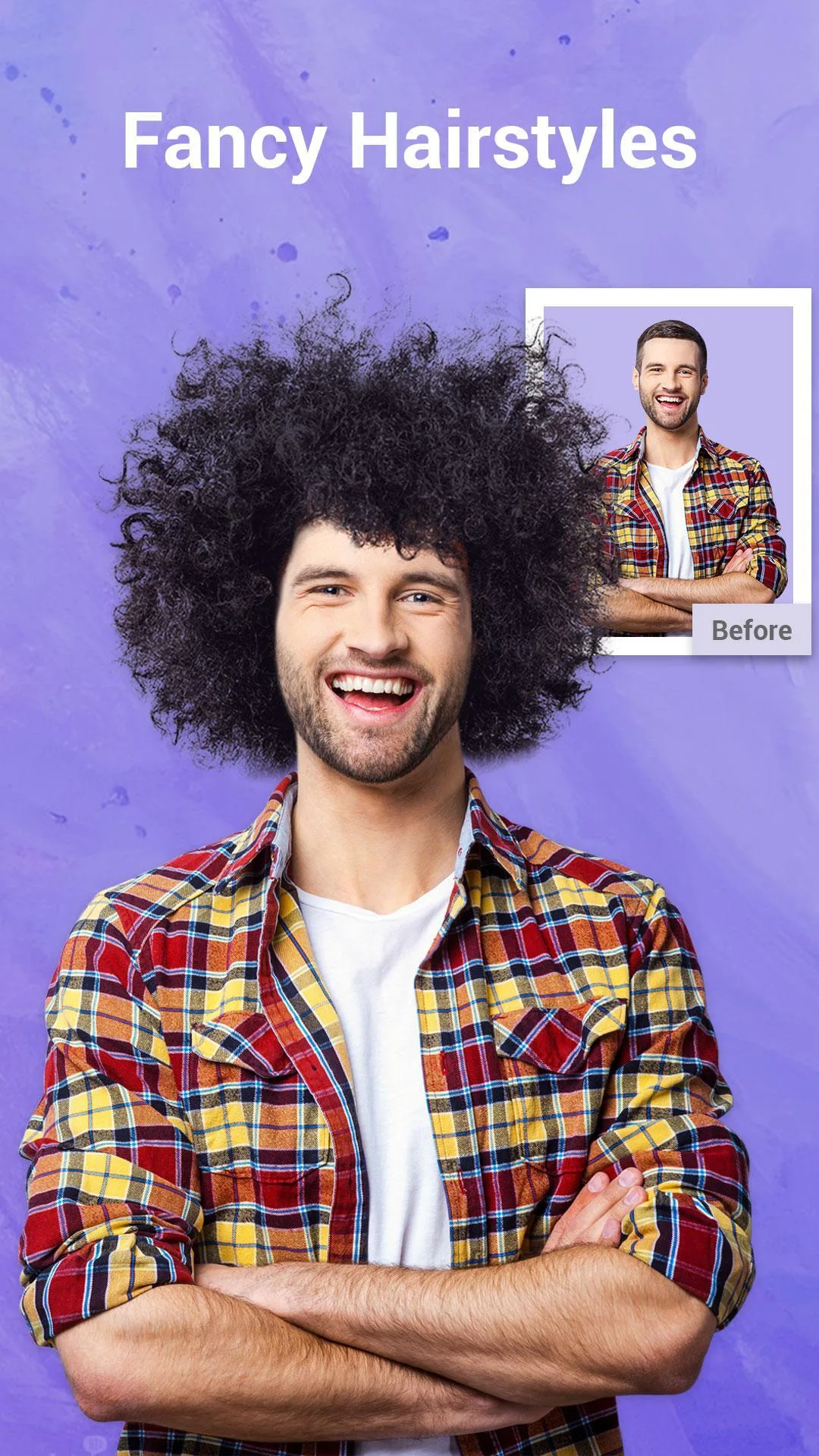
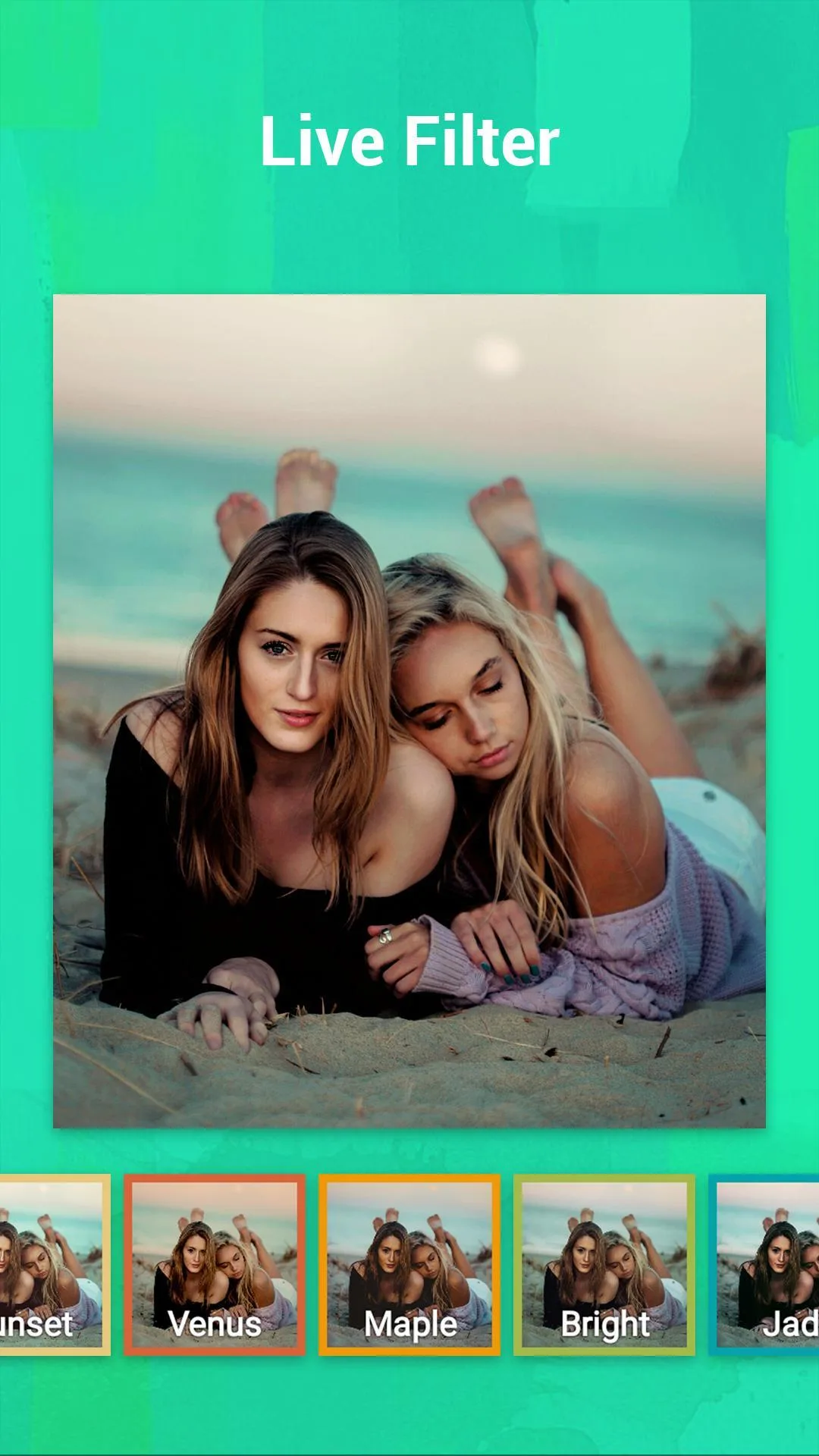

Additional information about S Photo Editor – Collage Maker MOD APK (Pro Unlocked)
The description of S Photo Editor – Collage Maker MOD APK (Pro Unlocked)
S Photo Editor MOD APK gives you a Pro unlocked, ad-free photo editor: no banners while you work, and the local filter, effect and frame packs are open from the start. It is an offline editor, so you can crop, retouch and build a collage without an account or a data connection. The file on this page is scanned for malware and installed on a real Android device by our editors before publishing, we have done this since 2018.
One thing to be straight about up front. The paid VIP tier in this app is a server-linked subscription, and an APK cannot hand you that. What the MOD does give you is the local stuff, ad removal plus the filter, sticker and frame packs that ship inside the app. That is the honest line, and it is still plenty for most edits.
What is S Photo Editor – Collage Maker?
S Photo Editor is a photo editor and collage maker for Android, published under the package com.steam.photoeditor. You pick a photo, run it through filters and effects, then fine-tune the details, brightness, contrast, sharpness and white balance. It is built for quick edits on your phone, and it keeps things simple.
The collage side is the draw for a lot of people. You drop several shots into a frame, choose a layout, and adjust the spacing and borders. On top of that you get text tools, stickers, decorative labels and a selfie retouch mode for smoothing skin or brightening eyes. The interface is movable too, you can drag the tools between panels so the ones you use most sit where you want them. Everything runs offline once the app is installed.
What the MOD gives you
| MOD feature | What it changes in the app |
|---|---|
| Pro / Premium unlocked | Local filter, effect and frame packs are open without a paywall prompt. |
| Ad-free | No banner or full-screen ads interrupting your edits. |
| No watermark | Where the build stamps a watermark, the Pro unlock removes it (check on the current file). |
Here is the honest boundary. The server-side VIP subscription, the cloud content and account-tied extras, is not part of this MOD, and no static APK can deliver it, that only comes from a real subscription. What you are getting is the on-device Pro layer: ad removal plus the packs already bundled in the app. The MOD info line at the top of this page shows the exact build, and we re-check it after each app update.
Is it safe and does it work offline?
Yes on both. S Photo Editor is an offline tool, so your edits happen on your phone and nothing is uploaded. You do not need to sign in for the basic editing, collage and retouch work. There is no game server behind it, which means the whole idea of a ban does not apply here. Every build on this page is virus-checked and installed on a real Android device before it goes live, the same routine we have run since 2018.
How to download and install S Photo Editor MOD APK
The download is a single APK, around 60 MB, and it runs on Android 4.1 and up, so even older phones handle it fine.
- Tap the green Download APK button at the top of this page, the file downloads directly, no registration or SMS.
- Allow installation from unknown sources for your browser or file manager (Settings → Security).
- If a Google Play version is already installed, remove it first so the new file installs cleanly.
- Open the downloaded file, tap Install, then launch the editor.
First time sideloading an app? Our APK install guide walks through the same steps with screenshots.
How to use — quick start
- Open the app and pick a photo from your gallery.
- Apply a filter or effect, then tap it again to dial the strength up or down.
- Fine-tune brightness, contrast and sharpness under the adjust tools.
- Switch to collage, choose a frame layout and drop in a few shots.
- Add text, stickers or a label, and smooth a selfie with the retouch tool.
- Save to your gallery or share straight to social apps.
MOD or original?
The original S Photo Editor is free on Google Play, but it runs ads and pushes the VIP subscription for the extras. This MOD strips the ads and opens the local Pro packs, so you keep the same editor with fewer interruptions. If you mainly want cloud content tied to an account, the VIP subscription is the only route for that part. Browsing for more? See our other tools, the full MOD catalog, or a camera-focused pick like ReLens Camera.
FAQ
Is S Photo Editor free?
What does "Pro Unlocked" give me?
Does it remove the watermark?
Is the APK safe?
Do I need an account or internet?
How big is the download and what does it need?
Download S Photo Editor
- No viruses
- No spyware
- No malware
The reviews (0)