- No viruses
- No spyware
- No malware
This file was downloaded, scanned and installed by our editors before publishing.
Every file is also checked with VirusTotal before publishing.

VMOS Pro MOD APK (Unlocked)

Additional information about VMOS Pro MOD APK (Unlocked)
The description of VMOS Pro MOD APK (Unlocked)
VMOS Pro MOD APK is a virtualization tool that runs a full, separate Android system inside your current phone, a guest Android that lives in its own window or fullscreen with its own apps, settings and network. This build was tested by our editors on real devices before publishing. The package is com.vmos.pro, it needs Android 5.1 or newer, and the download is small for what it does, around 33 MB.
Let us be plain about what this is and is not. VMOS Pro is a container for a second Android, useful for dual accounts, app testing and a root sandbox that never touches your real system. It is also a tool people point at online games, and that is where the trouble starts, so the honest part has its own section below.
What is VMOS Pro?
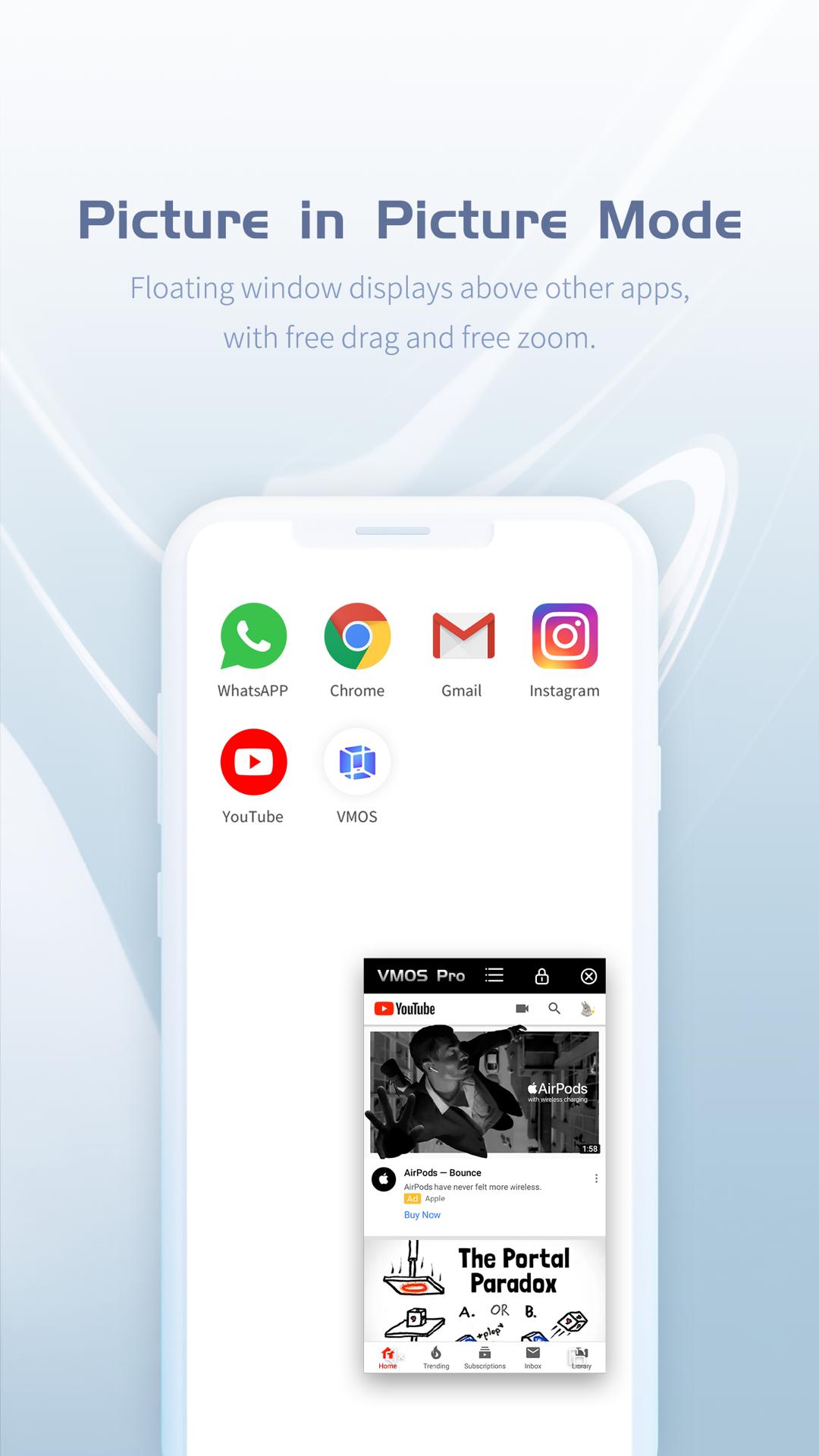
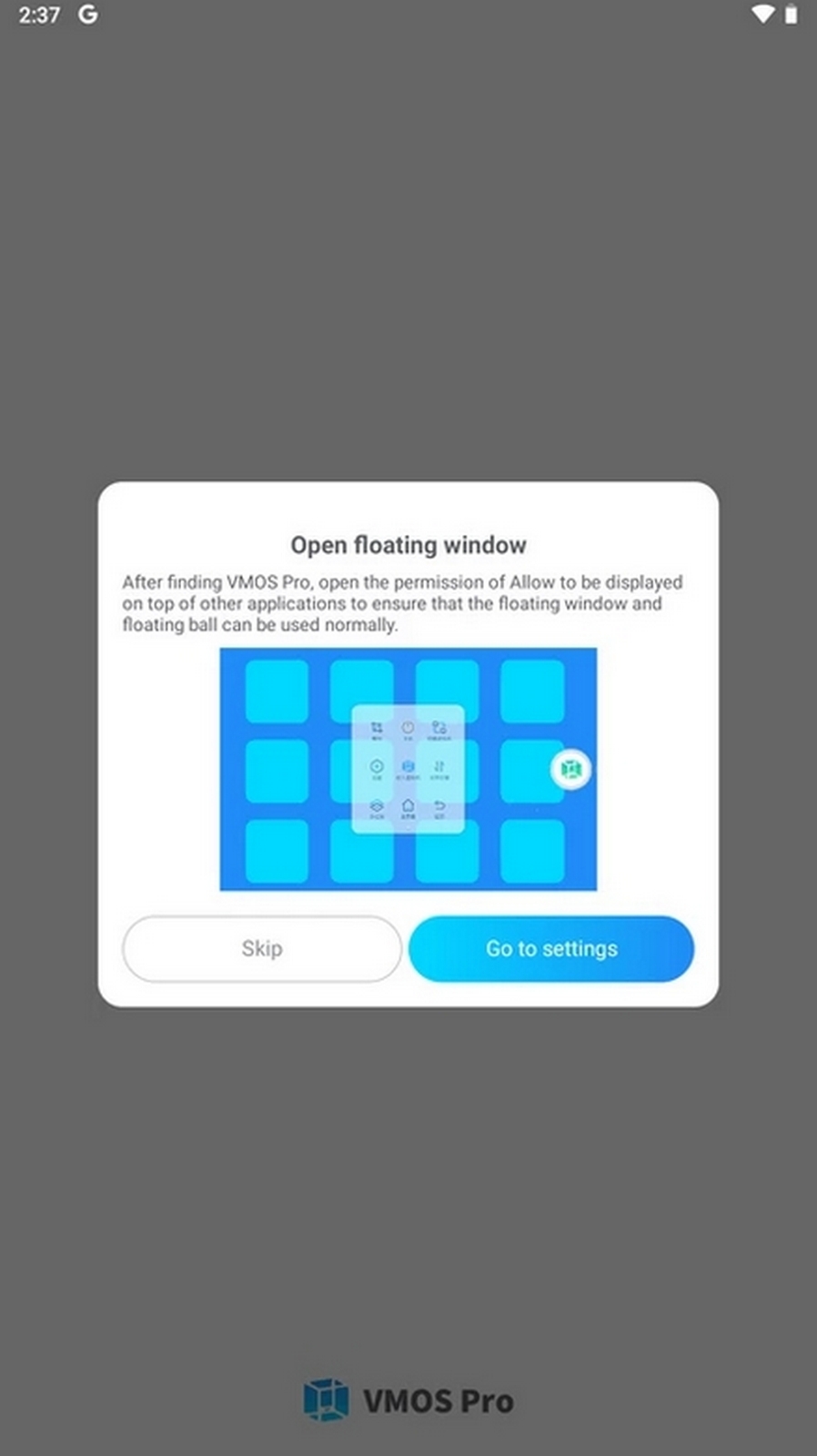
VMOS Pro creates a second Android machine on top of the one you already run. The guest system is built on Android 5.1.1 and newer, and it works in parallel with your main phone: you can keep it in a floating window or switch it to fullscreen, install apps into it, and give it its own network connection. Your real phone stays as it was.
Because the guest is a separate environment, anything you do inside it is walled off from your daily system. You can sign into different accounts, install builds you would not put on your main phone, and reset the whole machine without a factory wipe of your device. The developer is listed as VMOS | App Cloner.
What people use it for
- Two accounts at once. Run a second copy of a messenger, social app or game in the guest Android and stay signed in to both, main phone and virtual machine, side by side.
- App testing in a sandbox. Try an unknown APK or a risky build inside the guest, where it cannot reach your real files, and wipe it if you do not like it.
- Root without flashing. Get root features inside the virtual machine while your actual phone keeps its warranty state and stays unrooted.
- A clean, separate space. Keep work, testing or a spare account in an environment that has nothing to do with your everyday setup.
Root and the VIP MOD
Two things are worth separating here: the root feature that VMOS Pro ships with, and what the MOD build changes. The MOD info line at the top of this page shows what the current file carries.
| Feature | What it means |
|---|---|
| One-tap root inside the VM | The guest Android gets superuser access, so apps that need root run there. |
| System-level control in the guest | You reach settings and system functions a normal phone keeps locked down, but only inside the virtual machine. |
| VIP options opened | VMOS Pro has its own paid VIP tier; this build opens those app options instead of leaving them behind VMOS's own paywall. |
Be clear on the limit: the root here lives inside the virtual machine and does not root your real phone. The VIP part is about VMOS's own features, not about adding coins or items to any other game.
Ban risk: read before using
This is the section to read before you download. Many online games, and most banking and protected apps, actively check for virtualization and root. When they see a VMOS-style environment, they refuse to run or flag the account.
Using VMOS Pro to gain an edge, farm multiple accounts, or get around restrictions in an online game is very likely to be caught. The usual result is a rollback of progress and a ban on the account, sometimes on the device. VMOS does not hide you from a game's server checks, and the idea that a virtual machine makes you invisible to those checks is a myth.
The sensible use is the legitimate one: testing, isolation, a spare account for an app that allows it, or root features for your own tinkering. Point it at a competitive online game and the account you care about is exactly what you put on the line.
How to download and install VMOS Pro MOD APK
- Tap the green Download APK button at the top of this page. The file is around 33 MB and downloads directly, no registration or SMS.
- Allow installation from unknown sources for your browser (Settings, then Security).
- Open the file and install VMOS Pro like a normal app. Your phone itself does not need to be rooted.
- Launch it, let it set up the guest Android on first run, then install your apps into that virtual machine.
First time sideloading? Our APK install guide covers the same steps with screenshots. VMOS Pro runs on Android 5.1 and newer, and a heavier guest machine needs a phone with room to spare.
Alternatives and notes
One honest note on performance: a virtual machine shares your phone's real hardware, so light apps and dual accounts run fine, but heavy 3D games inside the guest can lag on mid-range devices. If your phone is modest, keep it to lighter apps.
If all you need is two copies of one app, a dedicated cloner is lighter than a full virtual machine, see App Cloner. For other utilities browse our Android tools, and you can find more modified builds in the MOD APK section. Pick the tool that matches the job, not the biggest promise.
FAQ
What is VMOS Pro?
Can I run two accounts at once?
Does it give root?
Can I get banned using it?
What does the MOD version give here?
What are the requirements?
Download VMOS Pro Mod (Unlocked)
- No viruses
- No spyware
- No malware
The reviews (1)