- No viruses
- No spyware
- No malware
eu.thedarken.sdmThis file was downloaded, scanned and installed by our editors before publishing.
Every file is also checked with VirusTotal before publishing.

SD Maid Pro MOD APK (Pro Unlocked)
Additional information about SD Maid Pro MOD APK (Pro Unlocked)
eu.thedarken.sdmThe description of SD Maid Pro MOD APK (Pro Unlocked)
SD Maid Pro MOD APK gives you every Pro feature switched on from the first launch, so you clean junk, hunt down app leftovers and manage files without buying the separate Pro key. This is the SD Maid 1 maintenance tool from developer darken, and the version here already has Pro unlocked. The file on this page is scanned for malware and installed on a real Android device by our editors before publishing, we have done this since 2018.
No sign-up, no SMS, no trial nag screen asking you to pay. You tap Download, install, and the advanced tools are just there.
What is SD Maid Pro?
SD Maid is a maintenance app for Android. It clears cache and junk, finds the files that deleted apps leave behind, digs through your storage as a file manager, and can compact bloated app databases so things run a little smoother. Think of it as a toolbox for keeping your phone tidy rather than a one-tap "booster".
One thing worth naming up front: this is the SD Maid 1 line, package eu.thedarken.sdm. There is a newer, separate app called SD Maid SE (eu.darken.sdmse) that darken also builds. They are different products, and this page is about SD Maid 1.
Key features
| Module | What it does |
|---|---|
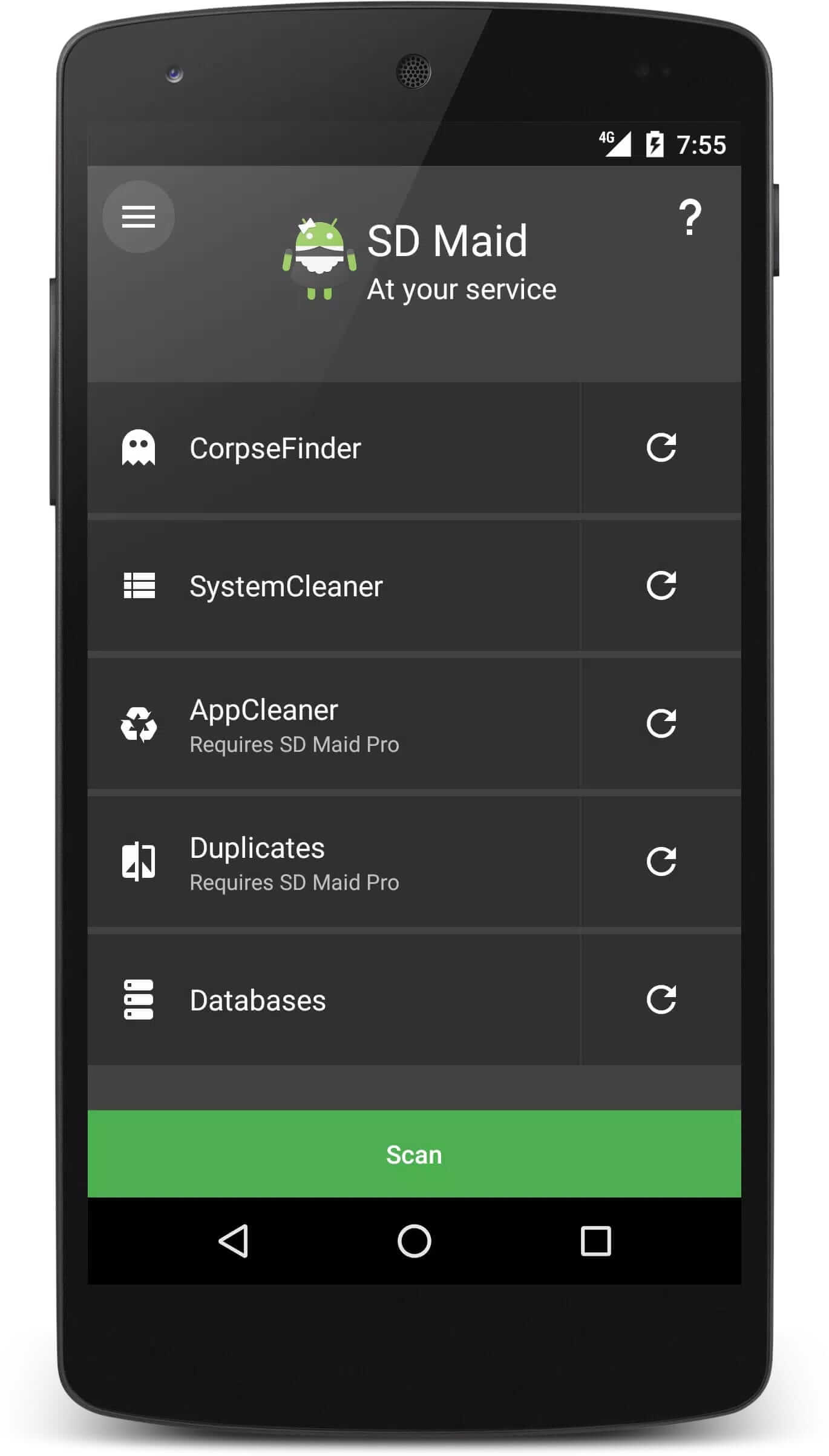
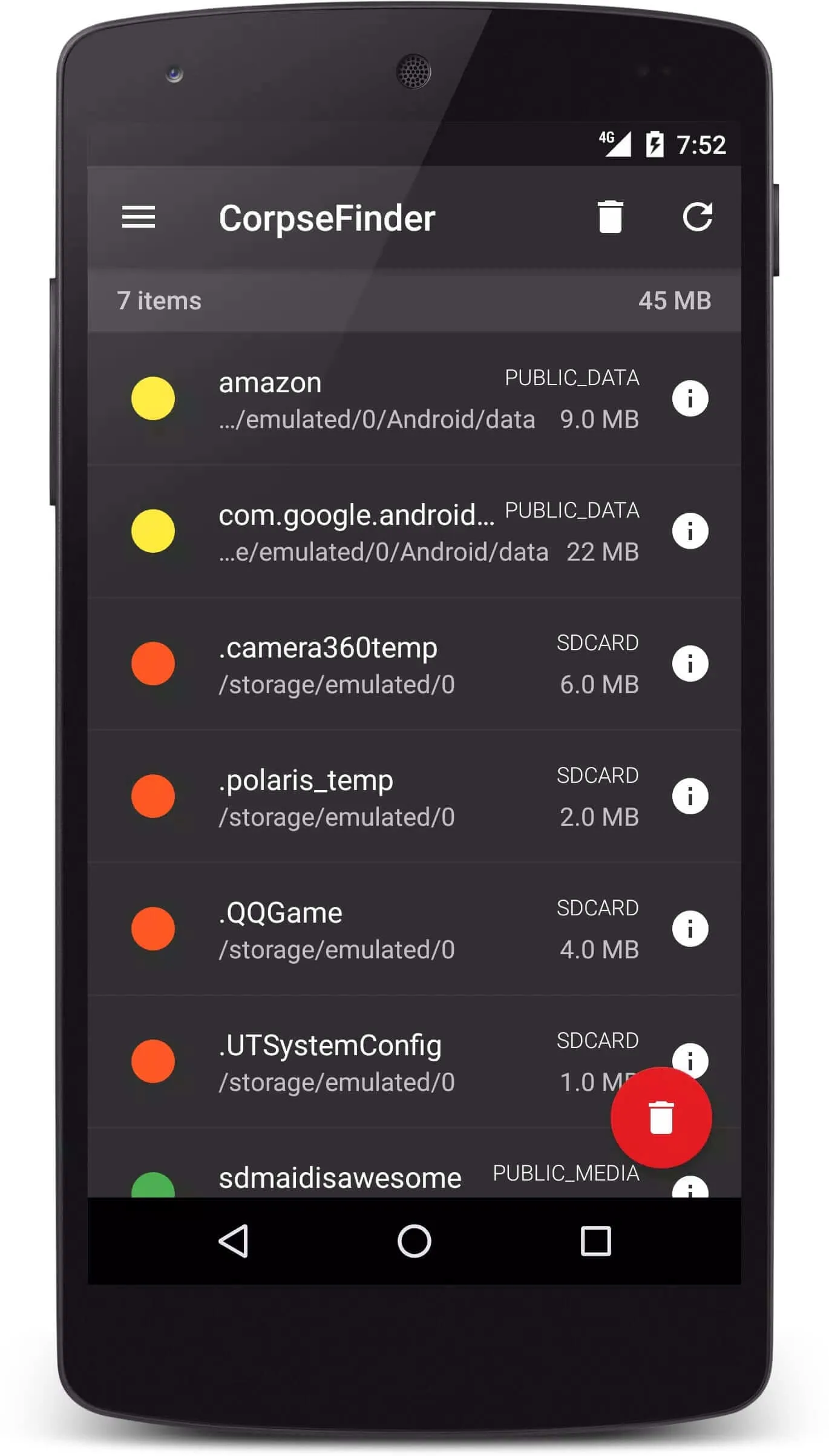
| CorpseFinder | Finds leftover files and folders from apps you already uninstalled, then lets you clear them. |
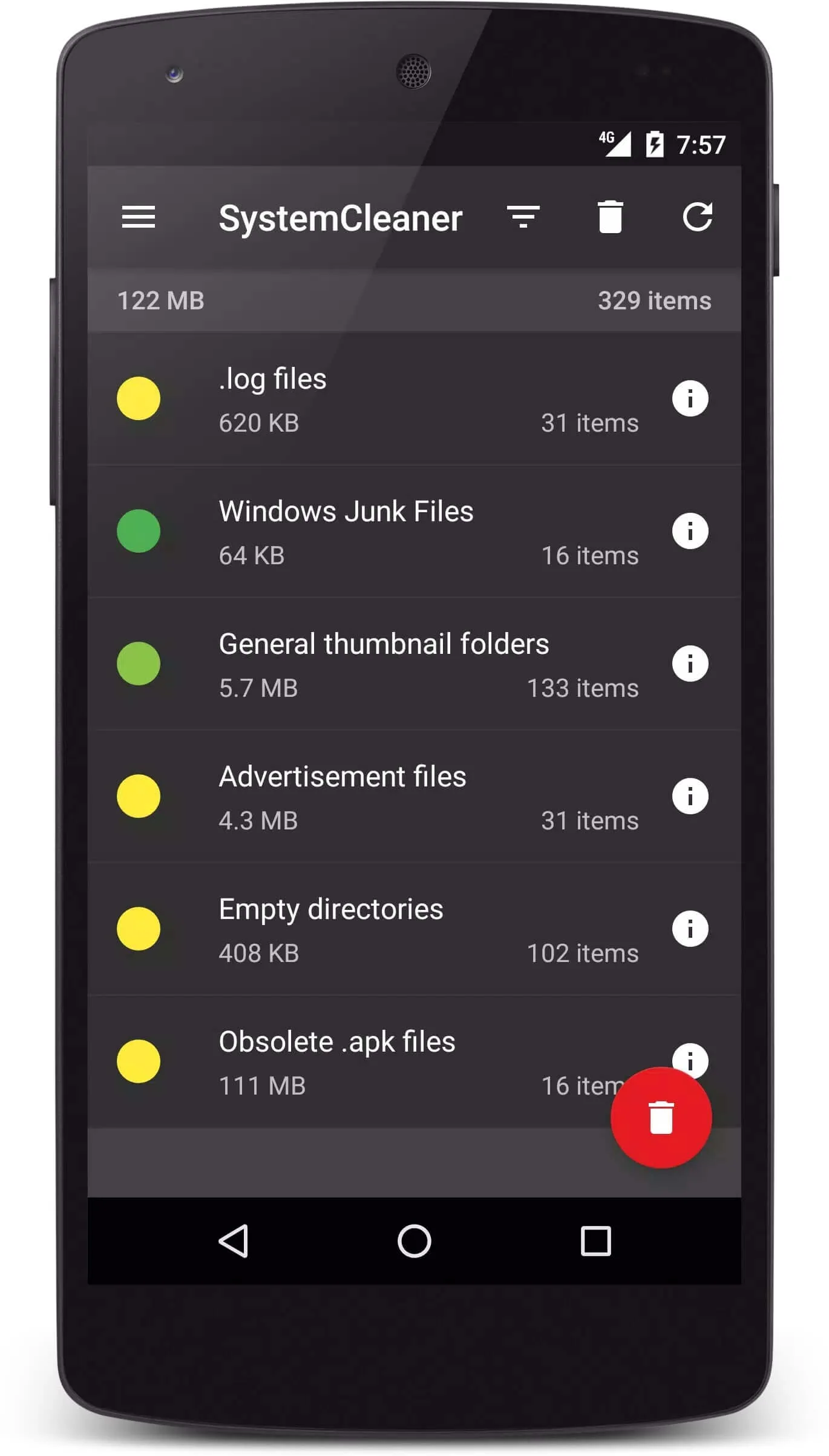
| SystemCleaner | Removes junk and expendable files across the system based on filters you can tune. |
| AppCleaner | Wipes cache and throwaway files that apps pile up over time. |
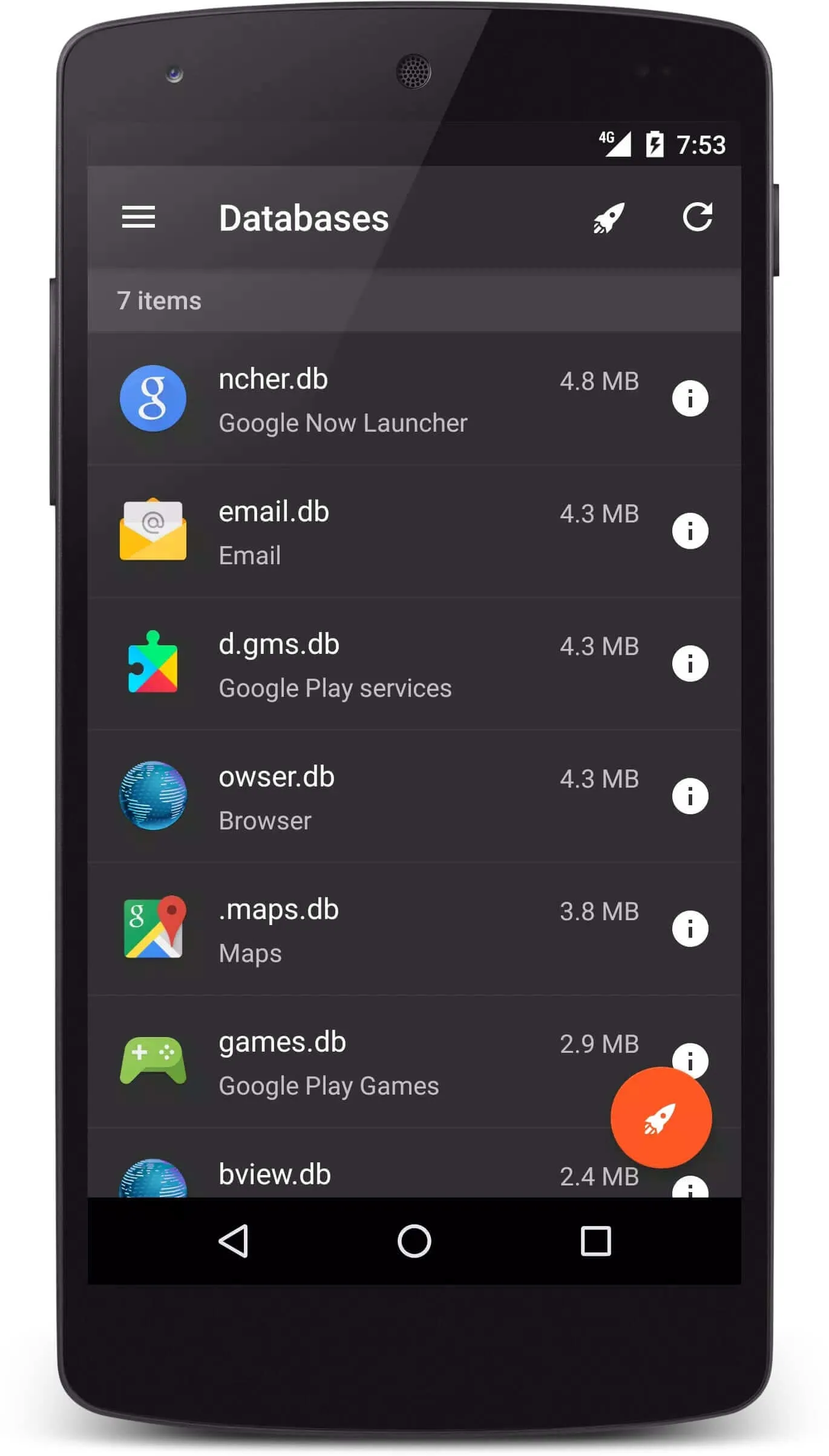
| Databases | Shrinks and optimizes SQLite databases so apps read them faster. |
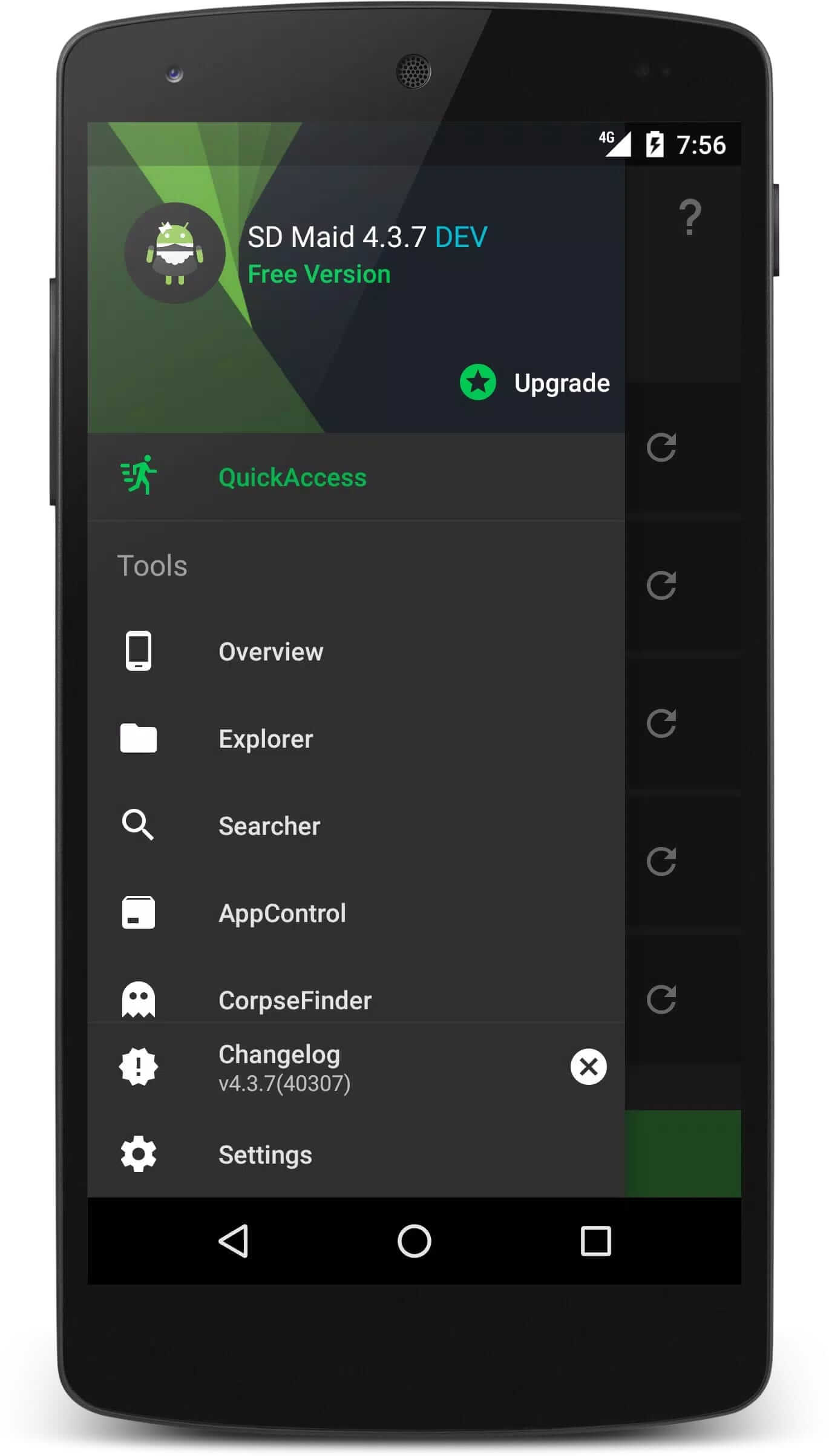
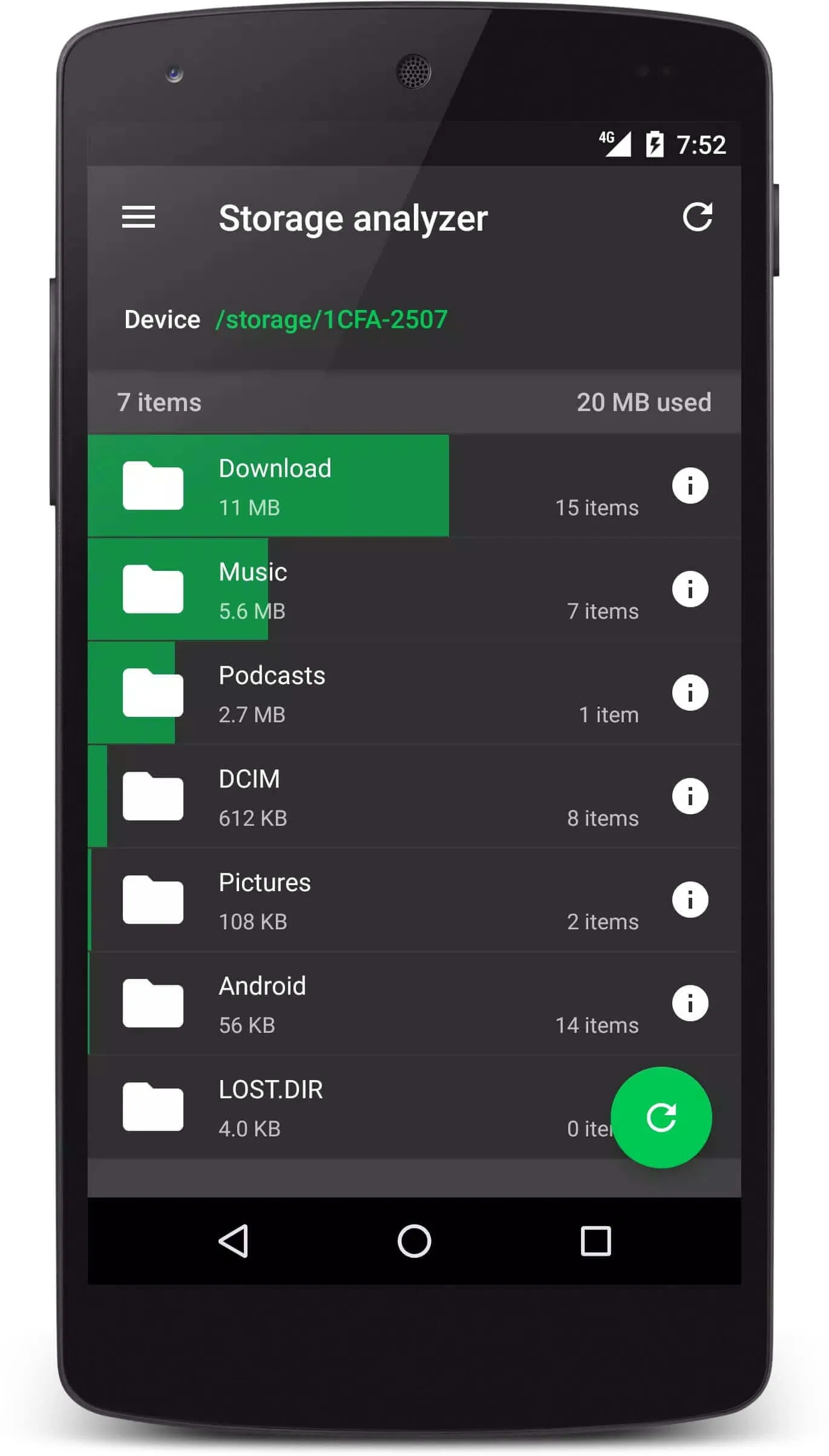
| Explorer + Search | A built-in file manager and search to browse and find anything on your storage. |
| Duplicates | Spots duplicate files so you can delete the extra copies and save space. |
| Scheduler | Runs your chosen cleanups automatically on a set schedule. |
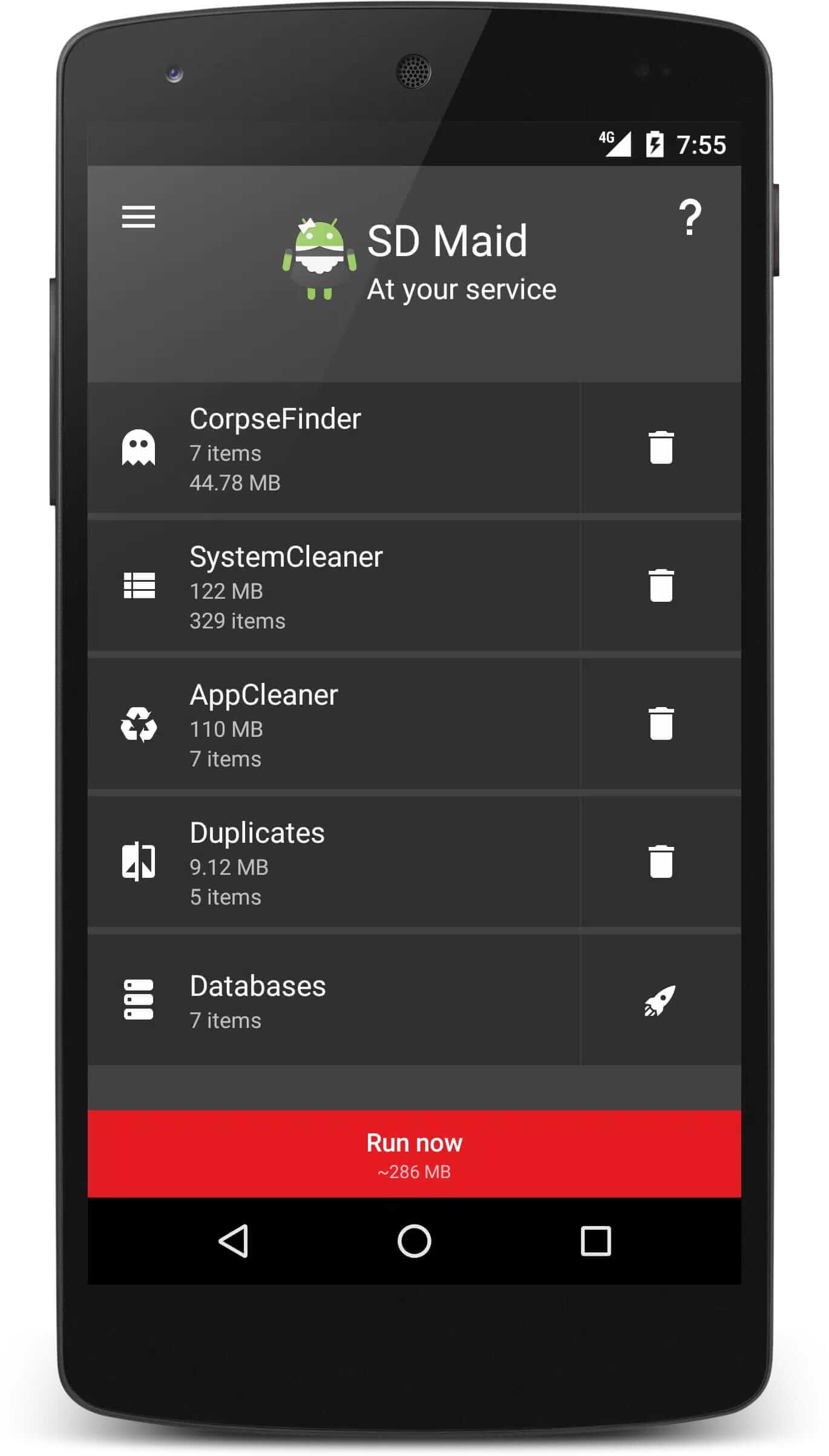
Each module shows you a preview of what it found before anything gets removed, which is the part that makes SD Maid feel less risky than a blind "clean all" button.
What Pro Unlocked gives you
In the official app most of the heavy features sit behind a paid key. Pro unlocked lifts those limits: you get the full scheduler, extended filters and exclusions, the ability to run deeper cleanups, and no repeated prompts pushing you to upgrade. In short, every module works at full strength.
Here is the honest bit. On Google Play, Pro is not part of the base app, it is a separate unlocker called eu.thedarken.sdm.unlocker that you buy (around $4) and keep installed next to SD Maid. The MOD file on this page bakes Pro straight into a single APK, so you do not need that second unlocker package.
How to download and install SD Maid Pro MOD APK
The download is a small APK, about 8.8 MB, and it runs on Android 5.0 and up.
- Tap the green Download APK button (Mod, Pro Unlocked) at the top of this page. The file downloads directly, no registration.
- Allow installation from unknown sources for your browser or file manager (Settings → Security).
- If the Google Play version is already installed, remove it first. The MOD won't install over it because the signature is different.
- Open the file, tap Install, then launch SD Maid and grant it storage access.
First time sideloading an app? Our APK install guide walks through the same steps with screenshots.
Is it safe to clean with SD Maid?
Yes, if you clean with a bit of care. Always check the preview list before you confirm a deletion, and leave system paths you don't recognise alone. Most functions work fine without root, though a few of the deeper cleanups reach further when you have root or Shizuku set up. And since SD Maid is an offline tool, there is no account, no server and nothing to get banned from, it just works on the files sitting on your phone.
MOD or original?
The original route is the free SD Maid 1 app plus the paid Pro key on Google Play, which is the way to support darken directly if you can. The MOD here simply opens those same Pro features for free in one file. If you'd rather run the current, actively developed line, look at SD Maid SE (eu.darken.sdmse) instead, it is a different app with its own design. You can browse more cleanup and utility apps in our Tools category, or see other unlocked builds on the MOD page.
FAQ
What does Pro Unlocked give?
Do I still need the free SD Maid app?
Is the MOD APK safe?
Does it need root?
Is this SD Maid 1 or SD Maid 2/SE?
What are the requirements?
Download SD Maid Pro Mod (Pro Unlocked)
- No viruses
- No spyware
- No malware
The reviews (0)