- No viruses
- No spyware
- No malware
com.videoapps.storysaverThis file was downloaded, scanned and installed by our editors before publishing.
Every file is also checked with VirusTotal before publishing.

Storysaver.net App — Instagram Story Downloader (APK)
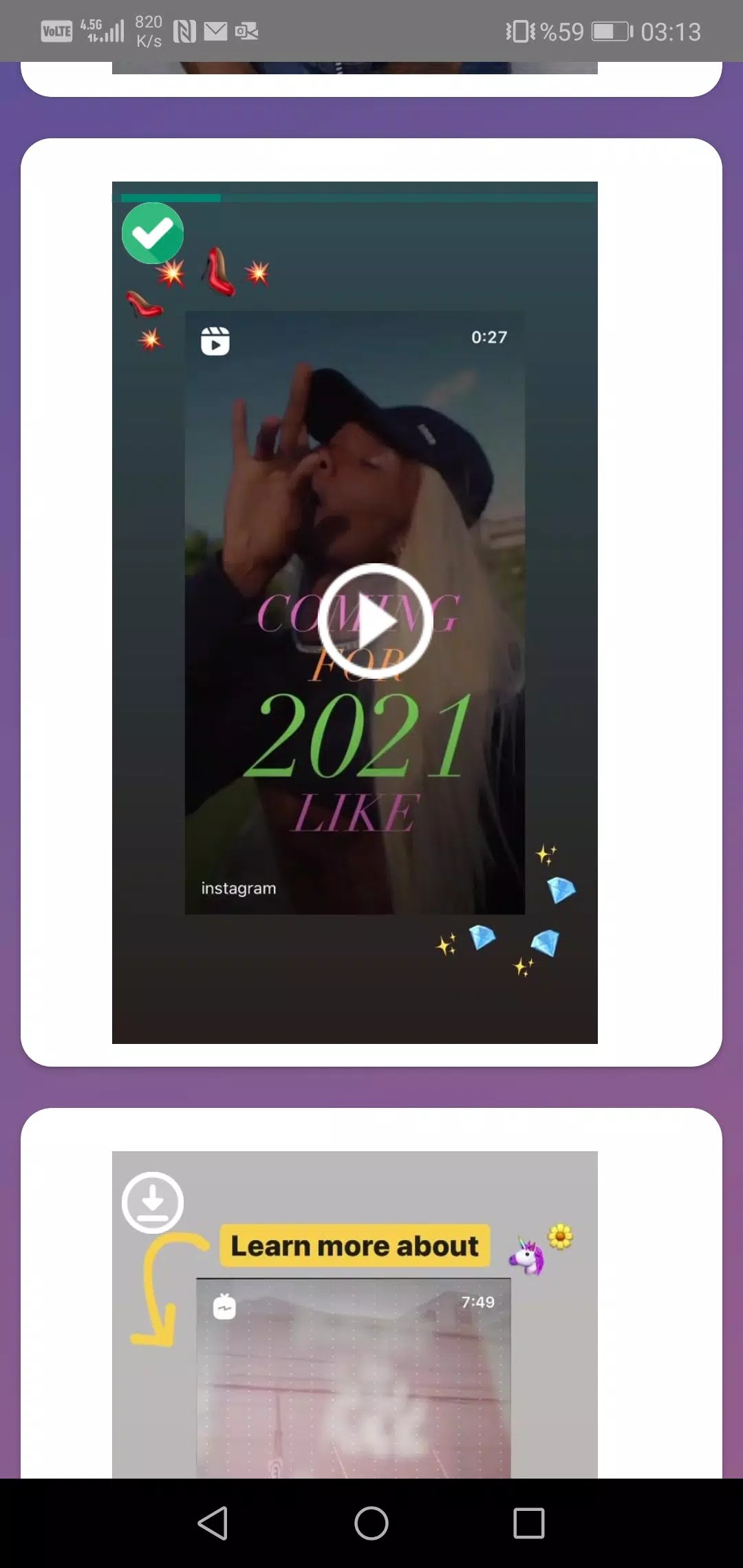
Additional information about Storysaver.net App — Instagram Story Downloader (APK)
com.videoapps.storysaverThe description of Storysaver.net App — Instagram Story Downloader (APK)
The Storysaver.net app is a small tool that helps you save Instagram stories and highlights straight to your phone. You type in a username, you see the active stories on that public profile, and you tap to download the photo or video you want. It is free, it is made by LaurentApps, and our editors tested it on real Android devices before we wrote this page. One thing to be clear about up front: this app is not made by Instagram or Meta, and it is not connected to them in any way.
What is Storysaver.net App?
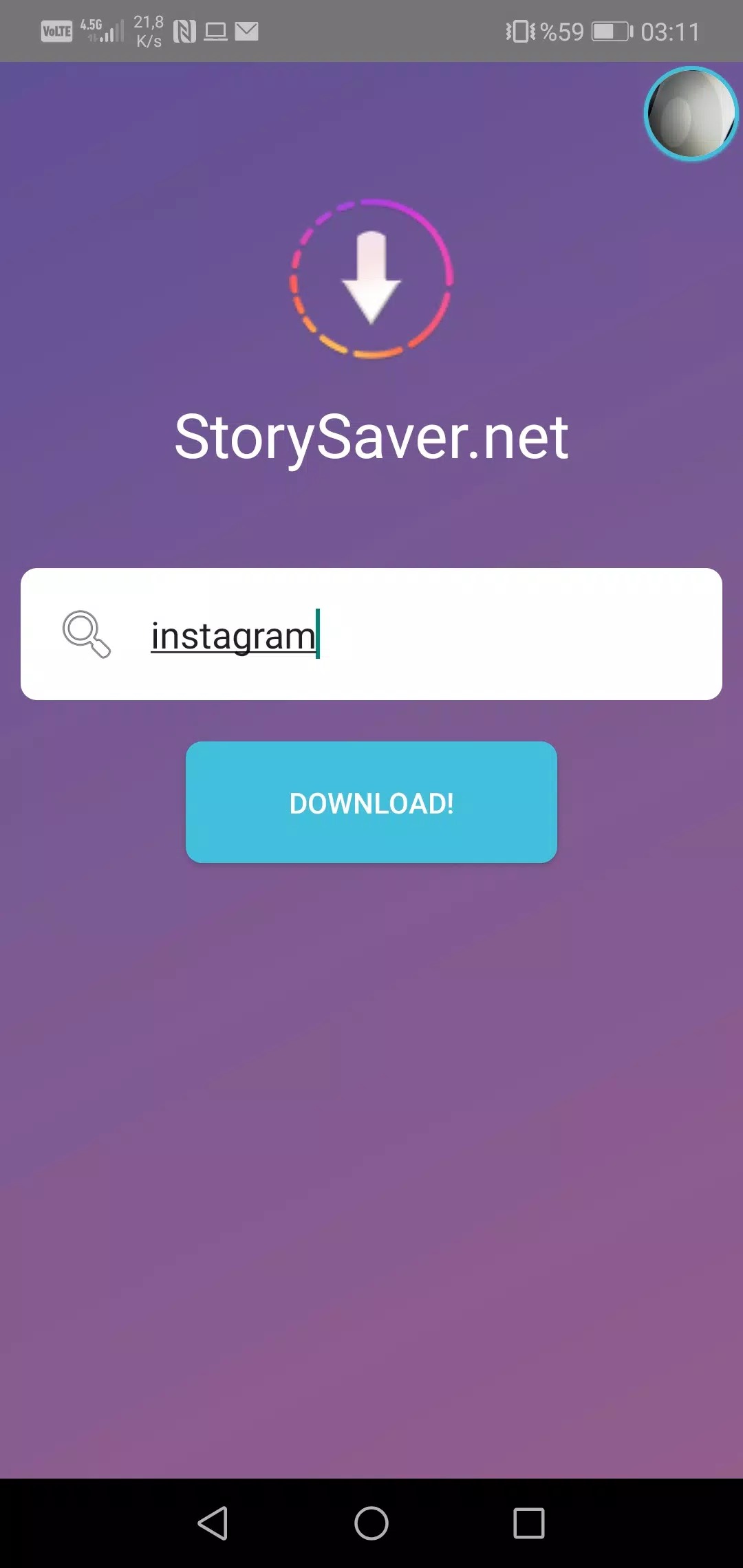
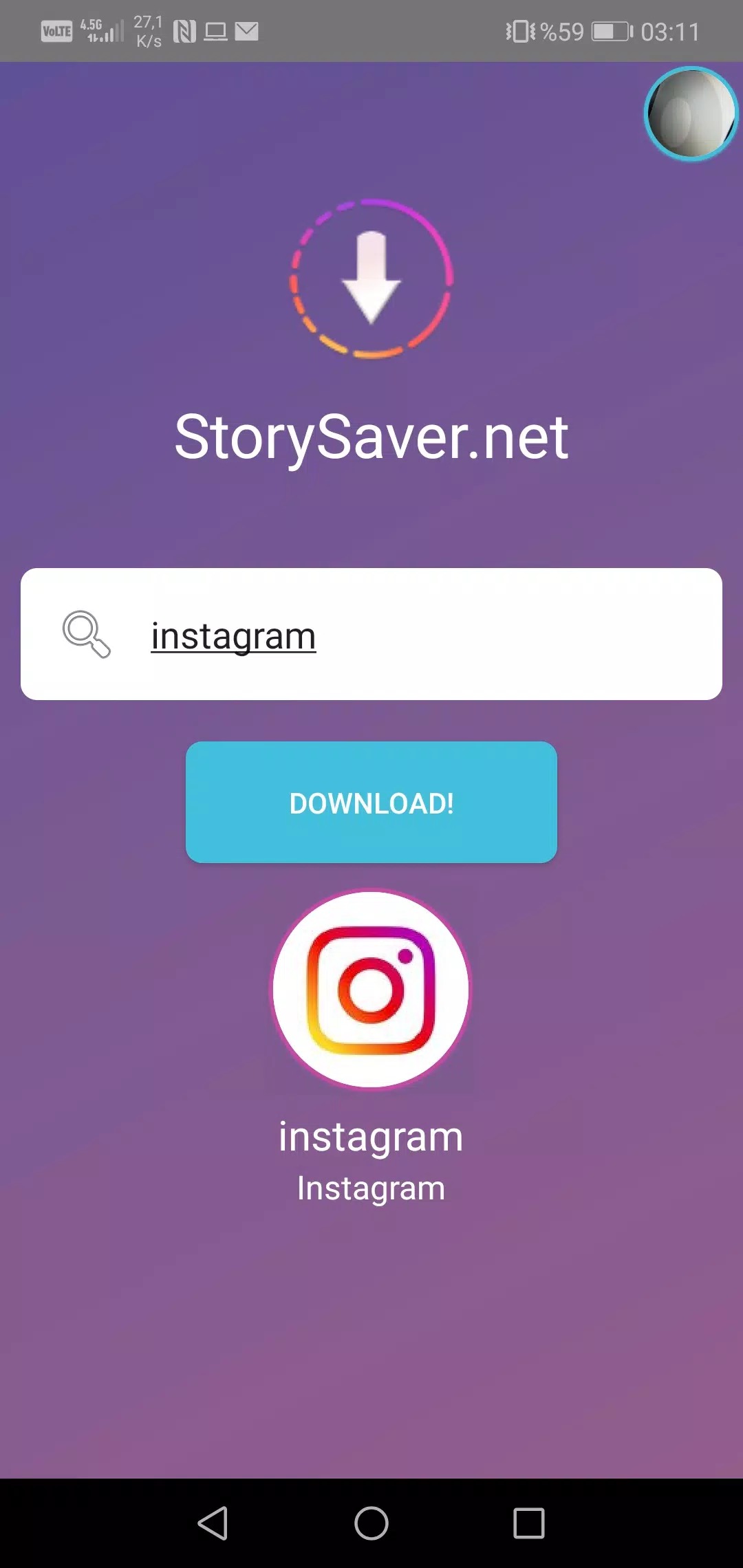
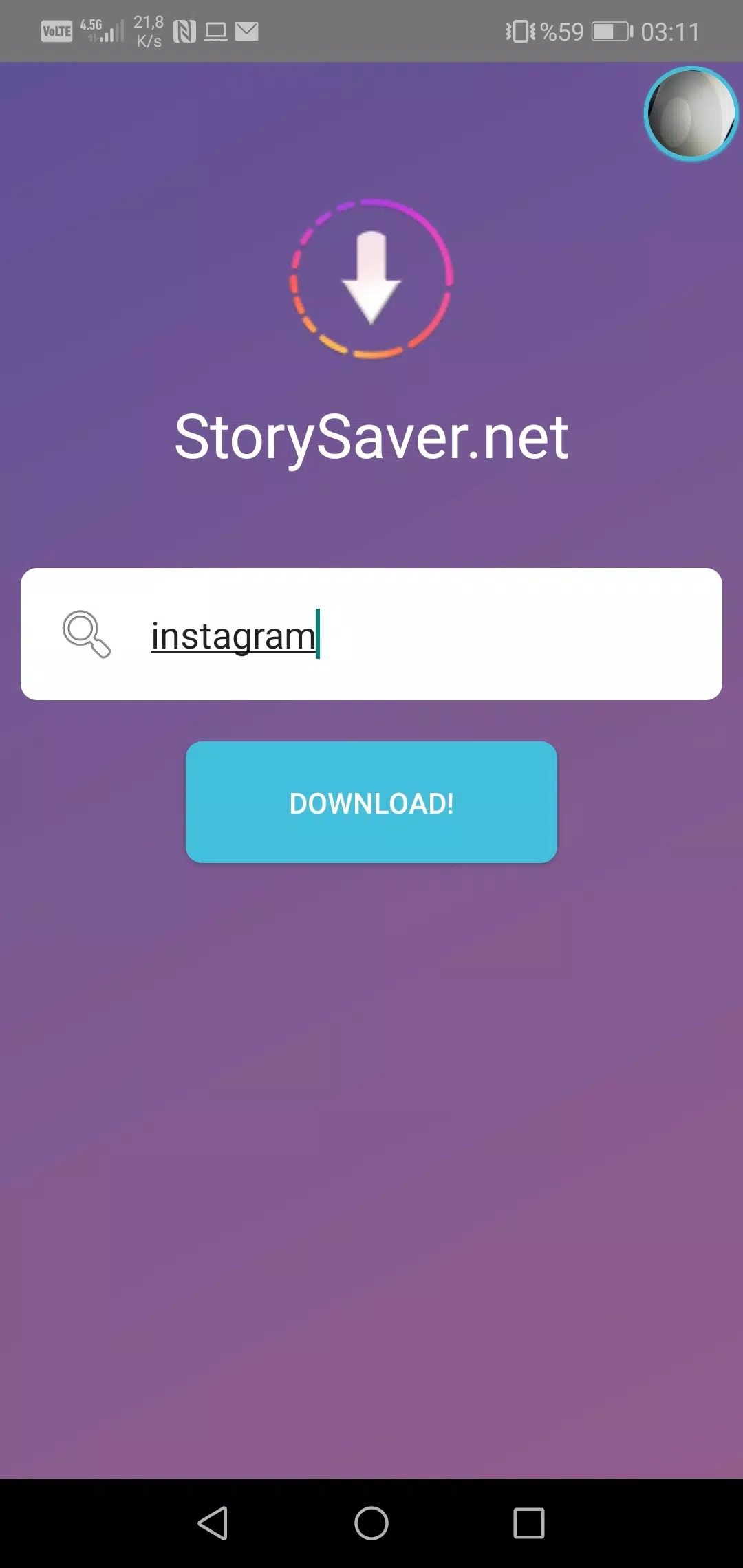
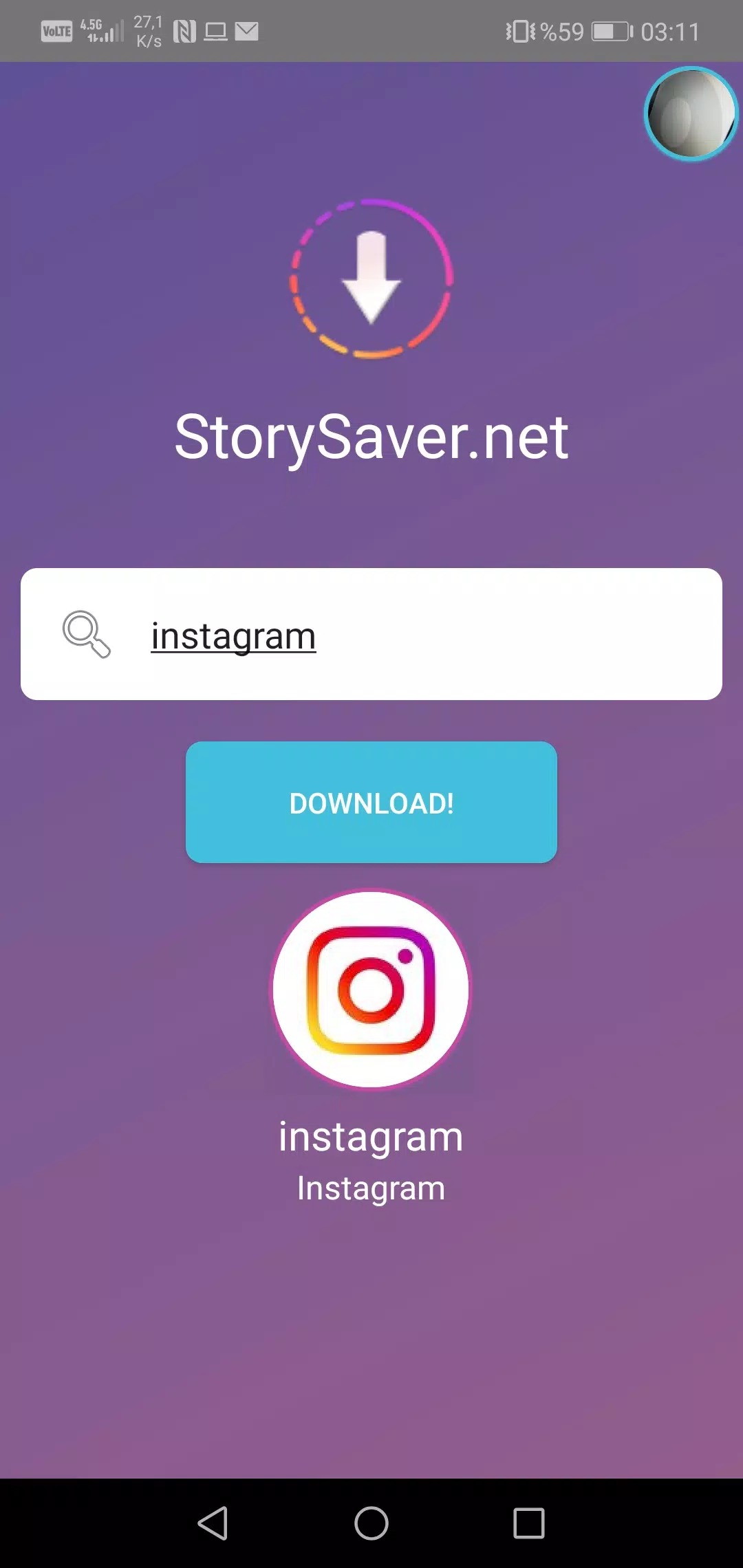
Storysaver.net is a light downloader for Instagram content. The APK is around 4 MB, so it installs fast and does not eat up your storage. There is no complicated setup. You open it, enter the Instagram username of a public profile, and the app pulls up the stories that person is running right now. From there you pick the ones you like and save them as photos or videos in your gallery.
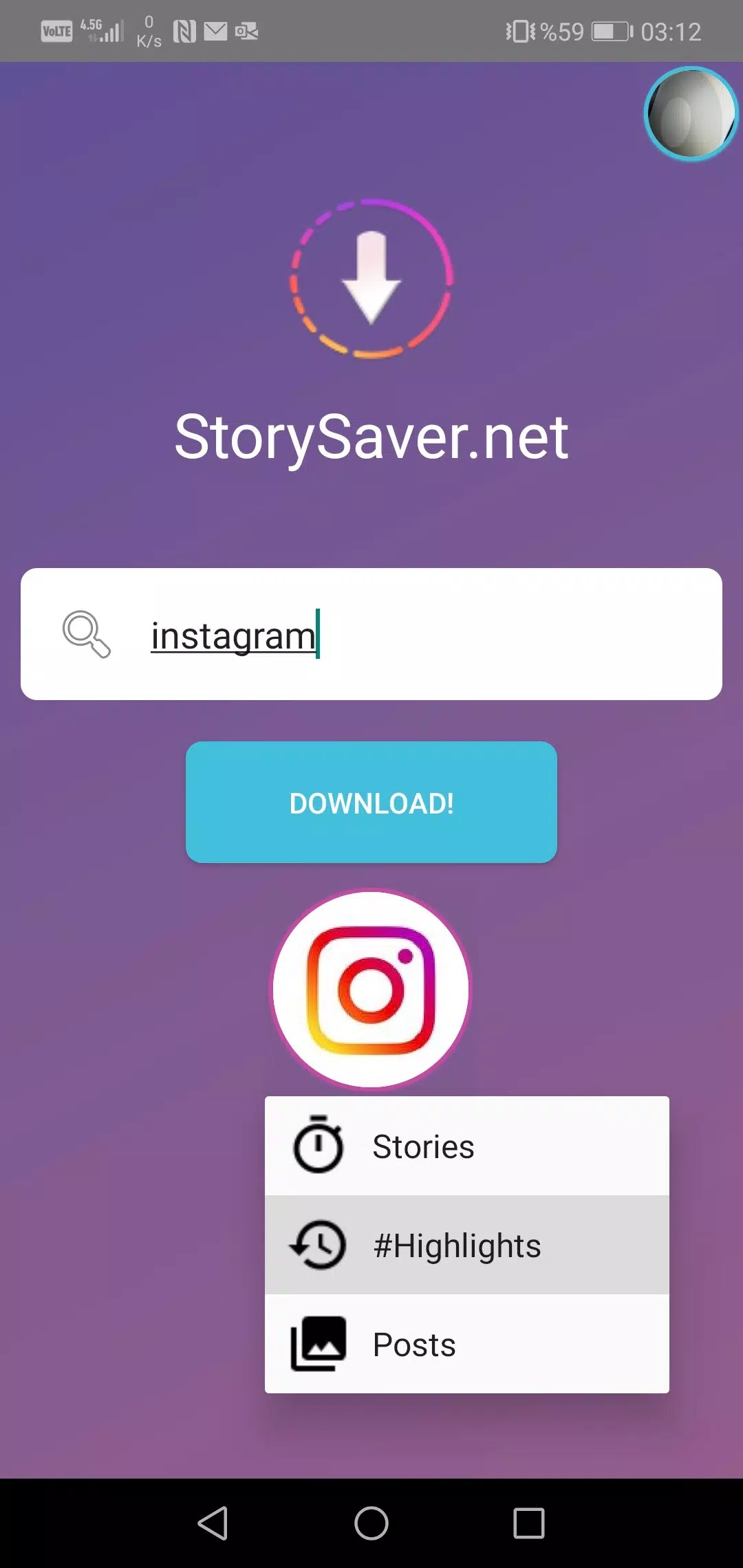
The app has been downloaded roughly 3.5 million times, which tells you plenty of people use it for the same simple job: grabbing a story before it disappears after 24 hours. It also works with highlights, so you can save the older reels a profile keeps pinned. That is really the whole idea. It does one thing and keeps it clean.
Key features
- Save stories and highlights from public Instagram profiles.
- Preview before you download, so you only keep what you actually want.
- Download photos and videos in their original form.
- Saves straight to your gallery, so files are easy to find later.
- Works by username — for public profiles you do not need to log in at all.
Is it legal? Instagram's rules
Here is the honest part. Storysaver.net is a third-party tool and is not affiliated with Instagram or Meta. Instagram's terms of service put limits on automatically collecting other people's content, so it pays to be sensible about how you use any downloader.
The safest use is saving your own stories and highlights. If you want someone else's content, the polite and correct move is to ask that person first and respect their copyright. A story or reel belongs to the creator, not to you. Also worth knowing: logging into your Instagram account through third-party clients can put your account at risk. Tools that work by username without a login, like this one, are the safer route because you never hand over your password.
How to download and install
- Tap the Download APK button on this page.
- Open your phone settings and allow installs from unknown sources if you have not done that before.
- Open the downloaded file and tap install.
- Launch the app and you are ready to go.
The file is about 4 MB and needs Android 6.0 or newer. If any step is unclear, our full guide on installing APK files walks you through it slowly.
How to save a story
- Open the app.
- Type the Instagram username you want to check.
- Wait a moment for the list of active stories to load.
- Pick the photos or videos you want and tap download.
The saved file lands in your gallery, next to your own photos. That is it — no extra accounts, no links to connect.
Storysaver.net vs built-in options
You do not always need a separate app. Instagram itself lets you repost or share your own stories, and a screenshot works fine for a single frame in a pinch. For quick, one-off saves of your own content, the built-in tools are enough.
Where a downloader helps is speed and video. Screenshots flatten a video into one still image, and reposting only covers your own account. If you save stories and highlights often, a dedicated tool is simply less hassle. You can browse more utilities like this in our tools section, or check the related Story Saver for Instagram downloader if you want to compare options.
FAQ
What is Storysaver.net App?
Is Storysaver.net affiliated with Instagram?
Is it legal to save Instagram stories?
Do I need to log in with my Instagram account?
Is the APK safe?
What are the requirements and size?
Download Storysaver.net App
- No viruses
- No spyware
- No malware
The reviews (0)