- No viruses
- No spyware
- No malware
com.activision.callofduty.shooterThis file was downloaded, scanned and installed by our editors before publishing.
Every file is also checked with VirusTotal before publishing.

Call of Duty: Mobile APK (Latest Version)



Additional information about Call of Duty: Mobile APK (Latest Version)
com.activision.callofduty.shooterThe description of Call of Duty: Mobile APK (Latest Version)
If you searched for a Call of Duty Mobile MOD APK, here is the straight version: this page gives you the latest, editor-tested original build of the game, not a fake cheat file. Call of Duty: Mobile is an online multiplayer FPS from Activision, which means the parts people usually want from a "mod" — unlimited CP, a mod menu, aimbot — either don't work or get your account banned. We explain exactly why below, then hand you a clean APK you can actually install.
Every file here is scanned for malware and installed on a real Android device by our editors before publishing, and we have done this since 2018. The build on this page is the Original Google Play version, so it behaves like the app you'd get from the store, just as a direct download.
What is Call of Duty: Mobile?
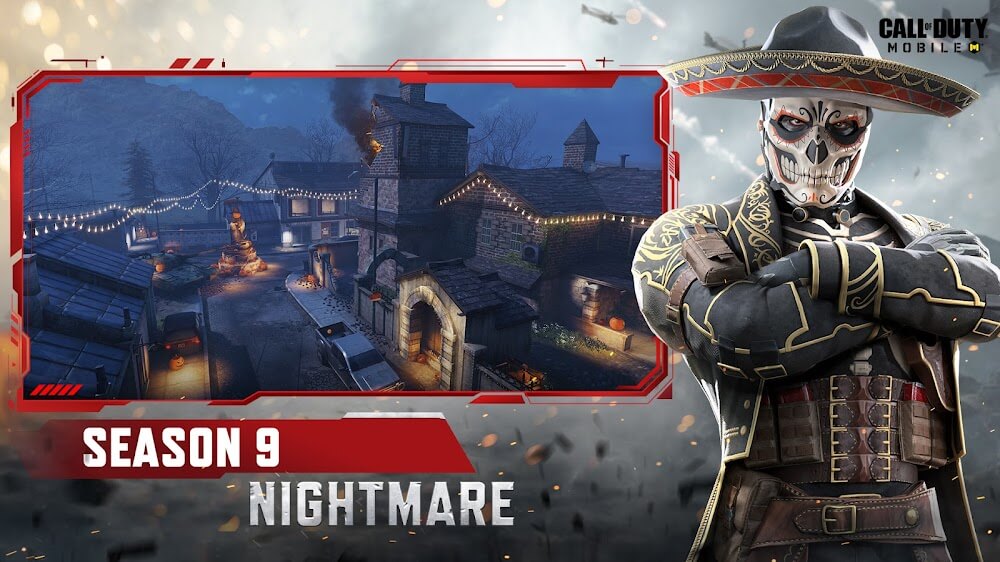
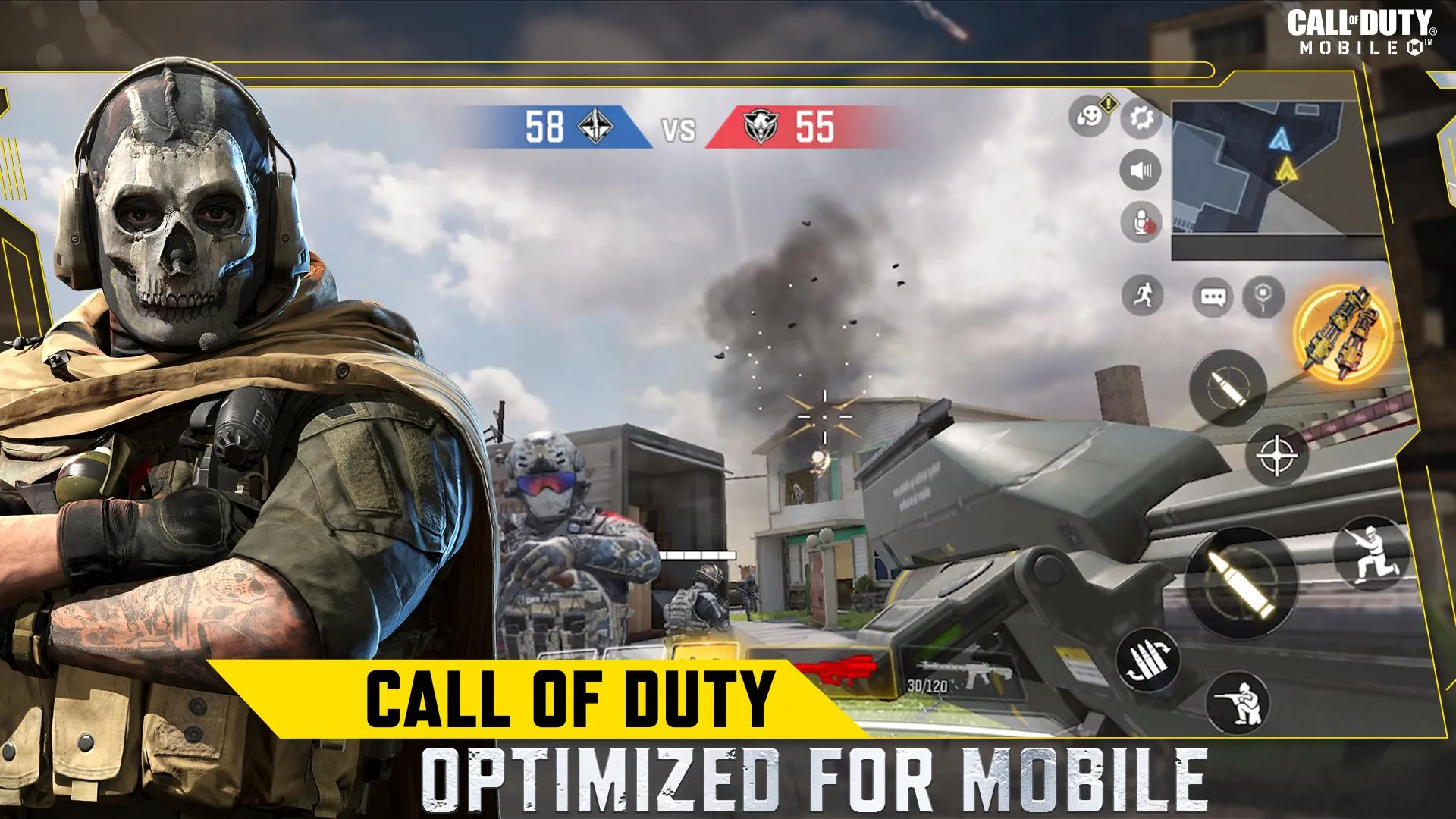
Call of Duty: Mobile is Activision's free-to-play shooter, built together with TiMi Studios (part of Tencent). It brings the console-style Call of Duty feel to your phone, and it has passed 100 million downloads. You get fast 5v5 multiplayer with modes like Team Deathmatch, Domination, Frontline and Gun Game, plus a full 100-player Battle Royale.
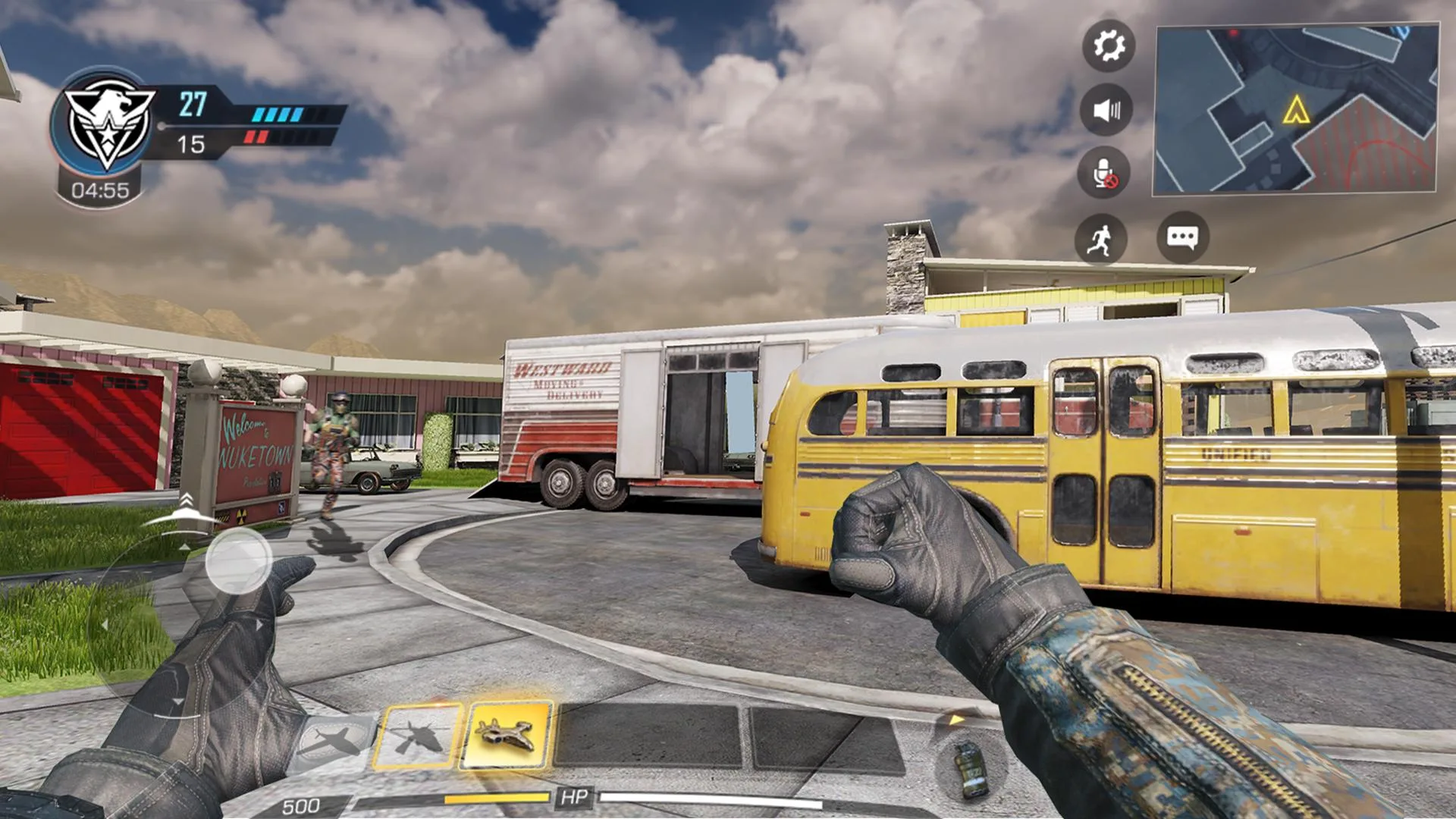
The maps are the ones fans know: Nuketown, Crash, Hijacked and more, rebuilt for touch controls. Content runs in seasons, each with its own Battle Pass, events and rewards. One thing to be clear about up front: this is an online game. You need an internet connection and an account to play, there is no offline campaign here.
Why there is no real "unlimited money" MOD
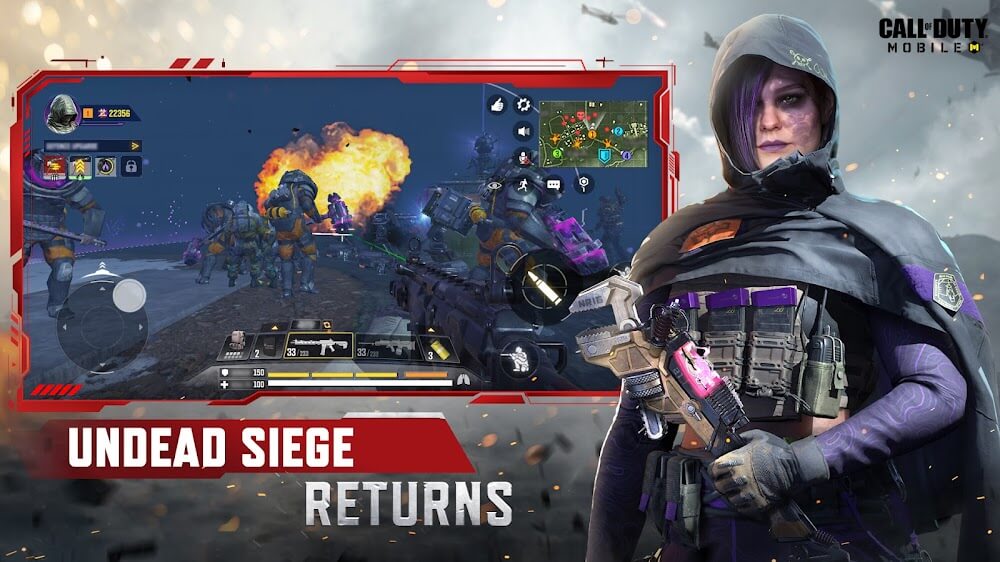
This is the part most sites skip. CP (COD Points) and your ranked progress are stored on Activision's servers, not on your phone. The game checks those numbers online every time you play, so a MOD can only change a copy on your screen — the server just ignores it. That is why "unlimited CP" downloads for COD Mobile are a dead end.
| What a "mod" claims | What actually happens |
|---|---|
| Unlimited CP / money | CP lives on Activision's servers. The client can't create it, so the balance never changes for real. |
| Mod menu / aimbot / ESP / wallhack | These are cheats in a live online match. Anti-cheat detects them and bans the account. |
| Modified or repacked APK | Fails the game's integrity check, so it may refuse to launch or flag you. |
Short version: on a server-side online game, "mod" advantages don't work safely. Anyone promising them is either selling a fake or a ban.
Ban risk and anti-cheat (be honest)
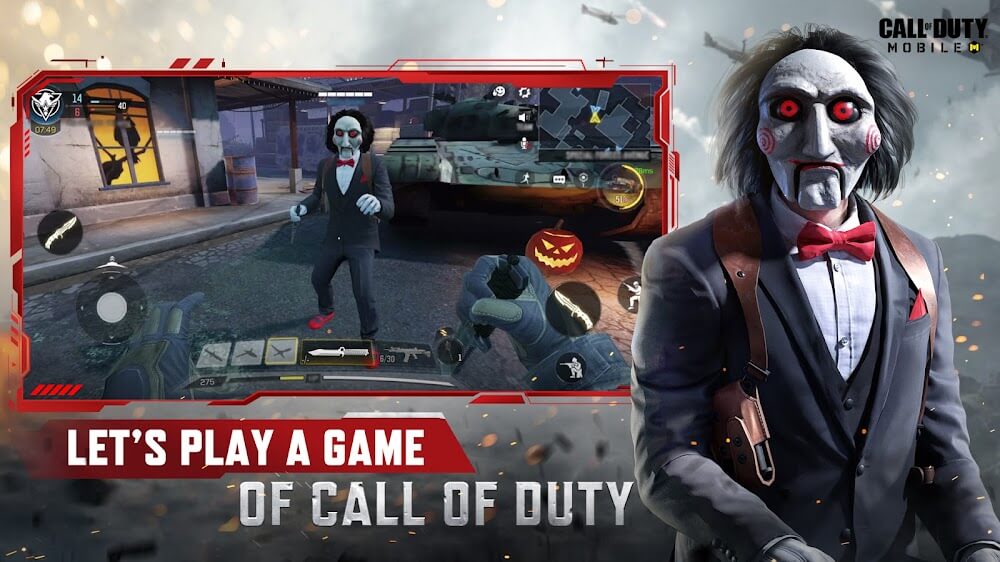
COD Mobile runs an active anti-cheat system, and it is not gentle. Using a mod menu, aimbot or ESP is the fastest way to a permanent account ban, and in serious cases the ban reaches the device or hardware ID, not just the login. A modified or rebuilt APK also trips the integrity check, so even loading one is a gamble.
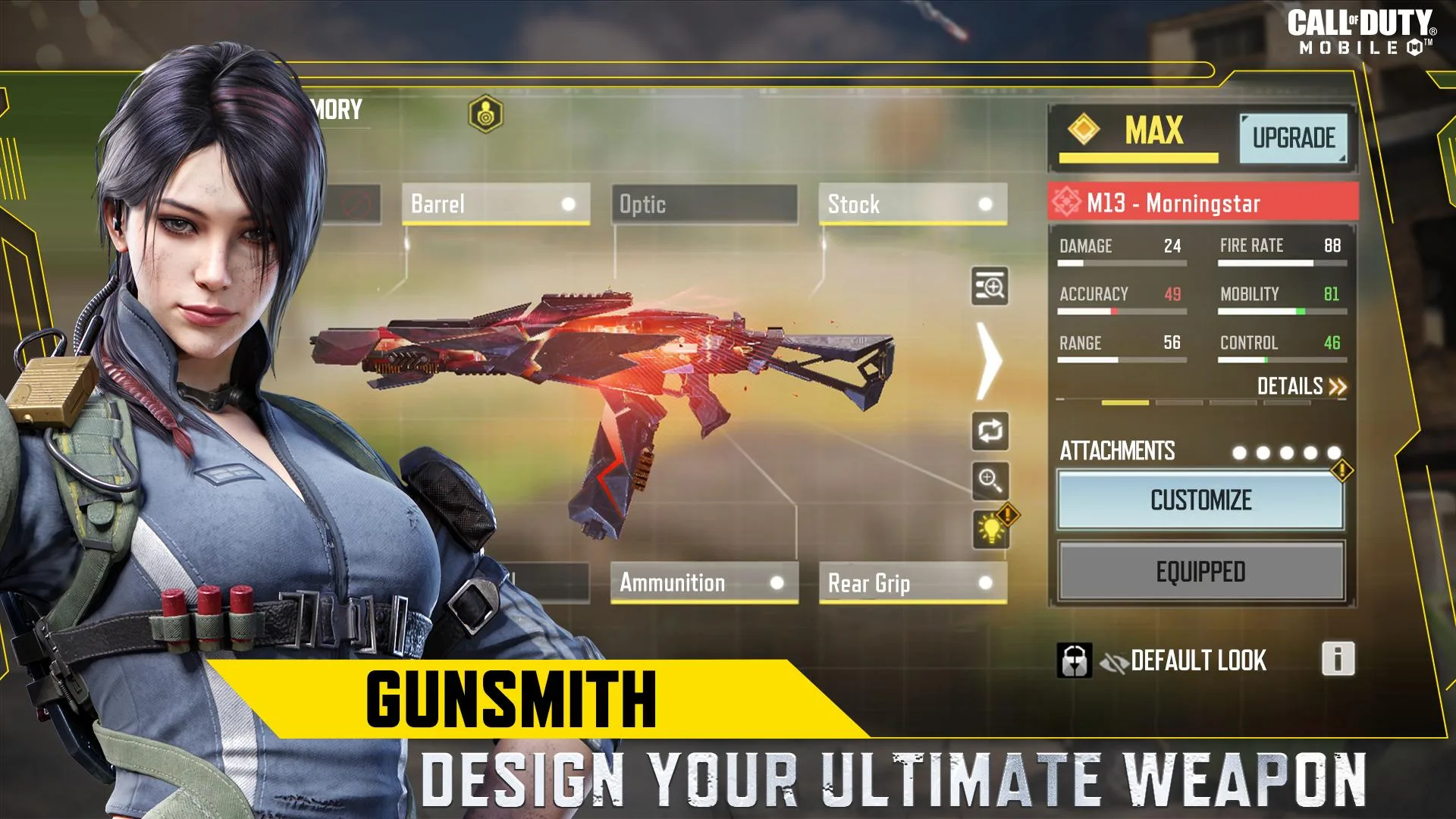
What is safe? The original client, plus the customization already inside the game. You can tune your graphics, rebuild your HUD layout, and switch on gyroscope aiming — all legit, and honestly more useful than any cheat once you get used to them.
What you actually get here
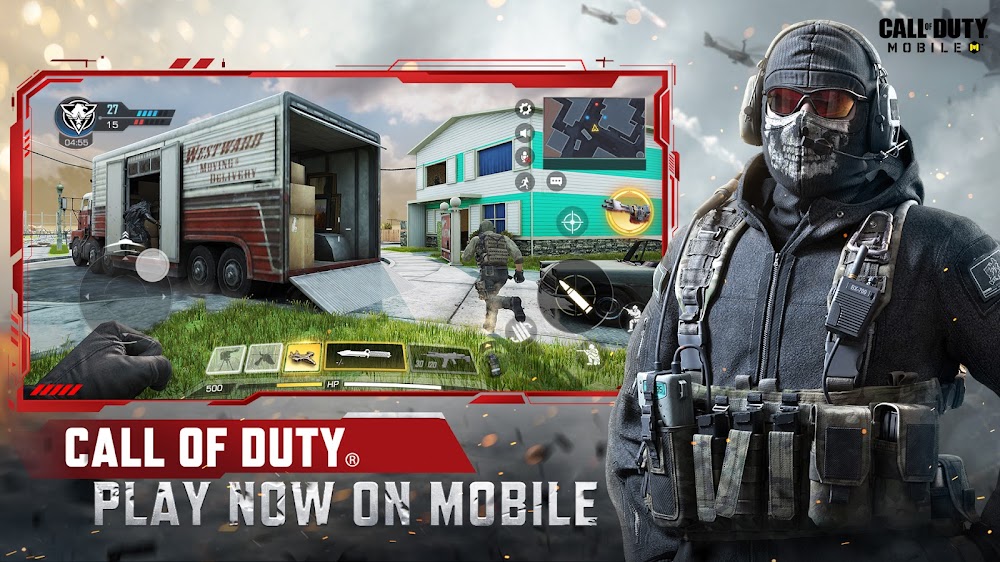
The download on this page is the current Original Google Play build of Call of Duty: Mobile, scanned and tested by us on a real device. No registration, no SMS, no repack tricks. It is handy when Google Play is blocked in your region, when the store won't serve you the app, or when you just want to update the game manually. The file is around 1.7 GB and needs Android 6.0 or newer.
How to download and install Call of Duty: Mobile MOD APK
The download is a large APK, so plan for it. Both the file and the setup start from this page.
- Tap the green Download APK button at the top of this page. The file downloads directly, no account needed.
- Allow installation from unknown sources for your browser or file manager (Settings → Security).
- If a version with a different signature is already installed, remove it first, or the new file won't install over it.
- Open the APK, tap Install, then launch the game and sign in with your Activision account or as a guest.
Because the file is around 1.7 GB, use Wi-Fi and keep enough free storage while it unpacks. First time sideloading an app? Our APK install guide walks through the same steps with screenshots.
Legit ways to progress
You don't need a cheat to level up fast. A few habits do more than any fake mod ever could:
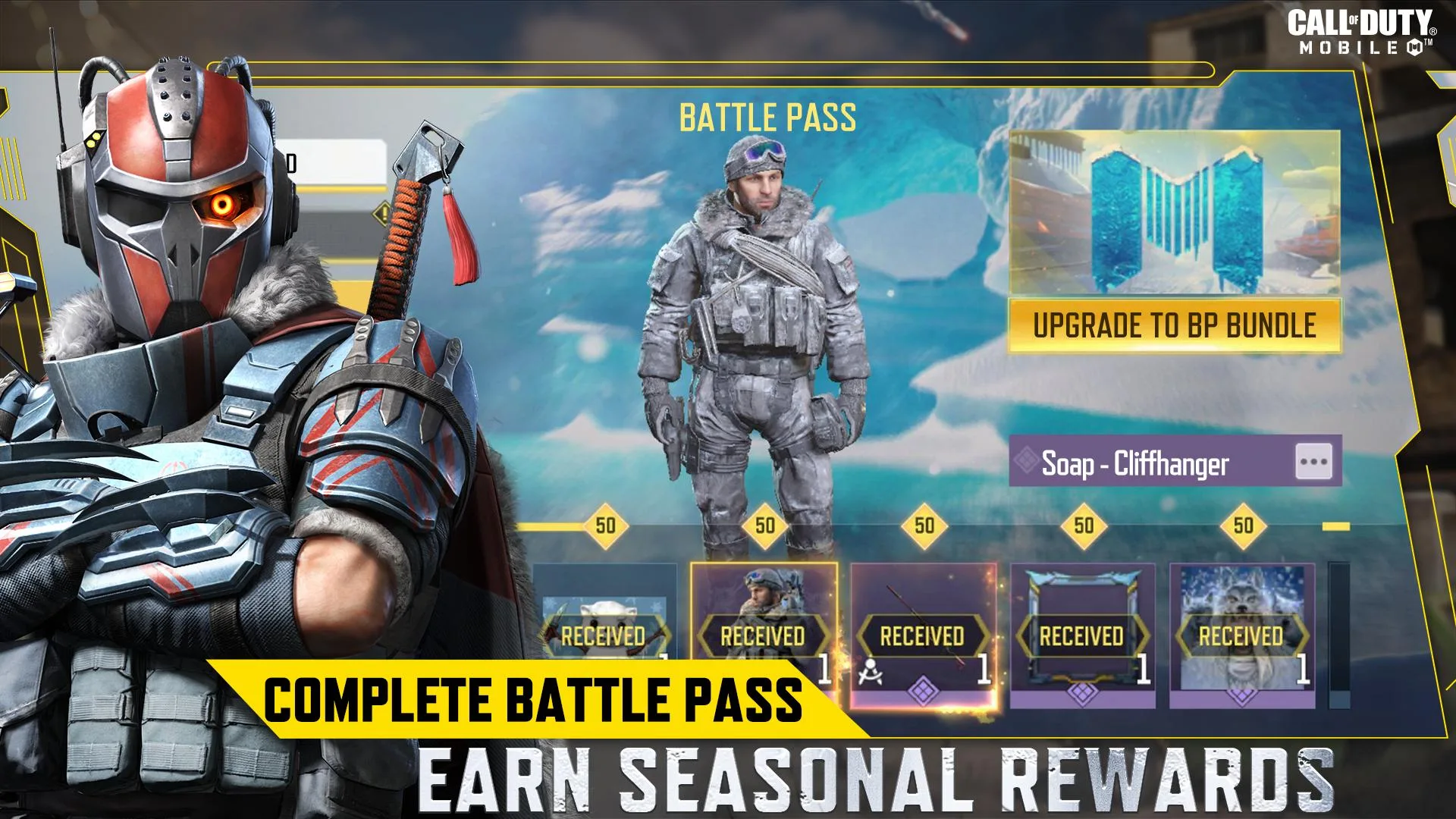
- Grind the free Battle Pass track every season. It hands out weapons, skins and CP without a cent.
- Play seasonal events and challenges. They pay out gear you can't get by just spamming matches.
- Learn recoil control and build a HUD layout that fits your thumbs. Comfort wins gunfights.
- Try gyroscope aiming for finer control on headshots once your basics are solid.
Want more shooters and tools like this? Browse our action games and check the wider MOD catalog for what is honestly possible on other titles.
FAQ
Is there a real unlimited money / CP MOD for COD Mobile?
Will I get banned for a mod menu or aimbot?
Is Call of Duty: Mobile offline?
Is this APK safe?
How big is it and what Android do I need?
How do I progress without cheating?
Download Call of Duty Mobile APK — COD’s New Avatar for Android
- No viruses
- No spyware
- No malware
The reviews (1)