- No viruses
- No spyware
- No malware
istark.vpn.starkreloadedThis file was downloaded, scanned and installed by our editors before publishing.
Every file is also checked with VirusTotal before publishing.

Stark VPN Reloaded APK (Free VPN & Tunnel)
Additional information about Stark VPN Reloaded APK (Free VPN & Tunnel)
istark.vpn.starkreloadedThe description of Stark VPN Reloaded APK (Free VPN & Tunnel)
Stark VPN Reloaded APK is a free VPN and tunneling tool for Android that routes your traffic through custom servers, hides your real IP address and helps you reach sites and apps that are blocked on your network. It is built to run on cheap phones and slow connections, so it stays light on battery and memory. The file on this page is scanned for malware and installed on a real Android device by our editors before publishing, we have done this since 2018.
There is no paid tier to crack and nothing locked behind a wall here. The app is free as it ships, and what makes it stand out is the tunneling side, not a fancy paywall.
What is Stark VPN Reloaded?
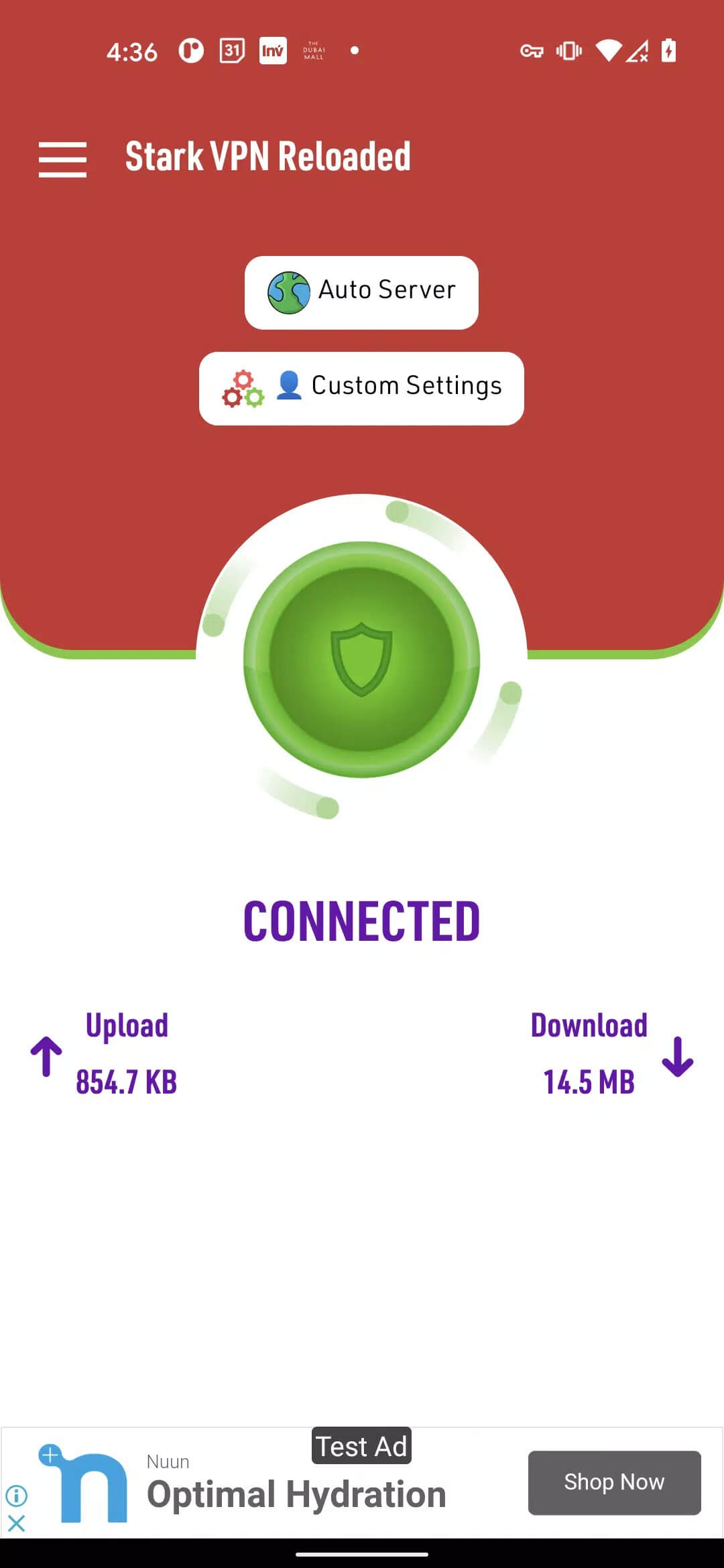
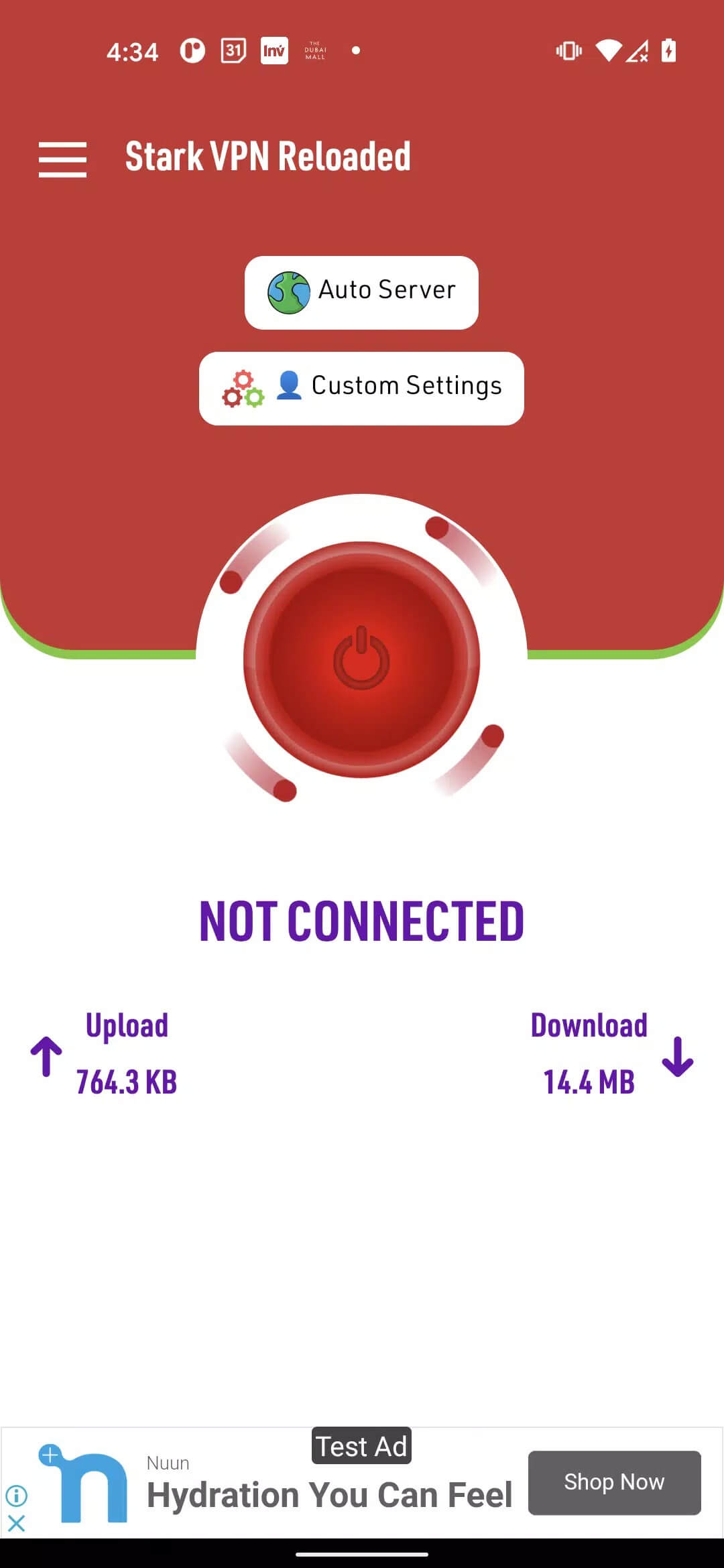
Stark VPN Reloaded is a free VPN tunnel from Everyday Connect. Instead of just flipping one switch, it lets you pick how the connection is built: plain SSL, HTTP, SNI-based routing or a V2Ray tunnel. You choose a server, the app changes your visible IP and location, and traffic that your provider would normally block can get through. The interface is plain and quick to learn.
The app is big in parts of Africa, Nigeria especially, where people use hand-tuned configs to squeeze more out of a mobile plan. It reads as a Tools app, not a game, and it does not eat much RAM, which is why it holds up on older hardware.
Key features
- Free to use: no subscription, no unlock, no premium tier to buy.
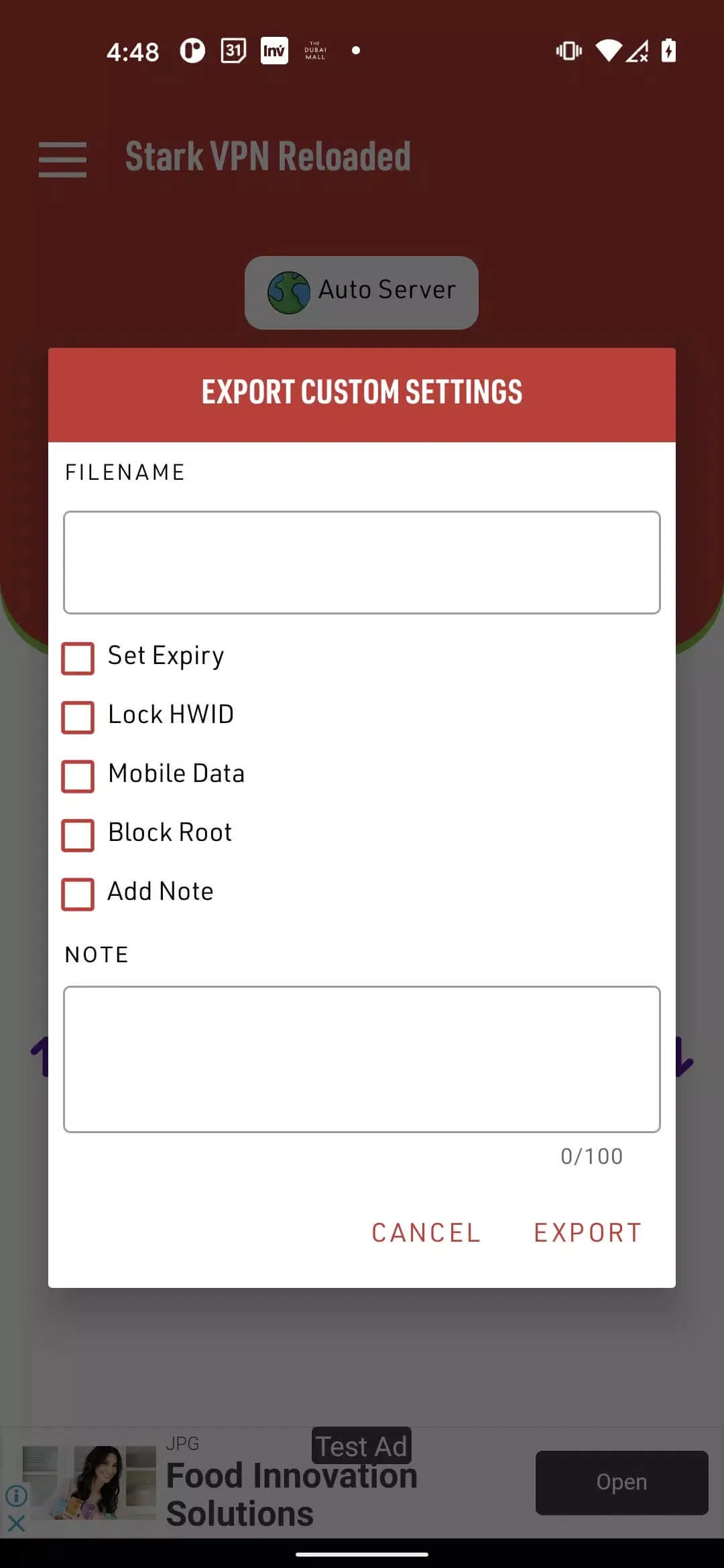
- Custom configs: import or type in your own SSL, SNI or V2Ray settings.
- Multi-protocol: switch between SSL, HTTP, SNI and V2Ray depending on what your network allows.
- IP and location change: mask your real address and appear to connect from elsewhere.
- Light footprint: runs fine on low-end phones and modest data plans.
- Multi-device: install it on more than one Android phone with the same setup.
Custom settings and tunneling
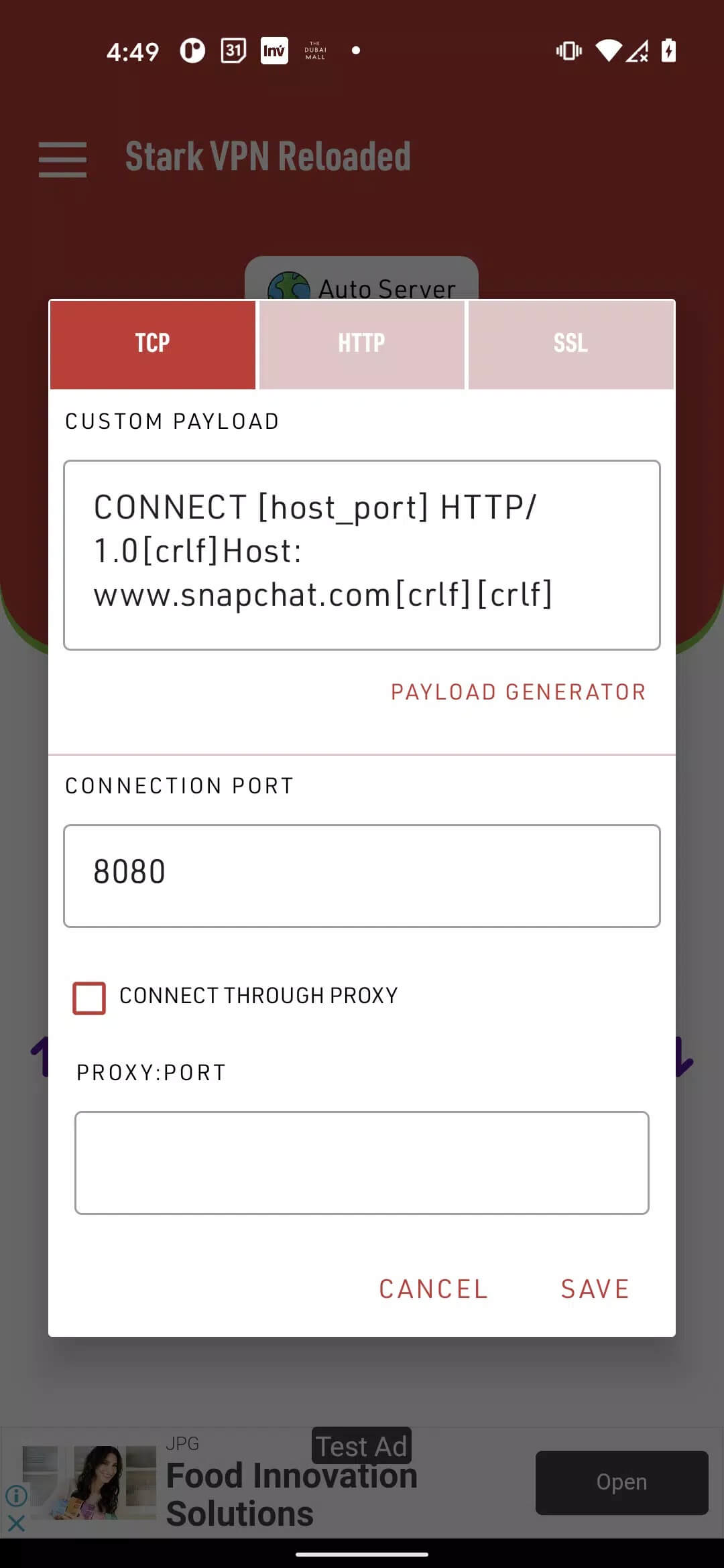
This is where most people spend their time. You set a connection mode, often SSL over port 443, point it at a server, and drop in an SNI or host value so the tunnel knows where to route. The V2Ray mode handles trickier networks that block the simpler methods. Configs get shared around in the community, and a working one for your carrier can make the difference between a dead connection and a fast one.
You will also see "tweaks" aimed at specific operators like MTN, Airtel, Glo or 9mobile. Honest note: these depend entirely on your network, they come and go as carriers patch things, and they may go against your operator's terms of service. Whether you use them is your call. We are not promising anyone free data here, because that is not something the app can guarantee.
Privacy: what a VPN can and cannot do
A VPN like this encrypts the traffic between your phone and the server and swaps your IP for the server's. On a shared or public Wi-Fi, that makes it much harder for someone on the same network to snoop on what you are doing. It also helps you get around region and network blocks.
What it does not do is make you invisible. It is not full anonymity. If you log into your real accounts, those services still know it is you, and the speed and reliability depend on the server you pick. Treat it as a privacy layer, not a magic cloak, and do not log into sensitive services through a random config you do not trust.
How to download and install Stark VPN Reloaded APK
The download is a single APK, no registration and no SMS.
- Tap the green Download APK button at the top of this page to grab the latest version.
- Allow installation from unknown sources for your browser or file manager (Settings → Security).
- Open the file and tap Install. It needs Android 5.0 or newer and about 43 MB of space.
- Launch the app and grant the VPN permission when Android asks, this is normal for any VPN.
- Pick a server or load a config, then connect.
New to sideloading? Our APK install guide walks through the same steps with screenshots.
Do you need a MOD?
Short answer: no. Stark VPN Reloaded is already free, so a "MOD" has nothing to unlock, no premium to hand you and no ads worth stripping. Any page selling a modded or hacked build is just repackaging the normal app, sometimes with junk added. Some old listings still show version 5.6-rc, but that one is out of date, so grab the current release instead. If you want alternatives, browse more privacy and networking tools in our apps section, or compare it with other tunneling apps like Psiphon Pro and 1.1.1.1.
FAQ
Is Stark VPN Reloaded free?
What does Stark VPN Reloaded actually do?
Does it give free internet?
Is Stark VPN Reloaded fully anonymous?
Which version should I download?
What are the requirements?
Download Stark VPN Reloaded APK Android
- No viruses
- No spyware
- No malware
The reviews (1)