- No viruses
- No spyware
- No malware
This file was downloaded, scanned and installed by our editors before publishing.
Every file is also checked with VirusTotal before publishing.

TM Tunnel Lite APK (Free VPN Tunnel)
Additional information about TM Tunnel Lite APK (Free VPN Tunnel)
The description of TM Tunnel Lite APK (Free VPN Tunnel)
TM Tunnel Lite APK is a free, one-tap VPN and tunnel client for Android from the developer tmtunnel. It connects your phone to a remote server with a single button, encrypts the traffic in between, and needs no manual setup or root. This is not a game and not a modded app: it is the original privacy tool, tested by our editors on a real device before it went live here.
People install a tunnel app like this to open sites their network blocks, to add a shield on public hotspots, or to keep a local provider from seeing which sites they visit. TM Tunnel Lite keeps that job simple, with no account to create and no server address to type by hand.
What is TM Tunnel Lite?
TM Tunnel Lite is a small tunnel app that routes your connection through a server somewhere else, so the sites you open see that server instead of your own network. It supports common tunnelling protocols such as SSL, HTTP and WebSocket, and it can pick from a set of servers in several countries. You tap once to connect and once to stop. The build listed here is version 27, refreshed by the developer in May 2025, and it stays in the Tools category on the store rather than under games or entertainment.
The app is free and ad-funded, so you will see ads while you use it. There is no mandatory paid subscription to make the tunnel work. To be clear about what you are downloading: this is a plain VPN client, not a mod, not a game, and not a modified build of another app. Names in this corner of the store overlap, so keep in mind that TM Tunnel Lite is a separate app from TM Tunnel VPN and from MTM Tunnel Lite, and each of those ships under its own package name from a different listing.
Key features
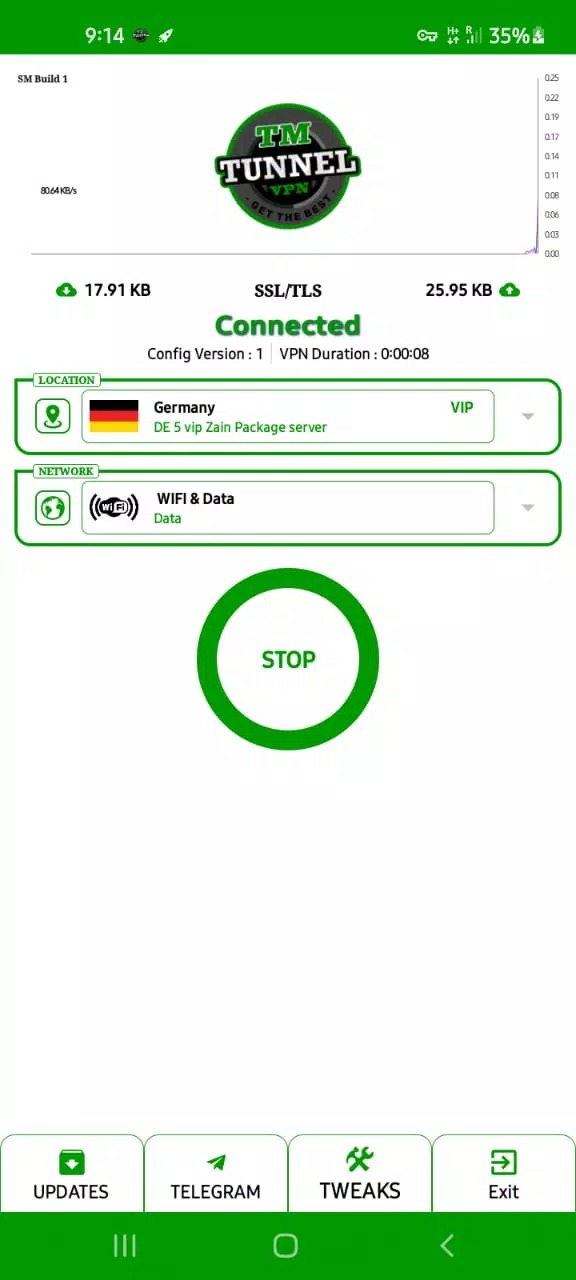
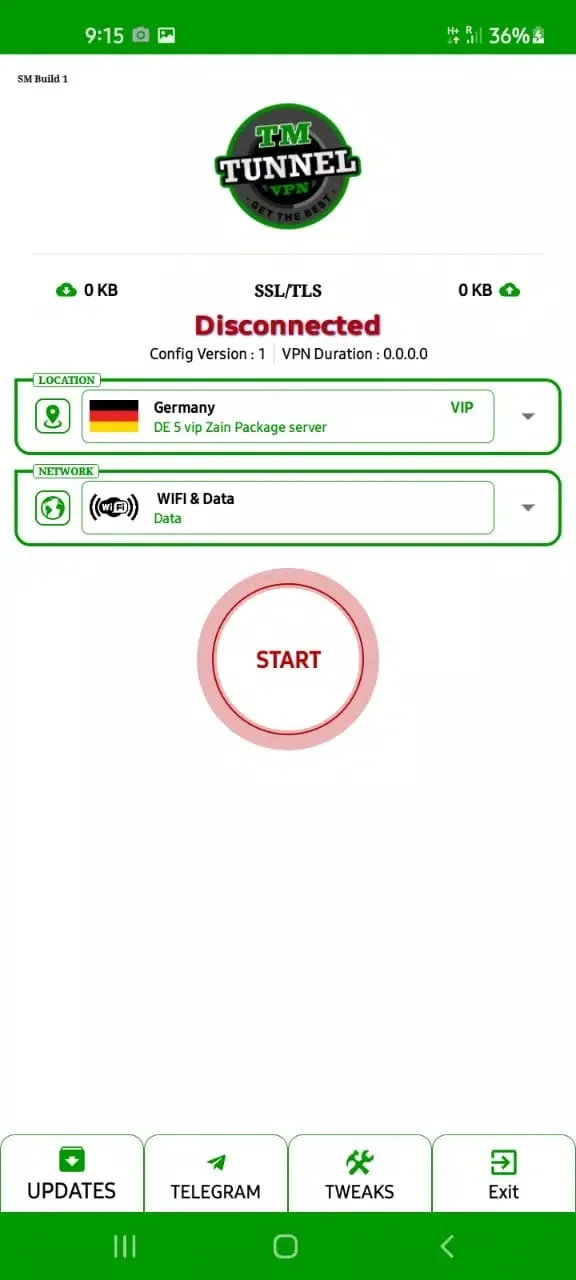
- One-tap connect, no setup: a single button starts and stops the tunnel, and root is not required.
- Encrypted connection: your traffic is scrambled between the phone and the server, which adds a privacy layer on public Wi-Fi.
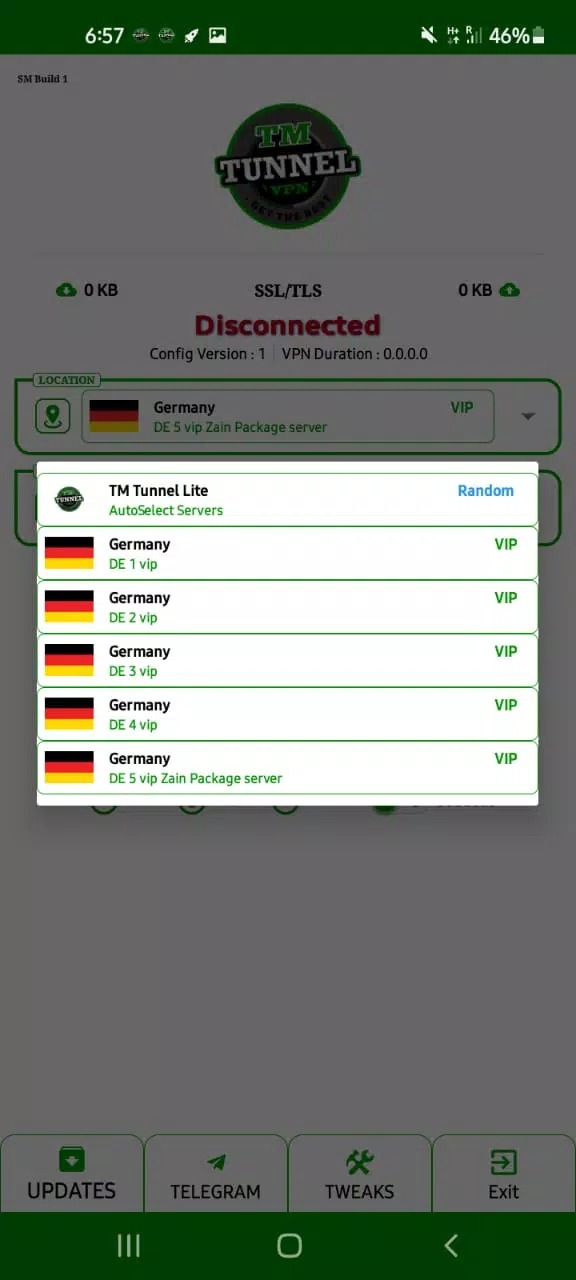
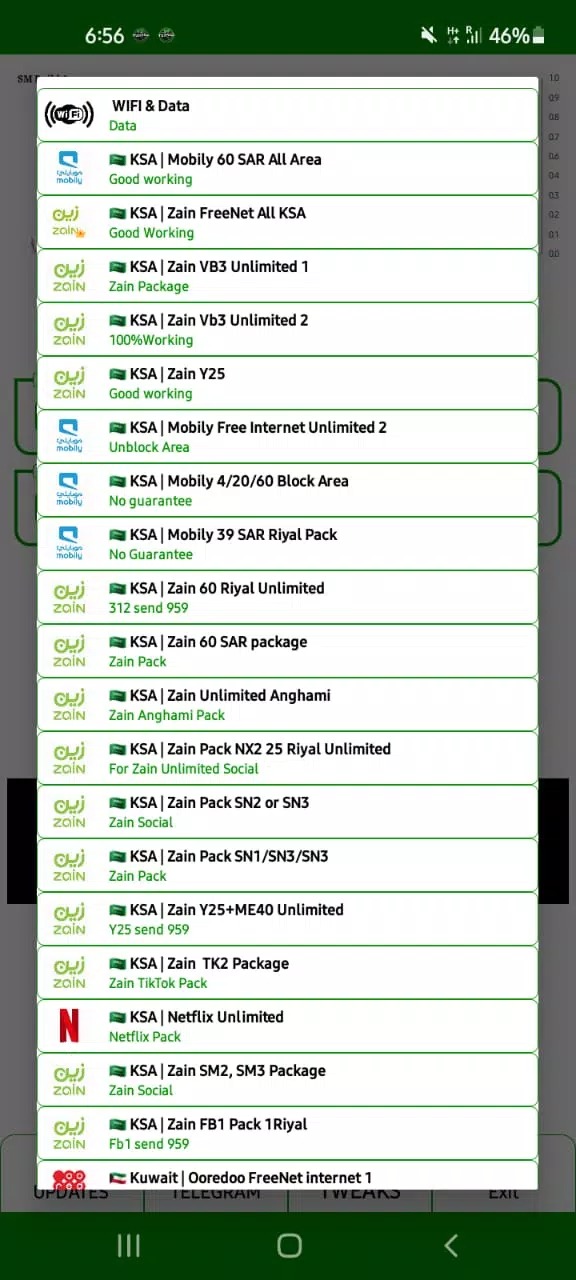
- Servers in several countries: switch between locations to reach content that your local network blocks.
- Simple, minimal interface: one screen with a server list and a connect button, nothing to configure.
How to download and install TM Tunnel Lite APK
- Tap the green Download APK button on this page. The file is about 68.5 MB and downloads directly, with no registration.
- Allow installation from unknown sources for your browser or file manager (Settings then Security).
- Open the downloaded file and tap Install. TM Tunnel Lite runs on Android 5.0 and newer.
- Launch the app and grant the VPN profile permission that Android asks for on the first connect. After that, one tap connects you.
The VPN permission is a normal, built-in Android step: it lets the app route your traffic through the tunnel. New to sideloading? Our APK install guide walks through the same steps with screenshots.
Is it safe and private?
The file on this page was scanned for malware and installed on a real Android device by our editors before publishing, the same check we have run since 2018. Download only from the button here.
On privacy, be realistic. Encrypting the tunnel hides your traffic from the local network and your internet provider, and it helps on open Wi-Fi in a cafe or an airport. It does not give you full anonymity. A free VPN routes your data through its own servers, and this developer does not publish an audited no-logging policy, so for banking or anything sensitive a paid, audited VPN is the safer choice. Do not use the app for anything illegal.
Tips for a stable connection
- Pick the server closest to you for better speed, since distant servers add lag.
- If the tunnel drops, reconnect with the same button rather than reinstalling the app.
- Skip it for mobile banking unless you trust the provider with that traffic.
Alternatives and related tools
If you want a censorship-focused option, Psiphon Pro is built for reaching blocked sites, and DarkTunnel handles SSH, DNSTT and V2Ray for tougher networks. For private browsing on its own, Aloha Browser Turbo has a VPN built in. Browse more in the Tools catalog.
FAQ
What is TM Tunnel Lite?
Is TM Tunnel Lite free?
Is it safe to use?
Does it need root or setup?
What are the requirements?
Is TM Tunnel Lite the same as MTM Tunnel or TM Tunnel VPN?
Download TM Tunnel Lite APK Android
- No viruses
- No spyware
- No malware
The reviews (0)