- No viruses
- No spyware
- No malware
This file was downloaded, scanned and installed by our editors before publishing.
Every file is also checked with VirusTotal before publishing.

VidMate APK: HD Video Downloader for Android
Additional information about VidMate APK: HD Video Downloader for Android
The description of VidMate APK: HD Video Downloader for Android
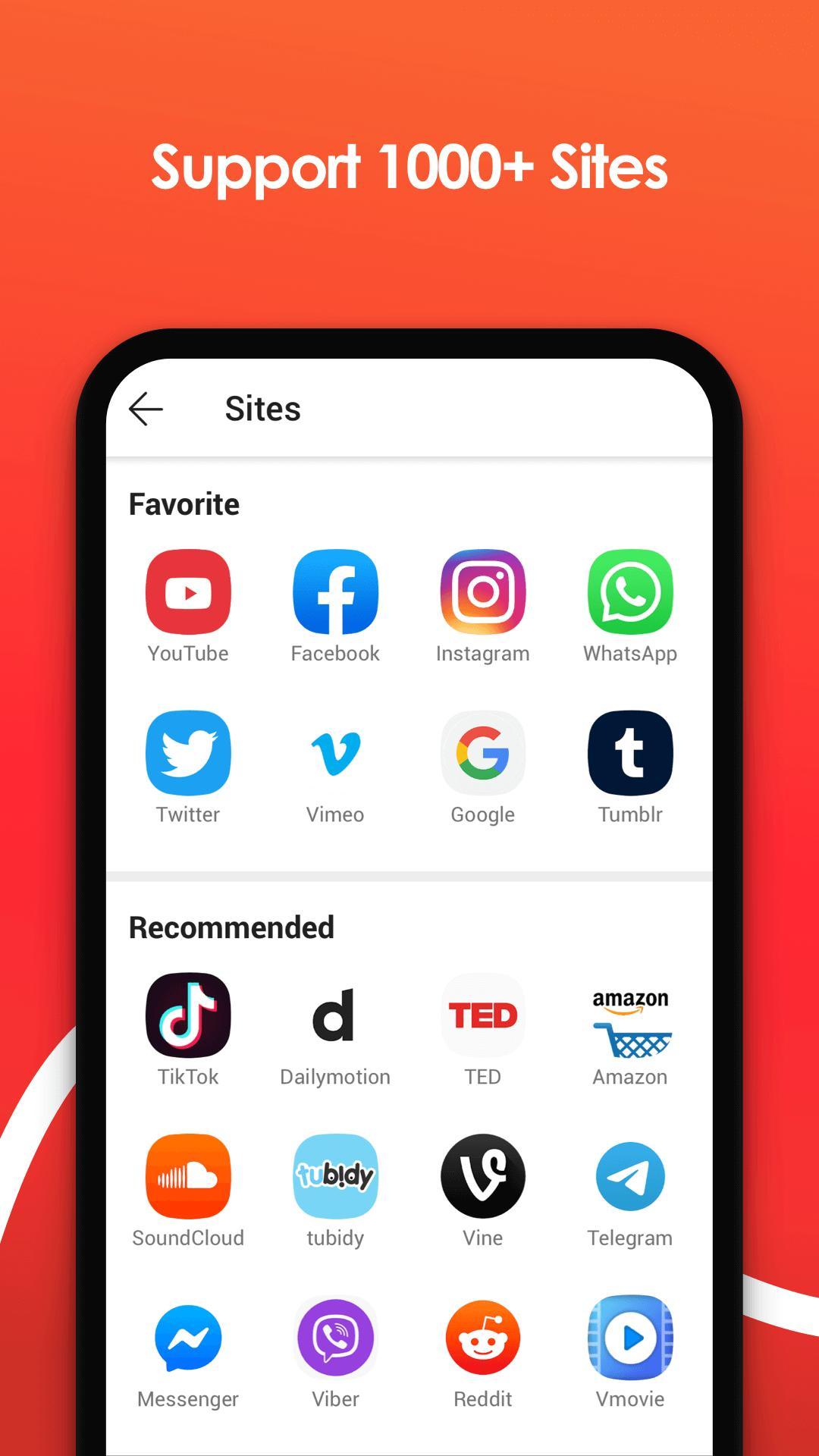
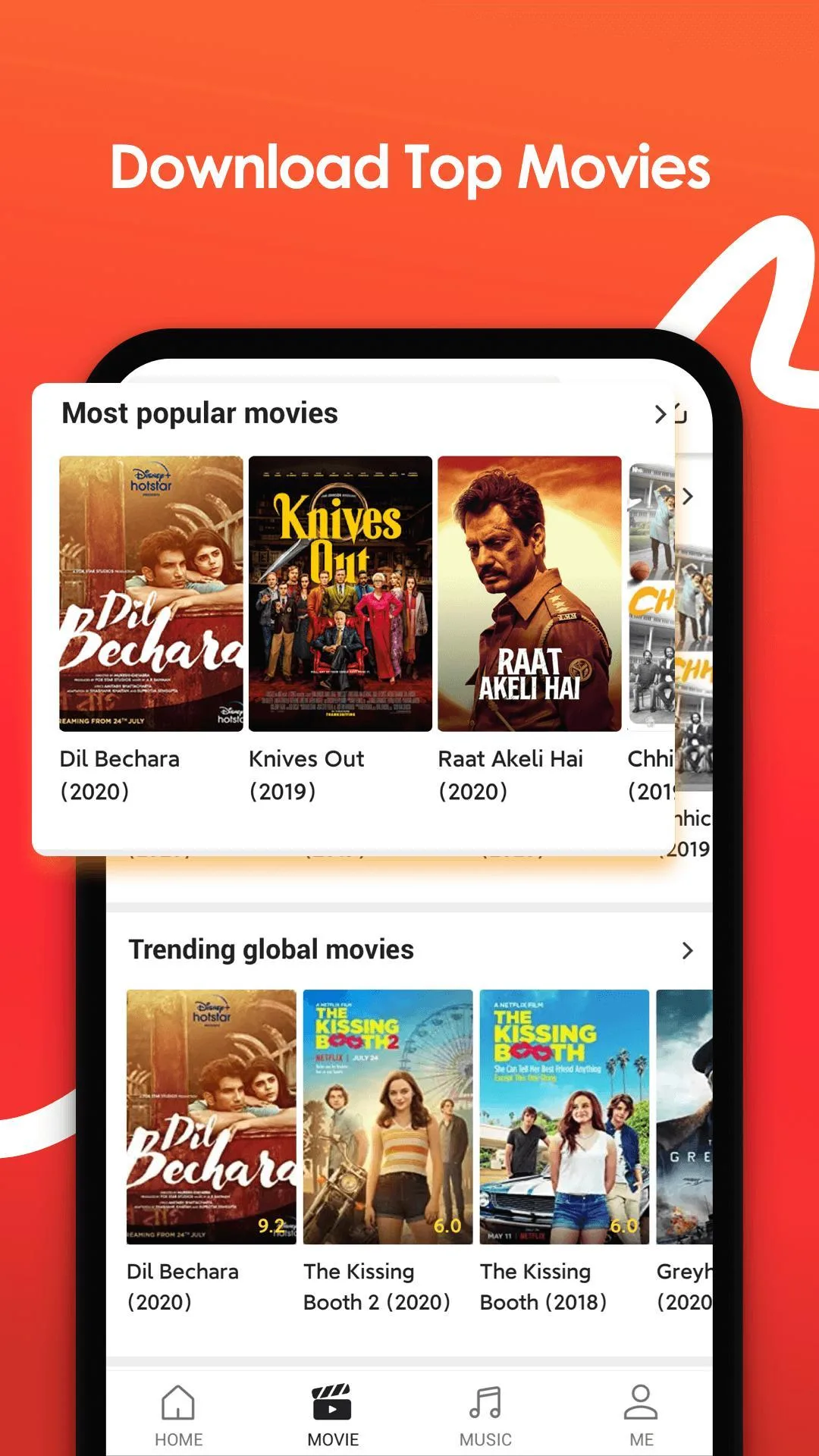
VidMate APK is a video and music downloader for Android that saves clips from YouTube, Facebook, Instagram, TikTok and more than a thousand other sites straight to your phone. Pick the quality you want, from 144p up to 4K, or pull just the audio as an MP3. It is one of the most popular downloaders in India and across South Asia, and it does the job in a couple of taps.
On this page you can grab two files: the original latest version of VidMate and a MOD build with the ads removed. Both are scanned for malware and installed on real Android devices by our editors before we publish them. Download only from the button on this page. We have done this since 2018.
What is VidMate?
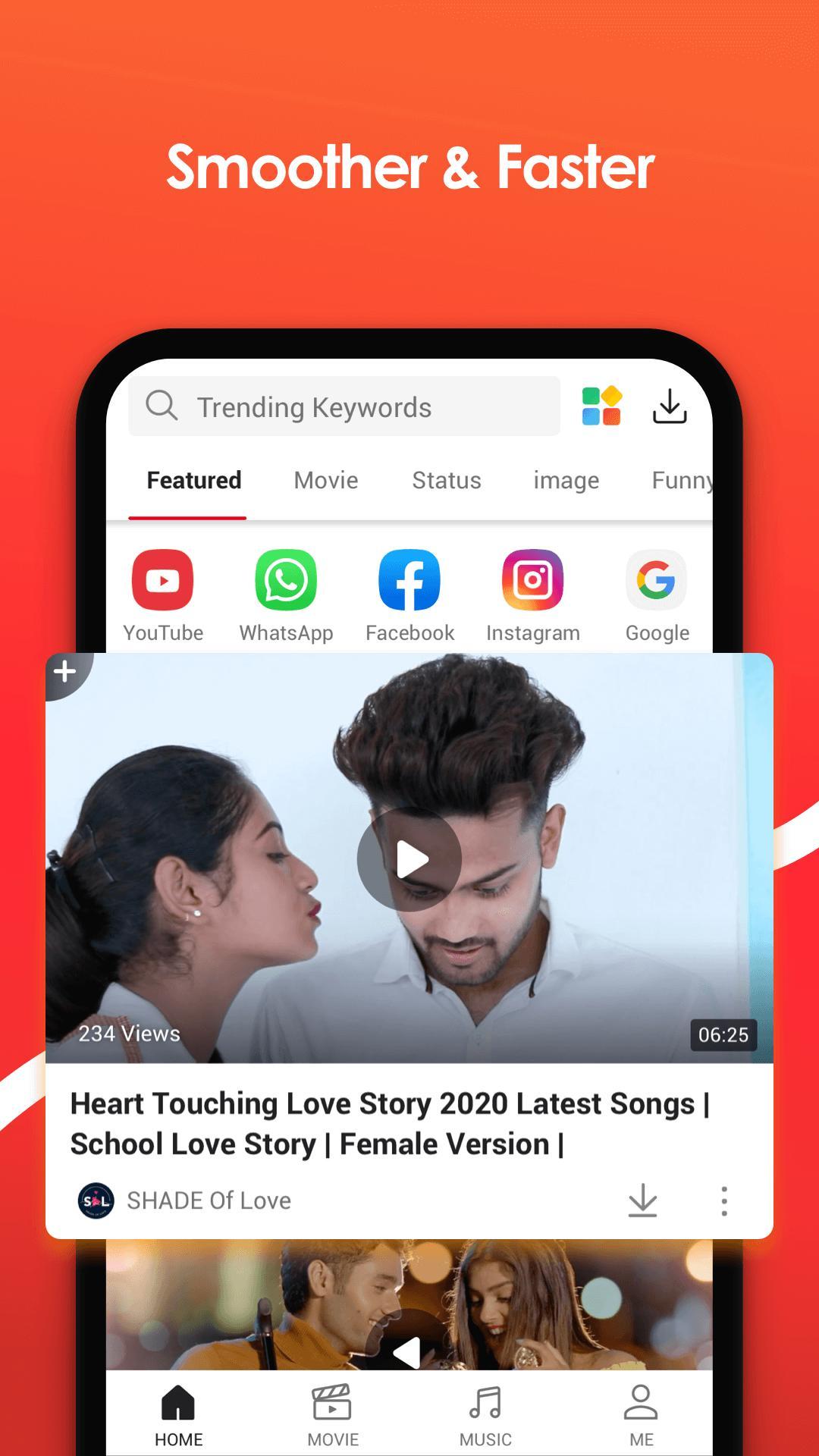
VidMate is a single app for finding and saving online video and audio. You open a site inside its built-in browser, tap the red download button, and choose the format. Files land in your normal downloads folder, ready to play offline.
What it actually does:
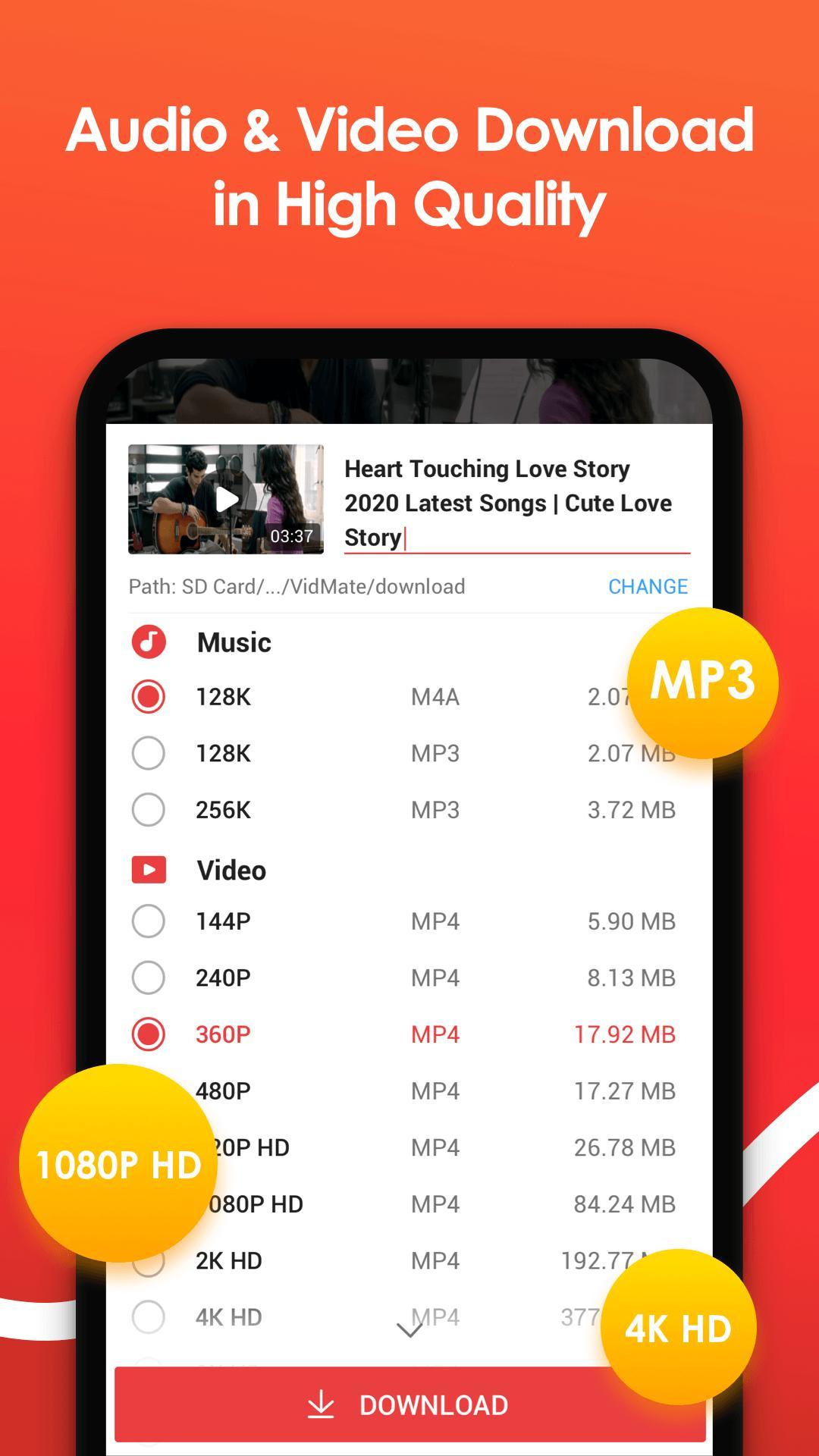
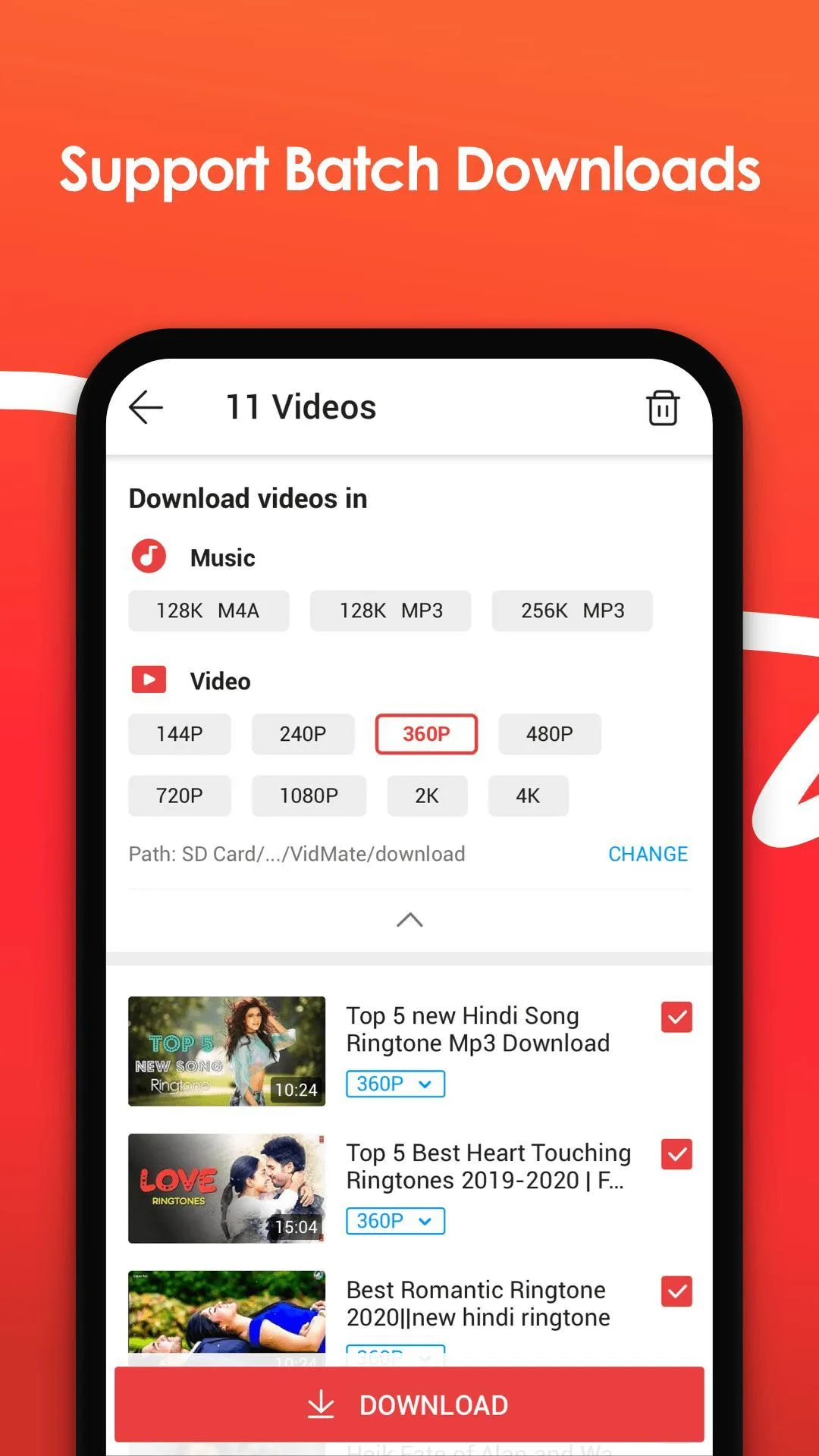
- Quality choice. Save the same video at 144p, 360p, 720p, 1080p or 4K, so you can trade size for clarity.
- MP3 conversion. Pull the audio track out of any video and keep it as a music file.
- Pause and resume. A dropped connection does not kill the download; it picks up where it stopped.
- Background downloads. Queue several files and let them finish while you use other apps.
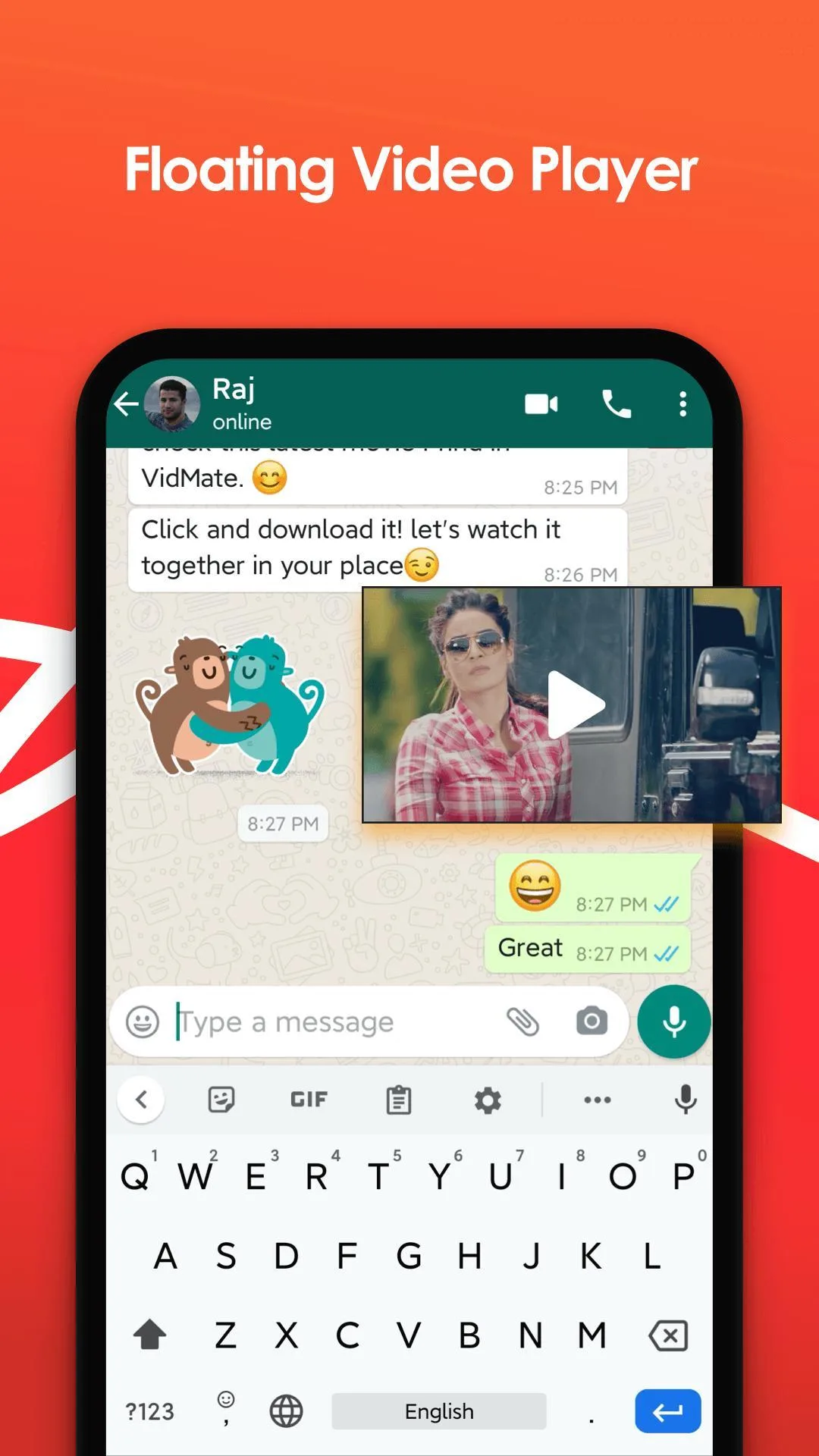
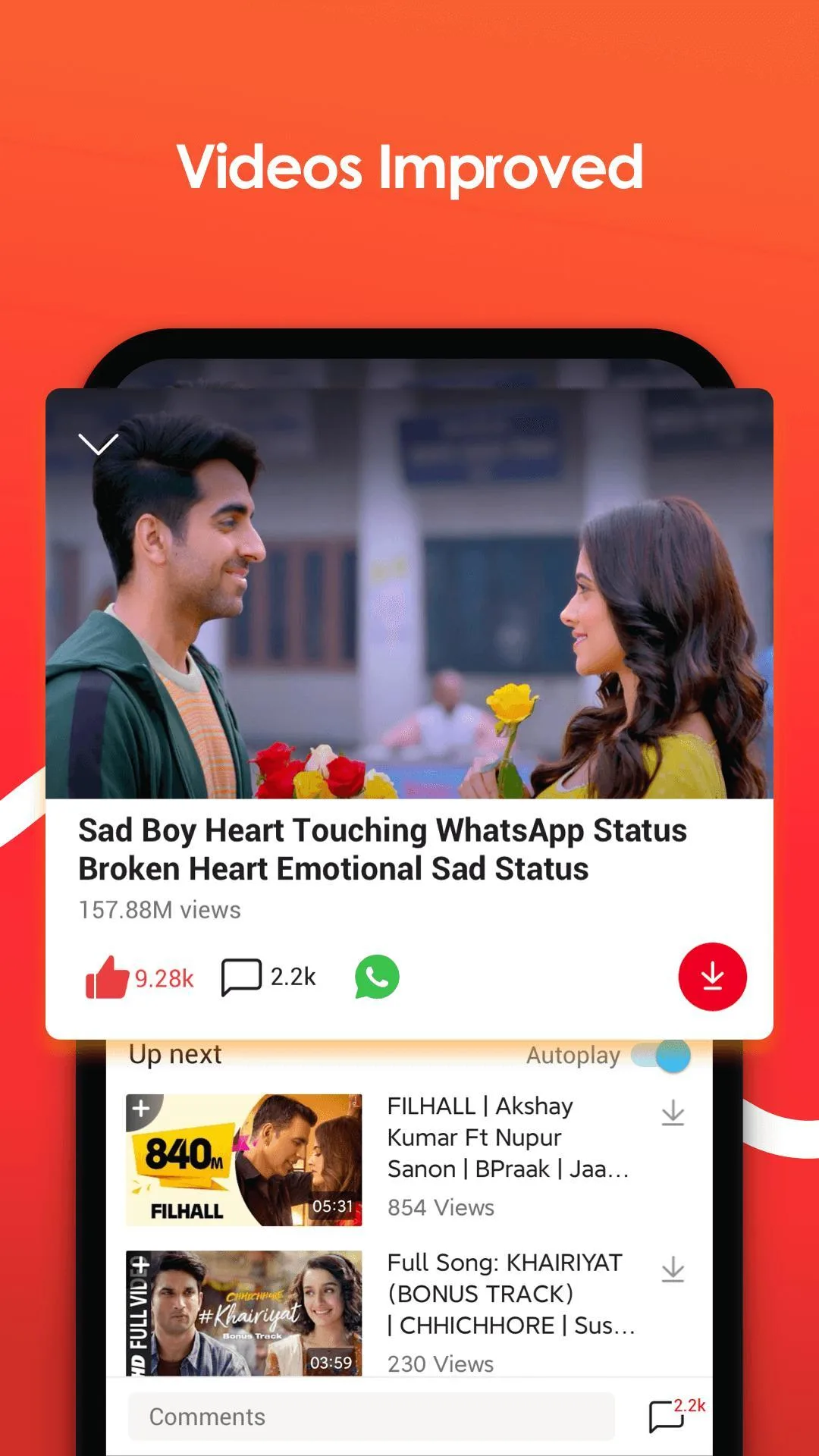
- Built-in player and playlists. Watch what you saved and group tracks without a second app.
The app is small, about 33 MB, and runs on Android 5.0 and newer (older builds go back to 4.3). The developer is VidMate Studio, and the package name is com.video.fun.app.
Why VidMate is not on Google Play
You will not find VidMate in the Play Store, and that is not a bug. Google Play policy does not allow apps whose main purpose is downloading video from YouTube. Any downloader of this type is kept out of the store. This is a rule, not a sign that the app is broken or unsafe.
Because of that, VidMate is distributed the only way it can be: as an APK file you install yourself. That is why our old catalog link to Google Play is gone and the info box now reads Not available on Google Play. The official channel for this app is a direct APK, and that is what you get here.
How to download and install VidMate
- Tap the Download APK button at the top of this page, the file downloads directly, no registration or SMS.
- The first time you install an APK, Android asks you to allow installation from unknown sources for your browser. Turn it on (Settings → Apps → Special access → Install unknown apps).
- Open the downloaded file and tap Install. Launch VidMate and you are ready to save your first video.
- Want the ad-free MOD instead? Remove the original first, the MOD has a different signature and will not install over it.
New to sideloading? Our step-by-step install guide walks through it with screenshots.
How to download a video with VidMate
The whole point of the app takes four steps:
- Open the site you want inside VidMate's browser, for example, a YouTube or Facebook page.
- Tap the round red download button that appears over the video.
- Pick your quality and format, a resolution from 144p to 4K, or MP3 for audio only.
- The file saves to your downloads and shows up in the built-in player. Done.
Long clip on mobile data? Start it, then pause and resume when you are back on Wi-Fi.
What the MOD (ad-free) version gives you
VidMate is known for heavy advertising, full-screen ads that eat battery and get in the way. The MOD build on this page strips that out.
| MOD feature | What it changes |
|---|---|
| Ads removed | No full-screen or banner ads while you browse and download. |
| Premium options unlocked | Extra settings that the free app gates behind promos are open. |
One honest note: the MOD is repacked and can lag a version or two behind the original. If a site has just updated and the MOD fails to grab a clip, use the original latest version instead. It tracks platform changes faster. The exact MOD package is always listed in the MOD info line at the top of this page.
Is VidMate safe and legal?
The file itself is clean. Every build here is scanned for malware and installed on a real Android device by our editors before it goes live. Keep Play Protect on, download only from the button on this page, and you are good to go.
The legal side is about how you use it, not the app. VidMate is legal software. But saving someone else's content, a copyrighted YouTube video, for instance, can break the terms of service of the platform you took it from. Downloading your own uploads or clips that allow it is fine; the rest is on you. Use it responsibly.
More tools you might like
If you edit the clips you save, InShot Pro MOD handles trimming and captions. For smooth 4K playback of everything you download, try MX Player Pro MOD. Want another downloader to compare? Snaptube MOD is a close alternative. You can also browse the full Tools category for more Android utilities.
FAQ
Is VidMate safe to install?
Why is VidMate not on Google Play?
What is the difference between VidMate APK and VidMate MOD?
Can VidMate download from YouTube and Instagram?
Is downloading videos with VidMate legal?
VidMate downloads stopped working, what should I do?
Download Vidmate MOD APK (Premium Unlocked)
- No viruses
- No spyware
- No malware
The reviews (0)