- No viruses
- No spyware
- No malware
com.emulator.fpseThis file was downloaded, scanned and installed by our editors before publishing.
Every file is also checked with VirusTotal before publishing.

FPse for Android APK (Full PS1 Emulator)

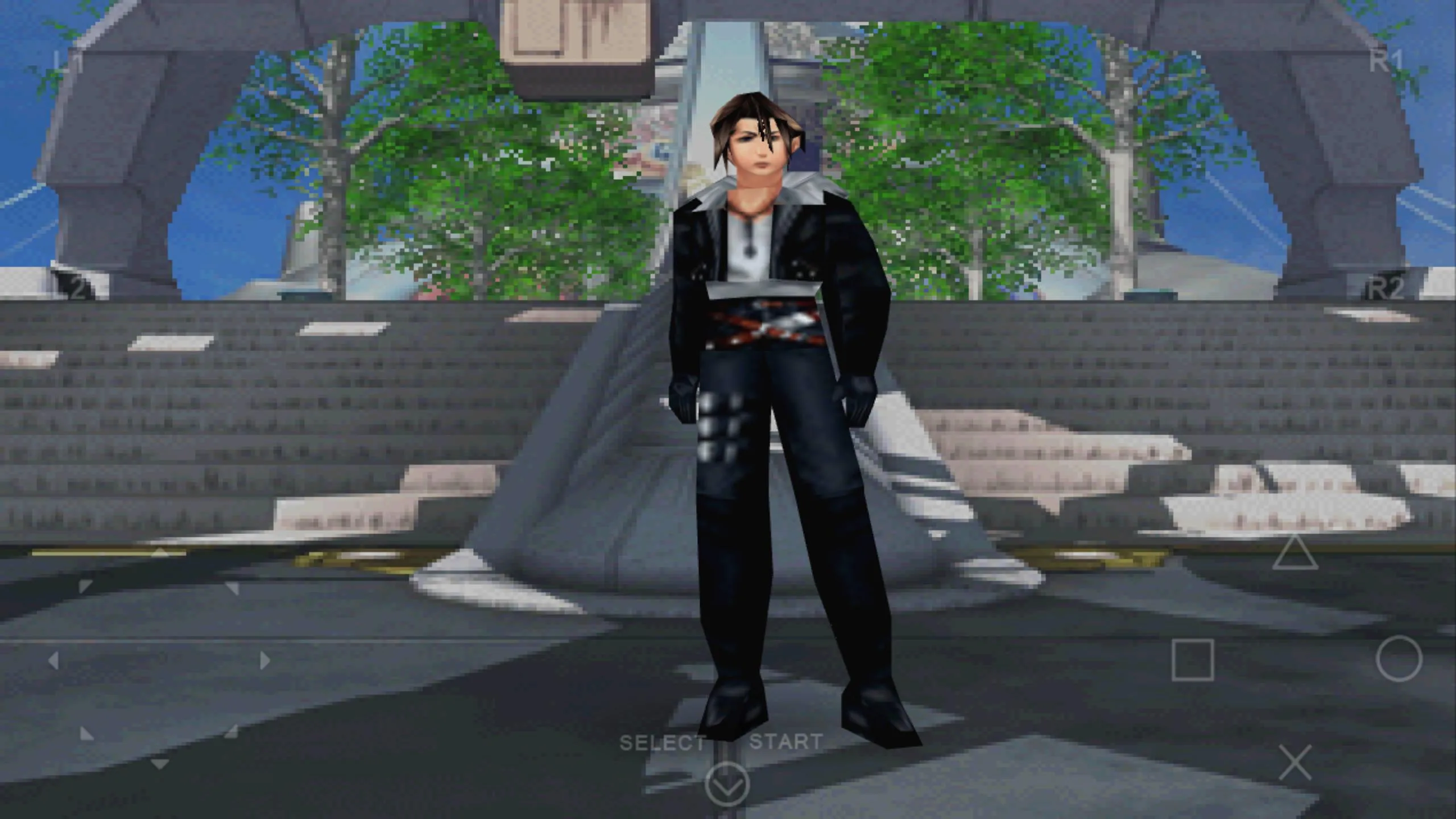
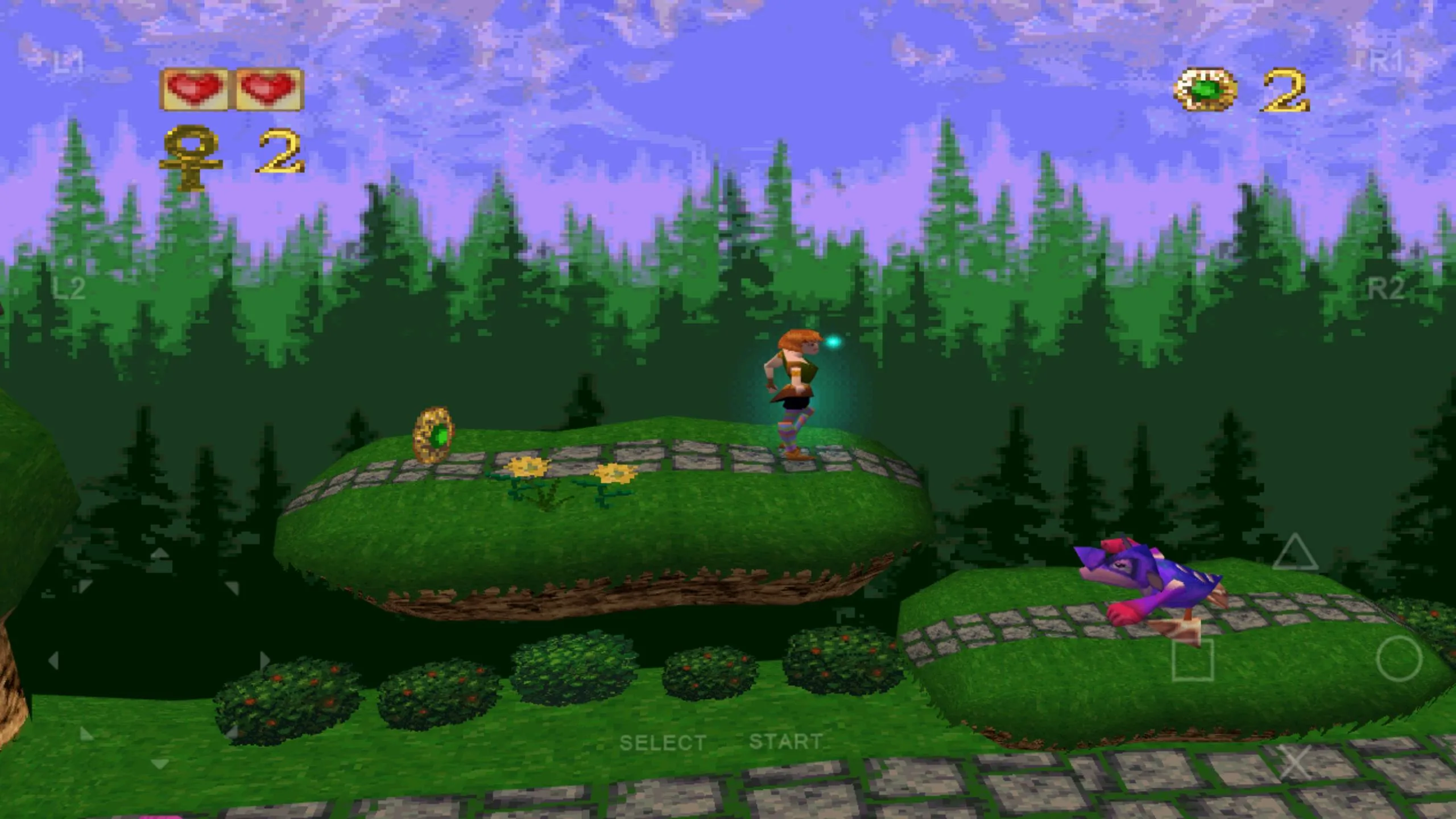
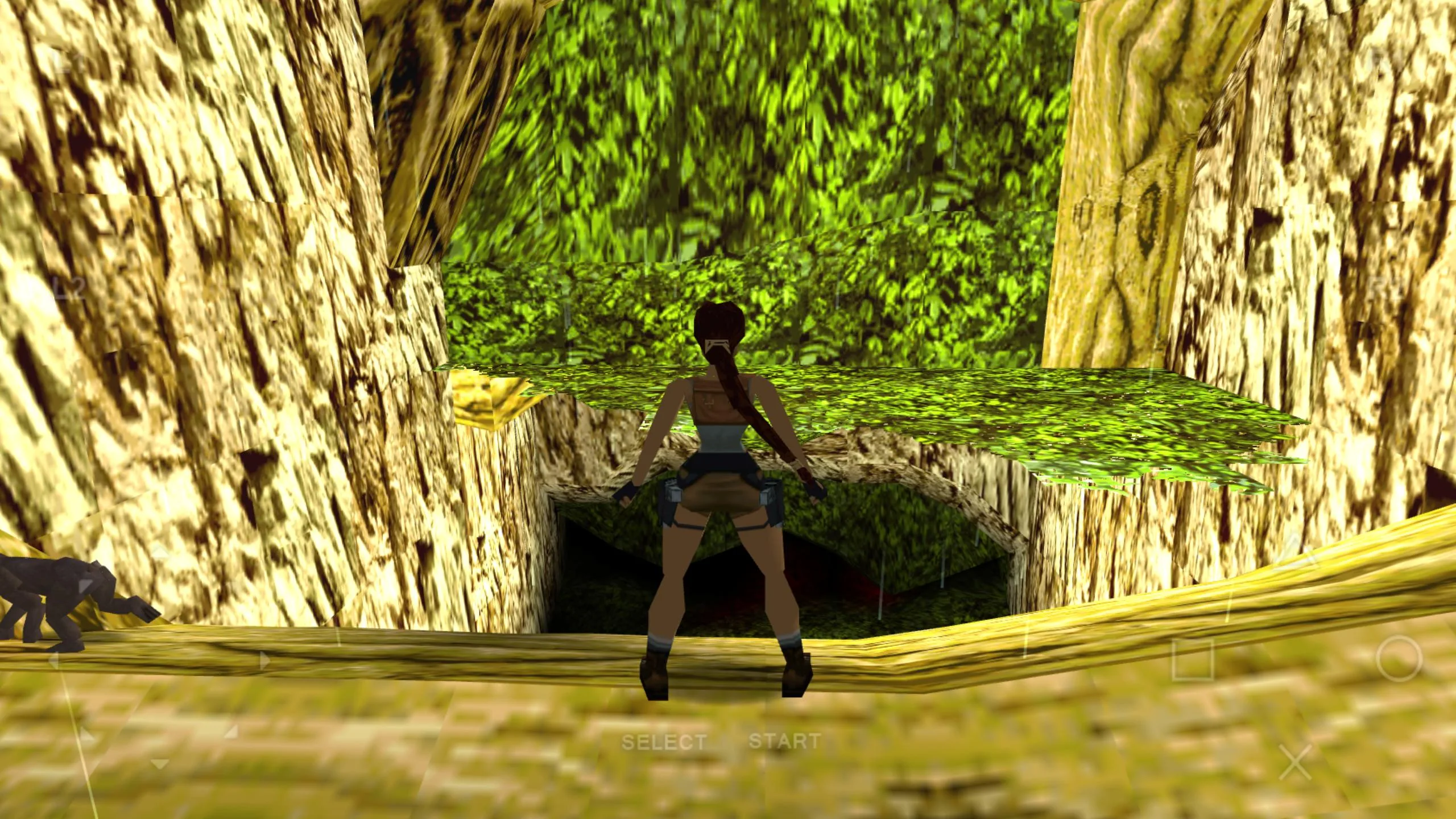
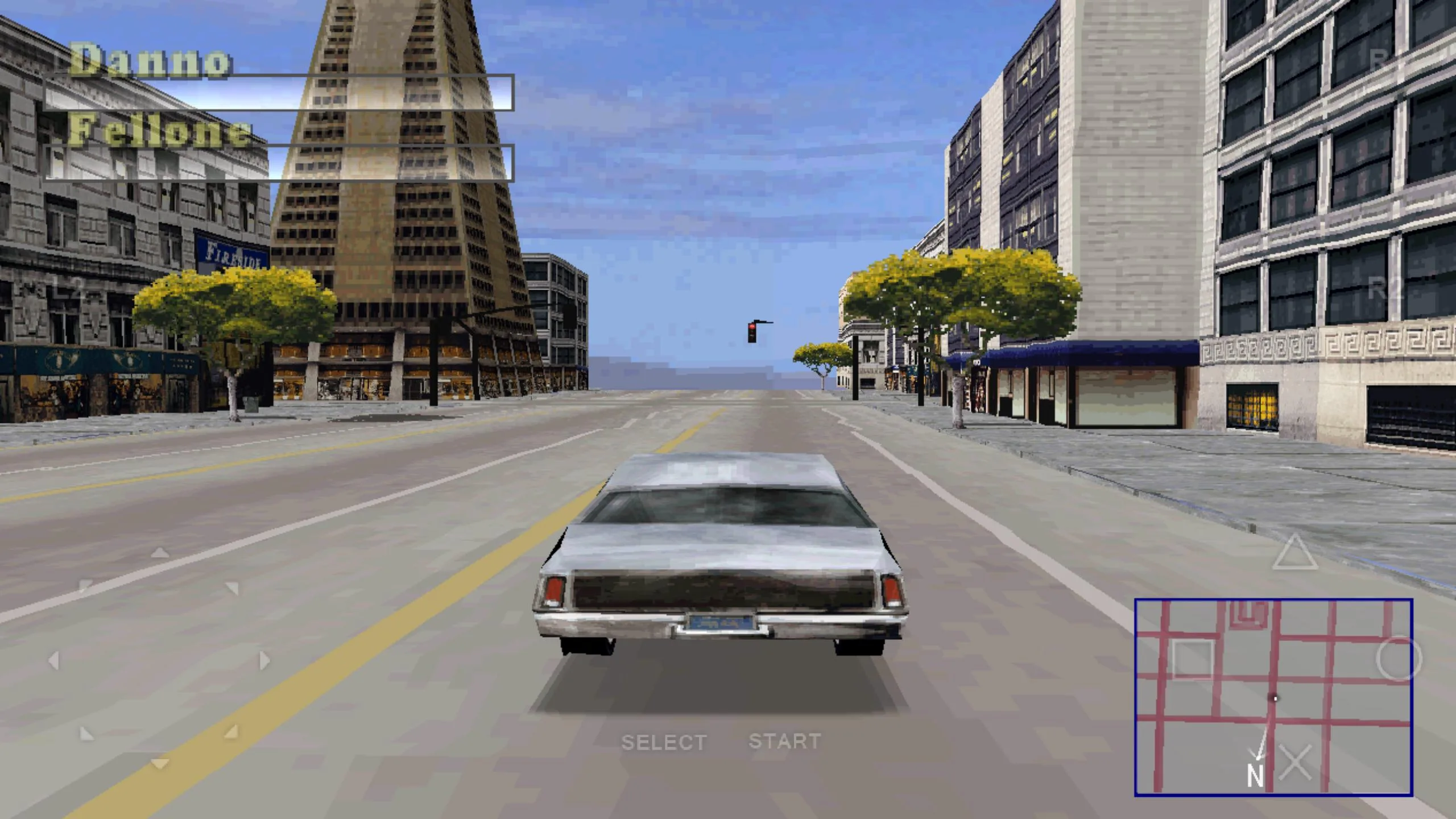
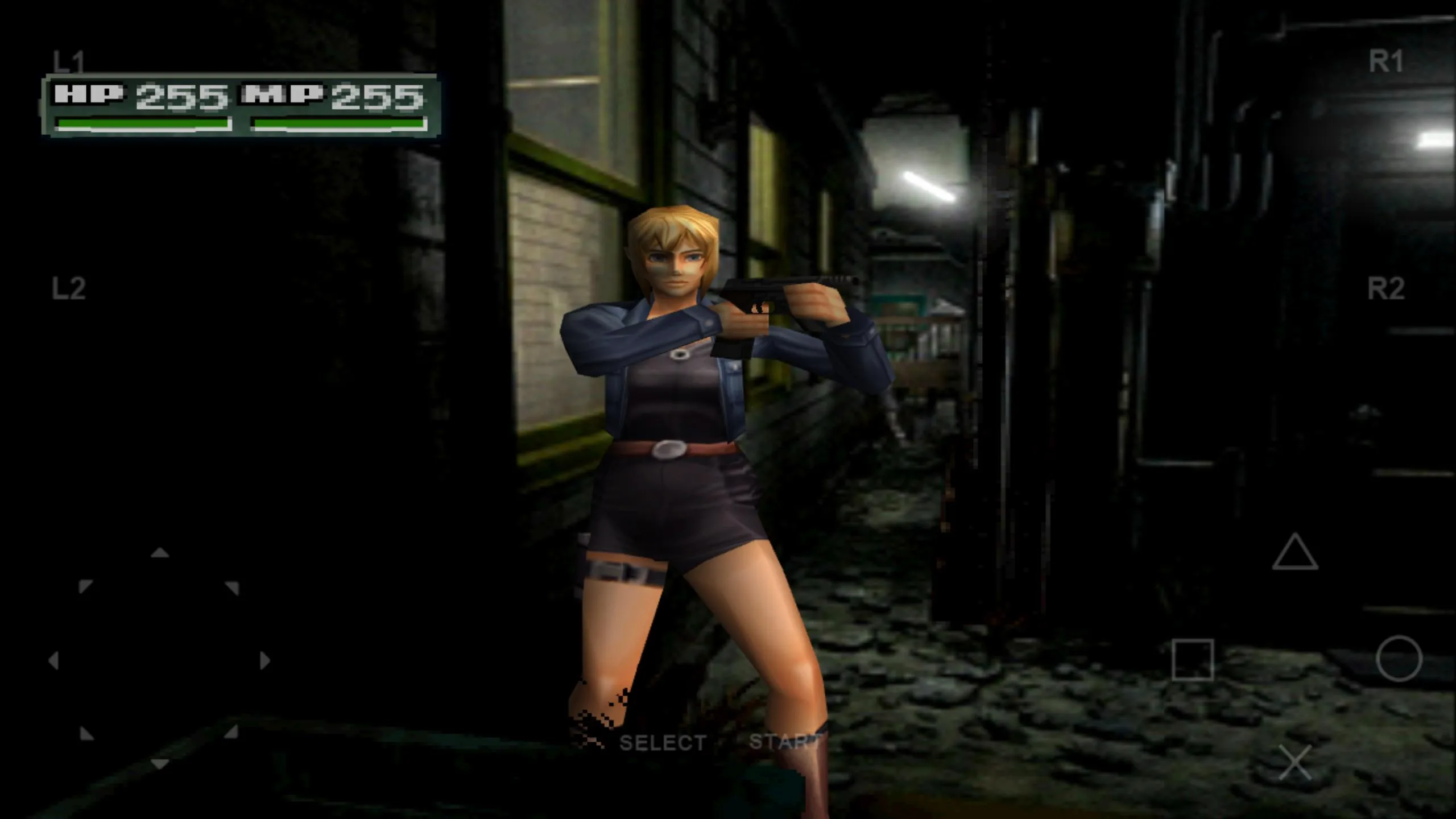
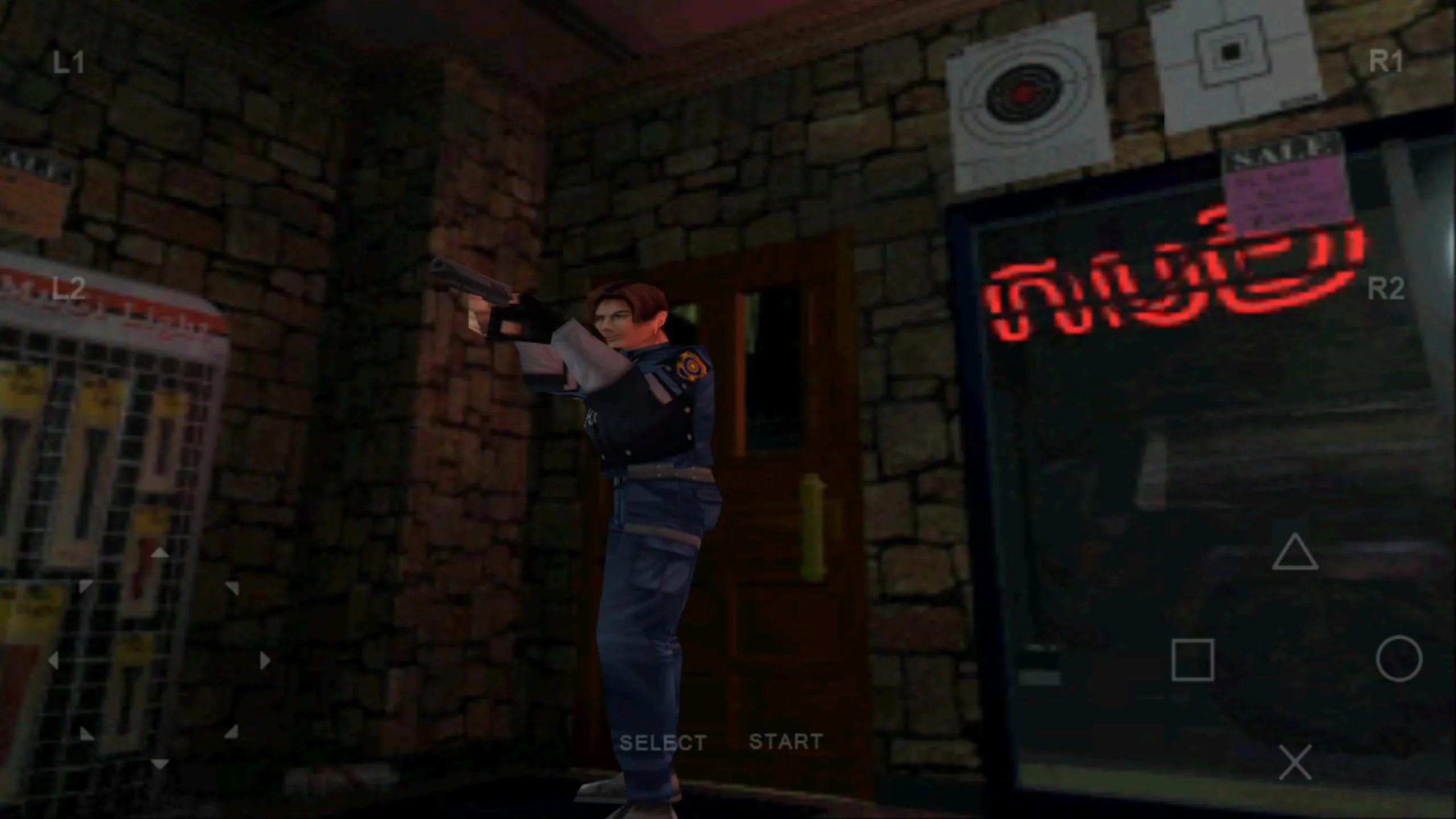
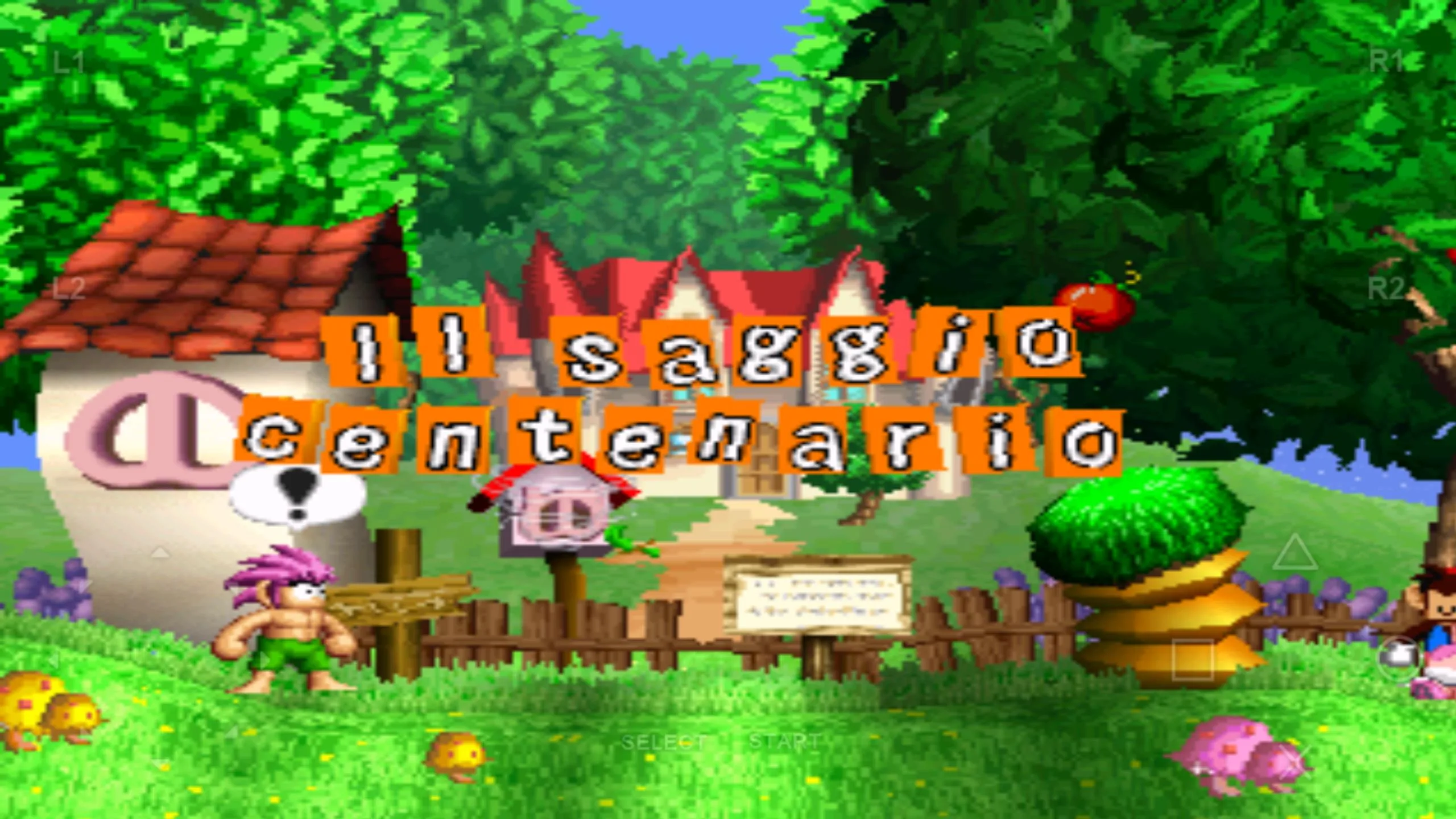
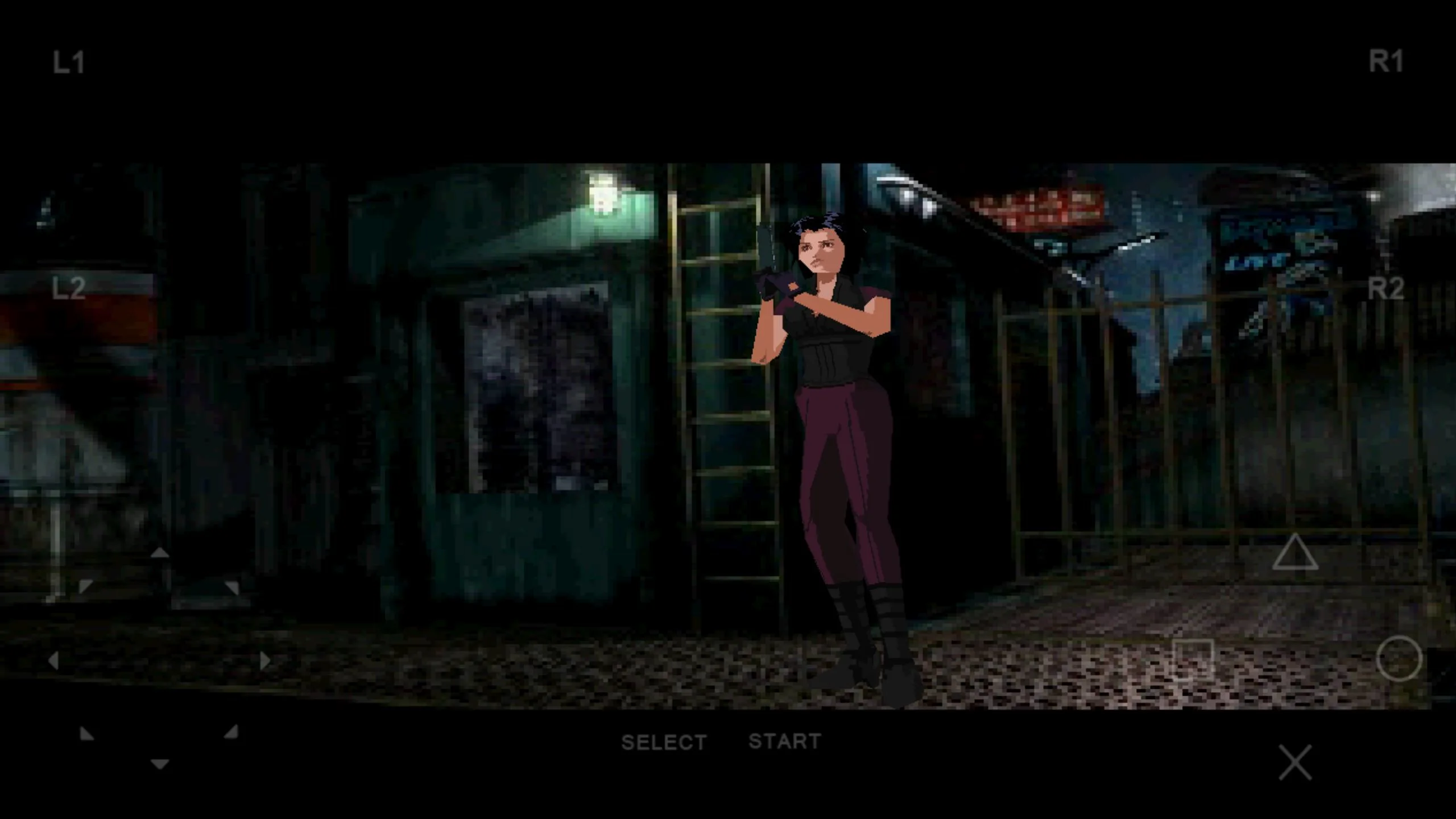
Additional information about FPse for Android APK (Full PS1 Emulator)
com.emulator.fpseThe description of FPse for Android APK (Full PS1 Emulator)
FPse for Android is a paid PlayStation 1 emulator from Schtruck & LDchen that runs your own PSone game discs on a phone or tablet. It is not a game and not a mod: it is a full emulator that reads disc images in high resolution, with OpenGL rendering, gamepad support and strong game compatibility. On this page you can download the APK that our editors scanned for malware and installed on a real Android device before publishing, the same check we have run since 2018.
One honest note before you start. An emulator needs a PlayStation BIOS and game images to run anything, and you supply those yourself from hardware you own. This page does not host or link a BIOS or any game ROM.
What is FPse for Android?
FPse is one of the fastest and most compatible PSone (PSX/PS1) emulators on Android. It renders classic PlayStation titles through an OpenGL plugin, so games that shipped at a low resolution look sharp on a modern screen. Hundreds of thousands of people use it, and the app is still worked on: newer builds add the CHD disc format and LAN multiplayer for local play.
The appeal is simple. FPse runs well on modest phones, keeps sound in step with the picture, and handles a wide range of games without heavy setup. That mix of speed and compatibility is why it keeps showing up as a top pick among Android PS1 emulators.
Key features
| Feature | What it does |
|---|---|
| HD graphics | OpenGL plugin renders games in high resolution, with clean sound. |
| Broad format support | Reads .img, .iso, .bin, .cue, .nrg, .mdf, .pbp and .Z images. |
| Archive handling | Opens images straight from ZIP, RAR, 7Z and ECM without full extraction. |
| Controls | Custom gamepad skins, analog sticks, G-sensor tilt and hardware key mapping. |
| Light-gun and multiplayer | Guncon emulation for shooters, Bluetooth pads, and LAN play for up to four devices in newer builds. |
What you need to run games: BIOS and discs
Like every PS1 emulator, FPse needs two things you provide: a PlayStation BIOS image and the game images themselves. The legal path is straightforward. Dump the BIOS from a console you own, and make images from discs you bought. Keep both for personal use only.
We do not supply, host or link a BIOS or any game ROM, and there are no license workarounds on this page. The emulator itself is legal software; the BIOS and the discs are your responsibility. Stick to your own console and your own collection and you stay on the right side of the line.
How to download and install FPse for Android
- Tap the green Download APK button at the top of this page. The file is small, around 10 MB, and downloads directly with no registration or SMS.
- Allow installation from unknown sources for your browser or file manager (Settings → Security).
- Open the downloaded .apk file and tap Install.
- Copy your own disc images into phone storage, then point FPse to your BIOS file on first launch.
First time sideloading? Our APK install guide walks through the same steps with screenshots. If a term is new, the Android glossary explains APK, XAPK and MOD in plain words.
Full version vs Google Play
FPse is a paid app on Google Play, and buying it there is the direct way to support Schtruck & LDchen. The build on this page is the same full app, kept for testing and educational use under our site disclaimer. It carries no game content and no license tricks: it is the emulator, nothing bundled.
You can view the paid app on the official Google Play listing if you want to buy it and back the developer. Either route gives you the same core emulator; the difference is where the file comes from.
Tips for better play
- Turn on the OpenGL plugin for HD output; the software renderer stays closer to the original look if you prefer that.
- Set a gamepad skin that matches your controller before a long session.
- Use the .cue file alongside your image so CD audio tracks play correctly.
- Save often with save-states, especially before a boss fight or a long dungeon.
- For big games, the CHD format in newer builds keeps files smaller without losing data.
FAQ
Is FPse for Android free?
Do I need a BIOS file to play?
Which disc image formats does FPse support?
Is FPse safe to download?
Does FPse support controllers and multiplayer?
Is emulation legal?
Download FPse for android
- No viruses
- No spyware
- No malware
The reviews (0)