- No viruses
- No spyware
- No malware
com.StefMorojna.SpaceflightSimulatorThis file was downloaded, scanned and installed by our editors before publishing.
Every file is also checked with VirusTotal before publishing.

Spaceflight Simulator MOD APK (Unlocked)
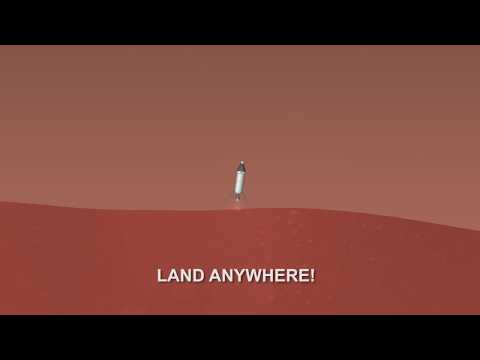
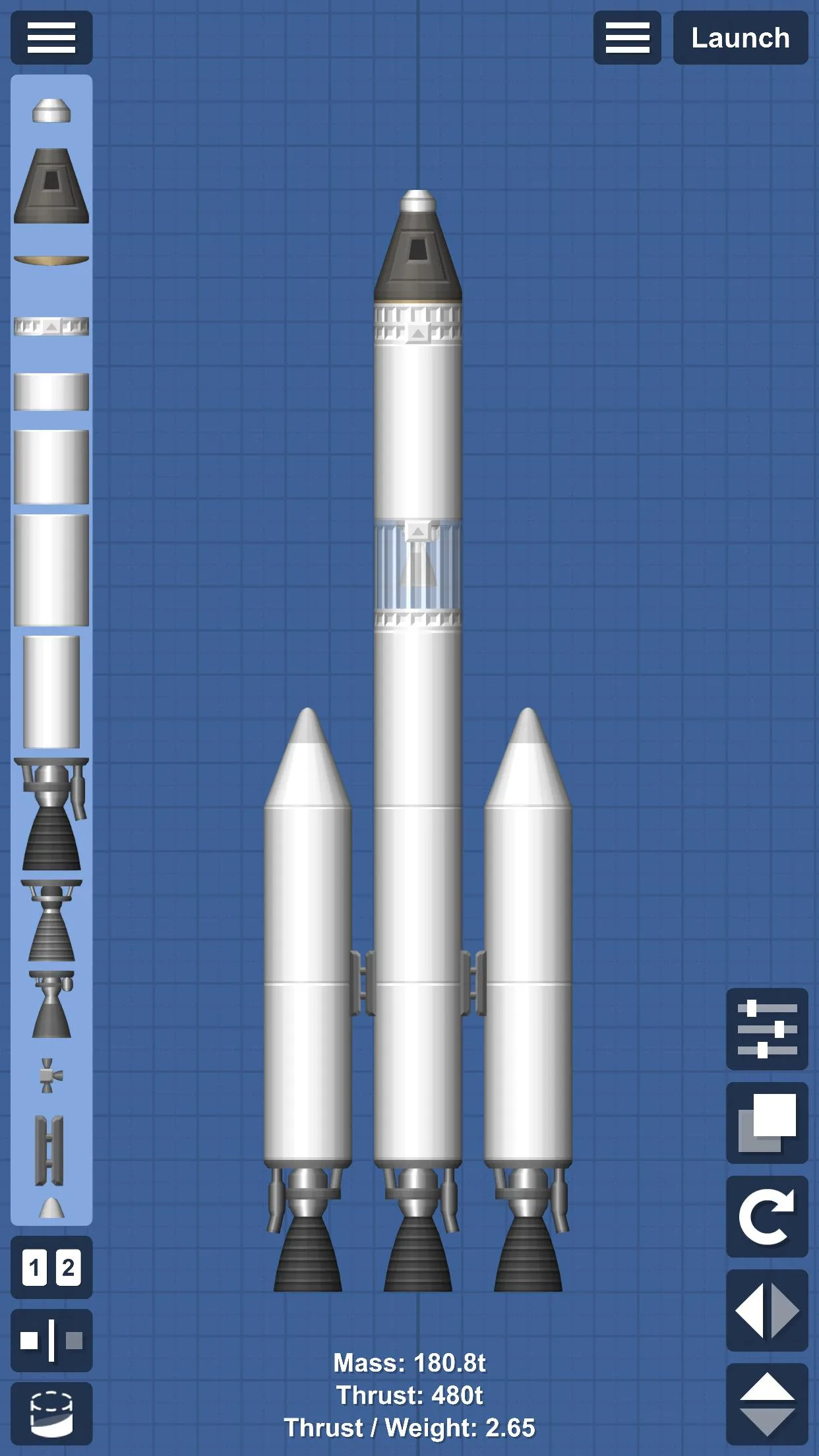
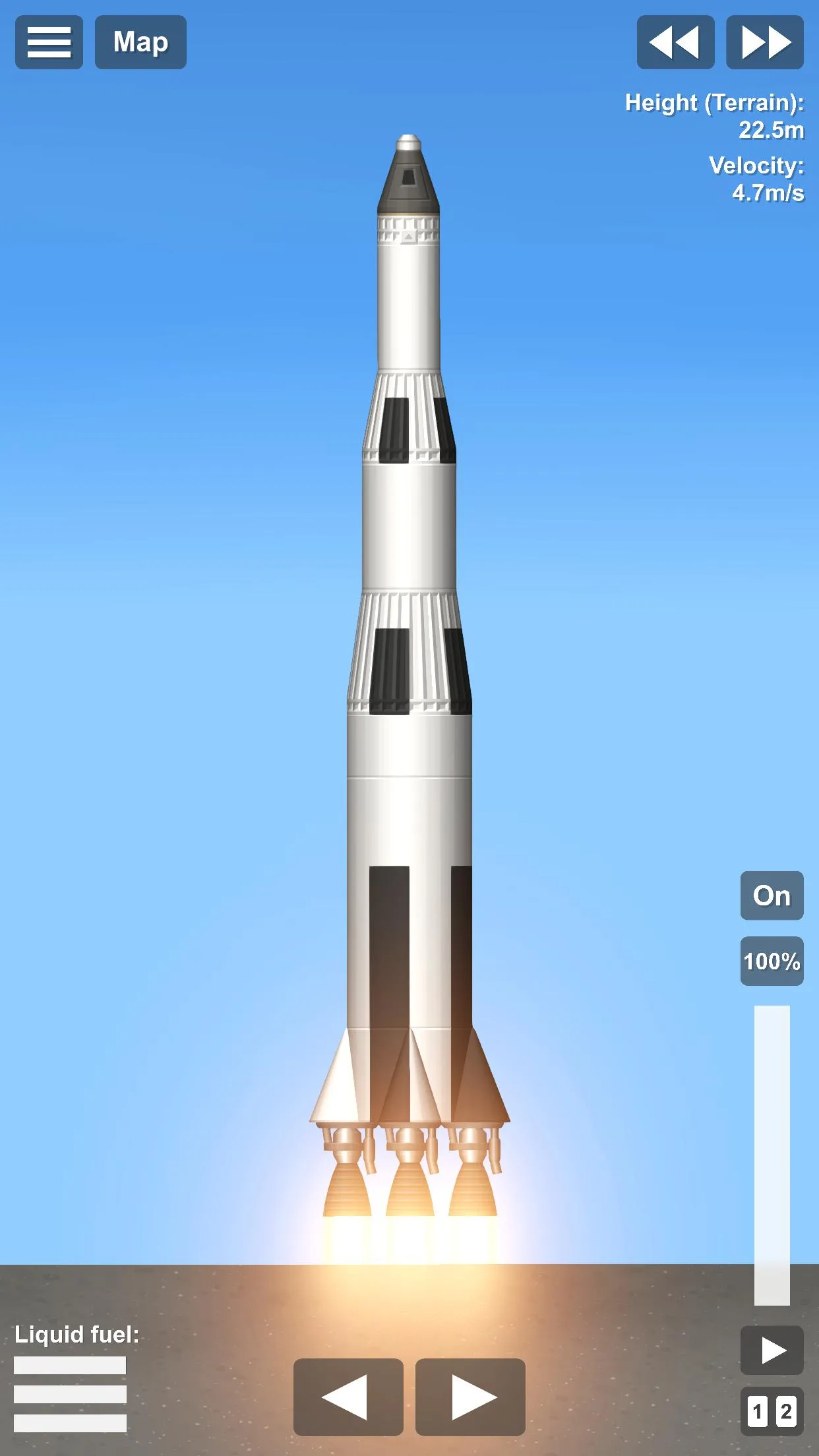
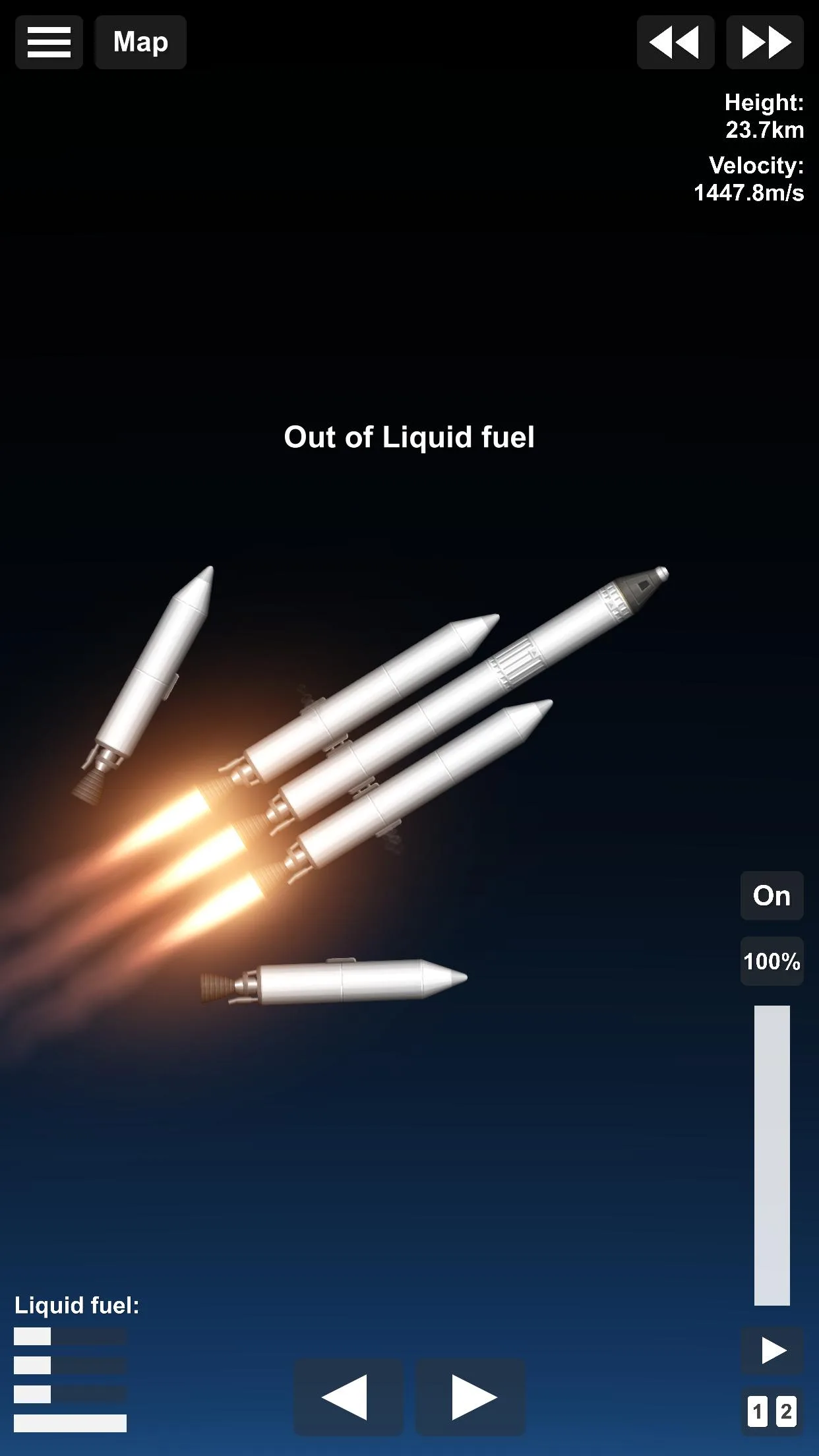
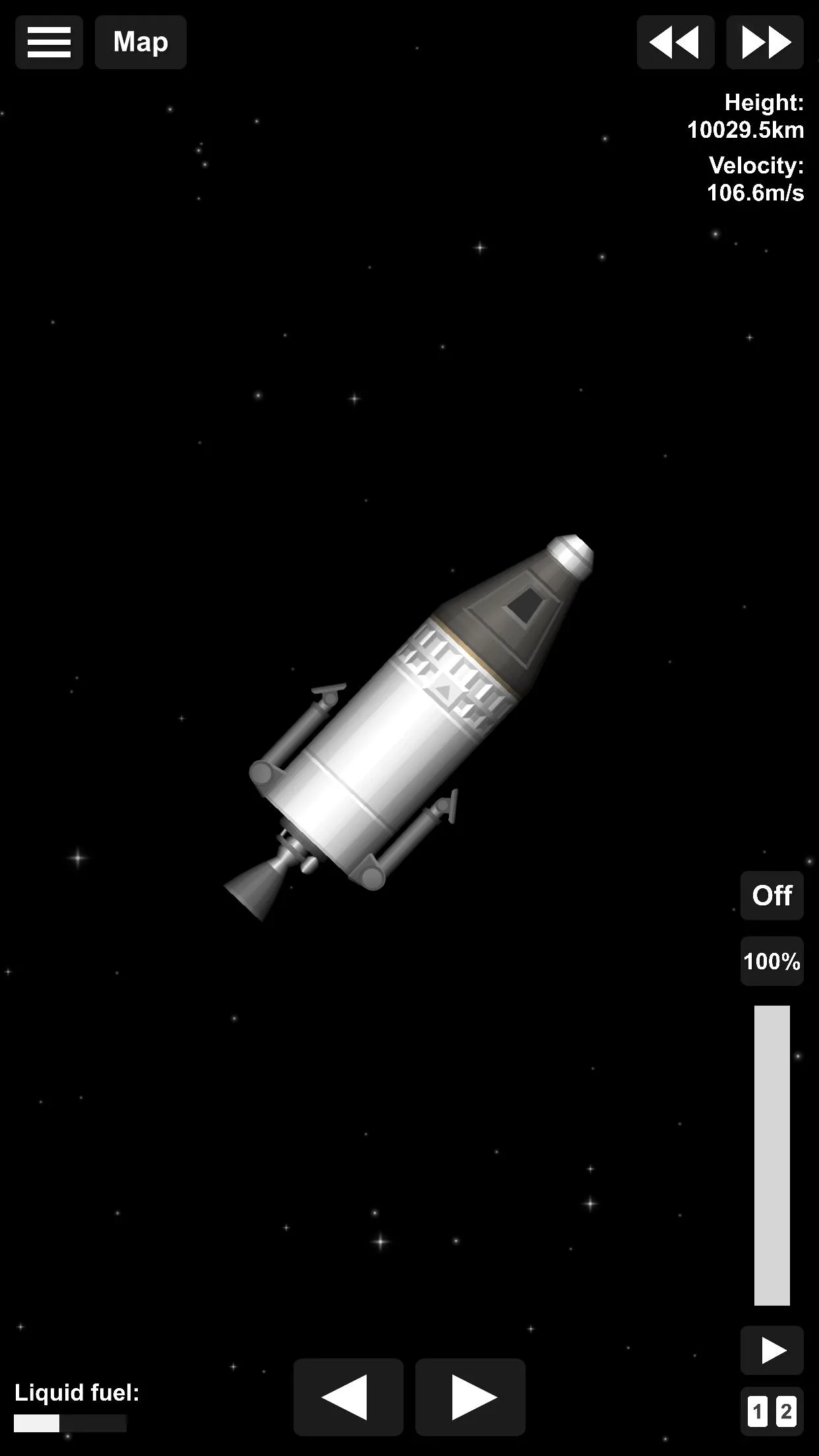
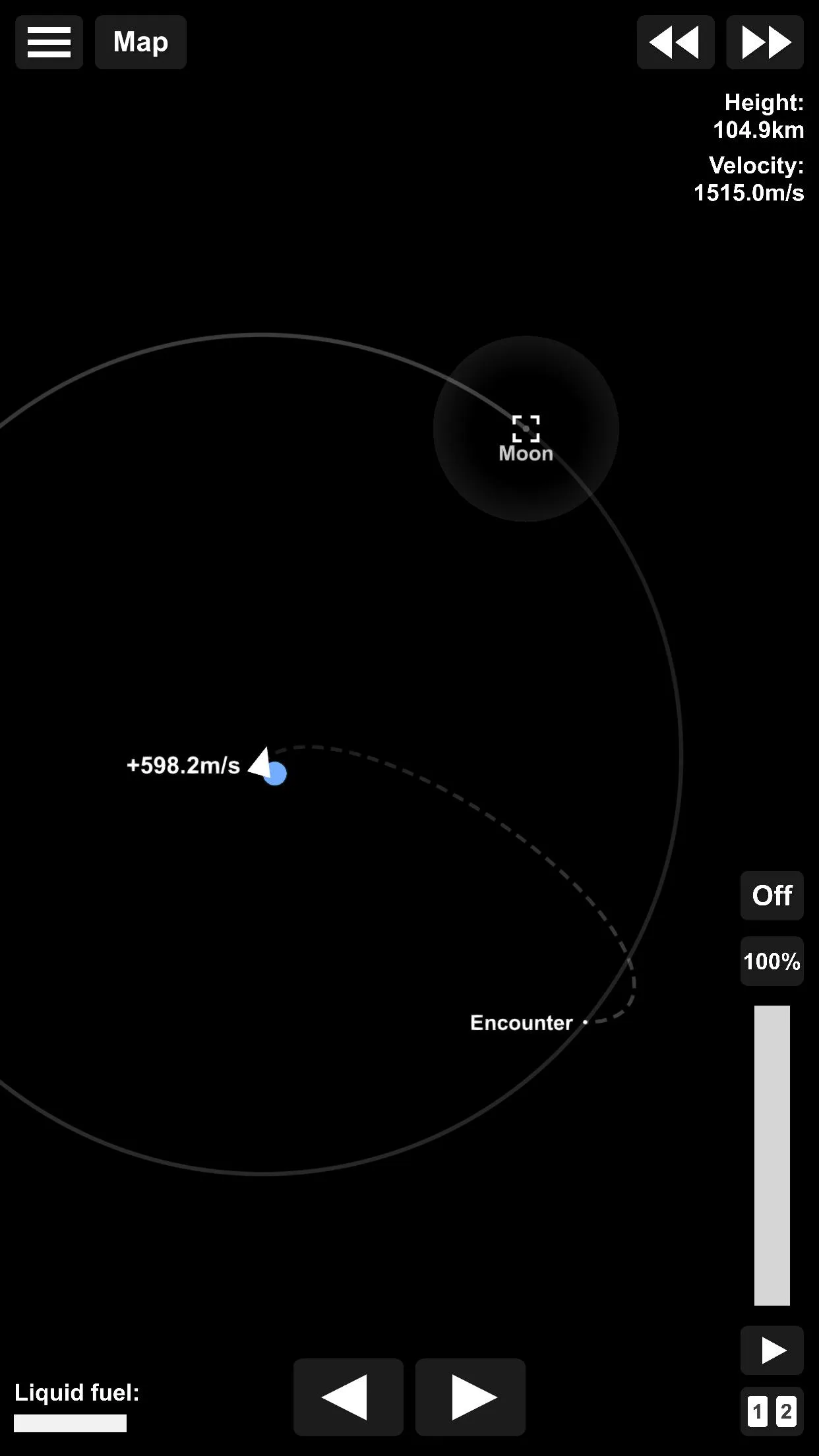
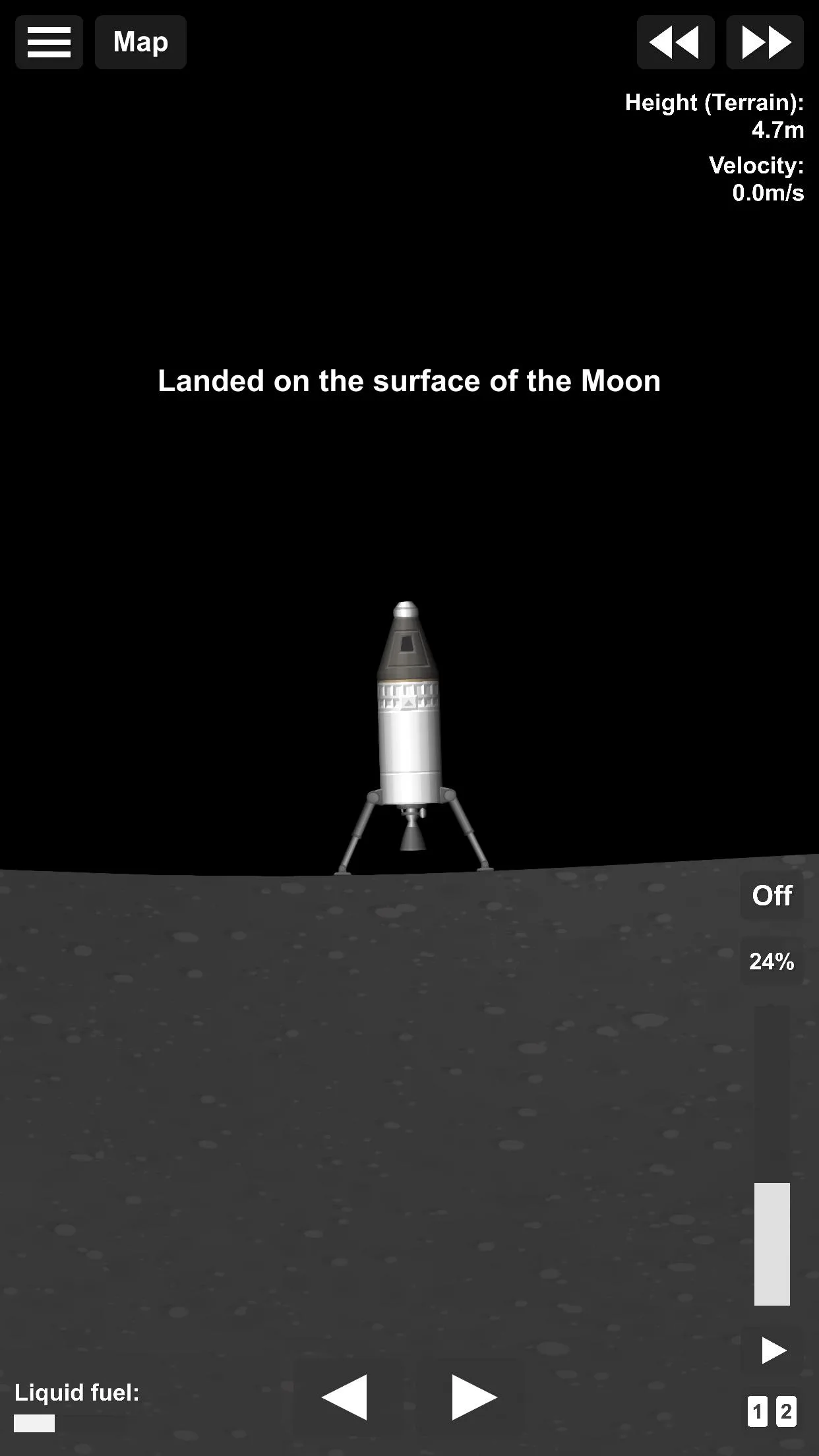
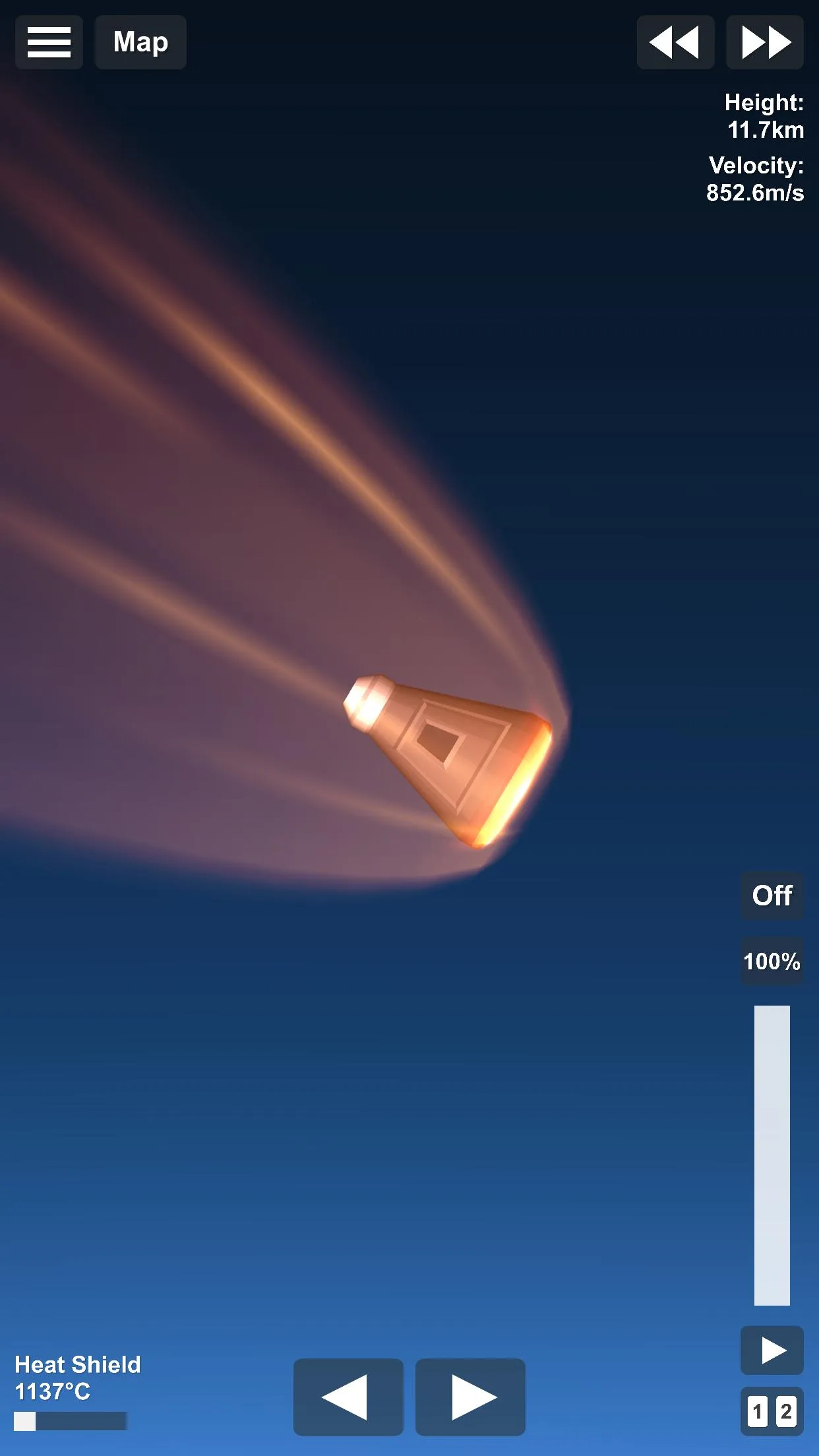
Additional information about Spaceflight Simulator MOD APK (Unlocked)
com.StefMorojna.SpaceflightSimulatorThe description of Spaceflight Simulator MOD APK (Unlocked)
Spaceflight Simulator MOD APK gives you the full version from the first launch: every rocket part, every planet pack and no ads. In the free game a lot of the parts and the extra worlds sit behind a single "Full Version" purchase, here they are already open, so you can build a proper multi-stage rocket and fly it wherever you want on day one.
On this page you can download the latest working version of the MOD, scanned for malware and installed on a real Android device by our editors before publishing, we have done this since 2018. One honest note up front: this is a sandbox game with no coins or currency, so there is no "unlimited money" to add. What the MOD gives you is the paid content, unlocked.
What is Spaceflight Simulator?
Spaceflight Simulator is a rocket-building sandbox by Stefo Mai Morojna (Team Curiosity). You assemble a rocket from real modules, command pods, fuel tanks, engines, boosters, landing legs, parachutes, then launch it and try to reach orbit, land on the Moon, or push out to Mars and beyond.
The physics are the point. The game runs honest orbital mechanics: gravity, thrust, fuel mass and delta-v all matter, and the planets sit at real scale, Earth, the Moon, Mars, Venus, Mercury and the asteroids are all there, at the distances they actually are. It is simple to open and genuinely hard to master. Your first rocket will probably tip over or run dry halfway up. That is normal, and half the fun is fixing it.
What the MOD unlocks
The MOD ships the paid "Full Version" content open from the start. There are no coins in this game, so the MOD is about parts and planets, not currency.
| MOD feature | What it changes in the game |
|---|---|
| Full Version unlocked | Every rocket part is available, the advanced engines, larger tanks and structural pieces normally locked behind the paid upgrade. |
| Planet packs open | The extra worlds and destinations that come with the full game are ready to visit, no purchase prompt. |
| No ads | The banner and video ads from the free build are removed, so you build and fly uninterrupted. |
To keep expectations straight: the MOD unlocks the paid content and removes ads, nothing more. It does not add money, because there is no money in the game, and it does not promise infinite fuel unless the file listed in the "MOD info" line at the top of this page says so. We re-check that line against the actual build after each update.
How to download Spaceflight Simulator MOD APK
The file is small, around 50 MB, so it downloads fast and installs in under a minute on most phones.
- Tap the green Download APK button at the top of this page, the file downloads directly, no registration or SMS.
- The APK is scanned for viruses and installed on a real device by the APK-STORE editors before it goes live (we have done this since 2018).
- If the version on this page looks a release behind the latest, tap Request update. We usually refresh popular MODs within a few days.
How to install the MOD
- Download the .apk file from this page.
- Allow installation from unknown sources for your browser or file manager (Settings → Apps → Special access → Install unknown apps).
- If the Google Play version is already on your phone, remove it first, the MOD has a different signature and won't install over it.
- Open the file, tap Install, launch the game, and start building.
One thing worth knowing before you install: if you see "App not installed" or "app is incompatible", it is usually an architecture mismatch. Older ARMv7 (32-bit) builds do not install on newer 64-bit phones. Check the "MOD info" line for the build type, and if it is 32-bit and your phone is recent, request the updated file. New to sideloading? Our APK install guide walks through the same steps with screenshots.
Tips for your first orbit
Getting to orbit is a skill, and these few habits save most beginners a lot of crashed rockets:
- Keep TWR above 1 at launch. If your thrust-to-weight ratio is below 1, the rocket just sits on the pad. Add engines or drop weight until it lifts cleanly.
- Do a gravity turn, don't go straight up. Fly vertically for the first few kilometres, then tilt gently east. Going straight up wastes fuel and never gets you into orbit.
- Stage your rocket. Drop empty fuel tanks and boosters the moment they run dry, dead weight kills your delta-v. Set up the staging before you launch.
- Circularise at the top. When your trajectory arcs over, burn sideways (prograde) to raise the low side of the orbit until the path becomes a full circle around the planet.
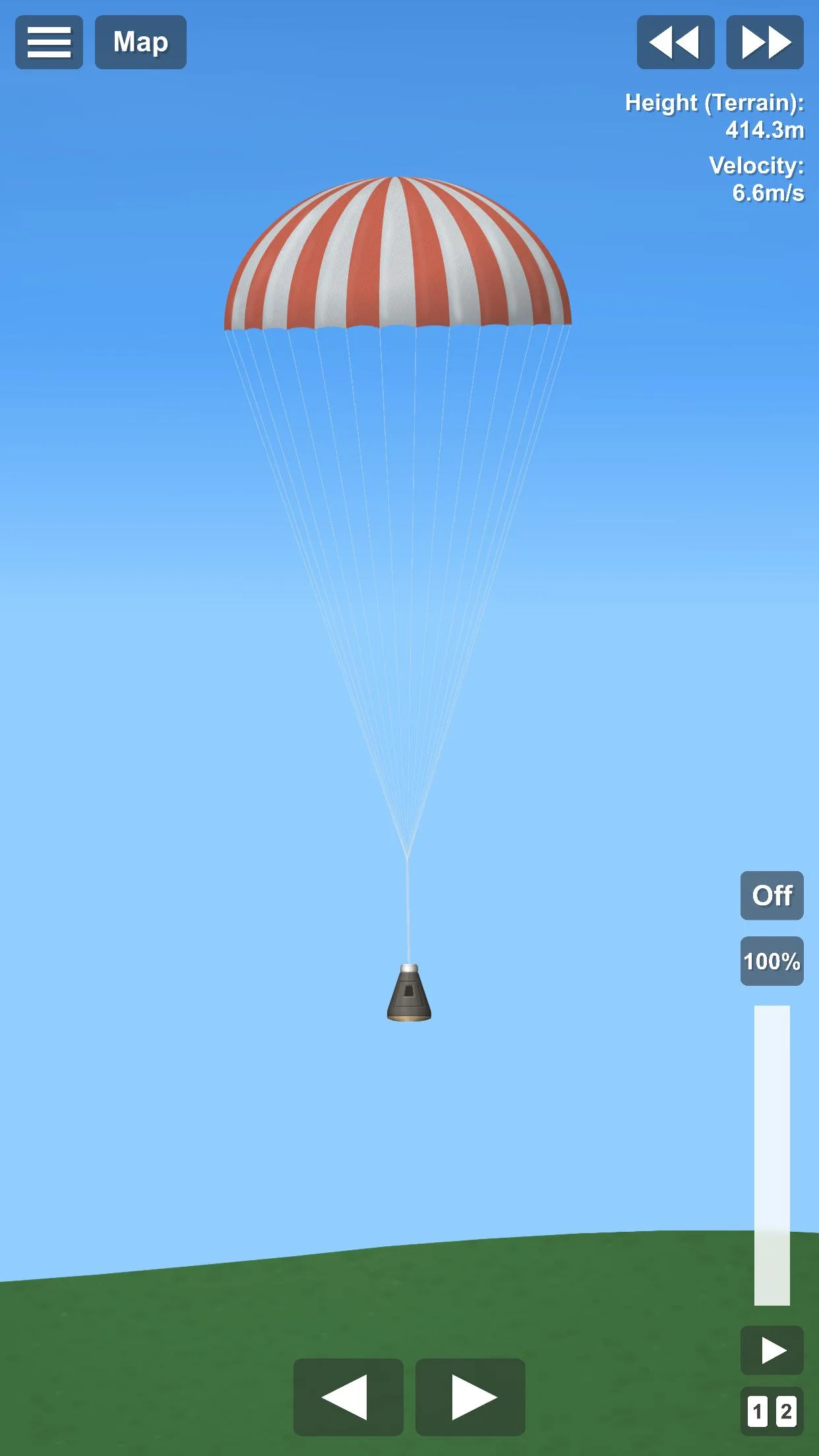
- Land on the Moon slowly. Flip so the engine points down, burn to kill your falling speed, and touch down under about 10 m/s with legs deployed. Come in too fast and the capsule breaks.
MOD vs original
The original Spaceflight Simulator is free on Google Play, and it is a great game, but the advanced parts and extra planets sit behind a "Full Version" purchase, and there are ads. If you want to support the developer directly, buy the full version there; the link is in the info table above. If you'd rather have every part and planet open today, ad-free, the MOD is for you. The game is a single-player sandbox with no online mode and no accounts, so there is nothing to get banned from, you are building rockets offline, on your own device.
Into building and physics sandboxes? Browse more simulation games or fresh MOD APKs in the catalog.
FAQ
Is Spaceflight Simulator MOD APK safe?
What does the MOD unlock?
Does Spaceflight Simulator work offline?
Why won't the APK install on my phone?
Can I lose progress when updating the MOD?
Is there unlimited fuel in this MOD?
Download Spaceflight Simulator Mod (Unlimited Money)
- No viruses
- No spyware
- No malware
The reviews (0)