- No viruses
- No spyware
- No malware
com.gearup.boosterThis file was downloaded, scanned and installed by our editors before publishing.
Every file is also checked with VirusTotal before publishing.

GearUP Game Booster: Lower Lag APK

Additional information about GearUP Game Booster: Lower Lag APK
com.gearup.boosterThe description of GearUP Game Booster: Lower Lag APK
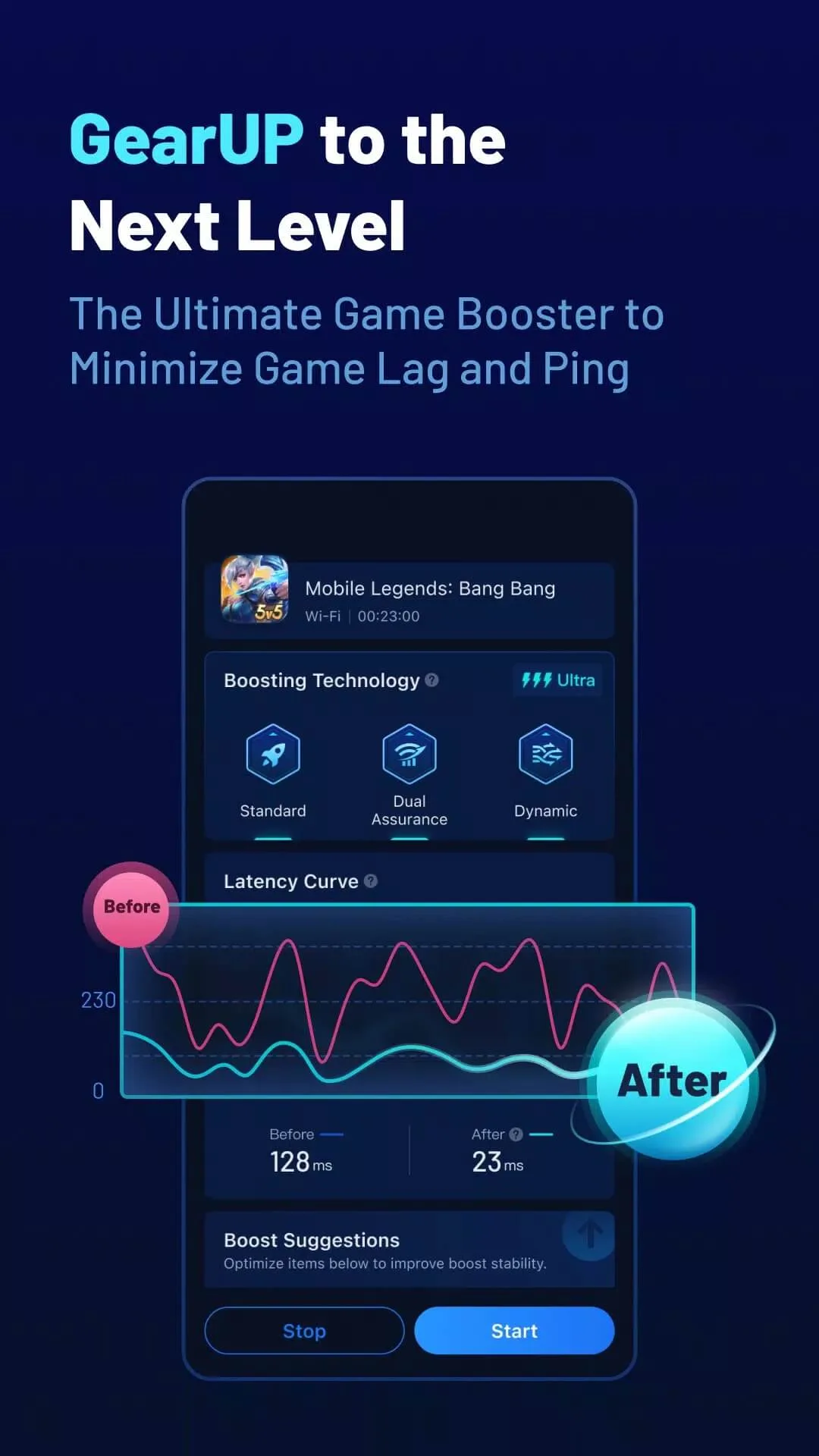
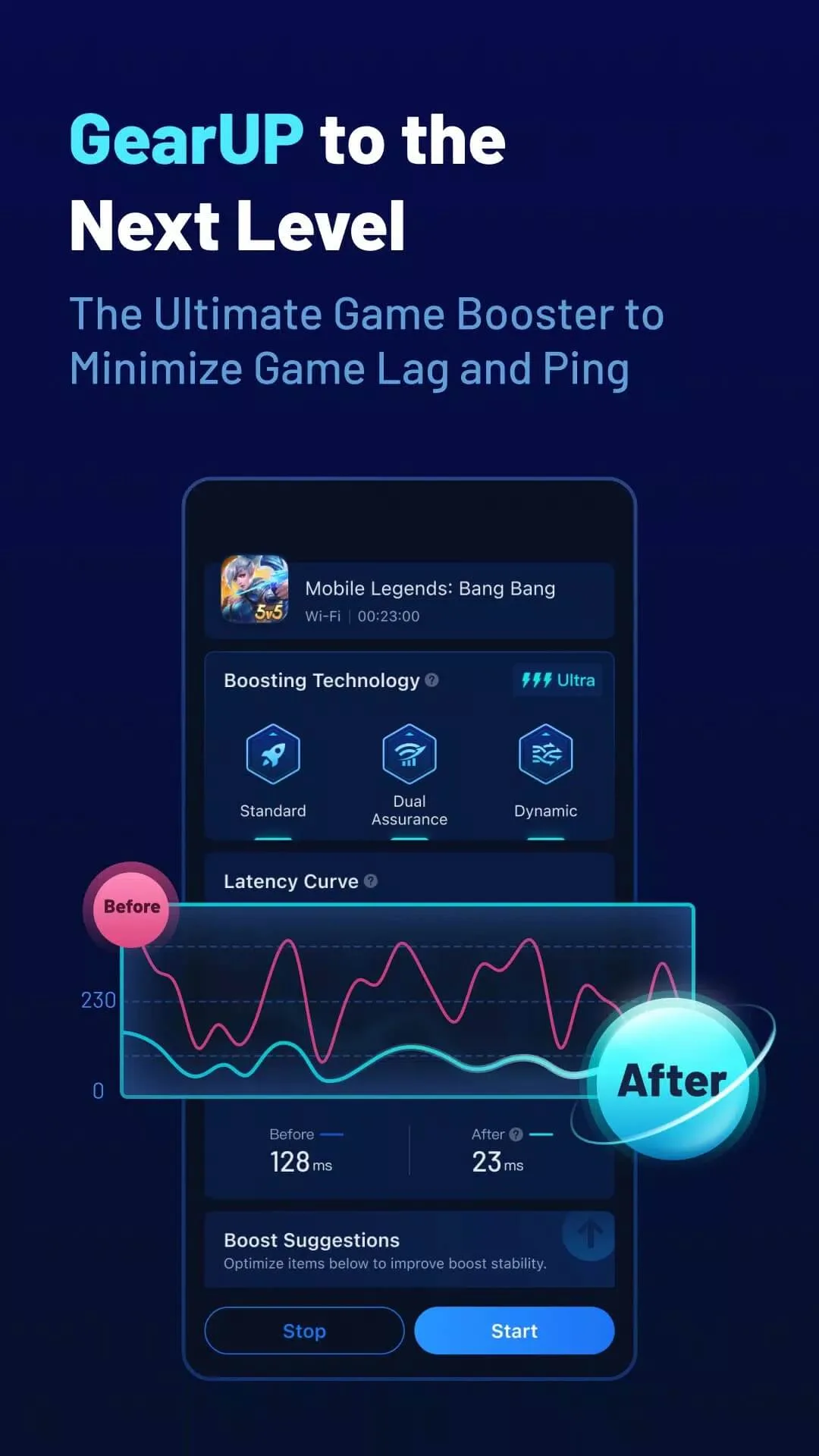
GearUP Game Booster: Lower Lag is a network tool that routes your game traffic through optimized servers to cut ping spikes and packet loss in online games. It does not speed up your internet. What it does is find a cleaner path between your phone and the game server, so matches feel steadier when your normal route is the weak link. The file on this page is scanned for malware and installed on a real Android device by our editors before publishing, we have done this since 2018.
If you play Mobile Legends, Free Fire or PUBG Mobile and your ping jumps mid-fight, this is the kind of tool built for that problem. Tap the Download APK button on this page to get the latest version.
What is GearUP Game Booster?
GearUP Game Booster is a utility from GearUP Global. It sits between your phone and the game and sends your game traffic through a network of optimized servers spread around the world. The goal is a shorter, more stable route to the match server, which means lower lag, fewer dropped packets and a ping that holds instead of bouncing around.
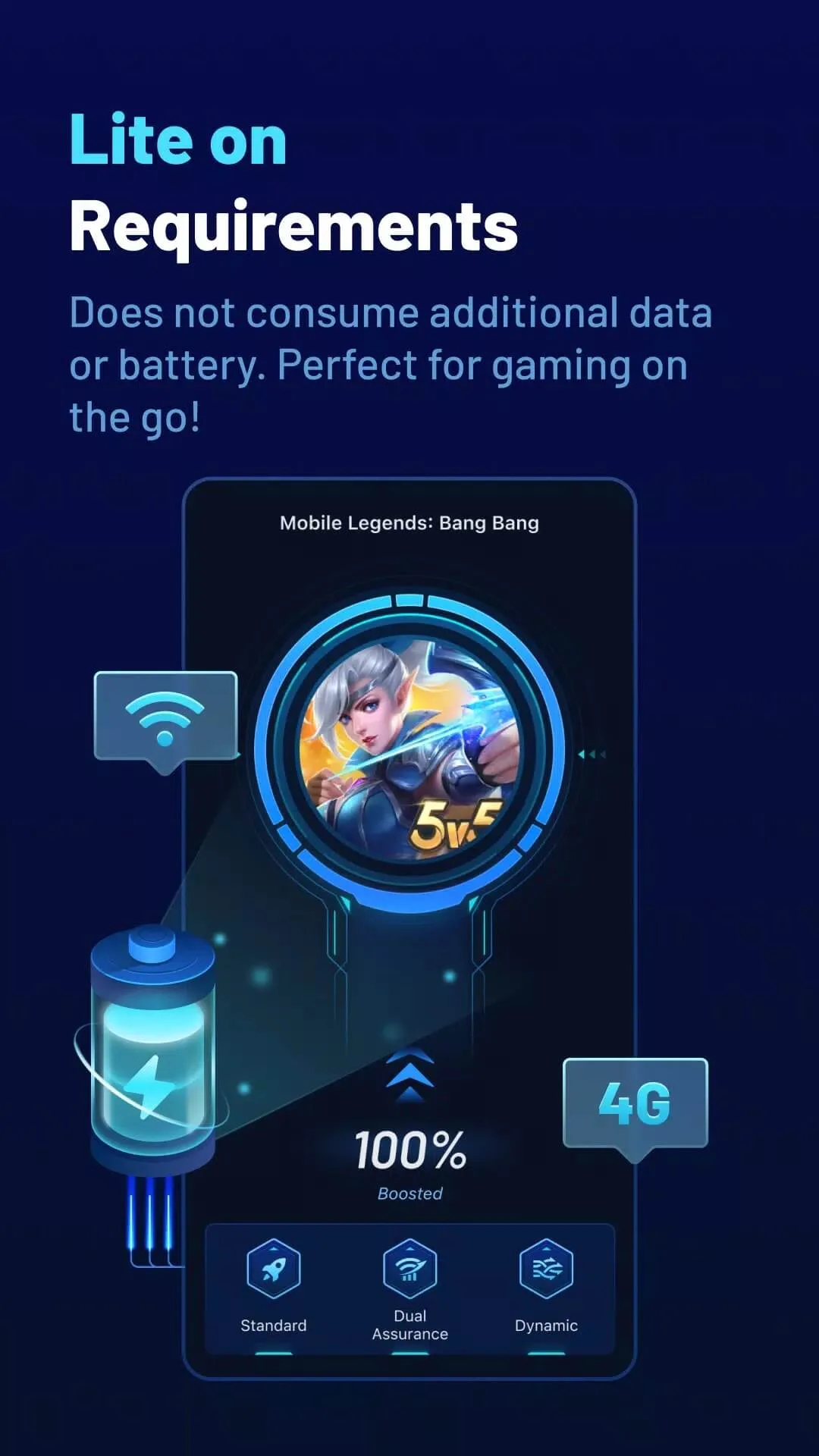
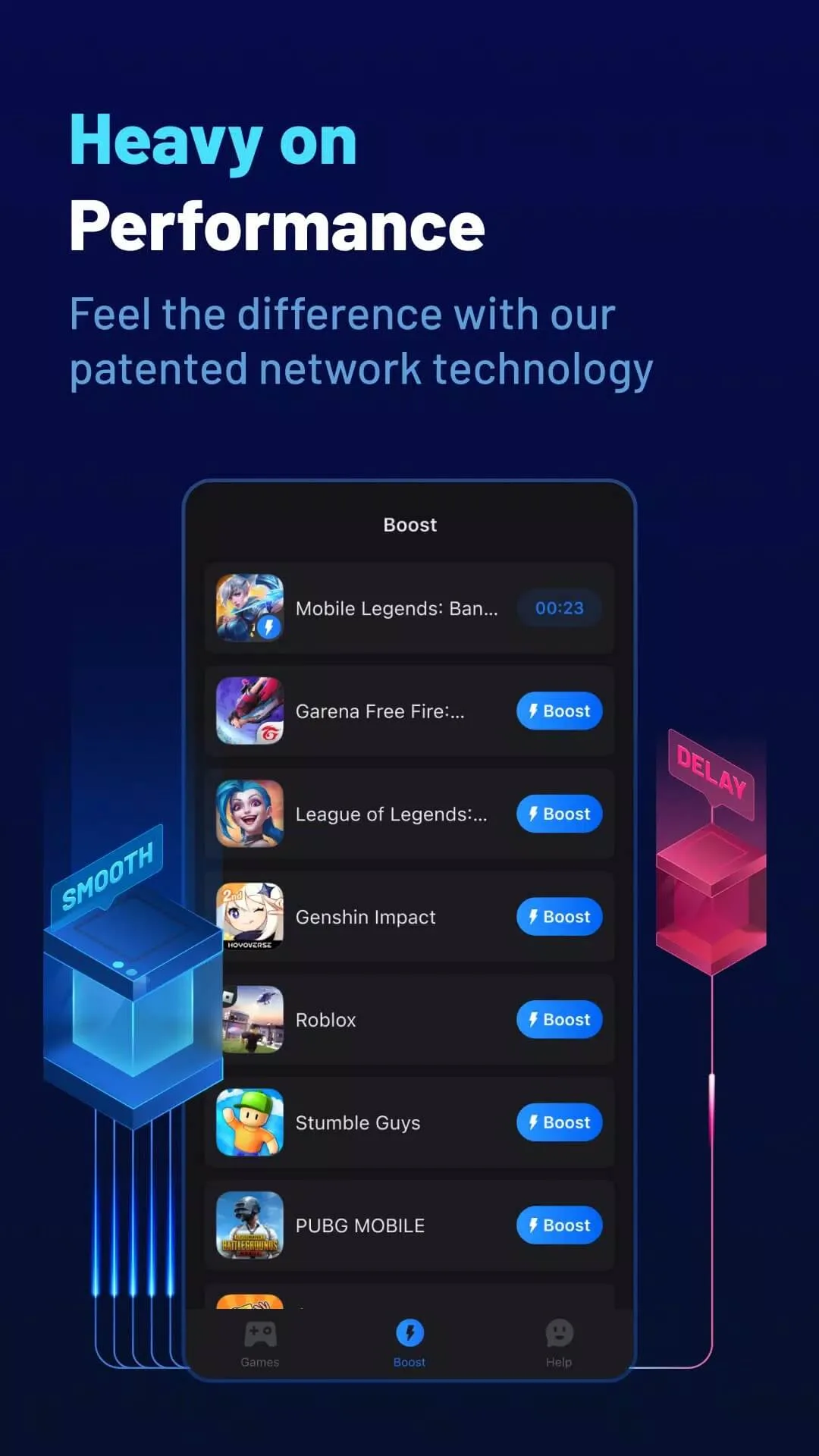
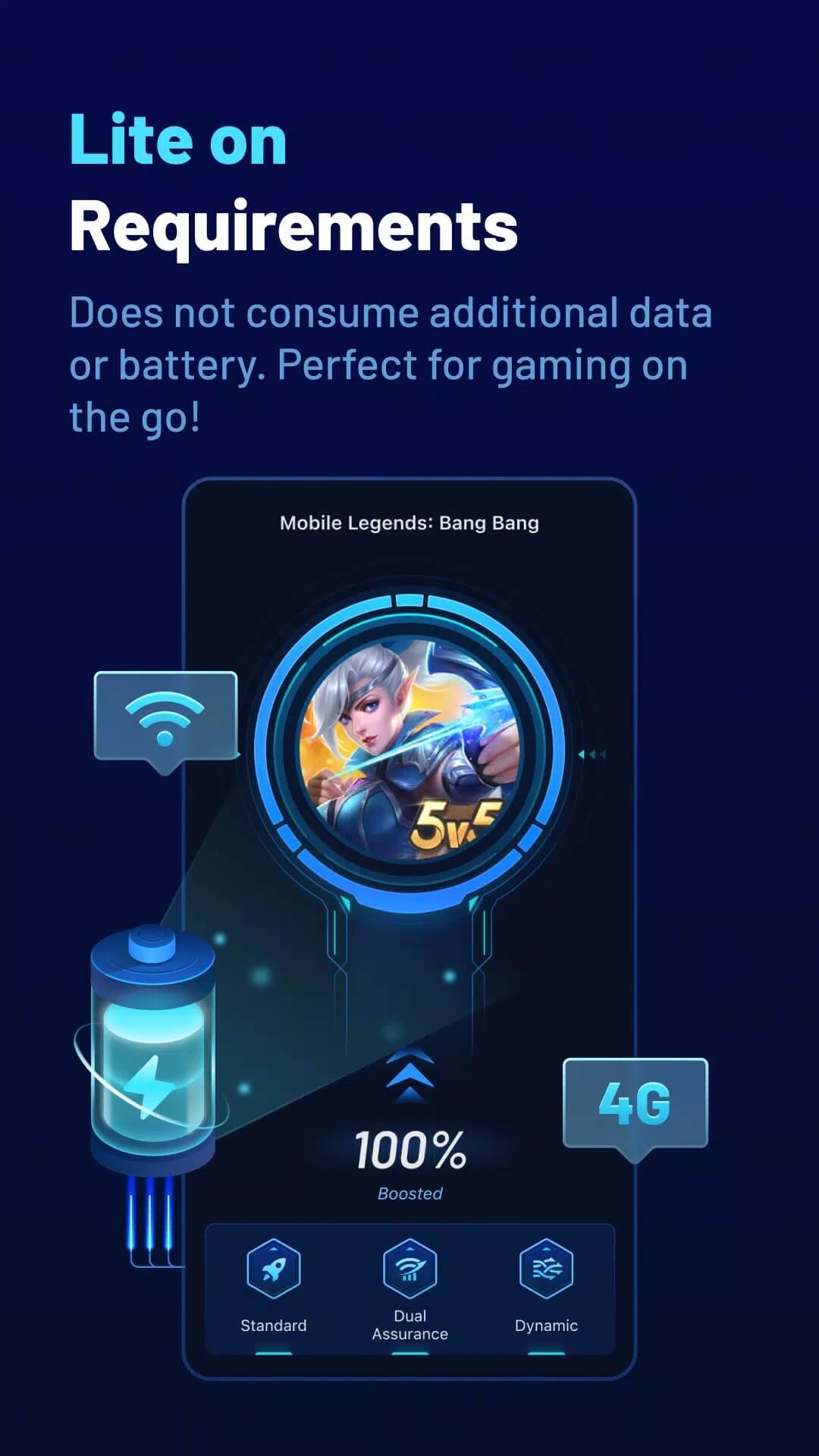
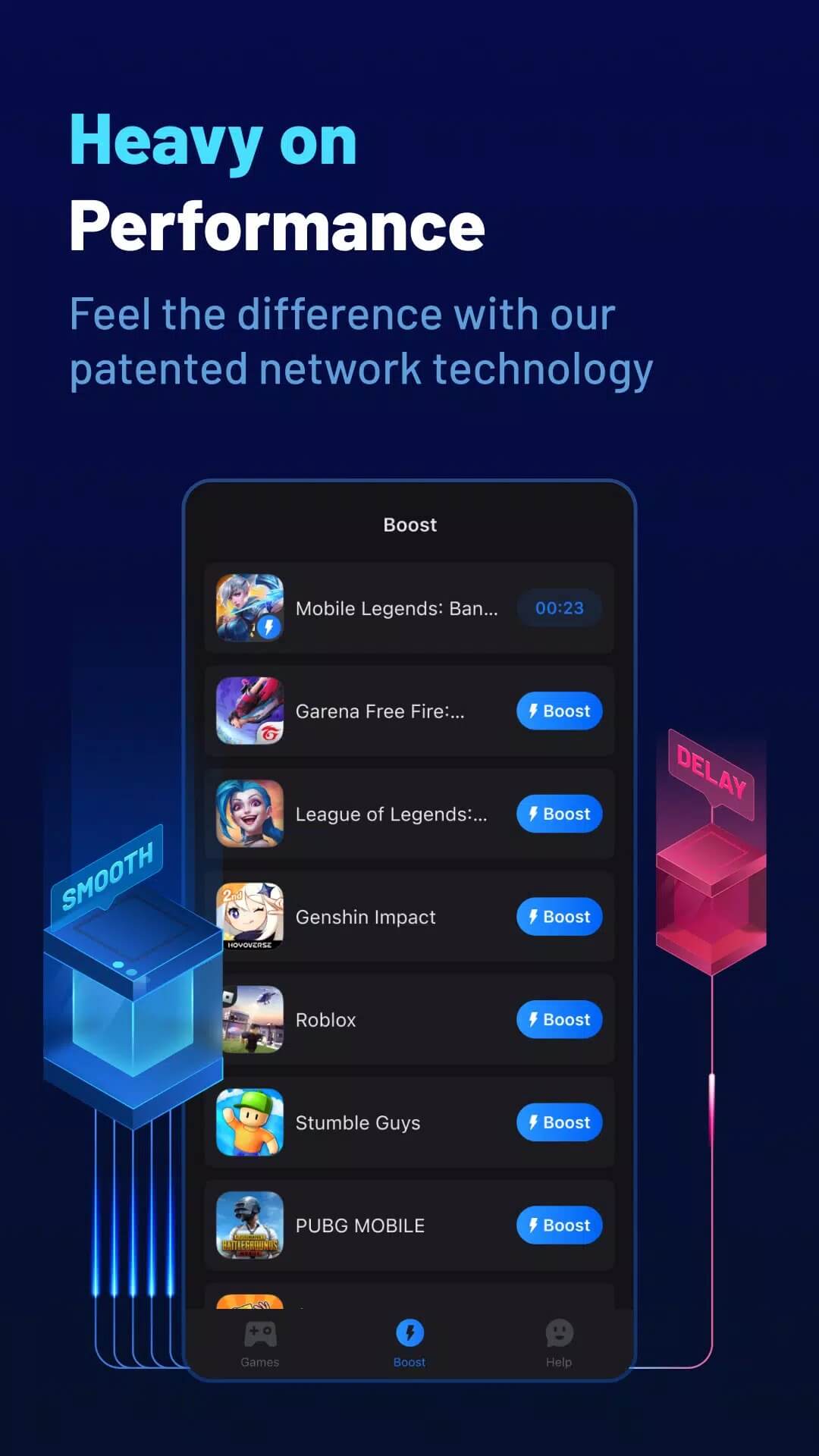
The app supports over 1000 games, including Mobile Legends, Free Fire, Genshin Impact, Roblox and PUBG Mobile. GearUP states it does not raise your data use, drain the battery harder or heat up the phone the way a heavy tool might. You pick your game, switch the boost on, and it handles the routing in the background.
How it works (honest)
Here is the plain version. When you connect to an online game, your traffic takes whatever path your carrier gives it. Sometimes that path is messy, with extra hops and unstable timing, and that shows up as a high or jumpy ping. GearUP builds a tunnel and pushes your game data through its own servers, which often gives a cleaner route to the game.
Two honest points. GearUP does not increase your internet speed, and it does not give you any in-game advantage, no aim help, no faster movement, nothing like that. It only touches how your connection reaches the server. So results depend on your starting connection and your region. If your bad ping comes from a poor route, GearUP can help a lot. If the problem is your home Wi-Fi or your data plan itself, a rerouting tool can only do so much.
Free vs Premium
GearUP is free to start, and the paid plan adds more.
| Plan | What you get |
|---|---|
| Free (after trial) | Basic boost for supported games so you can test the routing on your own connection. |
| Premium | A paid subscription with extended features and access to more optimized servers. |
Premium is a normal paid subscription, and we list the original app here. If you want the extra servers and features, buy the plan inside the app.
Is it safe / ban risk?
GearUP is an external network utility. It does not modify the game files, inject anything, or hand you an advantage over other players, so the ban risk is low. That said, a few online games take a strict view of any third-party network tool by their own rules, even a legitimate one. Use it with that in mind, and if a specific game warns against outside tools, respect that. For most players smoothing out a rough connection, it stays well within normal use.
How to download and install GearUP Game Booster
The download is a small APK, roughly 19.4 MB, and it runs on Android 6.0 and up.
- Tap the green Download APK button at the top of this page. The file downloads directly, no registration.
- Allow installation from unknown sources for your browser or file manager (Settings then Security).
- Open the file and tap Install, then launch the app.
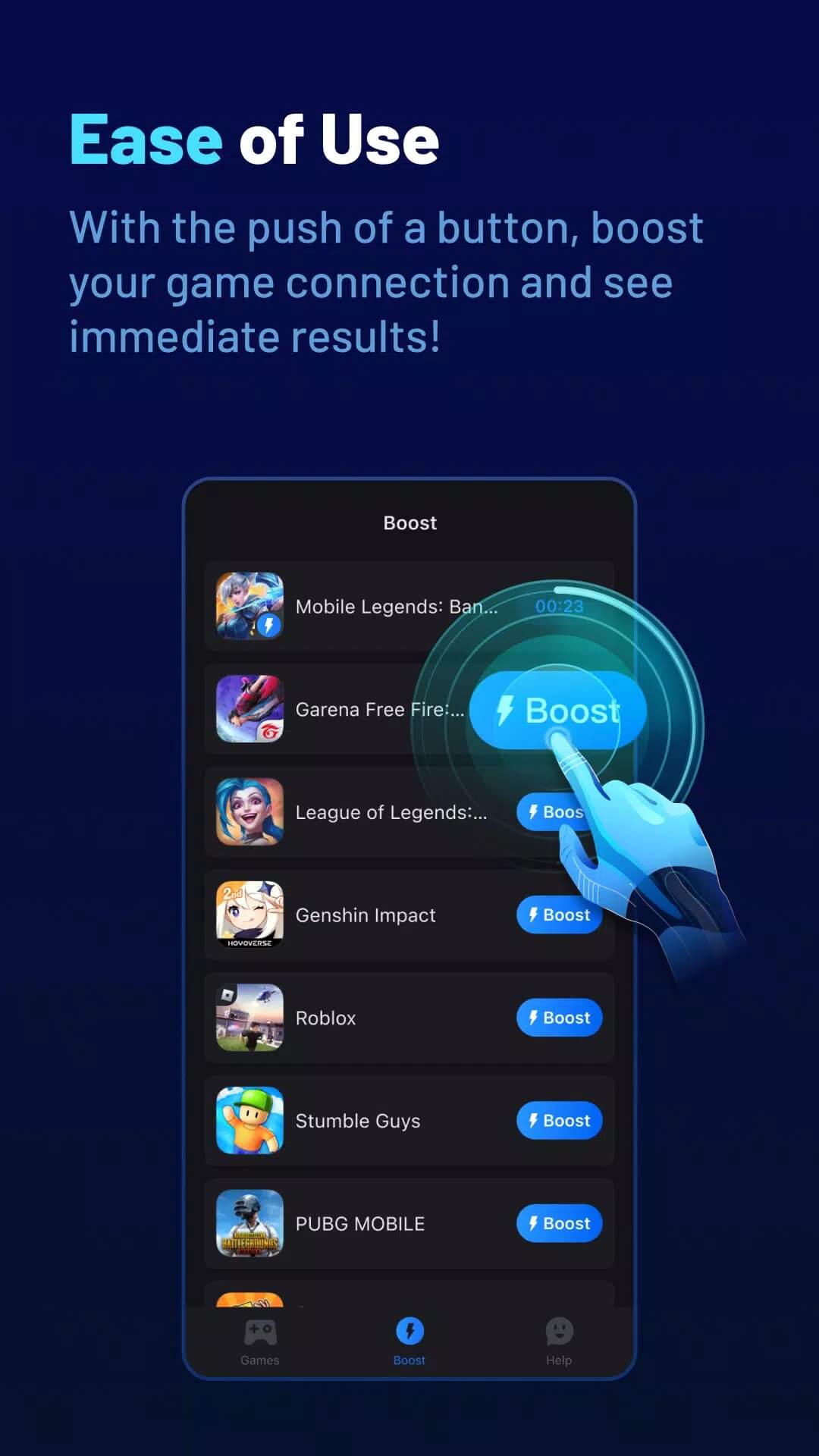
- Pick your game from the list, turn the boost on, and start playing.
First time sideloading an app? Our APK install guide walks through the same steps with screenshots.
GearUP: bottom line
GearUP earns its place when your ping is high or unstable in online games because of a bad route to the server. That is the exact case it targets, and for a lot of players in regions far from game servers it makes matches playable again. It is less useful if your trouble sits at home, with slow Wi-Fi or a weak data plan, since a router tool cannot add speed you never had. Try the free boost first and judge it on your own connection. Want more tools like this? Browse the rest of our Android tools hub.
FAQ
Does GearUP really lower ping?
Does GearUP increase internet speed?
Is GearUP free?
Can I get banned for using GearUP?
Which games are supported?
What are the requirements and download size?
Download GearUP Game Booster: Lower Lag
- No viruses
- No spyware
- No malware
The reviews (1)