- No viruses
- No spyware
- No malware
com.adguard.android.contentblockerThis file was downloaded, scanned and installed by our editors before publishing.
Every file is also checked with VirusTotal before publishing.

AdGuard Premium APK (Ad Blocker for Android)
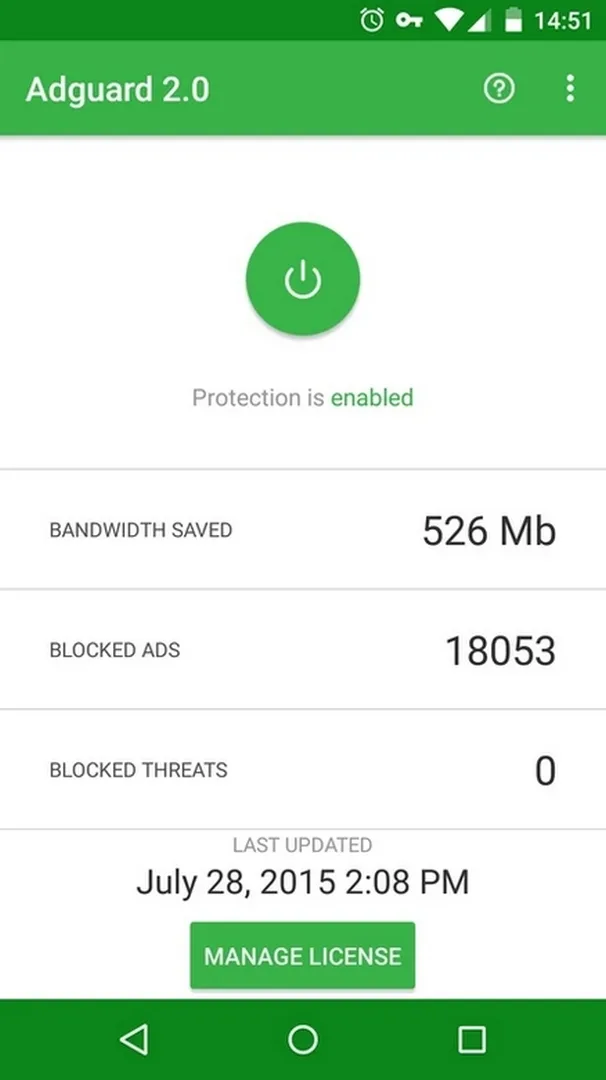
Additional information about AdGuard Premium APK (Ad Blocker for Android)
com.adguard.android.contentblockerThe description of AdGuard Premium APK (Ad Blocker for Android)
The AdGuard Premium APK blocks ads and trackers on Android without root, but there is one thing you should know before you download, because it trips up a lot of people. AdGuard is not one app, it is two. There is the free AdGuard Content Blocker, which only filters ads inside a couple of browsers, and there is the full standalone AdGuard app, which blocks ads across your whole phone and has a paid Premium licence. A page that says "Premium Unlocked" only makes sense for the full app, since the Content Blocker is already free and has nothing to unlock. Every file we host is scanned for malware and installed on a real Android device by our editors before it goes live, a check we have run since 2018.
We spell this out because most pages, including the mod sites you have seen, blur the two products together. Below is the honest breakdown of what each one does, what "Premium" actually means here, and whether you even need it.
What is AdGuard? Content Blocker versus the full app
The difference decides what you are really getting.
| Product | What it does |
|---|---|
AdGuard Content Blocker (com.adguard.android.contentblocker) | Free, and on Google Play. It filters ads only in Samsung Internet and Yandex Browser. It does not touch ads in other apps, and there is no paid tier to unlock. |
AdGuard full app (com.adguard.android) | Not on Google Play, so it is sideloaded. It filters ads system-wide, in every app and browser, using a local VPN profile. This is the one with a paid Premium licence. |
So if a file's package is the Content Blocker, "Premium" changes nothing, because the app is free and browser-only. If the file is the full standalone app with an unlocked licence, that is a patched commercial subscription, which we treat as a paid product you would normally buy from the developer. Check the package and the «MOD info» line at the top of this page to see which one you are downloading.
Key features (and which product has them)
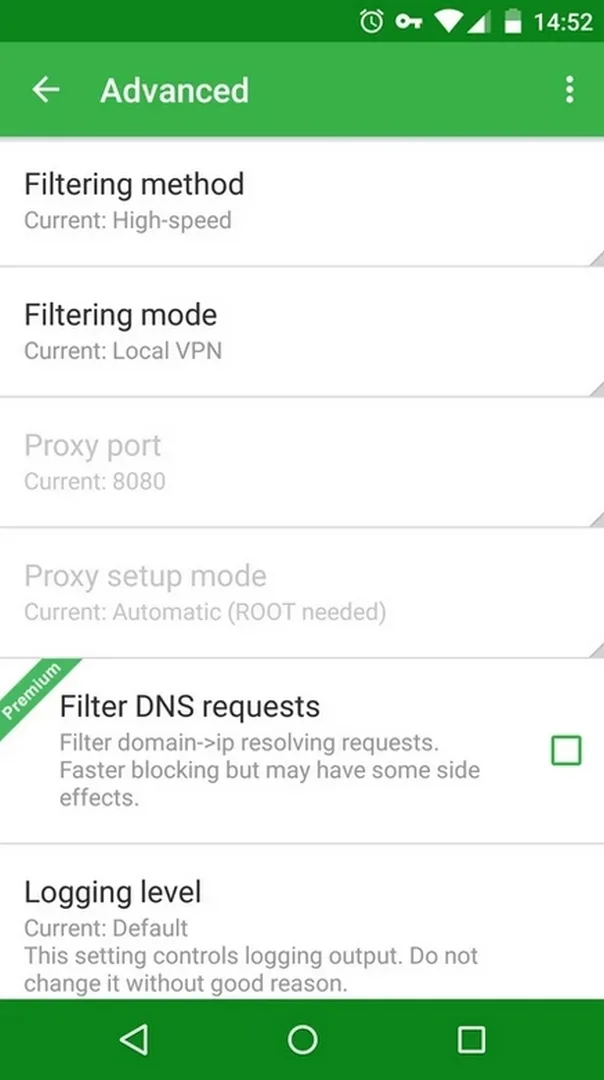
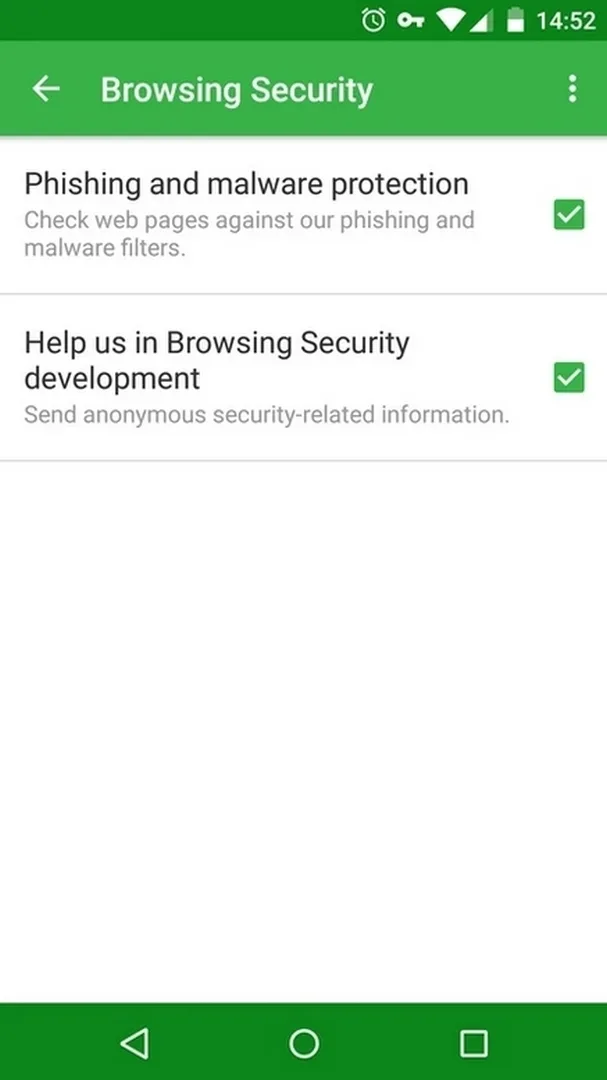
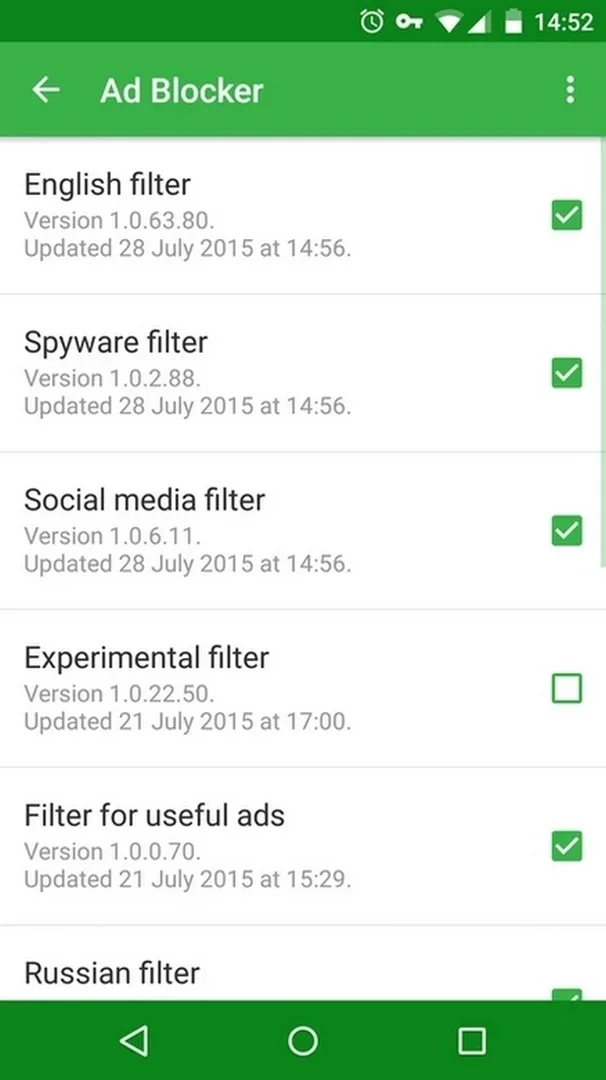
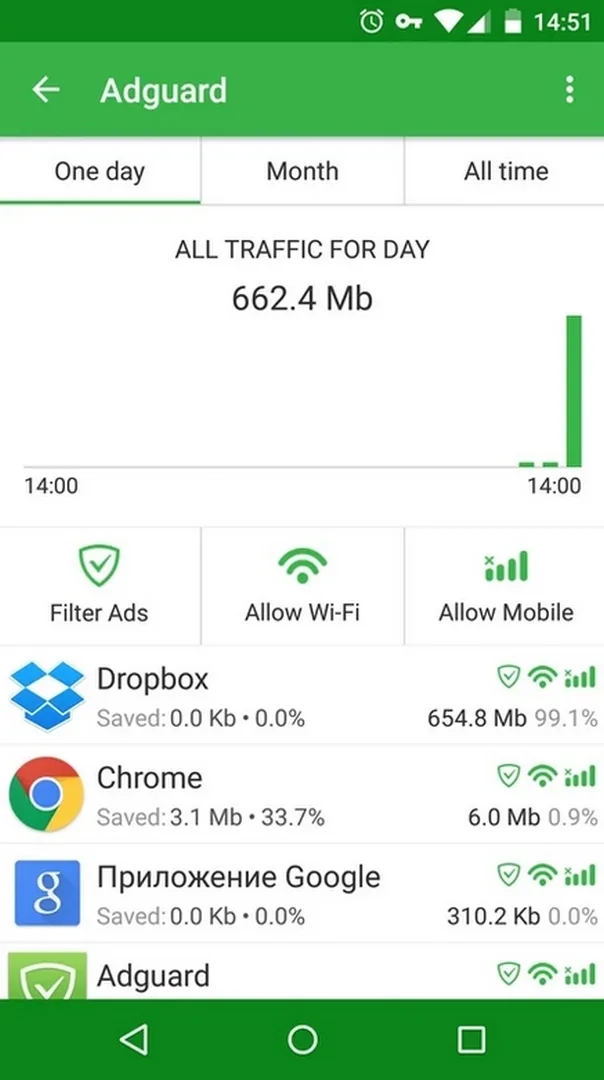
AdGuard's tools split along the same line. The full app blocks ads in apps and browsers, filters trackers, offers anti-phishing, saves mobile data and battery by cutting ad traffic, and lets you whitelist sites. None of this needs root, since it runs through a local VPN profile on the device. The Content Blocker is much narrower: it only cleans up pages inside its two supported browsers. If you want ad blocking everywhere on the phone, only the full standalone app does that. The browser-only tool is fine if that is all you need.
What "Premium" or "Unlocked" really means here
Here is the plain version. The free Content Blocker has no Premium, so an "unlocked" label on it means nothing. The full AdGuard app does have a Premium licence, which the developer sells, and an "unlocked" APK is a patched version of that paid product. We will not walk you through patching it, and the honest route to Premium is buying a licence from AdGuard. If your goal is simply to block ads in your browser for free, the official Content Blocker on Google Play already does that with no mod at all.
Is AdGuard safe, and does it need root?
Neither product needs root. The full app works by setting up a local VPN profile, which sounds alarming but just means the filtering happens on your own device, and your traffic is not routed to some outside server. That is a normal, built-in Android capability. The file on this page is scanned and tested, but the wider rule holds: only install from a source you trust, and never enter a login or payment details into a modified app.
How to download and install
- Tap the green Download APK button at the top of this page. The file downloads directly, with no registration or SMS.
- If a conflicting ad blocker or an older AdGuard copy is installed, remove it first.
- Allow installation from unknown sources for your browser (Settings, then Security).
- Open the file and install it. For the full app, allow the local VPN profile it asks for on first launch, since that is how it filters system-wide.
New to sideloading? Our APK install guide walks through the same steps with screenshots.
AdGuard versus the official route
If you only want browser ad blocking, get the free Content Blocker from Google Play and skip the mod entirely. If you want system-wide blocking, the official path is the full AdGuard app with a Premium licence bought from the developer, which updates cleanly and supports the maker. The APK here is provided for testing. For more privacy tools, try 1.1.1.1 DNS, and browse other tools or fresh MOD APKs in the catalog.
FAQ
Is AdGuard Premium free?
What is the difference between AdGuard and AdGuard Content Blocker?
Does AdGuard need root?
Does AdGuard block ads in all apps?
Is the AdGuard APK safe to download?
Is AdGuard on Google Play?
Download Adguard (Full Premium) (Nightly)
- No viruses
- No spyware
- No malware
The reviews (0)