- No viruses
- No spyware
- No malware
com.mobeedom.android.jinaFSThis file was downloaded, scanned and installed by our editors before publishing.
Every file is also checked with VirusTotal before publishing.

JINA Drawer APK — App Organizer & Sidebar
Additional information about JINA Drawer APK — App Organizer & Sidebar
com.mobeedom.android.jinaFSThe description of JINA Drawer APK — App Organizer & Sidebar
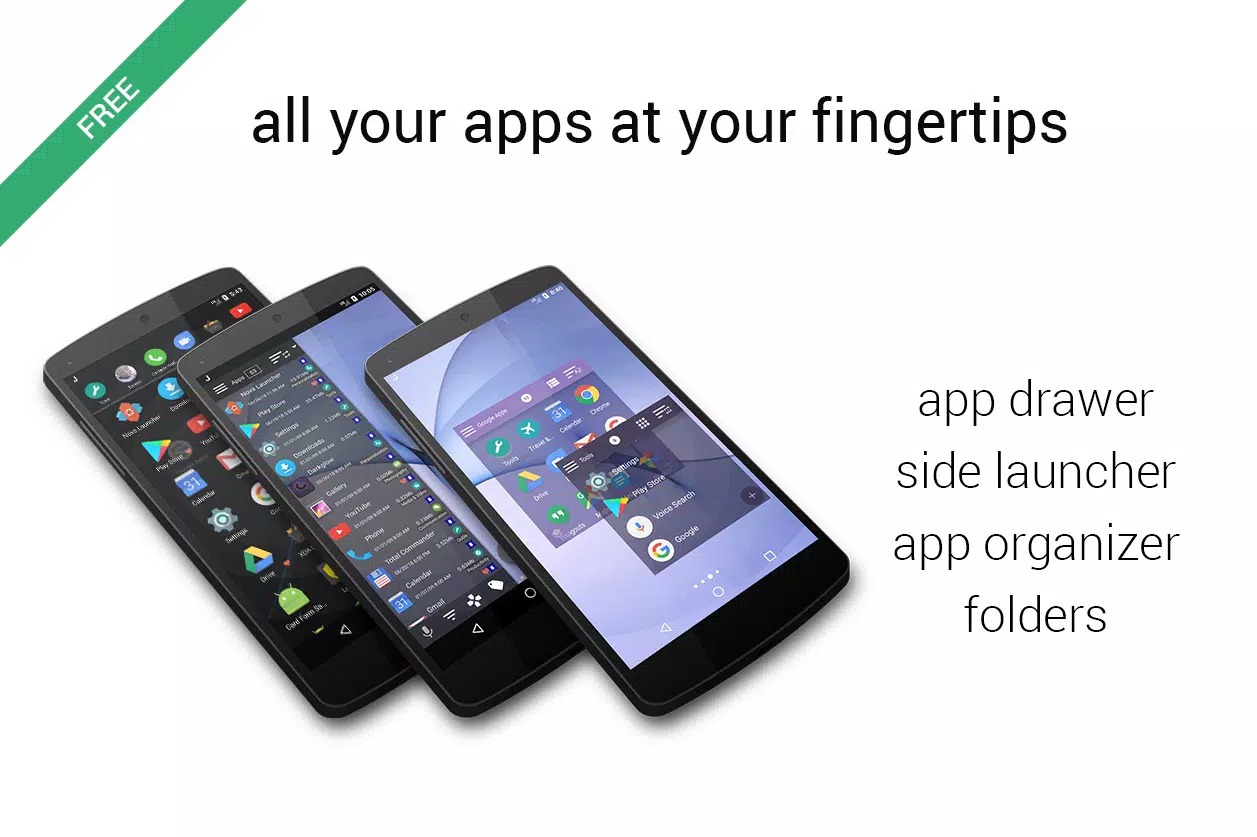
JINA Drawer APK is a free app organizer from MobeedoM that sorts your apps into auto-categories, tags and folders, then adds a swipe-out sidebar you can pull up over any screen. It cleans up a messy app list without replacing your whole home screen. No ads, no paid wall to get started. The file on this page is scanned for malware and installed on a real Android device by our editors before publishing, we have done this since 2018.
If your phone has dozens of apps and finding one is a scroll-and-squint job, this is the tool that fixes it.
What is JINA Drawer?
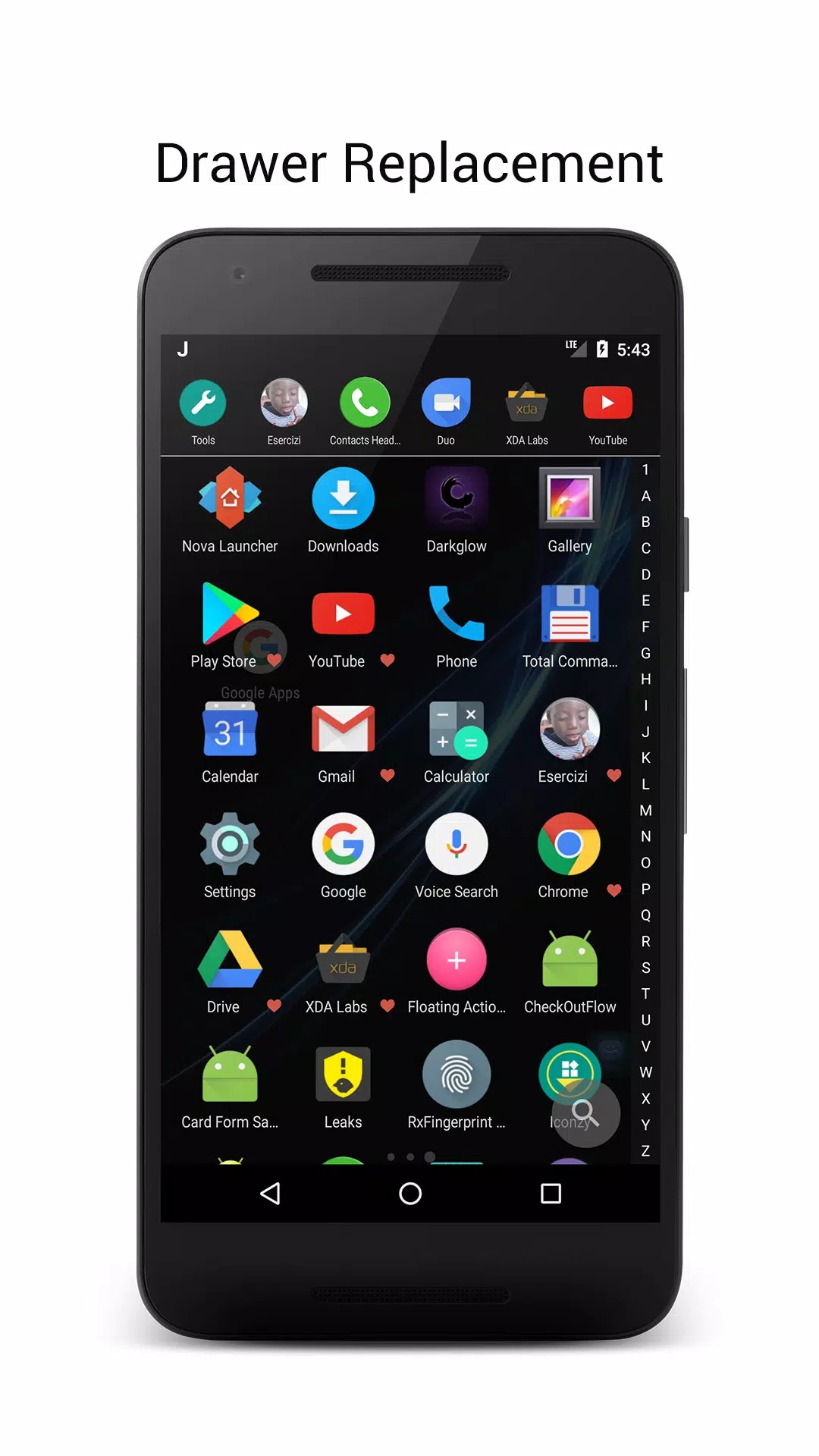
JINA Drawer is a replacement for the standard app drawer, the screen that lists every app you have installed. Instead of one long grid, it groups your apps into categories on its own, so games, tools, social and the rest land in neat sections the first time you open it. You can then rename groups, add your own tags, and search from the top of the list.
It sits next to your current launcher rather than taking it over. You keep your home screen and wallpaper, and JINA handles the drawer and quick access. Setup takes a minute or two, and most of the sorting happens for you.
Key features
| Feature | What it does |
|---|---|
| App Organizer | Auto-sorts every installed app into categories, so you stop scrolling one giant list. |
| Tags & filters | Add your own tags to apps and filter the drawer by them, handy when one app fits two groups. |
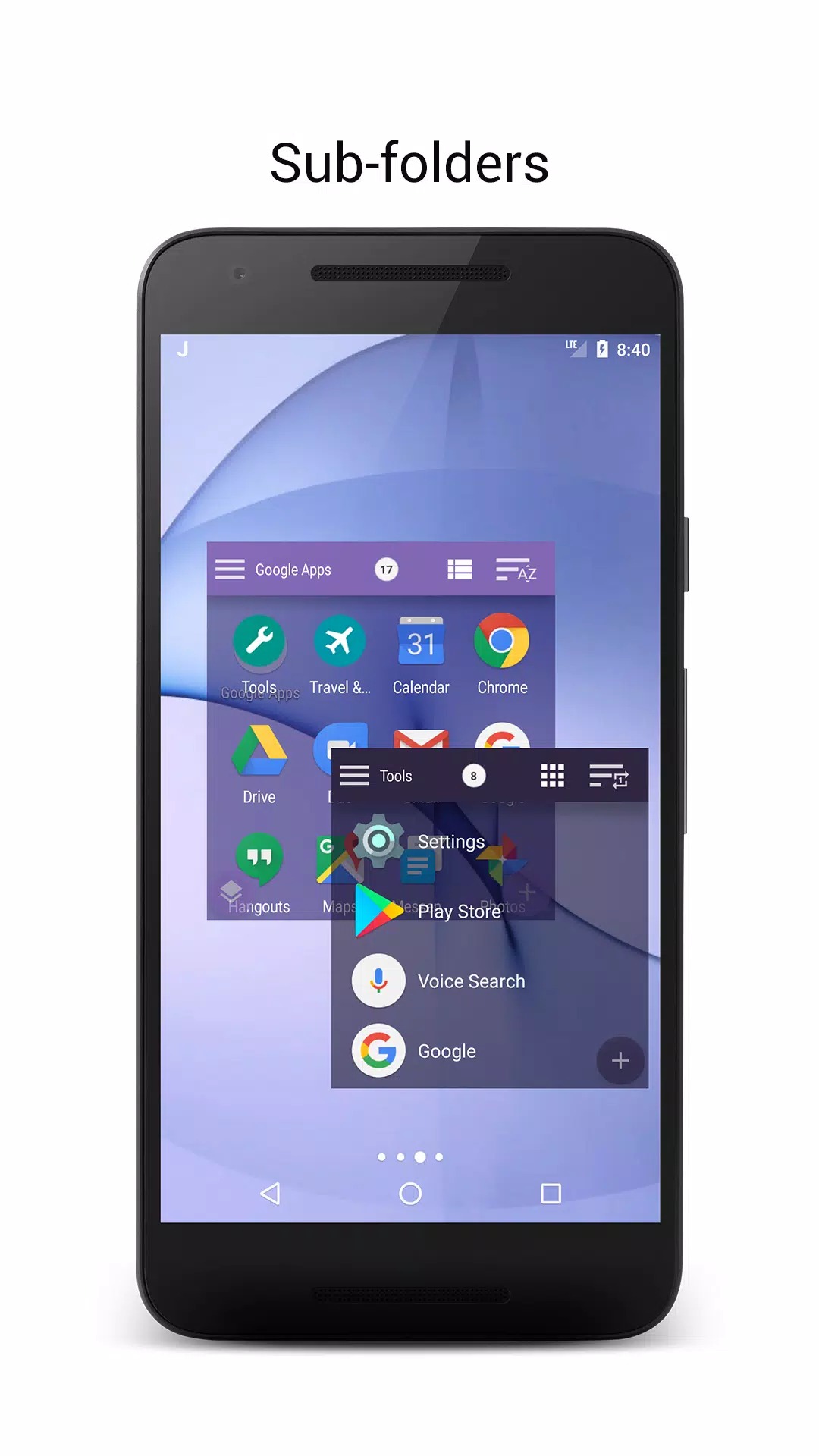
| Live Folders | Folders that update themselves by rules you set, and they can nest inside each other. |
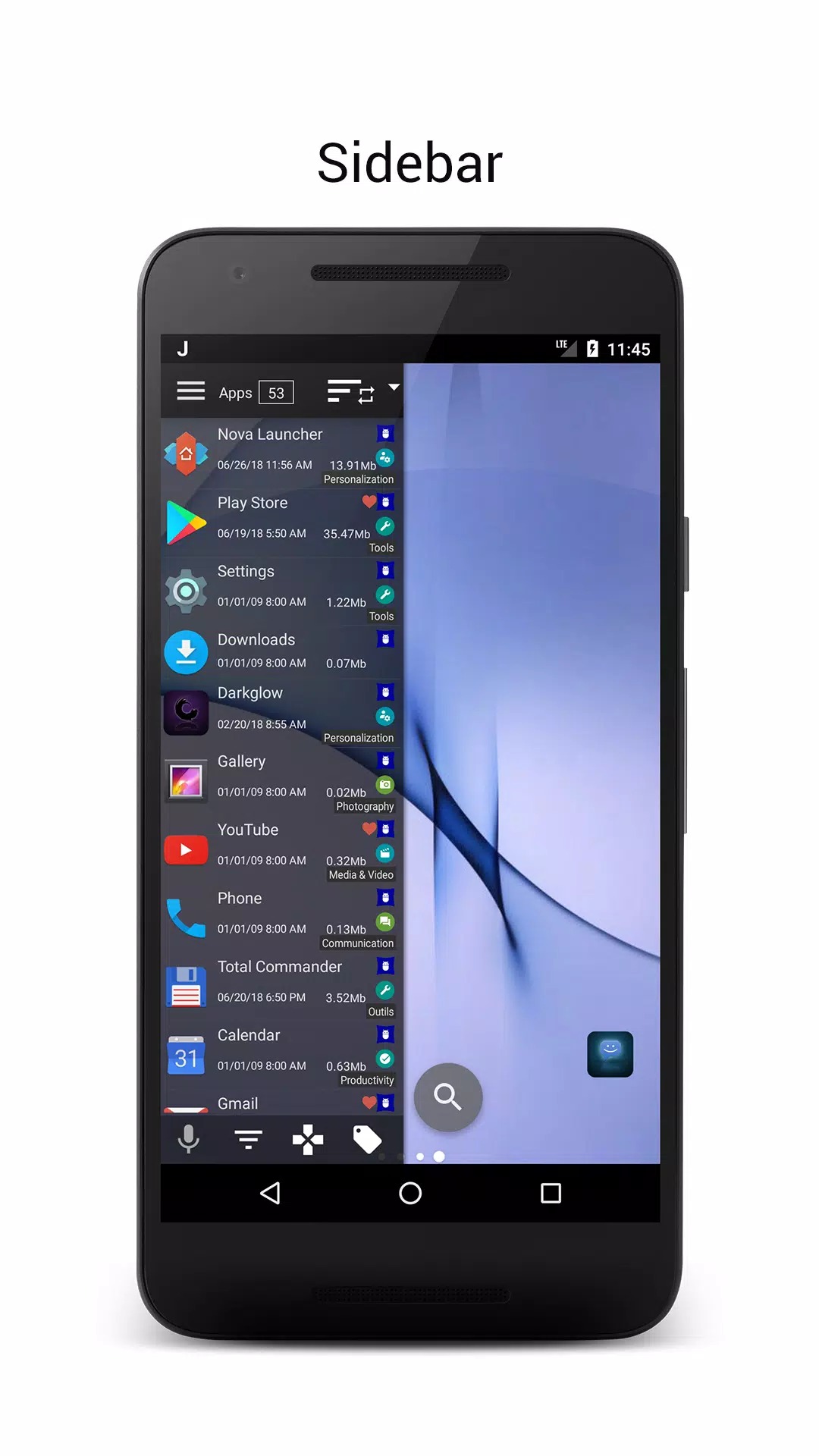
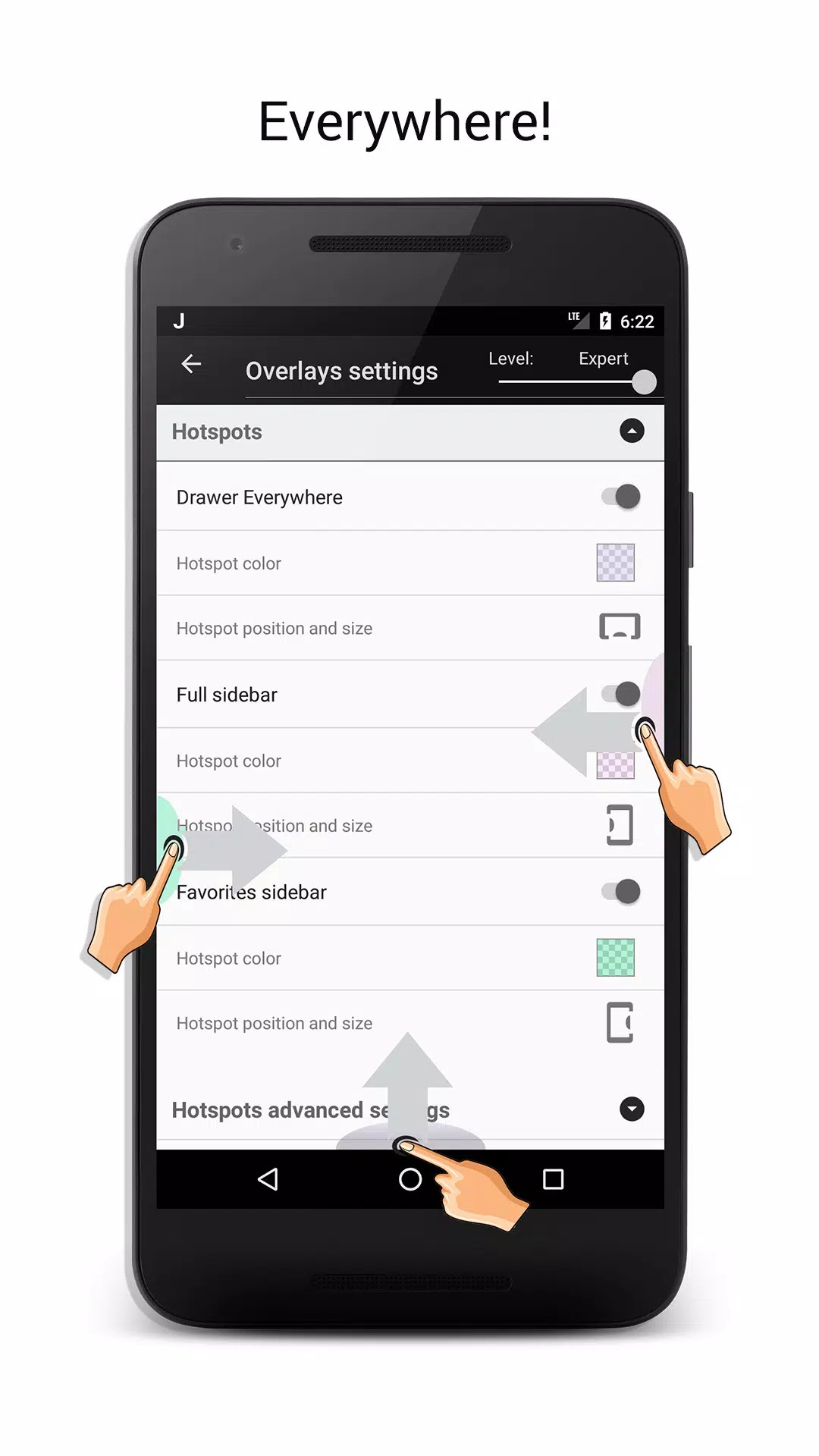
| Sidebar / "Drawer Everywhere" | A swipe-in panel that opens your apps on top of any screen, with draggable hotspots you place on the edge. |
| A-Z bar + T9 search | Jump by first letter down the side, or type a few number-pad keys to find an app fast. |
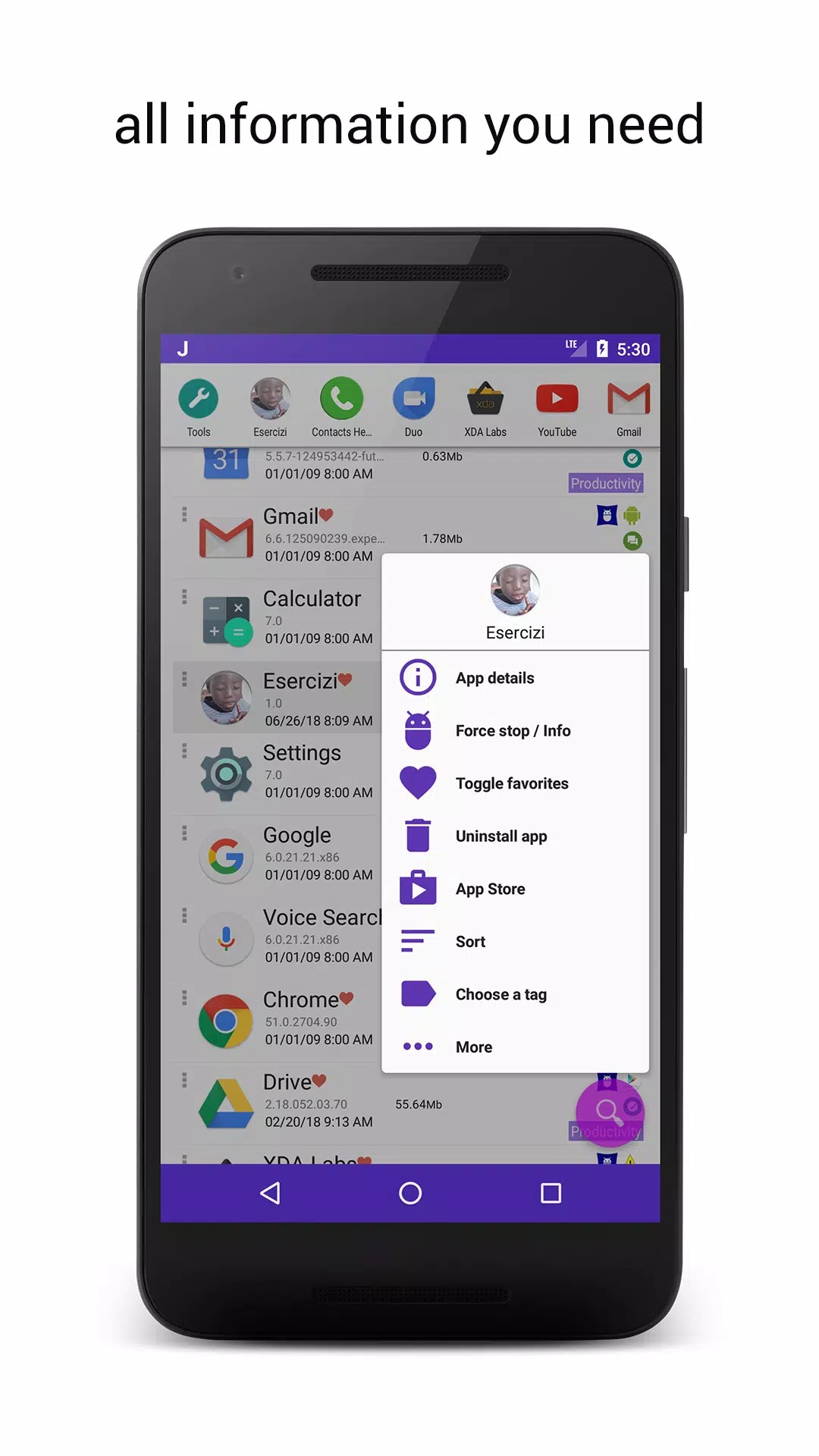
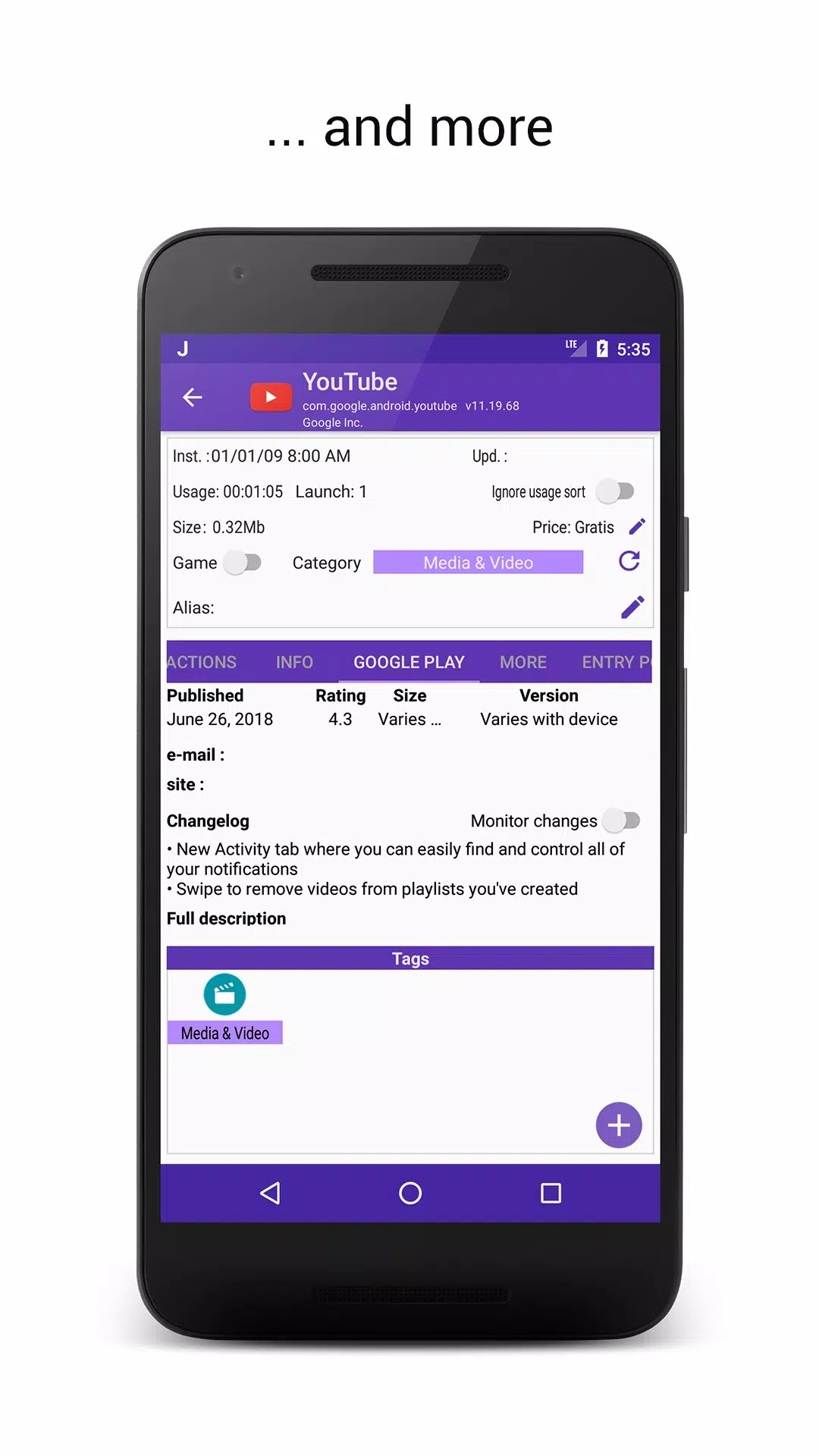
| App Manager | Shows change logs, usage time, and lets you install or uninstall in bulk. Removing system apps needs root. |
The Sidebar is the part most people keep. You set a hotspot on the left or right edge, swipe in from there, and your apps are one tap away without leaving what you were doing. It works over games, the browser, anything.
Free vs Pro
Here is the honest bit. JINA Drawer is free and it has no ads. Some extra options are unlocked through in-app purchases (the Pro side), and that is a normal store purchase, not something a MOD hands you. So you will not find "Pro unlocked" here, and any page that promises it for this app is guessing.
The core organizer, tags, folders, sidebar and search all work in the free version, which is plenty for most people. If you lean on it every day, buying Pro in Google Play supports the developer and keeps updates coming.
How to download and install the APK
This is a small download, around 9,6 MB, and it runs on Android 5.0 and up. The steps below are for Android only, there is no iOS or App Store version.
- Tap the green Download button at the top of this page, the file downloads directly, no registration.
- Allow installation from unknown sources for your browser or file manager (Settings → Security).
- Open the downloaded file and tap Install, then launch JINA Drawer.
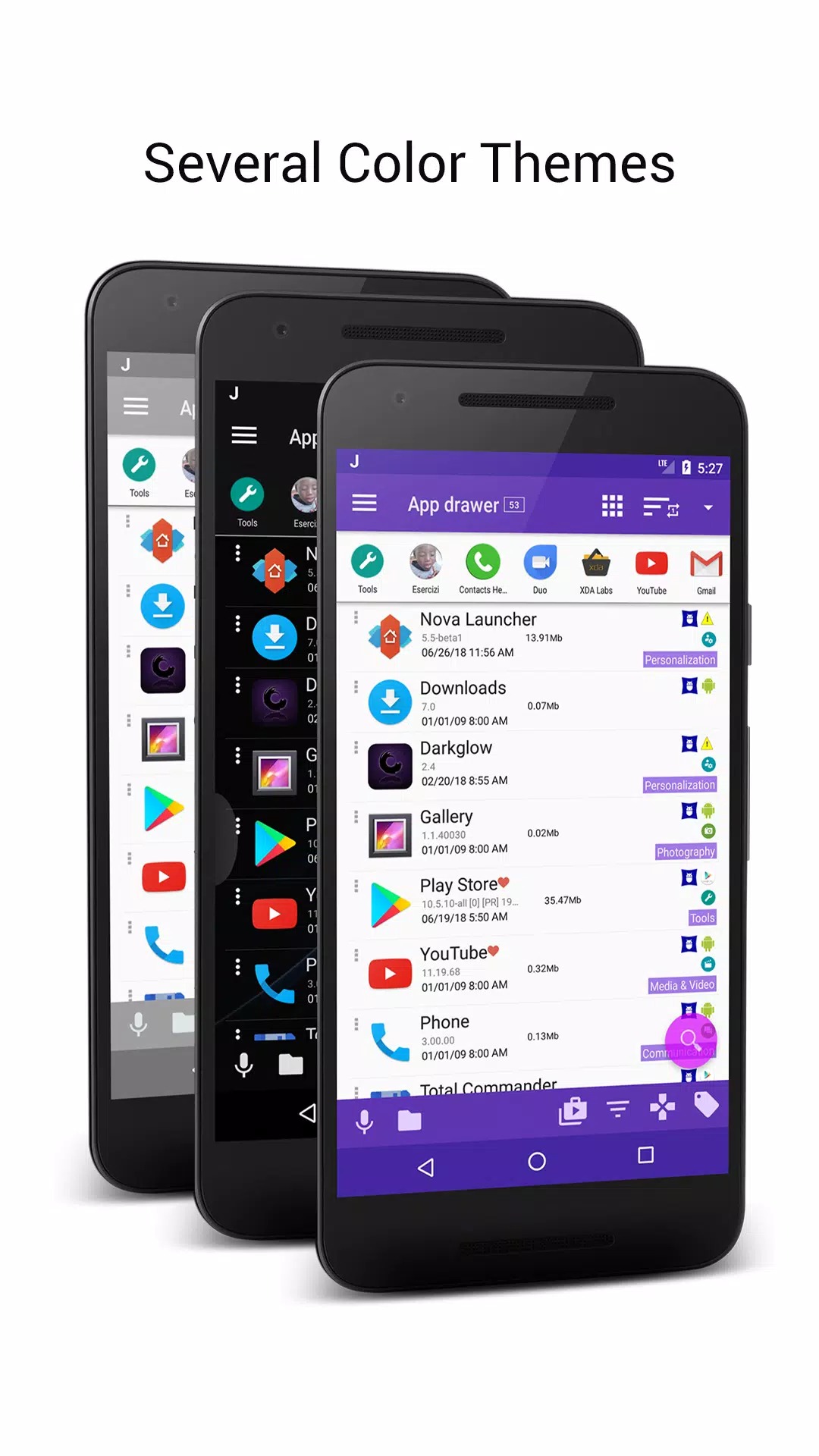
- On first run, let it read your app list and sort it, then set up the drawer, turn on the A-Z bar, add a few tags and pick a theme.
New to sideloading? Our APK install guide walks through the same steps with screenshots.
Tips
- Set up Live Folders with simple rules, like "new installs" or "unused for 30 days", so they fill themselves.
- Put the sidebar hotspot on the edge your thumb reaches, usually the right side for right-handed use.
- Hide or rename apps you rarely open to keep the drawer clean without uninstalling anything.
- Learn the T9 search. Typing a couple of number-pad keys is faster than scrolling the A-Z bar.
Who is it for
This one is for people carrying a lot of apps, and for anyone who likes to tweak how their phone is laid out. If you switch launchers often or just want your drawer to make sense, JINA fits right in. It is light on storage and does not push a whole new home screen on you. Want more like it? Browse the rest of our tools and utilities for apps that clean up and speed up Android.
FAQ
What is JINA Drawer?
Does it have ads?
Is this a MOD?
What is "Drawer Everywhere" / the sidebar?
Do I need root?
What are the size and requirements?
Download JINA Drawer APK Android
- No viruses
- No spyware
- No malware
The reviews (0)