- No viruses
- No spyware
- No malware
org.malwarebytes.antimalwareThis file was downloaded, scanned and installed by our editors before publishing.

Malwarebytes Anti-Malware APK for Android
Additional information about Malwarebytes Anti-Malware APK for Android
org.malwarebytes.antimalwareThe description of Malwarebytes Anti-Malware APK for Android
The Malwarebytes Premium APK on this page is the real Android anti-malware app from Malwarebytes, packaged as a clean APK you can sideload on any phone running Android 9.0 or newer. It scans your apps and files for malware and PUPs, checks links for phishing, and flags shady stuff before it does damage. One thing up front, and we will explain it below: Premium is a paid subscription tied to your account, not something a patched file can switch on.
Every build here is scanned for malware and installed on a real Android device by our editors before publishing, we have done this since 2018. So the file itself is safe to grab from the button at the top. Let's get into what it does.
What is Malwarebytes for Android?
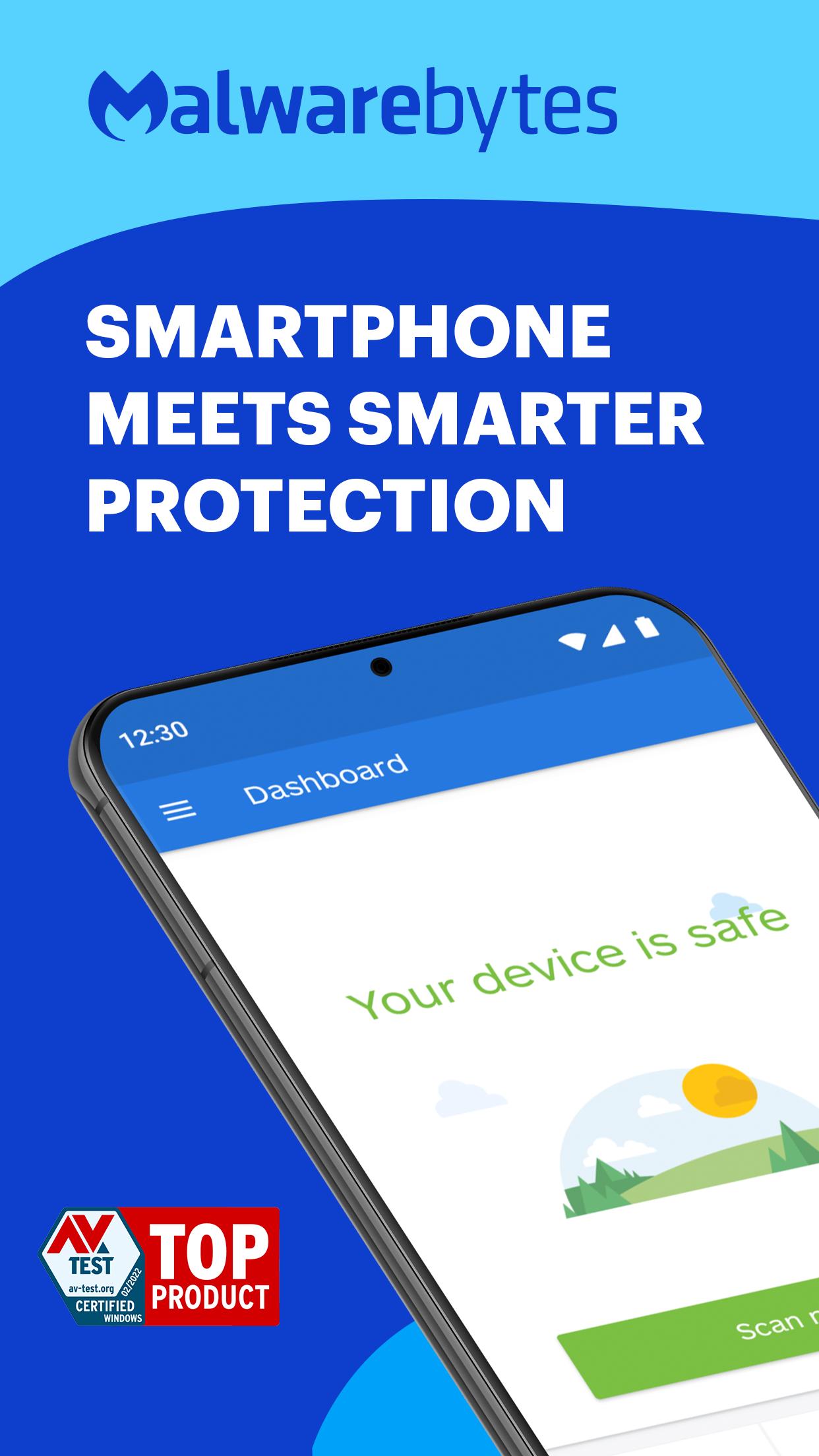
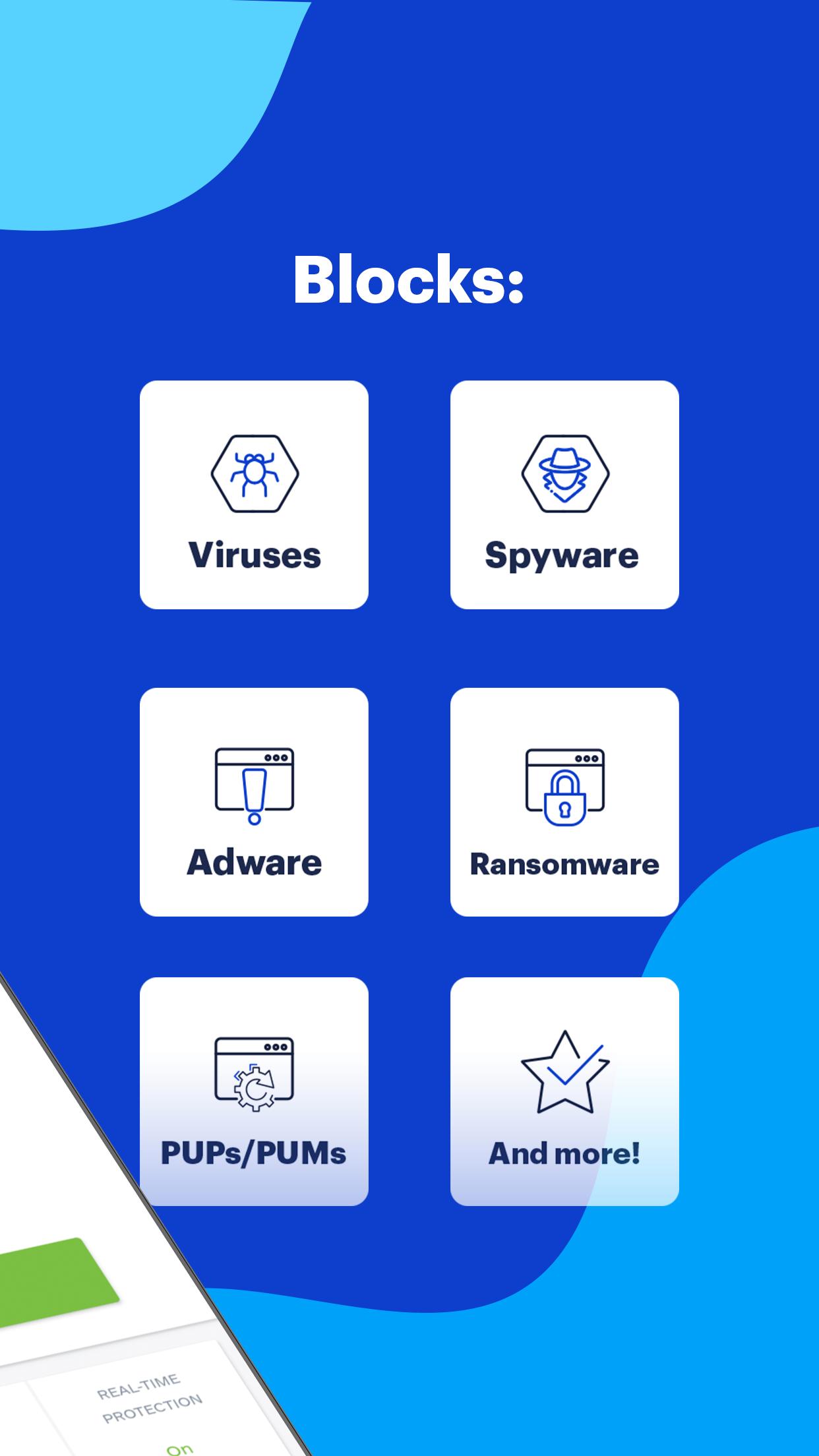
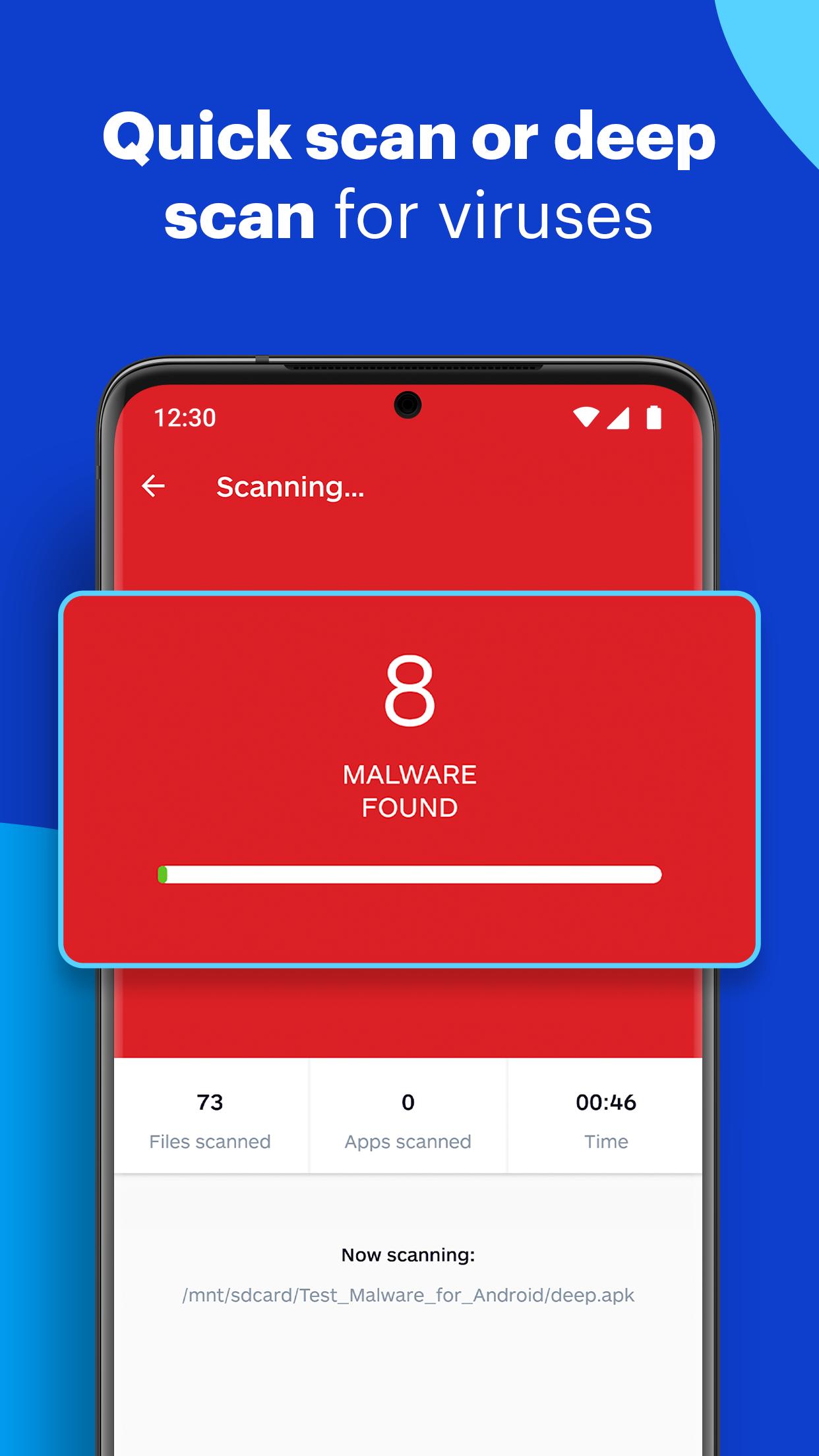
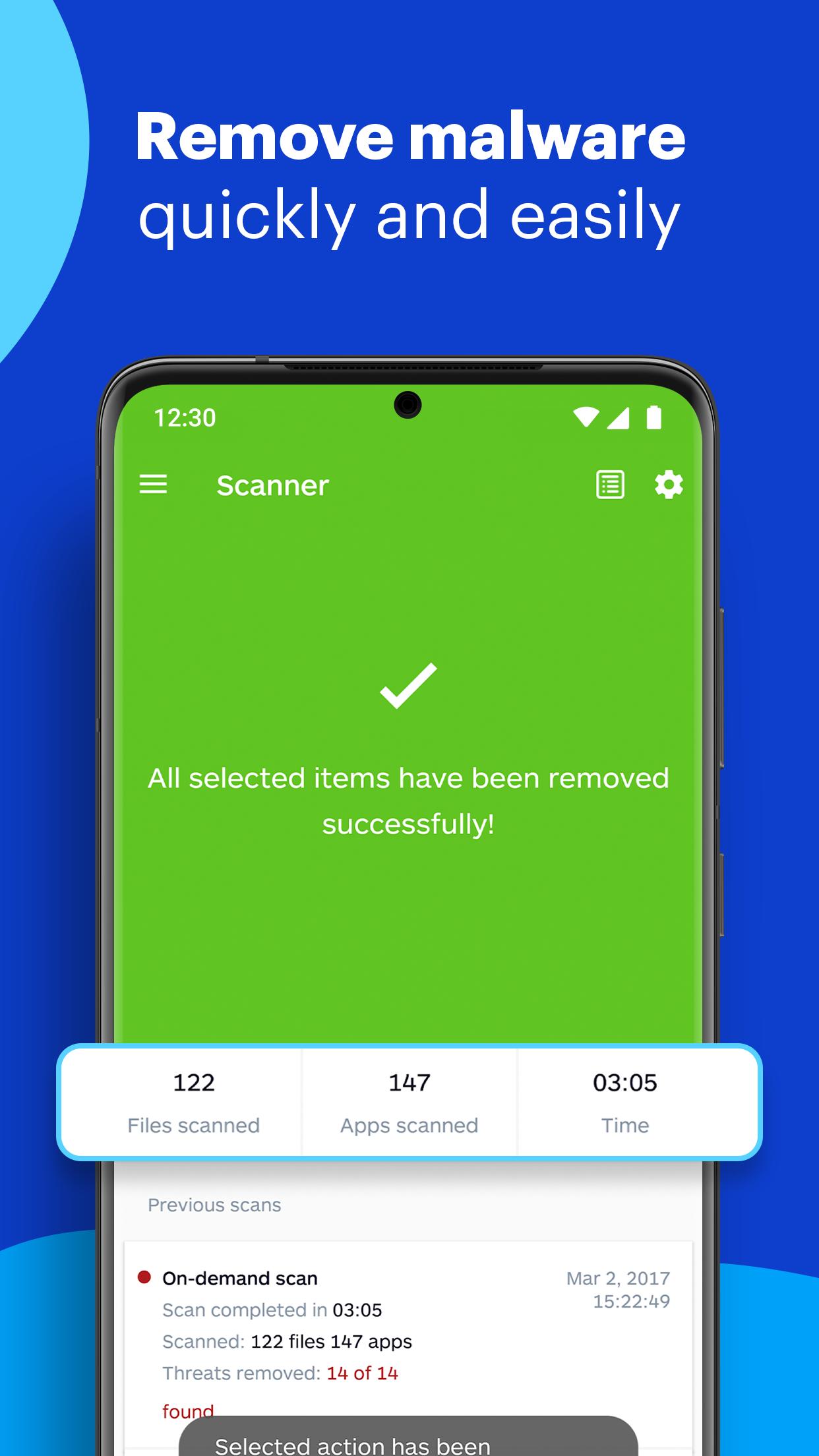
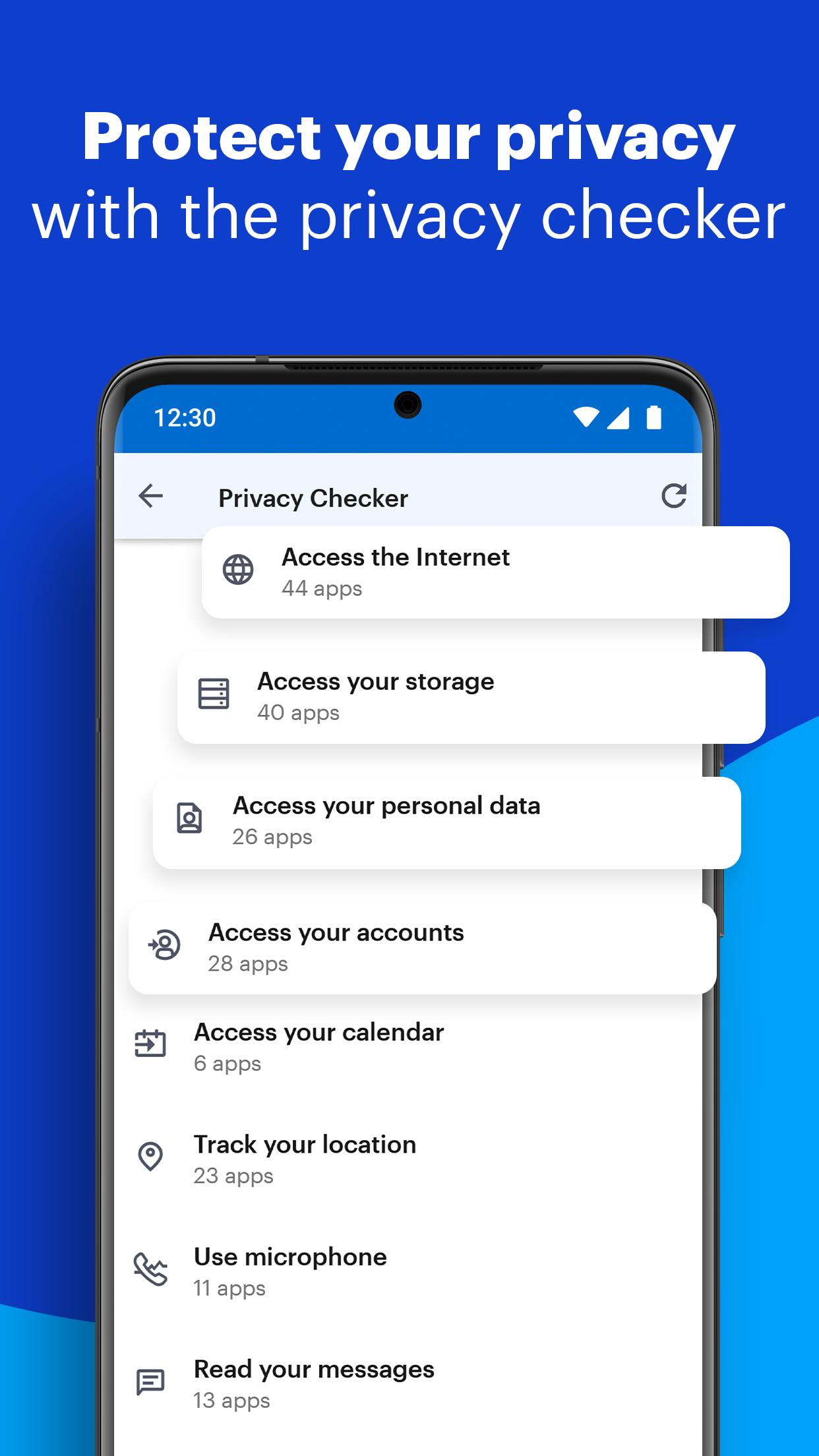
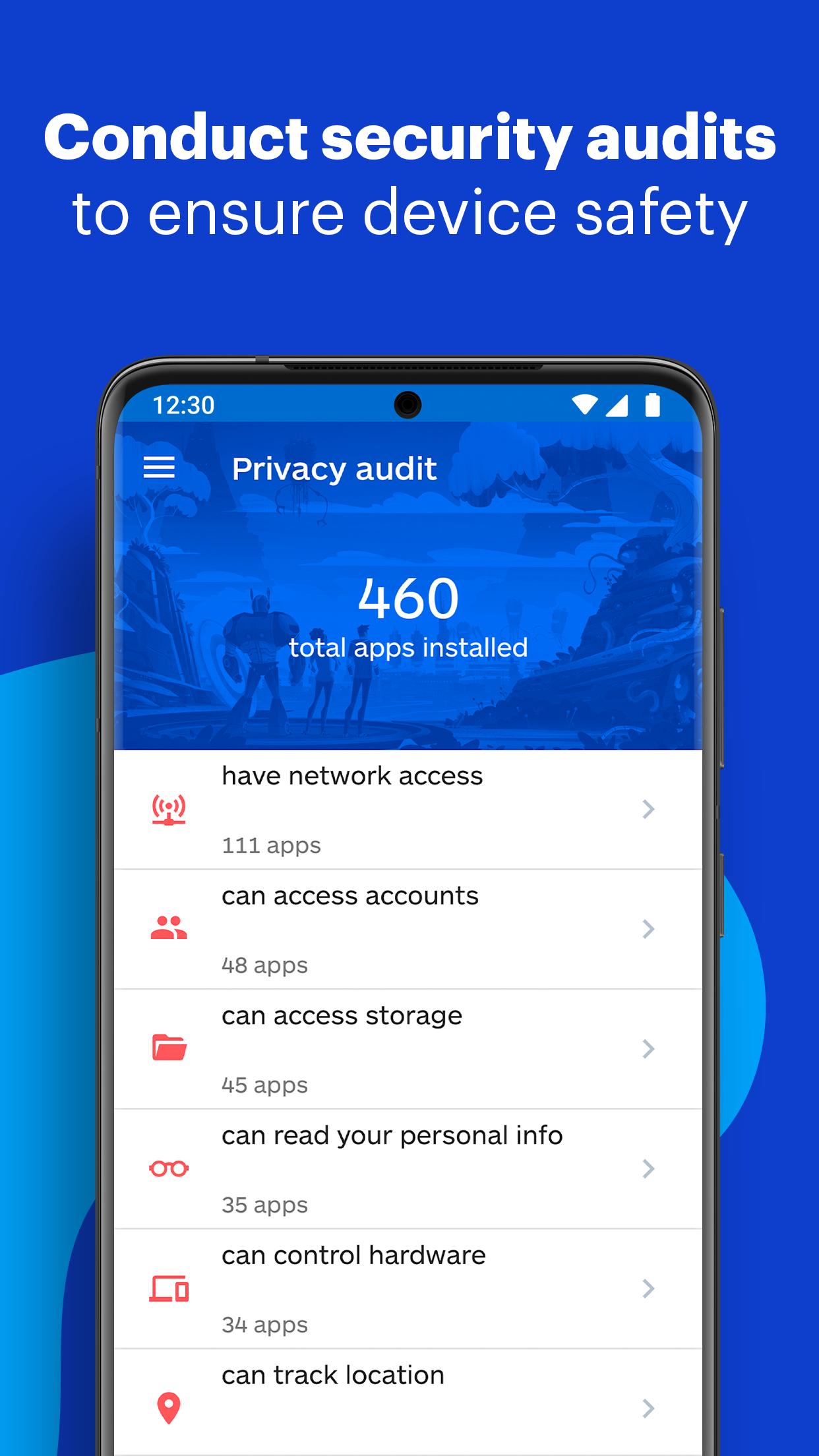
Malwarebytes is a mobile security app that watches your phone for threats. Run a scan and it checks every installed app, plus files in your storage, for known malware, spyware and PUPs, the "potentially unwanted programs" that sneak in adware or track you. It also has web protection that blocks phishing pages and scam links while you browse.
The app hooks into Android's install flow too, so when you sideload something new it can check it on the spot. Older copies of this description talked about protecting a "personal computer" and scanning a whole PC, that was wrong. This is the phone app, built for Android, and everything here is about your handset, not a desktop.
Free vs Premium
There are two tiers. The free version does manual, on-demand scanning, you open the app, tap scan, and it tells you what it found. Premium adds the always-on layers. Here is the split.
| Feature | Free | Premium |
|---|---|---|
| Manual malware / PUP scan | Yes | Yes |
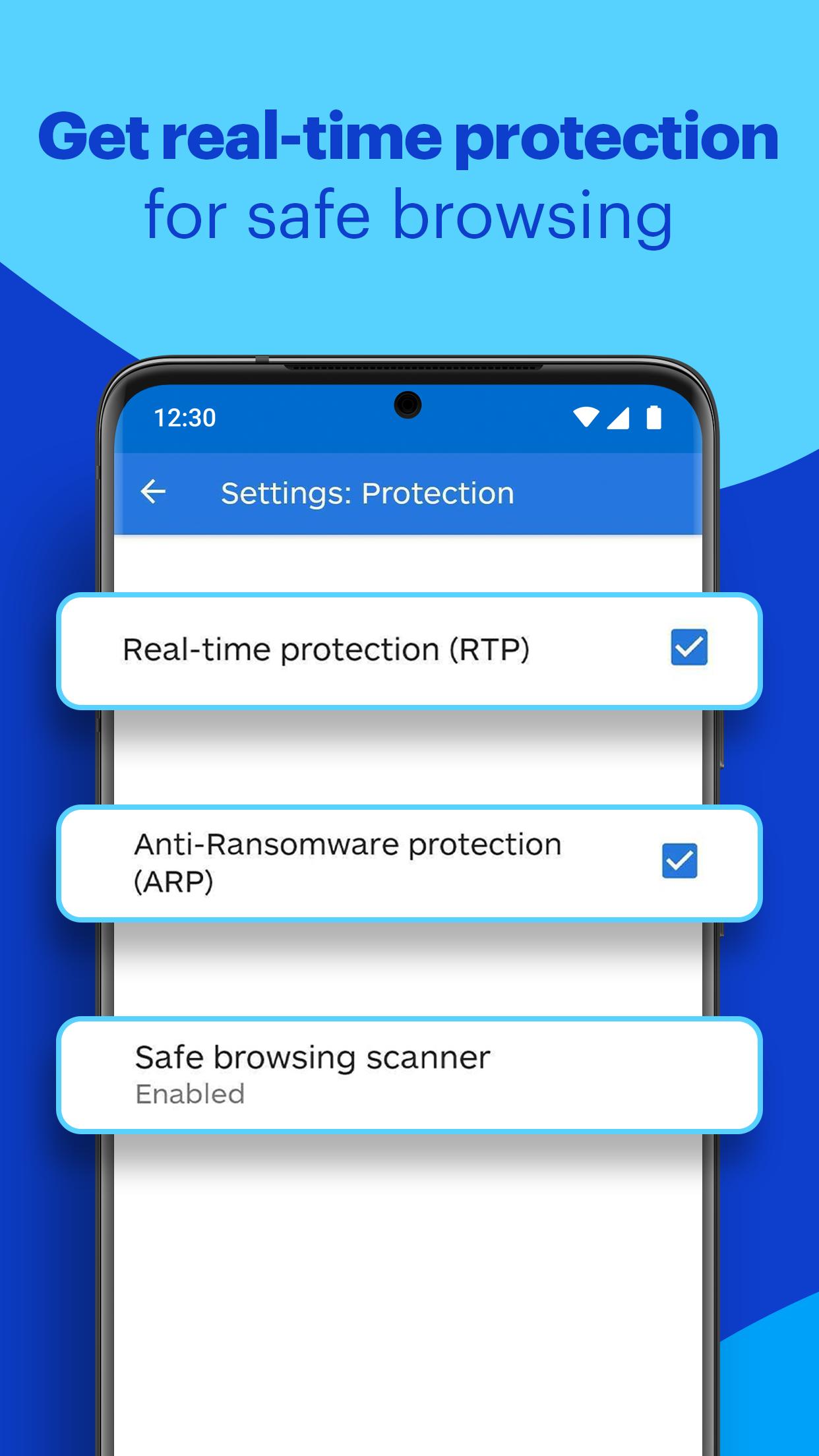
| Real-time protection | No | Yes |
| Web / scam link protection | Limited | Yes |
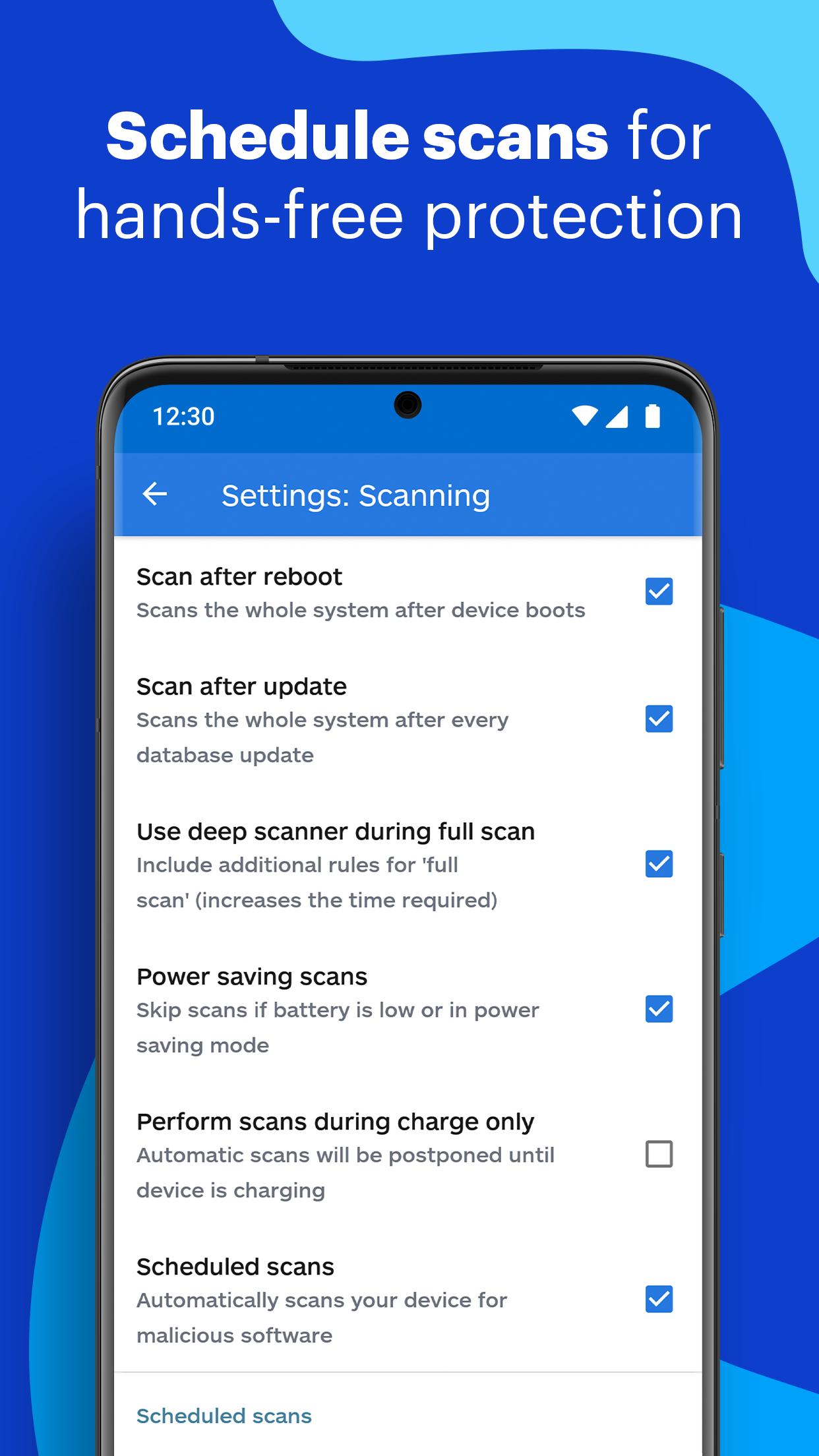
| Automatic background scans | No | Yes |
So the free tier is a solid on-demand scanner. Premium is a paid subscription that keeps protection running in the background instead of only when you press the button.
Does a "premium unlocked" APK work?
Short answer: no. This is worth being straight about, because a lot of pages sell the opposite. Malwarebytes checks your Premium status on its own servers, the purchase is registered to your Google Play account or a license key, and the app verifies it online. A patched "premium unlocked" APK can flip a switch on your screen, but the server never sees a valid subscription, so the real-time and web-protection features do not actually turn on.
There is a second reason to skip those builds. You would be installing a modified security app from a random source, in a security app, that is the last place you want an untrusted file. The clean APK on this page plus a real subscription gets you the genuine thing without the risk. If you want Premium, activate it the proper way, which we cover just below.
How to download and install
The download is a standard APK, around 56 MB, and it installs like any sideloaded app.
- Tap the green Download APK button at the top of this page, the file downloads directly, no registration or SMS.
- Allow installation from unknown sources for your browser or file manager (Settings → Security).
- Open the file, tap Install, then launch Malwarebytes and run your first scan.
- Prefer the store route? You can also install the same app straight from Google Play, either way you get the clean build.
You will want Android 9.0 or newer and a bit of free storage. First time sideloading? Our APK install guide walks through the same steps with screenshots.
How to get Premium (the legit way)
Premium activation is quick, and it sticks to your account so you keep it if you reinstall. You have a few paths:
- Subscribe in the app. Open Malwarebytes, go to Premium, and buy through Google Play, the purchase is registered to your Play account.
- Activate a license key. If you already bought a subscription or have an MB code, enter it in the app to switch Premium on.
- Start a trial. When one is offered, you can try the Premium features for a set period before paying.
Because activation is tied to your Google Play account or key, it follows you across devices and clean reinstalls of the APK. No patched file needed, and nothing to lose.
Is it worth it?
Depends on how you use your phone. If you just want to scan a sketchy app now and then, the free on-demand check does the job and costs nothing. Premium earns its keep if you install a lot of side-loaded apps, click plenty of links, or hand a phone to kids, that is when always-on protection and scam-link blocking pay off. Grab the clean APK here to start, and browse more security and utility picks in tools or the wider apps catalog.
FAQ
What is Malwarebytes for Android?
Is Malwarebytes free?
Can an APK unlock Premium for free?
How do I activate Premium?
What Android version and size?
Is the APK safe?
Download Malwarebytes Anti-Malware (Premium)
- No viruses
- No spyware
- No malware
The reviews (0)