- No viruses
- No spyware
- No malware
com.keramidas.TitaniumBackupThis file was downloaded, scanned and installed by our editors before publishing.
Every file is also checked with VirusTotal before publishing.

Titanium Backup Pro APK (Pro Unlocked)

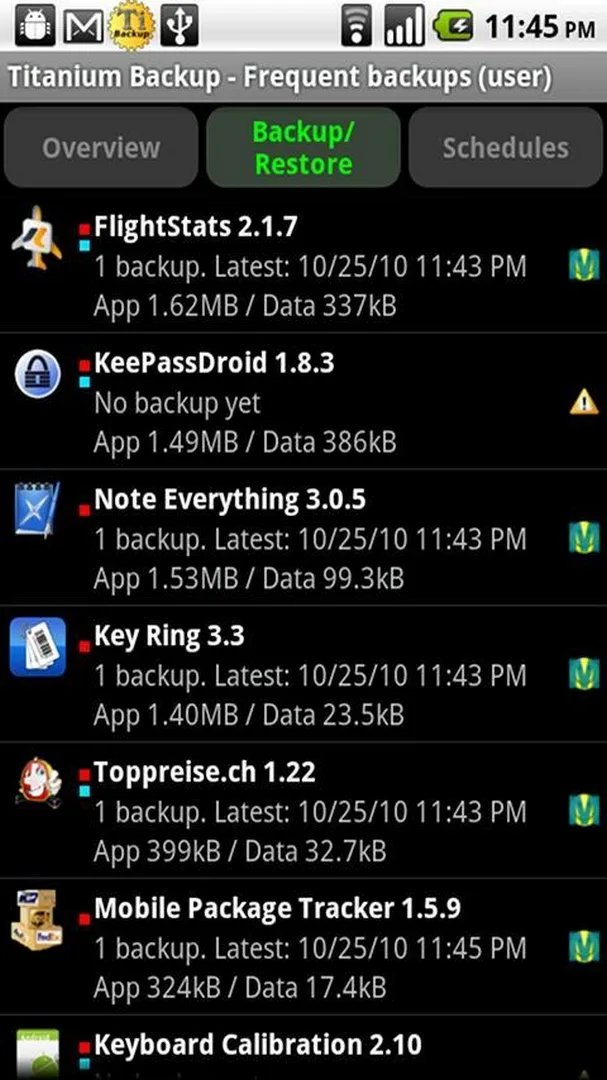
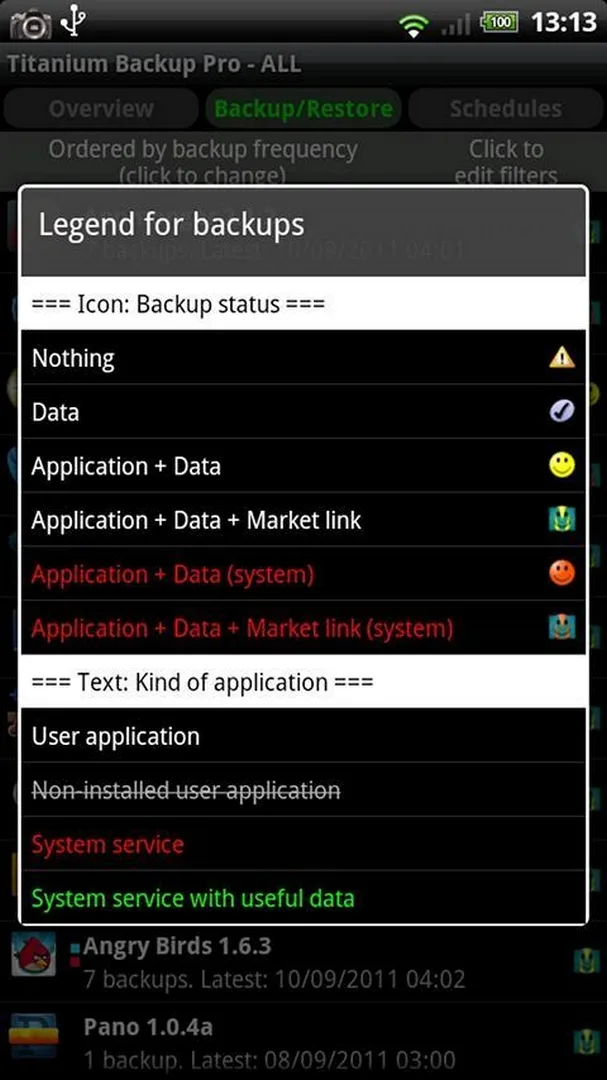
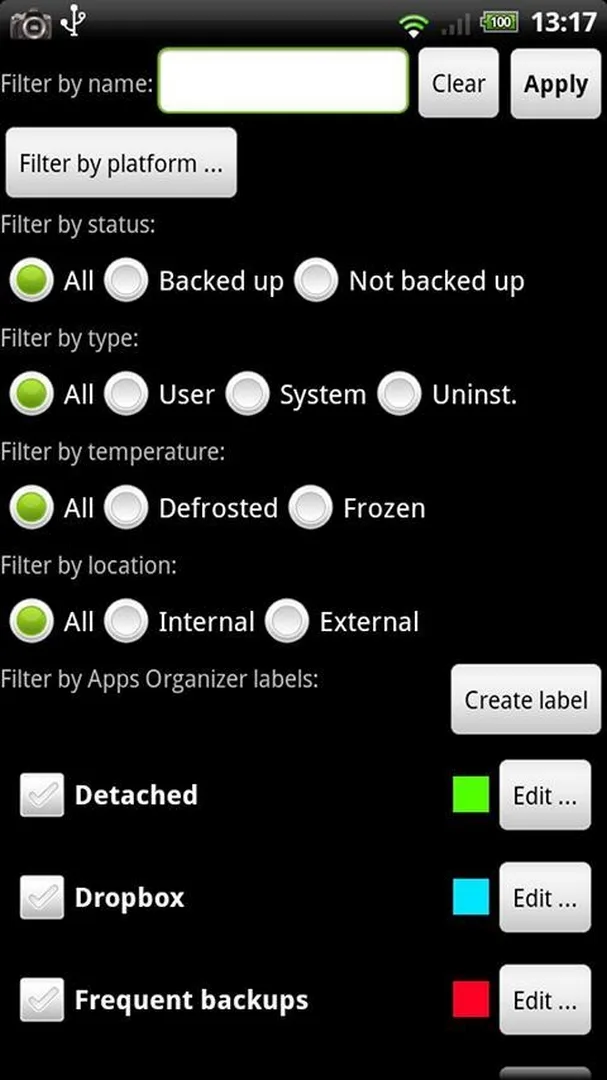
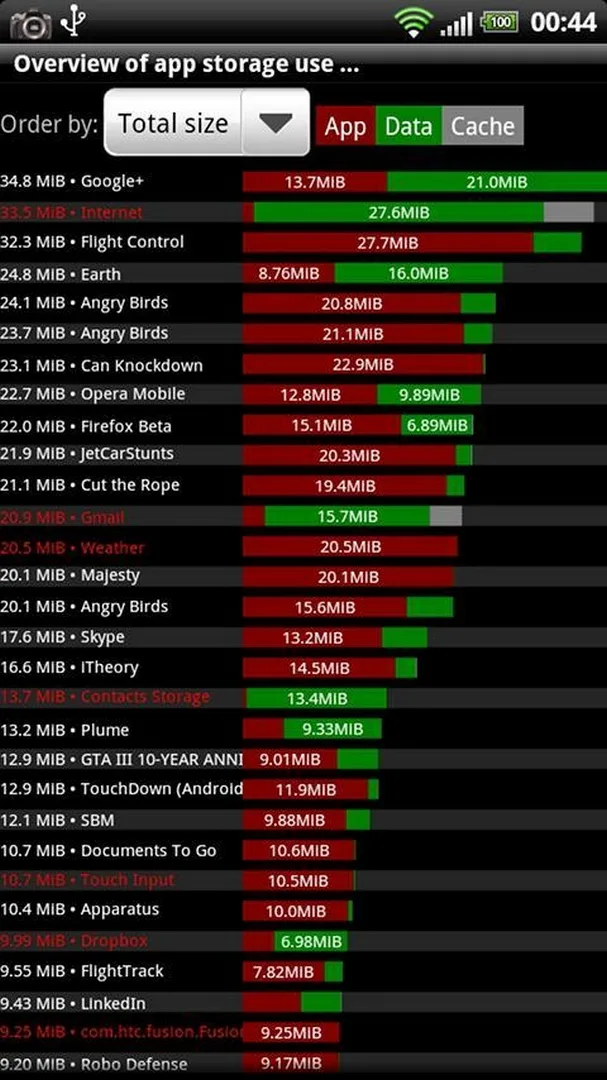
Additional information about Titanium Backup Pro APK (Pro Unlocked)
com.keramidas.TitaniumBackupThe description of Titanium Backup Pro APK (Pro Unlocked)
Titanium Backup Pro APK is the Pro edition of Titanium Track's root backup tool, with the Pro Key built in so every Pro-only feature works from the first launch. This is a utility, not a game: it copies and restores your installed apps together with their data, and it needs root to run. Our editors tested the file on a real rooted device before publishing, the same check we have run since 2018.
One thing to set straight up front. Titanium Backup is a legacy app. The last release is old, the project is no longer maintained, and it was pulled from Google Play. The APK here lets you install that final known build; nothing newer exists.
What is Titanium Backup Pro?
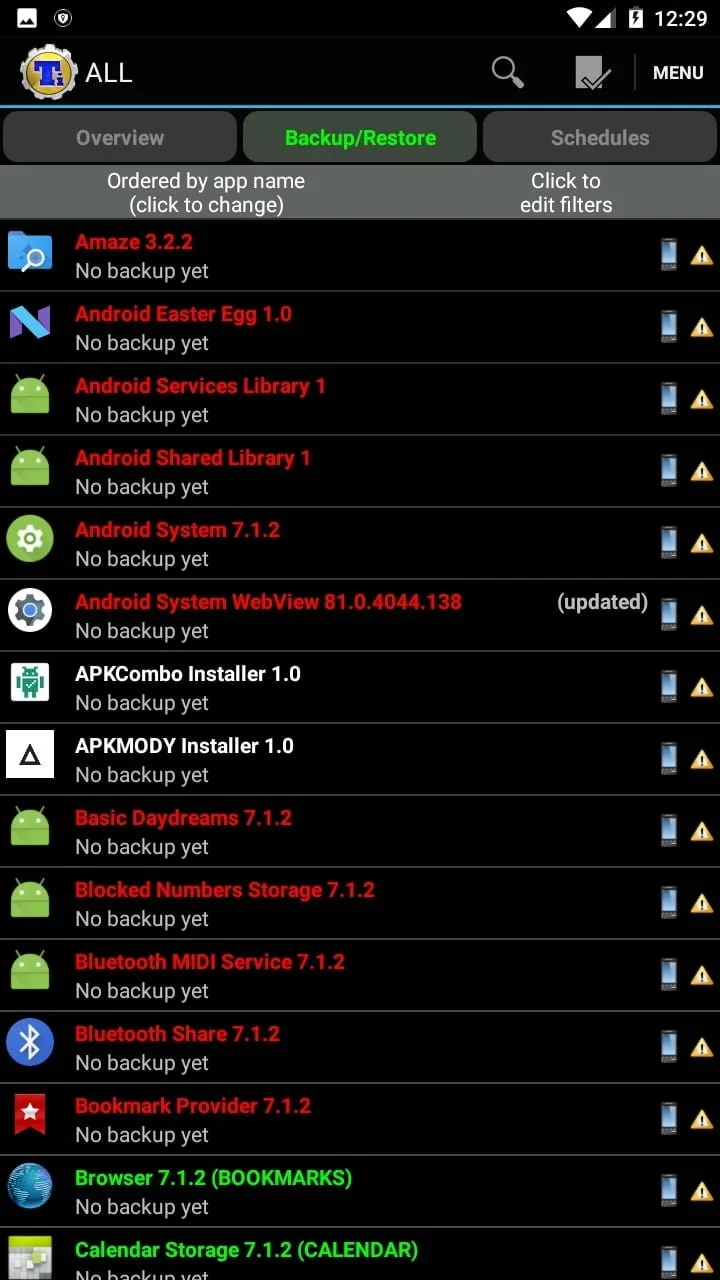
Titanium Backup by Titanium Track is a root backup and restore tool for Android. It saves your installed apps, their data, and Market links, then puts everything back after a wipe, a factory reset, or a move to a new phone. Because it reaches into the private data of other apps, it only works on a rooted device.
The free build handles simple one-by-one backups. The Pro Key adds the parts most people came for: batch jobs across many apps at once, freezing apps so they stop running, scheduled backups, several saved versions per app, and easier migration between devices. This is where the extra value sits.
What the Pro unlock gives you
| Pro feature | What it does |
|---|---|
| Freeze / defrost apps | Stop an app from running or showing up, without removing it, then bring it back when you need it. |
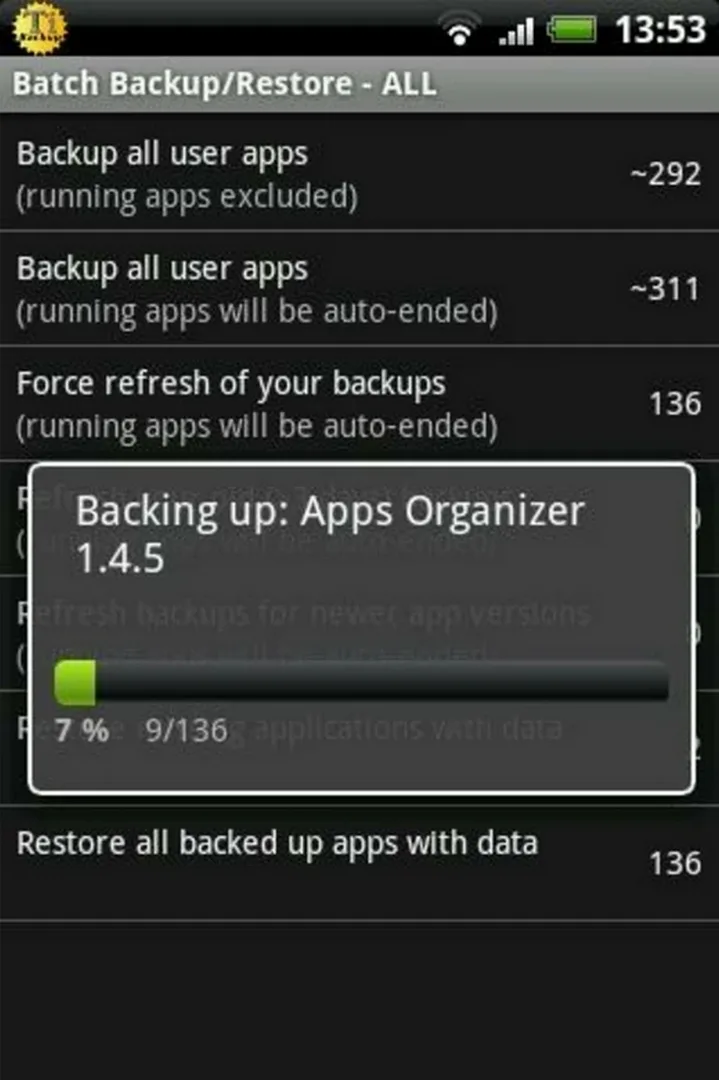
| Batch backup & restore | Run a backup or restore across many apps in one pass instead of tapping each one. |
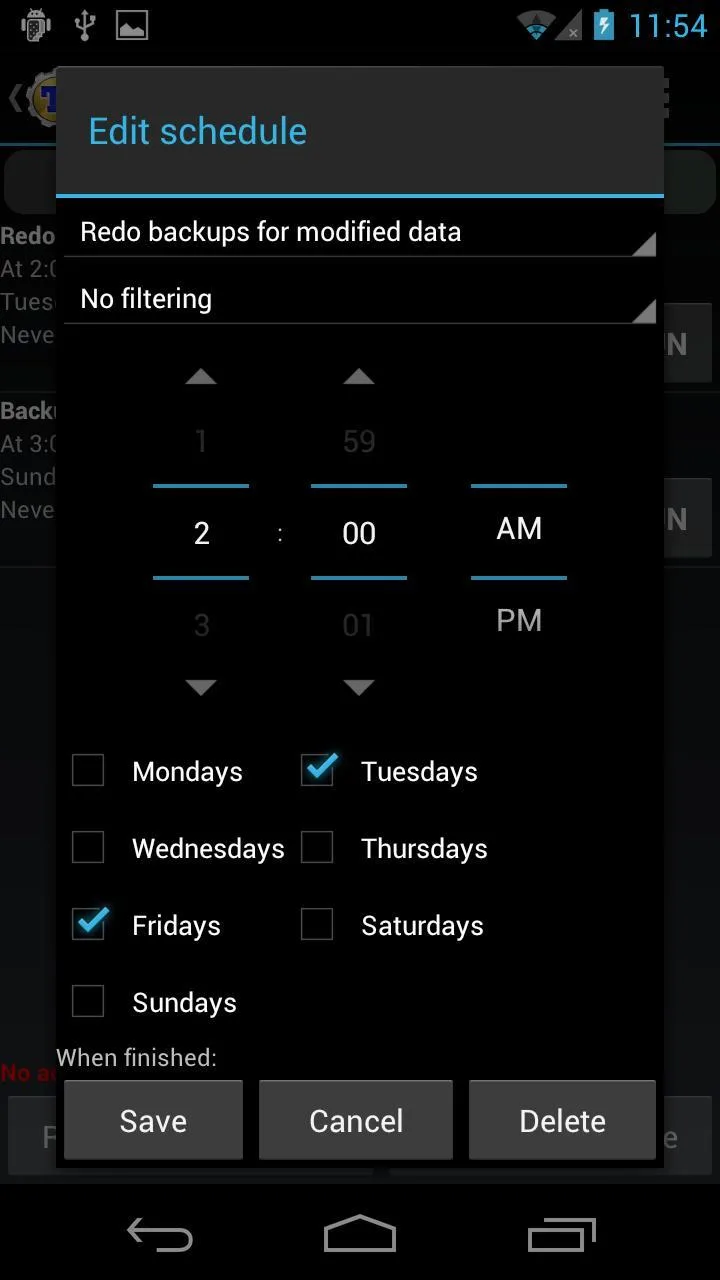
| Scheduled backups | Set backups to run on their own, for example every night, with no manual step. |
| Multiple backups per app | Keep several saved versions of one app and roll back to any of them. |
| No ads or nag prompts | The Pro Key clears the upgrade nags that the free build shows. |
These are client-side features that come with the Pro Key. There is no online account and no server behind them, so nothing here is a subscription or a cloud service. What runs on your phone stays on your phone.
Root requirement and compatibility
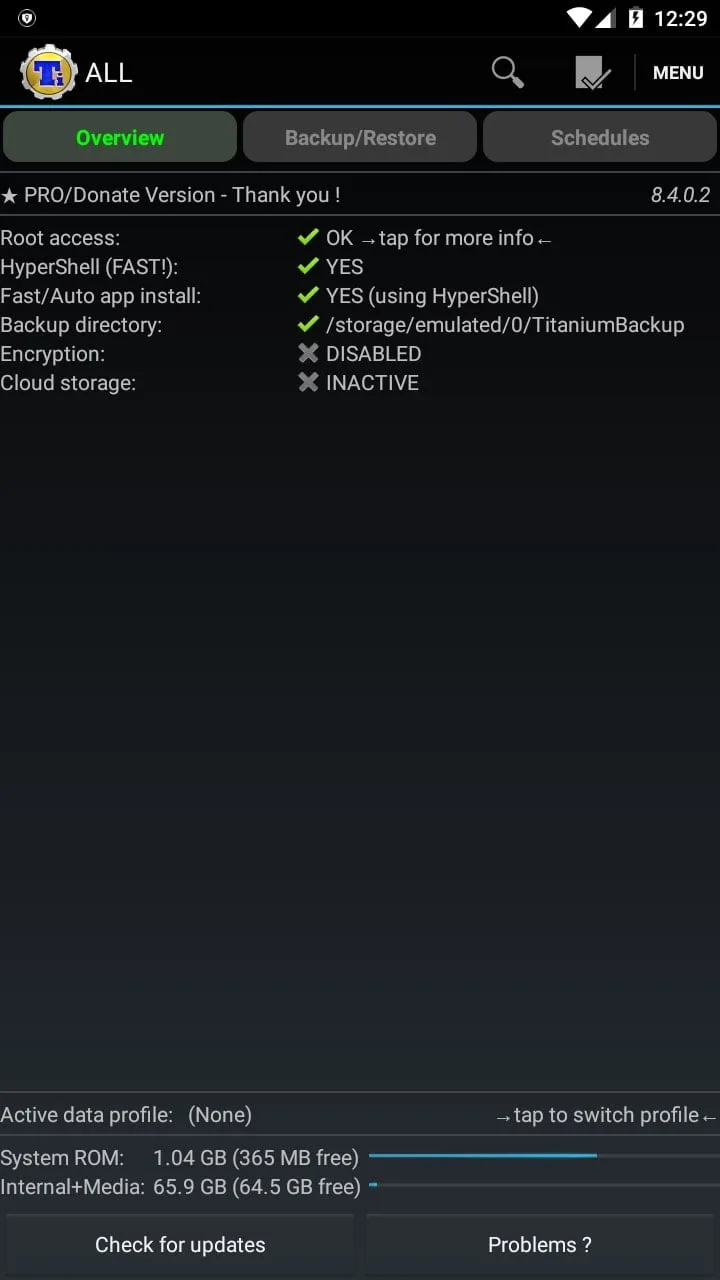
Root is not optional. Without it, Titanium Backup cannot read or write the protected app data it works with, and most functions stay greyed out. If your phone is not rooted, this tool will not do anything useful for you, and no setting changes that.
The other honest caveat is age. This is a legacy build from years back. On newer Android versions, where scoped storage changed how apps reach files (Android 11 and up), some functions can behave oddly or fail outright. It ran for our editors on a rooted test device, but we will not claim every feature works on every modern phone.
Is it still on Google Play?
No. Titanium Backup is no longer supported and has been removed from Google Play, so any "Get it on Play" button for it is a dead end. The APK on this page is simply a way to put the last known version on a device that still needs it. Treat it as a preserved final release, not a fresh one.
How to download and install Titanium Backup Pro APK
- Tap the Download APK button at the top of this page. The file is small, around 7.6 MB, and downloads directly with no registration.
- Allow installation from unknown sources for your browser or file manager (Settings → Security).
- Open the downloaded file and tap Install.
- Launch the app and grant it root access when the superuser prompt appears. Without that grant, backups will not run.
New to sideloading? Our APK install guide walks through the same steps with screenshots.
Newer backup options
On a modern, non-rooted phone there are newer ways to back up your apps and data, and for most people those will be the better fit. Titanium Backup is for one specific case: you have a rooted device and you want this exact tool with its Pro features in place. If that is you, grab it above. If not, browse other tools or the wider MOD APK catalog for something built for a current phone.
FAQ
Does Titanium Backup need root?
What does the Pro version add?
Is Titanium Backup still updated?
Is it on Google Play?
Will it work on Android 12, 13 or 14?
Is the APK safe to download?
Download Titanium Backup Pro Mod (SuperSU)
- No viruses
- No spyware
- No malware
The reviews (0)