- No viruses
- No spyware
- No malware
This file was downloaded, scanned and installed by our editors before publishing.
Every file is also checked with VirusTotal before publishing.

ZERO Launcher APK (Lightweight Android Launcher)
Additional information about ZERO Launcher APK (Lightweight Android Launcher)
The description of ZERO Launcher APK (Lightweight Android Launcher)
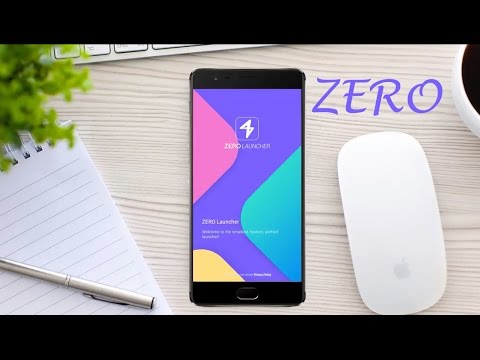
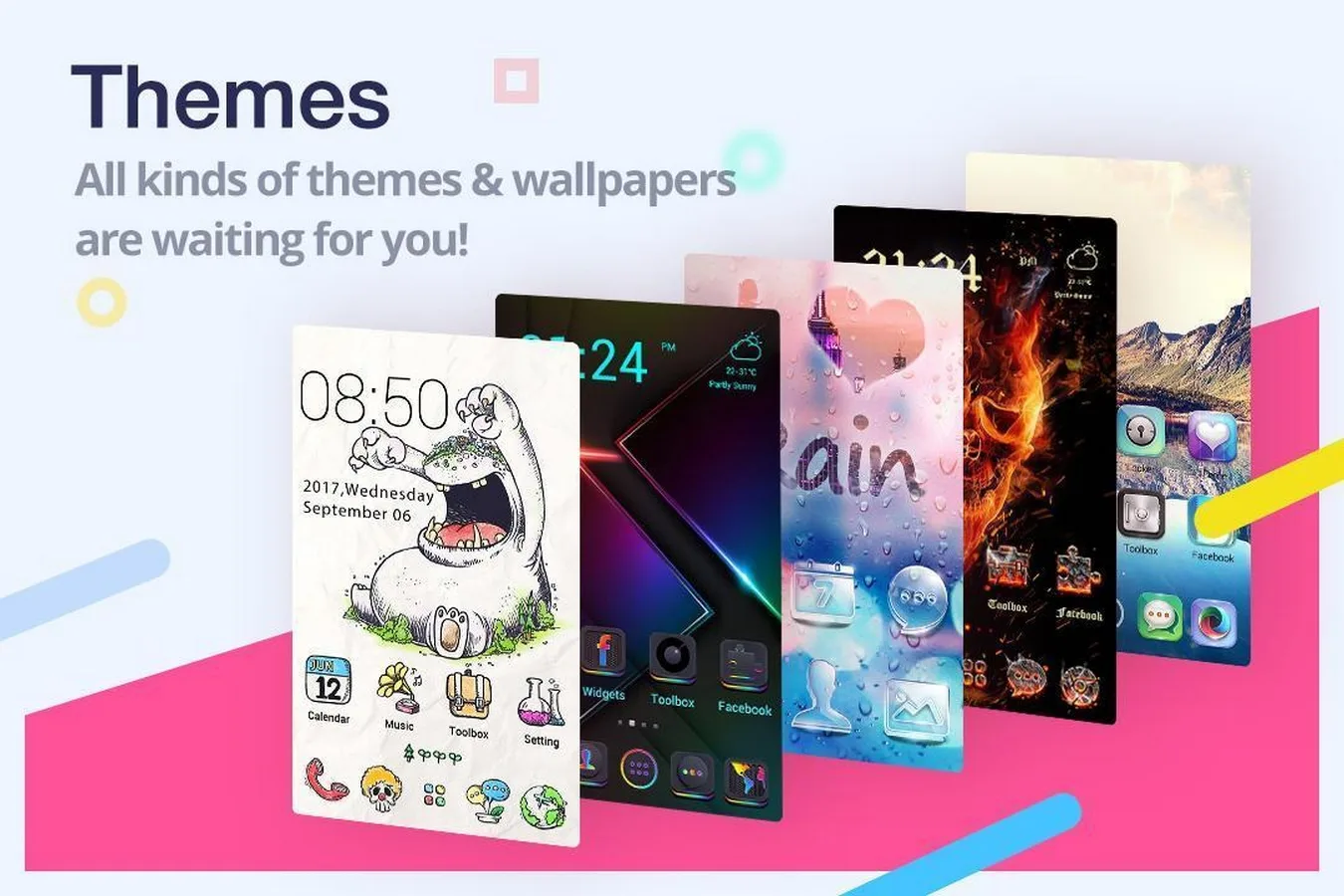
ZERO Launcher APK is a small, fast Android home-screen launcher from GOMO, and this page carries the editor-tested build you can install right now. It is light on storage at roughly 12 MB and easy on older phones, with theme packs, HD wallpapers and custom icons. One honest note up front: ZERO Launcher is no longer in active development. The last real update landed around 2019, and it is not on the current Google Play store, so treat it as a legacy app rather than a fresh release.
What is ZERO Launcher?
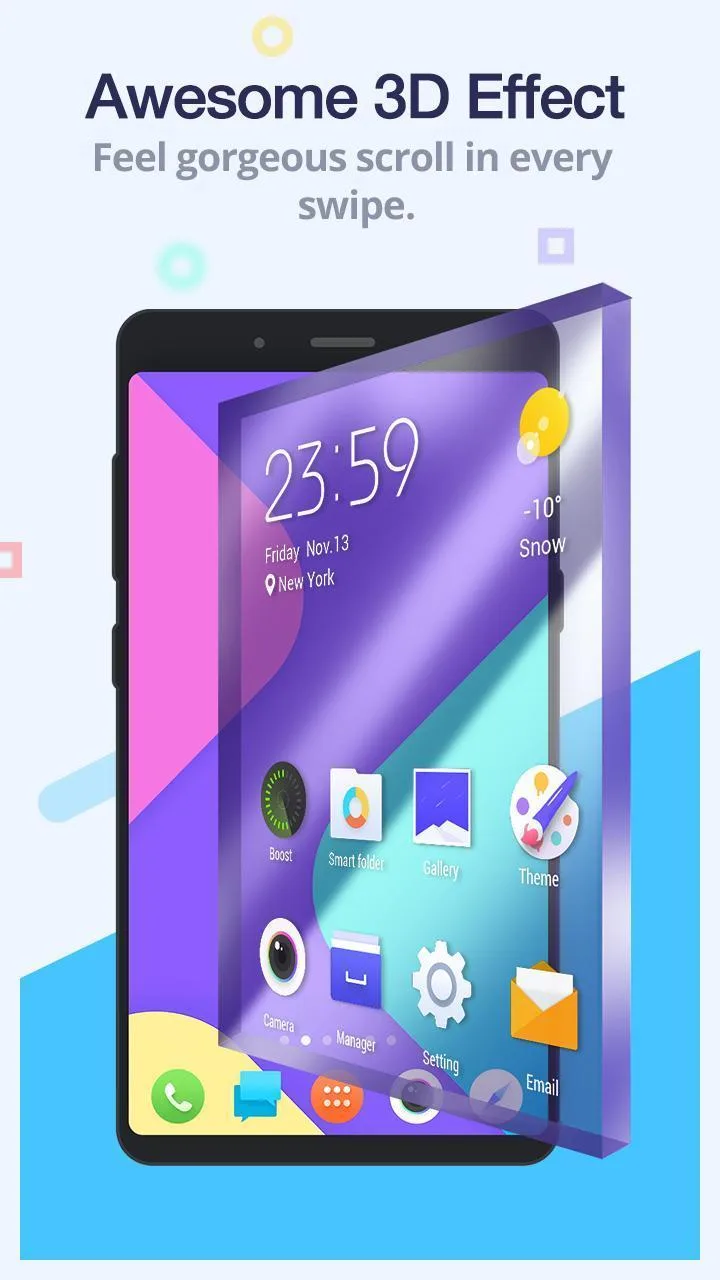
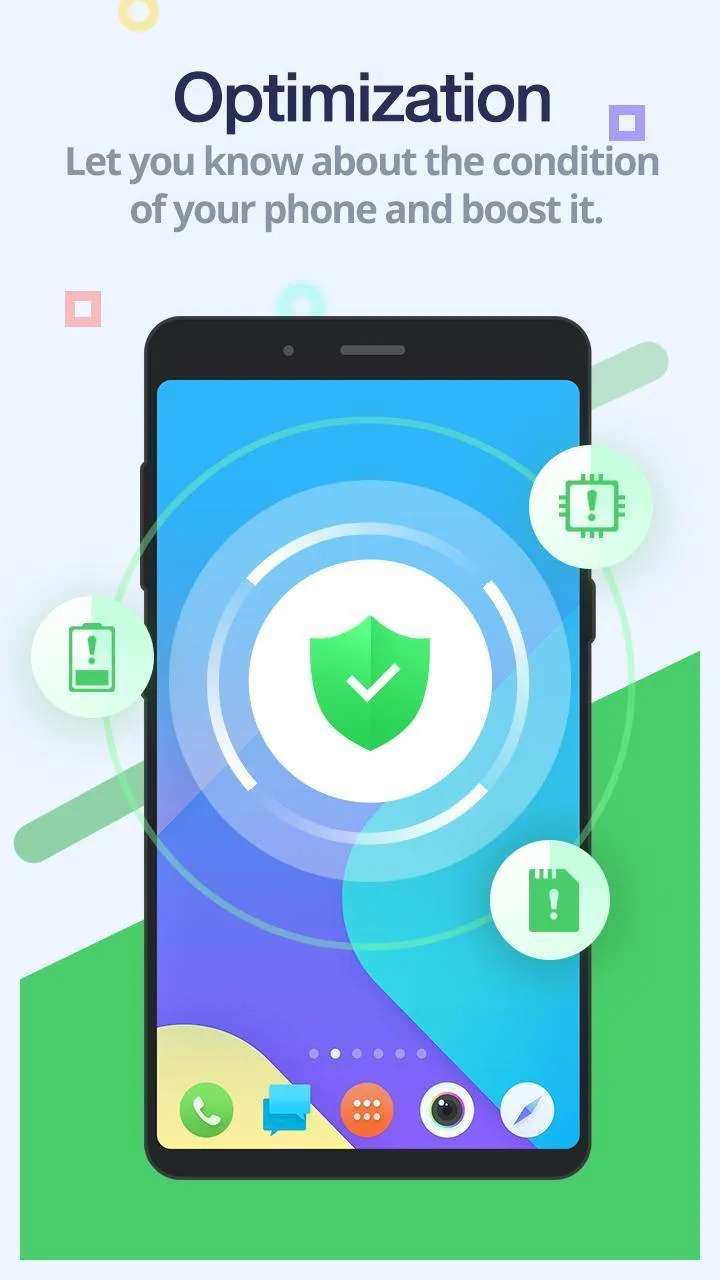
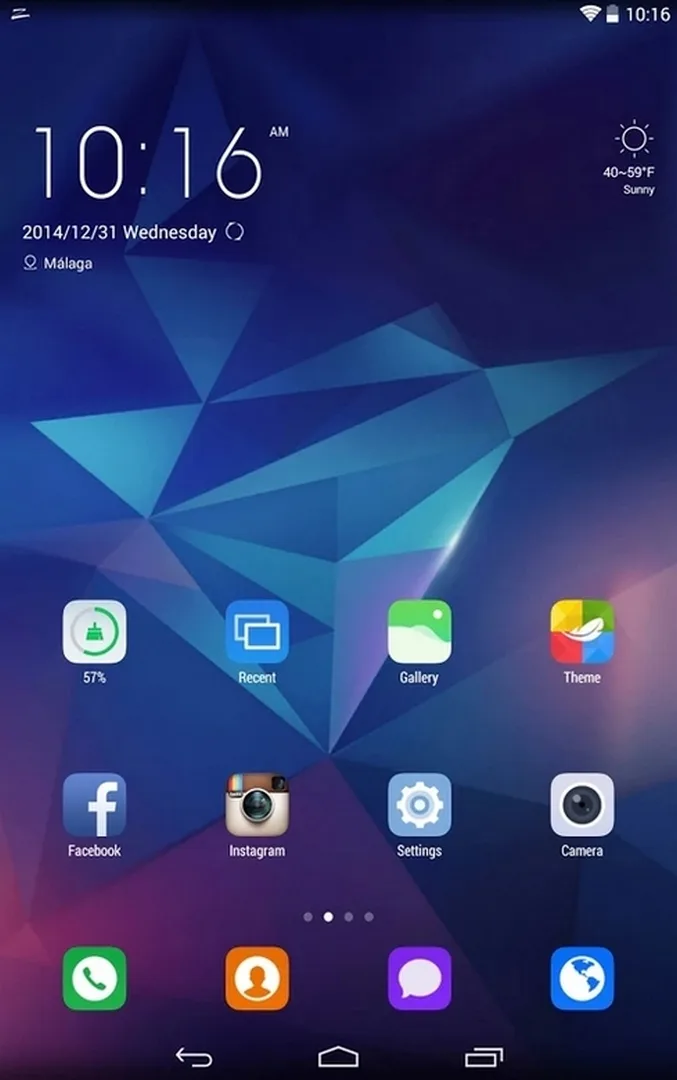
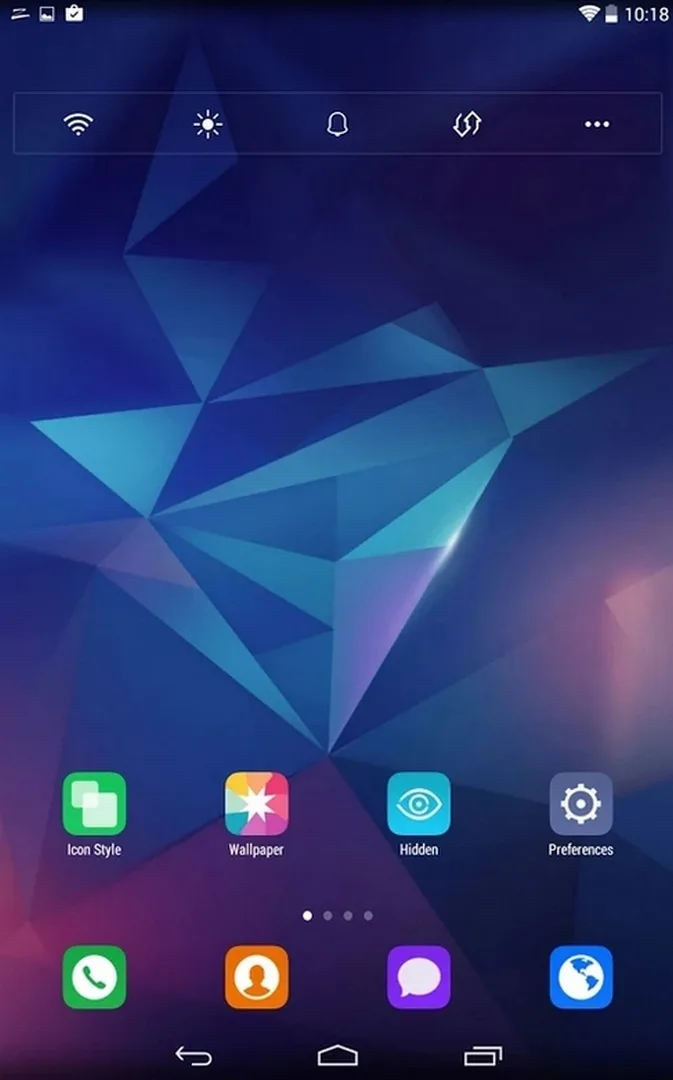
ZERO Launcher replaces your default home screen with a lighter, faster one. Instead of a heavy skin, it keeps things simple: a quick app drawer, custom color-icon packs, HD or 3D wallpapers and a handful of transition effects. GOMO built it for phones that struggle with big, feature-packed launchers, so it stays small and sips memory in the background.
In daily use it behaves like any launcher: your apps sit in a drawer, widgets and folders live on the home pages, and a theme changes icons, wallpaper and the app-drawer look in one go. The real draw here is weight. On a phone with little RAM, a launcher that stays out of the way leaves more room for the apps you actually open.
On Google Play the full package once went by ZERO Launcher, HD Themes, 3D Wallpapers, Color icons. In plain terms, it is a themeable launcher that aims to feel snappy on modest hardware, the kind of phone where a stock skin can drag.
Key features
| Feature | What it does |
|---|---|
| Themes and wallpapers | Swap the whole look with theme packs and HD or 3D wallpapers. |
| Custom icons | Apply color icon packs so every app follows one style. |
| Small footprint | Around 12 MB installed, with low memory use in the background. |
| Runs on old Android | Works from Android 4.1 and up, including budget and older phones. |
| Basic effects | Simple transition animations and folder gestures, nothing heavy. |
Is it still supported? An honest status
No, not really. The last meaningful update was around 2019, and ZERO Launcher is not listed on the current Google Play store. GOMO moved on, and the app has sat untouched for years.
Google has also been pulling many old, unmaintained apps from Play over the past couple of years, and ZERO Launcher fits that pattern. Search the store today and you land on the general storefront, not a live listing.
What that means in practice:
- It still runs on older devices and does its one job, being a light home screen.
- There are no new features coming and no security patches, so weigh that before you make it your daily launcher.
- As a legacy build it can misbehave on the newest Android versions. Our editors ran it on real devices, but we cannot promise it on every phone.
Install it with open eyes: it is a working relic, not a supported product.
Modern alternatives
If you want a launcher that is still updated, these are worth a look:
- Nova Launcher: the long-standing favorite, deep customization, still maintained.
- Microsoft Launcher: clean, free, with tight ties to Microsoft apps and account sync.
- Lawnchair: open-source, Pixel-style look, active community.
- Niagara Launcher: minimalist and light, a good match if you liked ZERO for its speed.
How to download and install
- In Android settings, allow installation from unknown sources for your browser or file manager (Settings, then Security).
- Tap the green Download APK button on this page. The file comes down directly, with no registration or SMS. The page also lists an older, lighter build near 4.4 MB for very weak devices.
- Open the downloaded file and tap Install. It needs Android 4.1 or newer.
- Press the home button and pick ZERO Launcher as your default home app when Android asks.
New to sideloading? Our APK install guide walks through the same steps with screenshots.
Who is ZERO Launcher for?
It fits one clear case: an old or budget phone where heavy launchers stutter and every megabyte counts. On that kind of device, a small home screen with themes can feel like a real upgrade.
On a modern phone, or if you want ongoing updates and support, pick one of the alternatives above instead. You can also browse more tools and other apps in our catalog to find a launcher that is still moving forward.
FAQ
What is ZERO Launcher?
Is ZERO Launcher still updated?
Is it free?
Will it work on old phones?
What are good alternatives?
How big is it and what does it need?
Download ZERO Launcher
- No viruses
- No spyware
- No malware
The reviews (1)